Question

Debit Adjustment in Reserved Status

  • August 7, 2026
  • 4 replies
  • 47 views

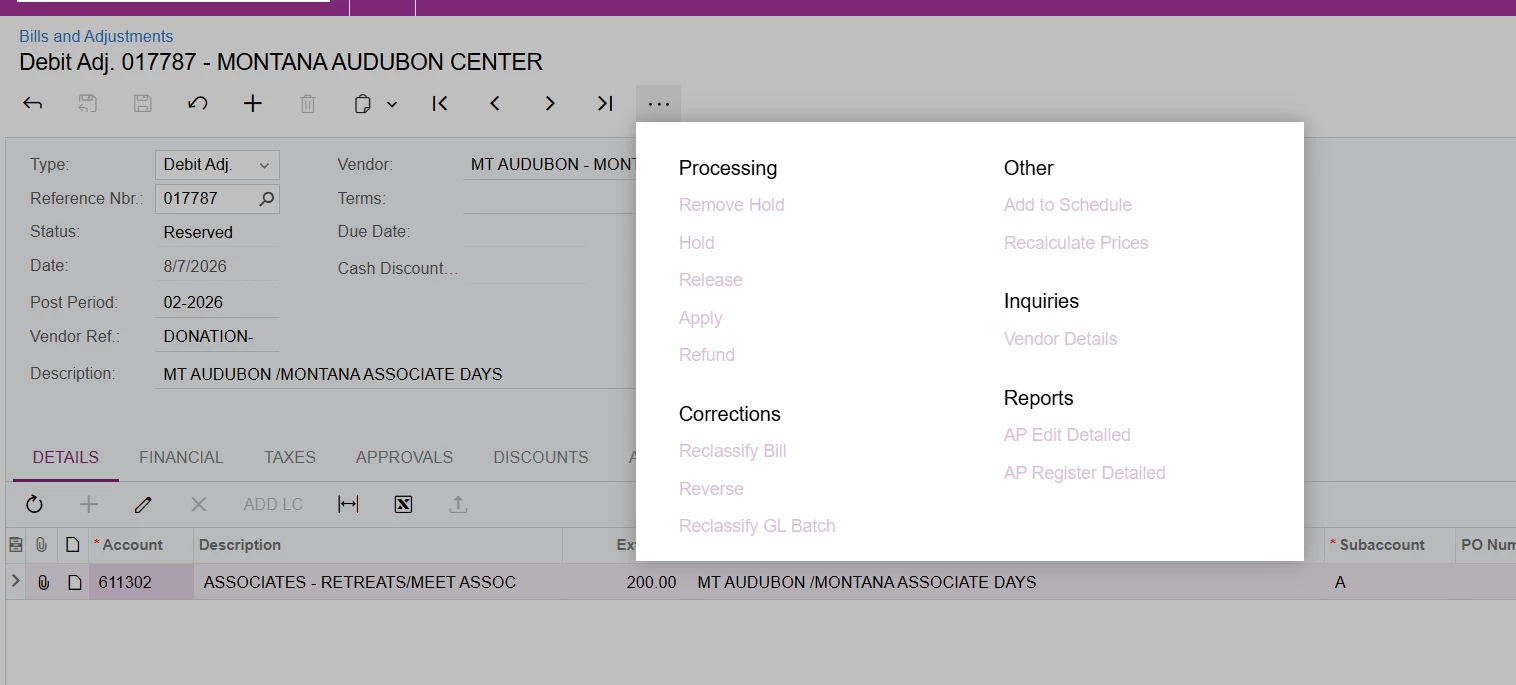
I have a Debit Adjustment stuck in a Reserved status.  I went into it to “remove hold”...I do not have that option.  How can I clear/open this document?

TYIA
 

4 replies

Hi ​@cmcquirter39,

Please follow the steps below

  1. Open the Checks and Payments (AP302000) form and locate the Debit Adjustment document using the same reference number.
  2. Once the document has been opened, remove the Hold status and save the changes. This should update the document status accordingly

This community article also provides guidance on the process and may be helpful for your reference.

How to process a debit adjustment in Reserved status | Community

Hope this clarifies your concern. Have a great day!


  • Author
  • Freshman I
  • August 7, 2026

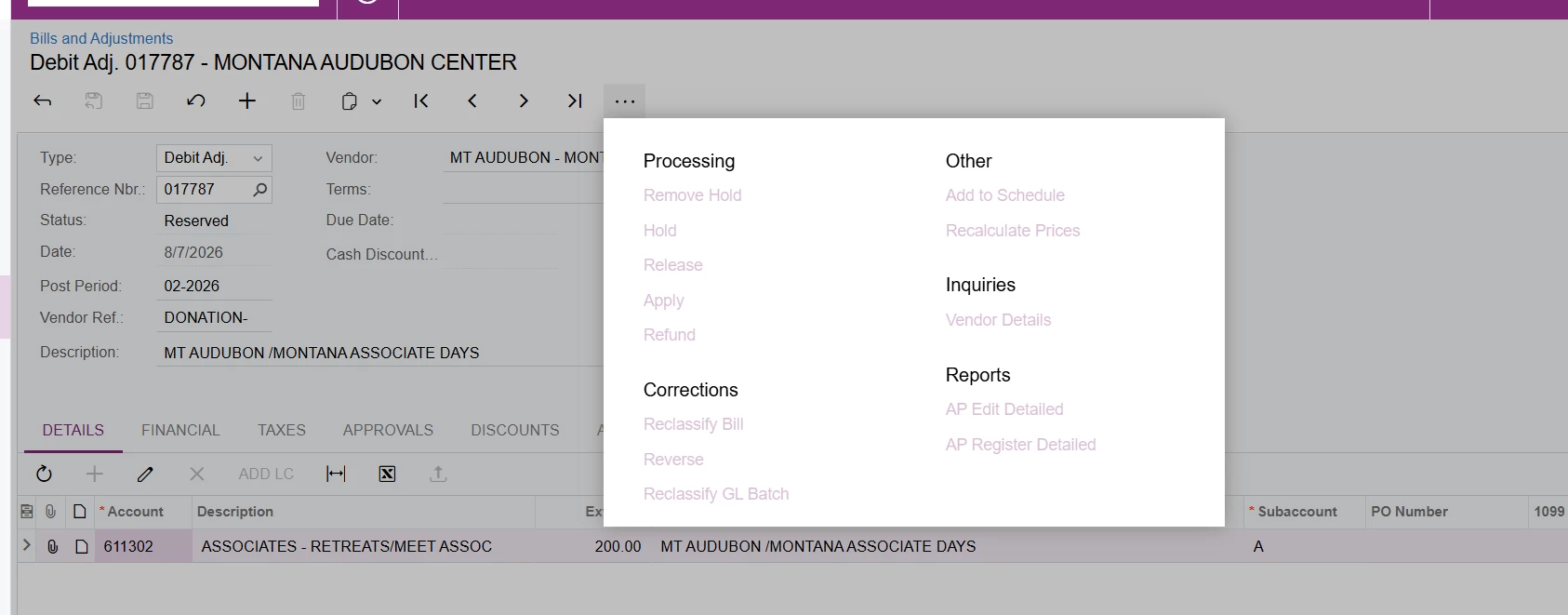
@RashmiSachethana71 - I do not have the option to Remove Hold  See screen shot...everything is grayed out.


Hello ​@cmcquirter39 

You will need to locate the same Debit Adjustment on the Checks and Payments (AP302000) form instead of the Bills and Adjustments screen


  • Author
  • Freshman I
  • August 7, 2026

Thank you!!