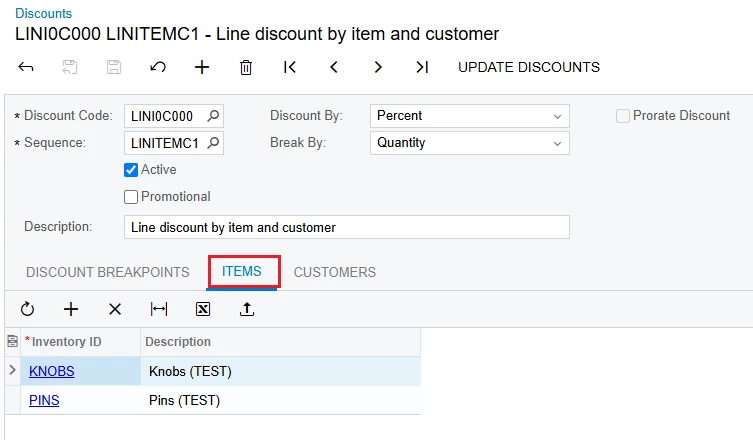
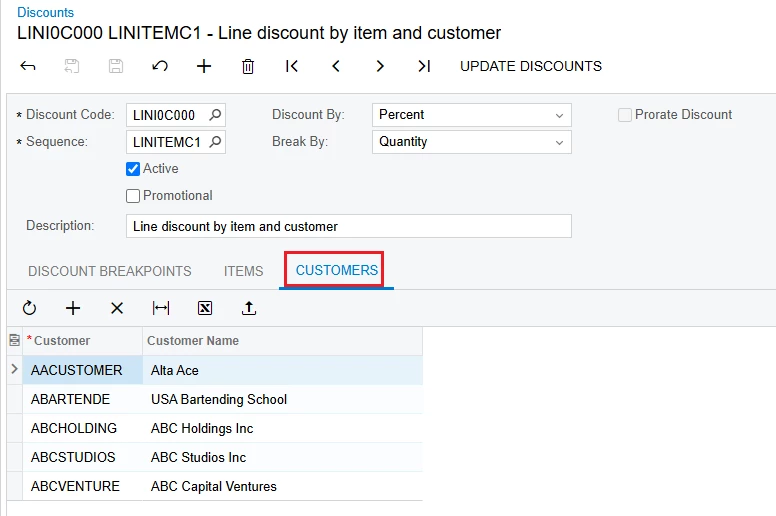
For a tariff surcharge, if a customer’s own ERP or Accounting systems are unable to read or accept surcharge line items on Invoices from us, what options are there to get that reflected within the customer’s pricing? We were told “just increase my price” to reflect the surcharge. Yes manually within the sales order the individual items’ pricing can be changed but we’re finding now there’s not just a few of these customers that we would need to do this on, there’s quite a ton who order frequently so we can’t manually do this every time with these customers. If our surcharge was originally to be 5% of total invoice price, Is there a way to get a discount mapping if one of these customers is selected, the price class automatically takes the item and then adds 5% of its calculated cost onto itself?
Scenario: Customer orders 100 pins at $2/EA (40% off $5 per unit for a total $200) and 30 knobs at $4/EA (50% off $8per unit for Total of $120)
- Normal Surcharge of 5% of Invoice Total applied would show a line item at the bottom of invoice that is $16 (5% of $320). Total after surcharge is $336
- For these customers that can’t handle the line item called Surcharge, they want us to just include it in the price.
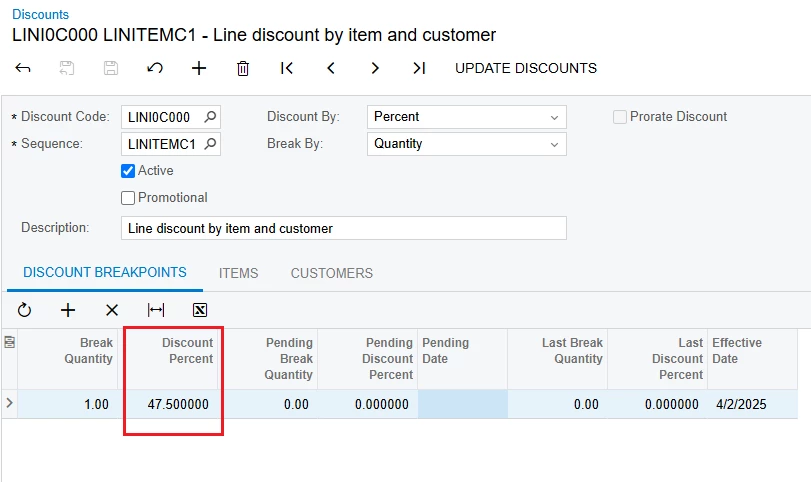
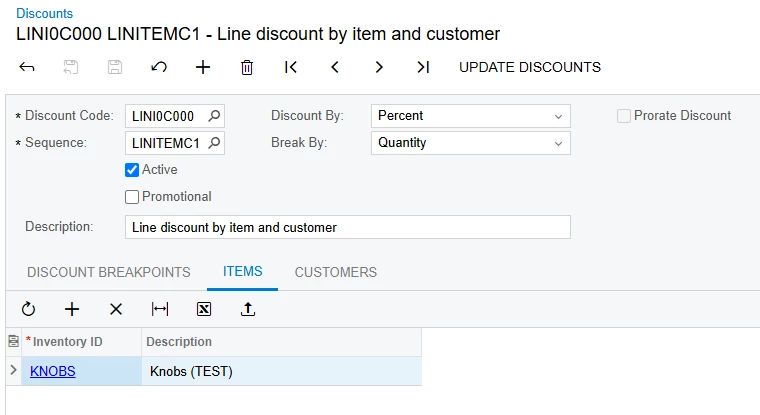
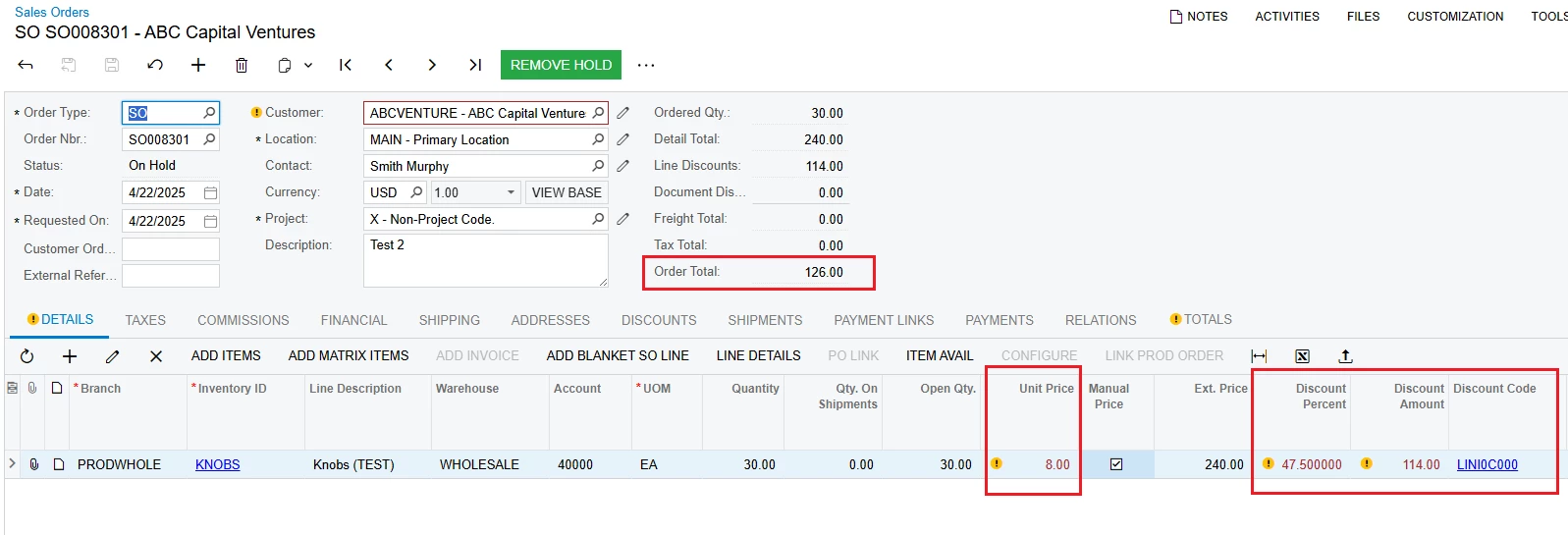
- Pins become 38% off at $5, for $2.10 per pc total of $210. Knobs become 47.5% off $8 for $4.2 per pc, total of $126. Added together it now is the same as earlier $336 for those customers who don’t have issues accepting a line.
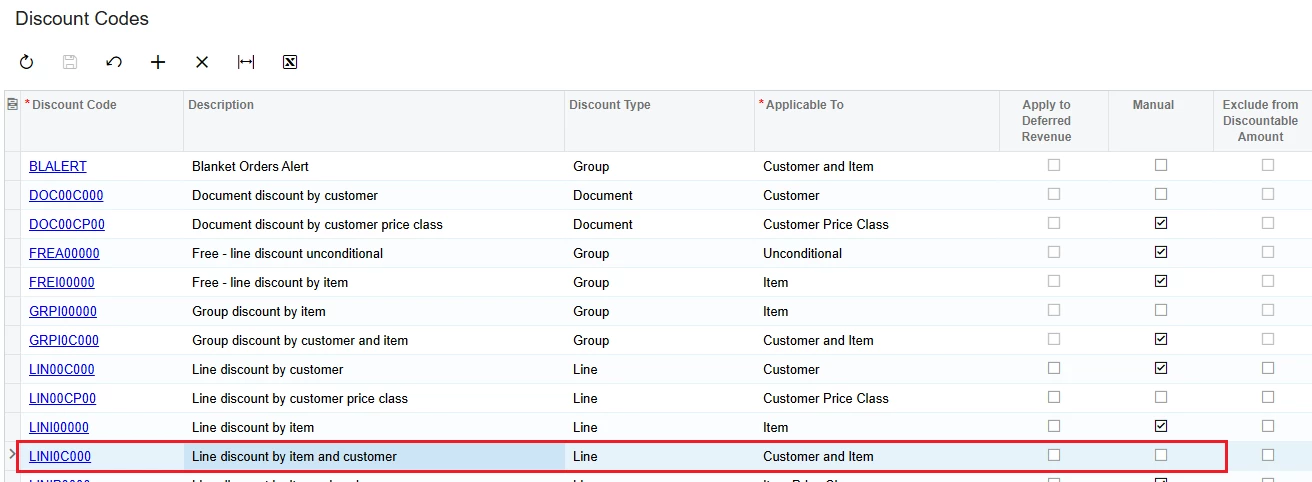
Because the new % is going to be different for every item since it’s calculating against the customer’s invoice cost, I don’t know if there’s a better way outside of manually calculating every possible item these customers could buy to and adding that sequence to the discount map? Can anyone see another way of applying this without being extremely manual?