Answer

Company setup change - branches not requiring balancing

  • December 1, 2025
  • 4 replies
  • 30 views

Forum|alt.badge.img

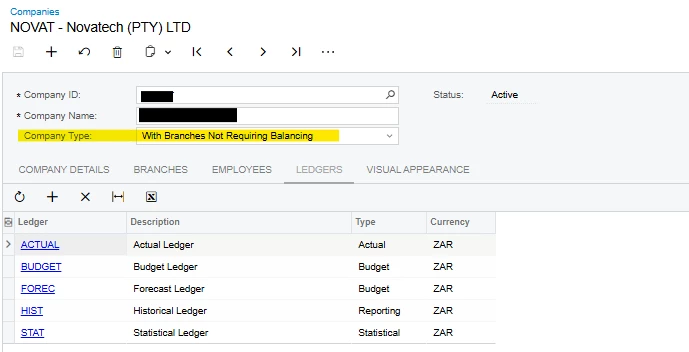
We are investigating the Intercompany Module, and we would like to see an interbranch post (using interbranch mapping GL accounts) to take place.  In our Test Environment this is not happening, and it might be because of this setting:


It seems that the setting can’t be changed now, is there a way around this?  We only need the balancing going forward, not on historical transactions.

Best answer by Laura03

Hello, Marcia,

I agree that you are not seeing automatic Inter-Branch balancing transactions because your branches are set up not requiring them to balance.

I guess you are saying that you tried to change the setting in a test copy of your tenant and the setting cannot be changed (though it looks editable in your screen shot).

If you print the GL Trial Balance Report one company at a time, do Assets match Liabilities when printing with Sign of Trial Balance set to Normal in GL Preferences?  Or does the report foot to $0 if you print it with Sign of Trial Balance set to Reversed, for every month of the past 4 years?

If every month is in balance by branch (even though your settings weren’t requiring it), then Acumatica “may” be able to help you change the setting.  First, enter journals to balance every single month of history - if they don’t already balance by company. Work with your CPA to make sure your changes to balance by company have no impact on tax reporting, etc.

Then open an Acumatica support ticket through your partner/VAR, and ask for help. 


Laura 

4 replies

nhatnghetinh
Captain II
Forum|alt.badge.img+11
  • Captain II
  • December 1, 2025

Hi ​@MarciaW 

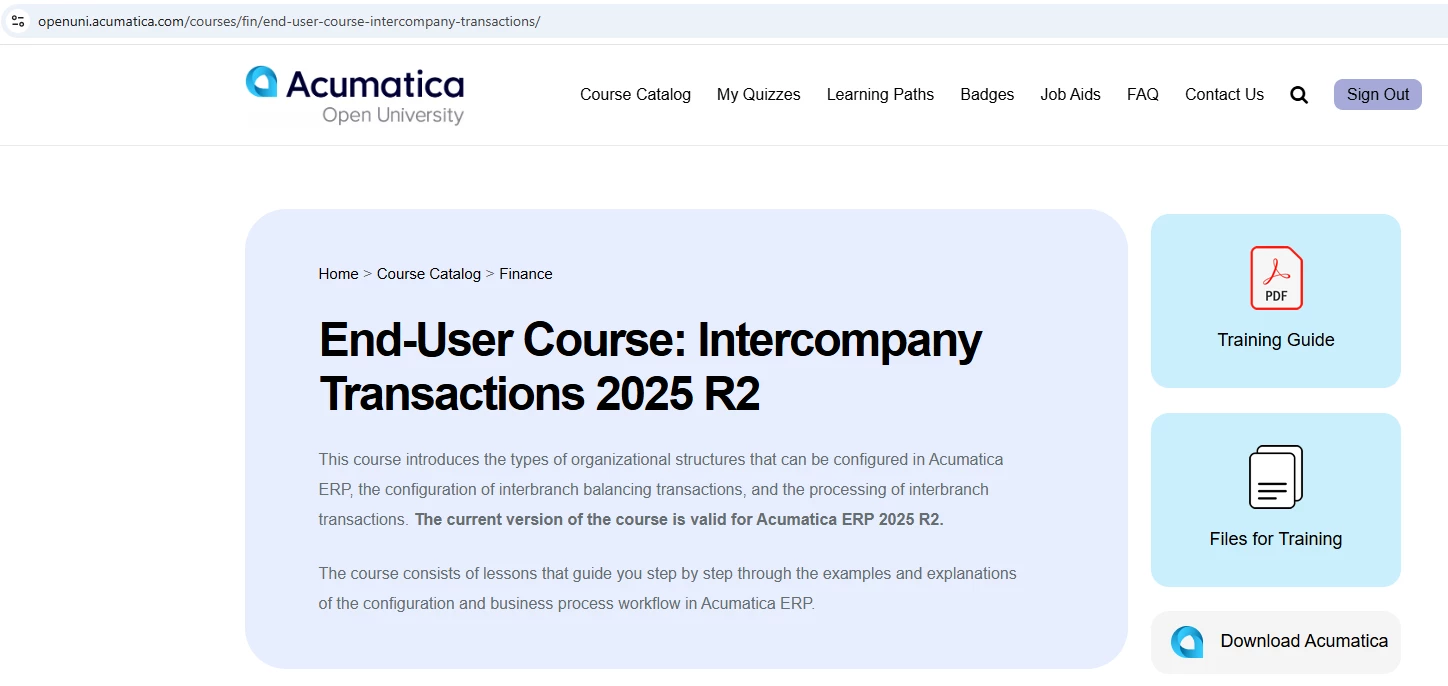
Please join Acumatica's free course "Intercompany Transactions" at the following link:

https://openuni.acumatica.com/courses/fin/end-user-course-intercompany-transactions/


Best Regards,

NNT


Manikanta Dhulipudi
Captain II
Forum|alt.badge.img+15

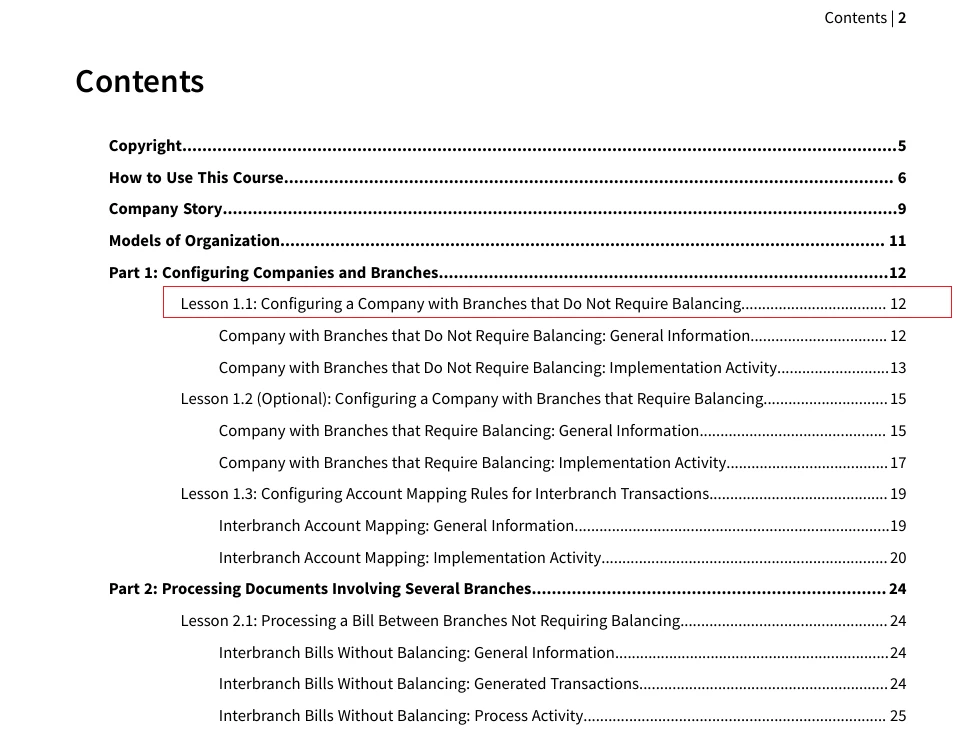
@MarciaW Attached the Document for reference.


Forum|alt.badge.img
  • Author
  • Varsity III
  • December 1, 2025

Thank you, but I would like to know if there is a way to change the setup from “Company with Branches that Do Not Require Balancing” to “Company with Branches that Require Balancing”, this is an incorrect configuration from implementation four years ago that needs to be changed.


Laura03
Captain II
Forum|alt.badge.img+19
  • Captain II
  • Answer
  • December 1, 2025

Hello, Marcia,

I agree that you are not seeing automatic Inter-Branch balancing transactions because your branches are set up not requiring them to balance.

I guess you are saying that you tried to change the setting in a test copy of your tenant and the setting cannot be changed (though it looks editable in your screen shot).

If you print the GL Trial Balance Report one company at a time, do Assets match Liabilities when printing with Sign of Trial Balance set to Normal in GL Preferences?  Or does the report foot to $0 if you print it with Sign of Trial Balance set to Reversed, for every month of the past 4 years?

If every month is in balance by branch (even though your settings weren’t requiring it), then Acumatica “may” be able to help you change the setting.  First, enter journals to balance every single month of history - if they don’t already balance by company. Work with your CPA to make sure your changes to balance by company have no impact on tax reporting, etc.

Then open an Acumatica support ticket through your partner/VAR, and ask for help. 


Laura