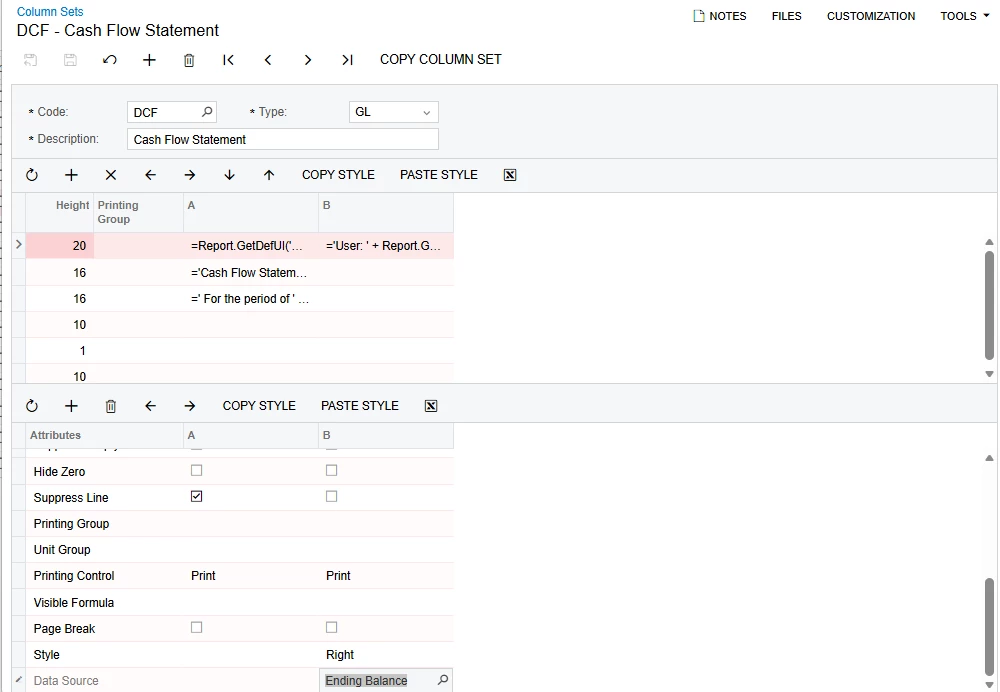
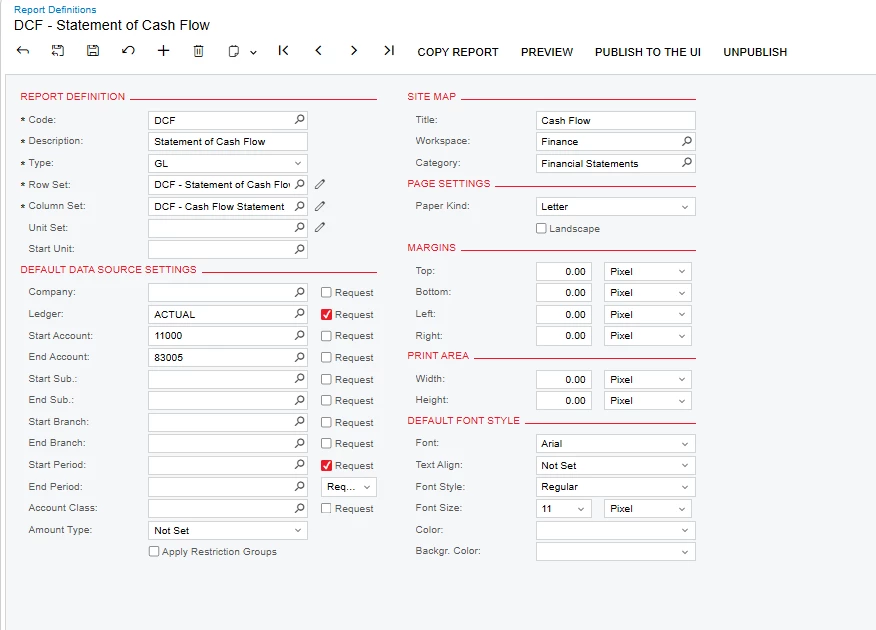
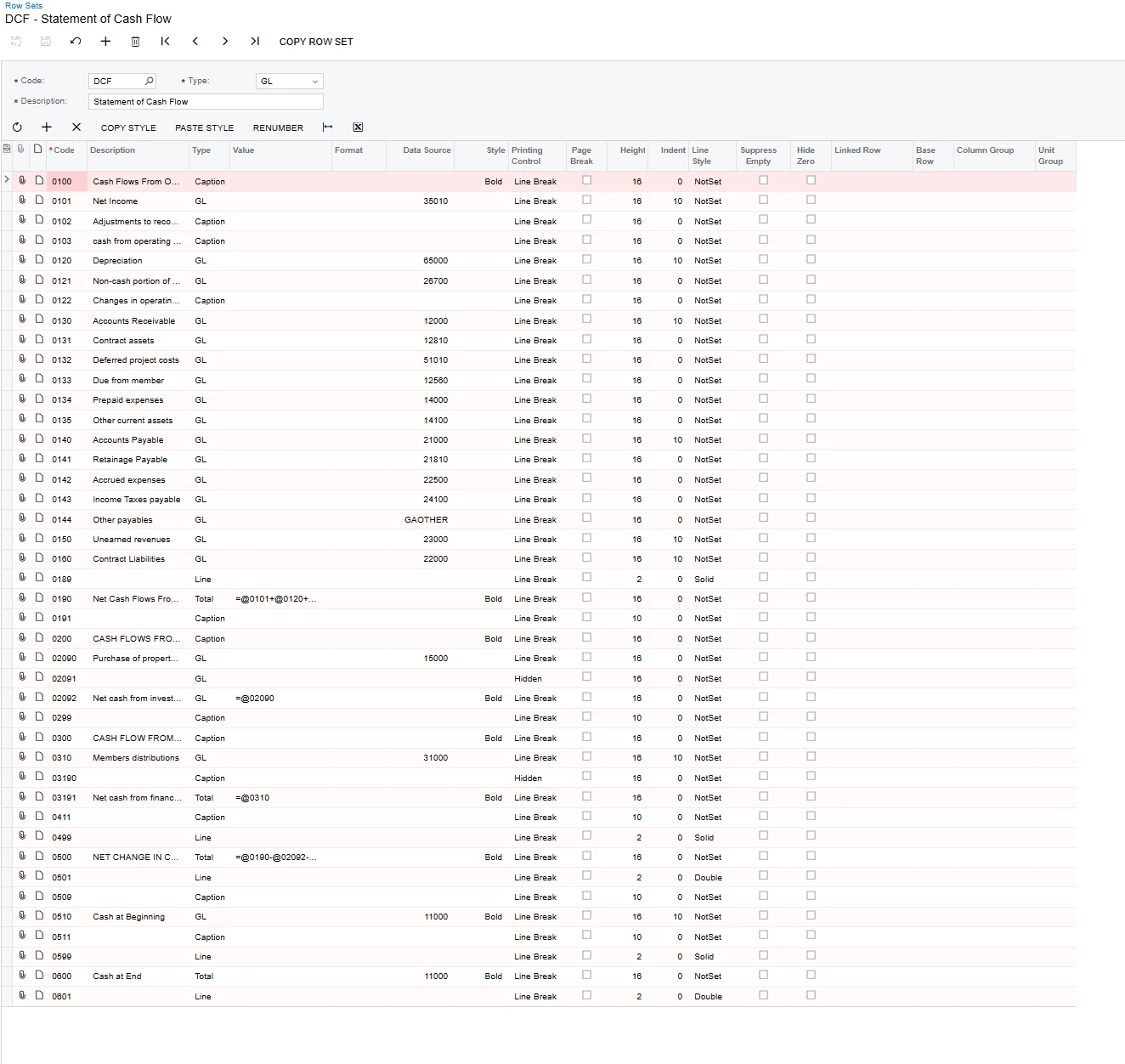
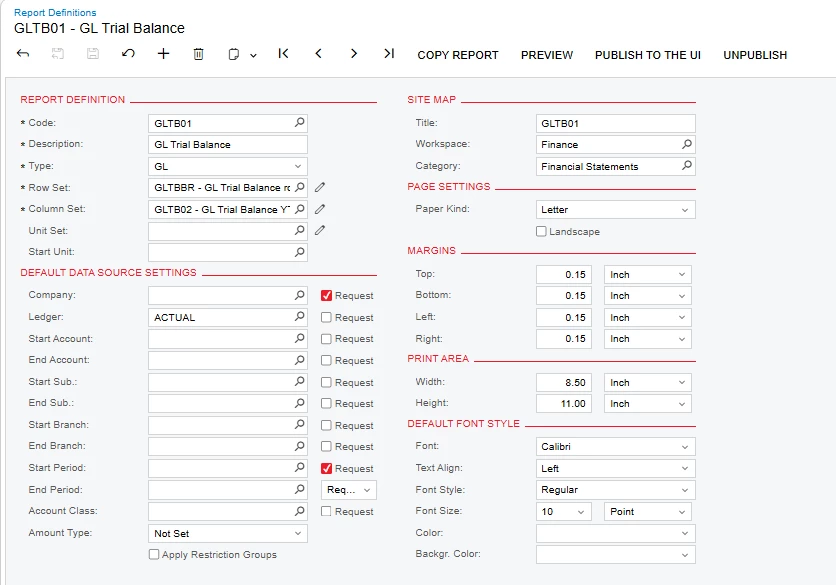
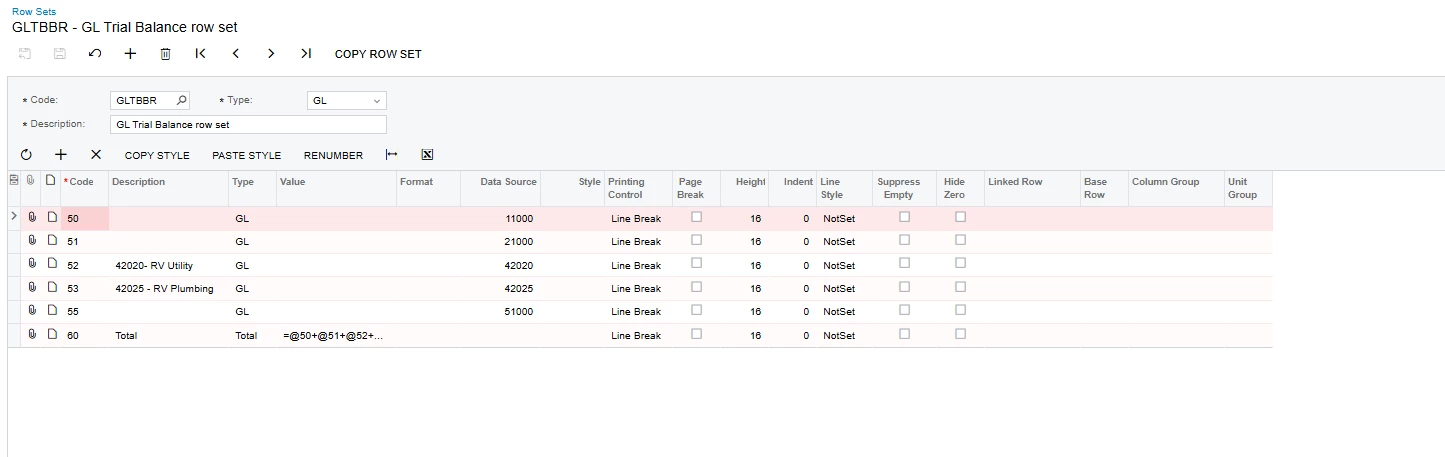
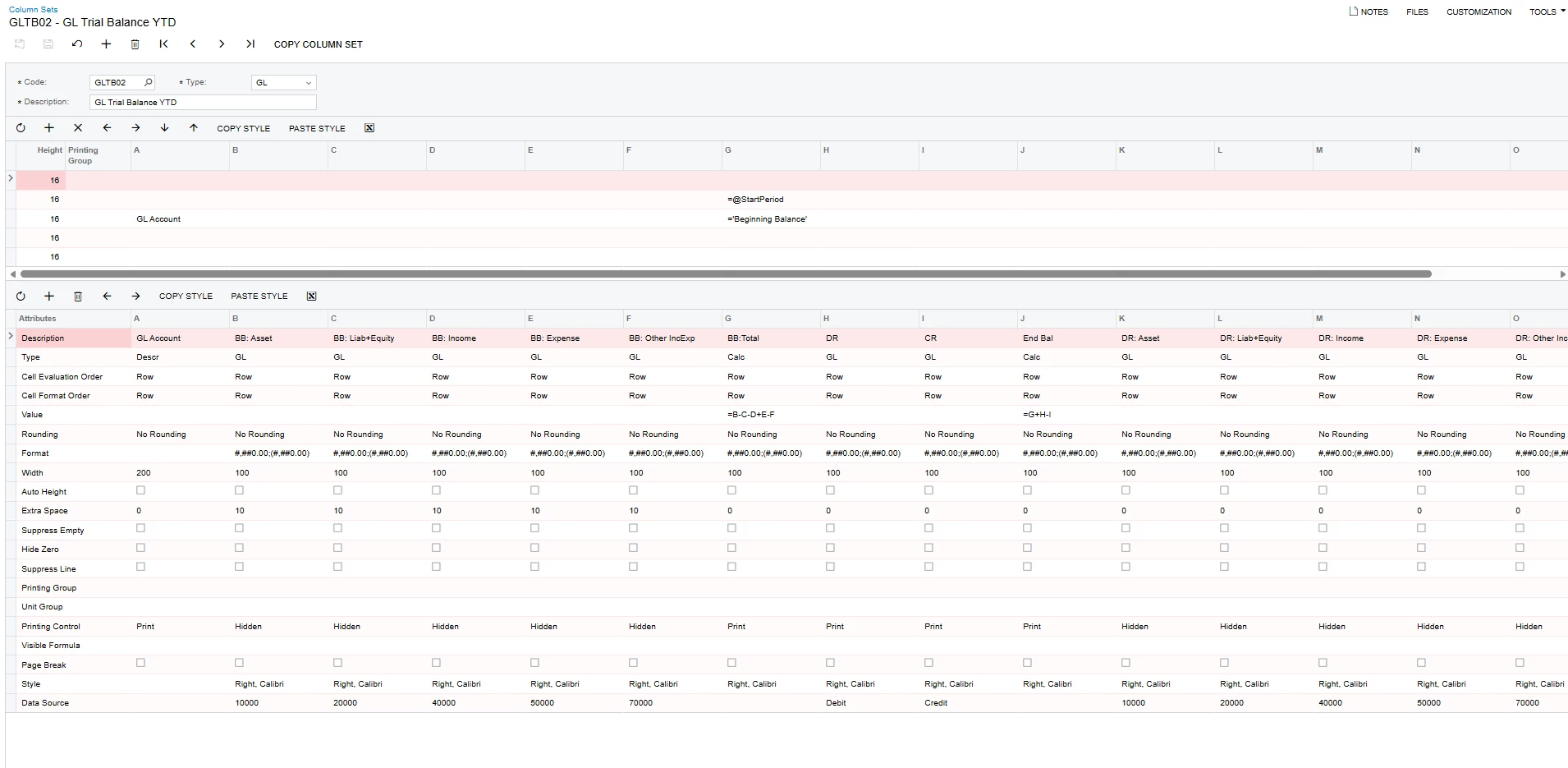
Hello! I am working on my cash flow statement to combine all branches to show ending balance through specified periods. I am not able to determine why not all of my branches are pulling into the rows - below are the setting I have currently… some lines are matching I assume to not having activity in other branches or post periods...any thoughts or ideas are welcome!
Best answer by Laura03
Thank you for the extra details!
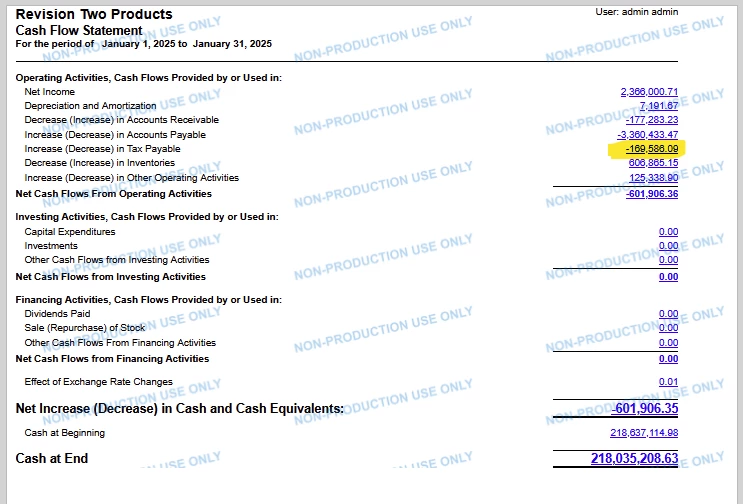
When I asked for “Result of Cash Flow Report with drill-down to see what IS being included” I mean this:
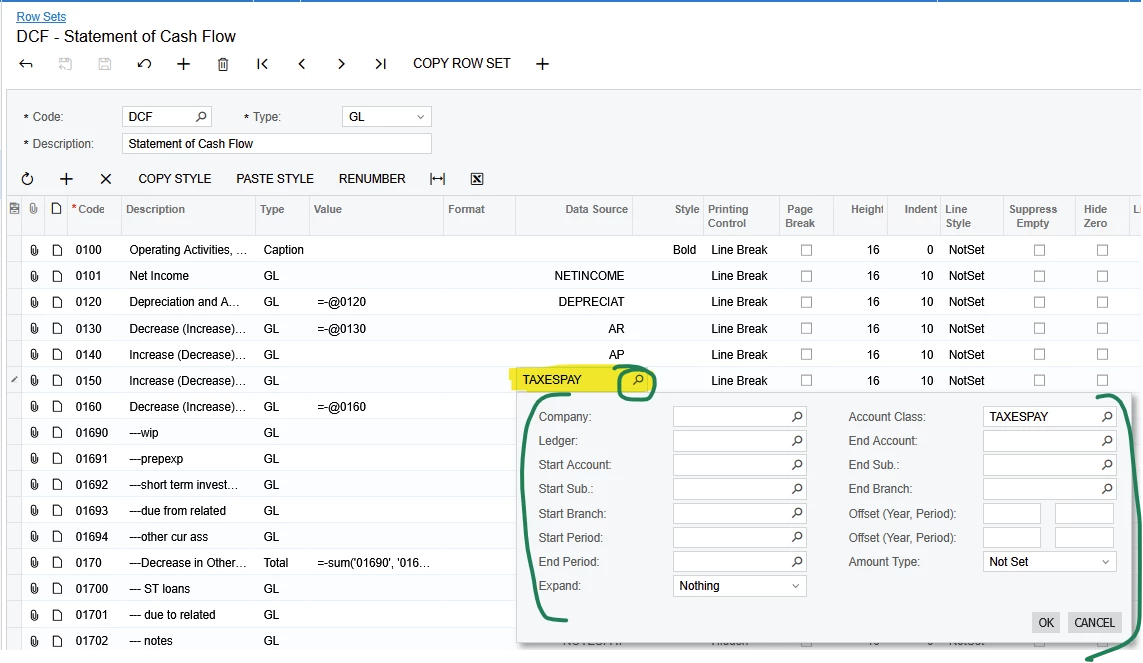
Tax Payable is highlighted as an example. Drill Into Tax Payable to show what is included.
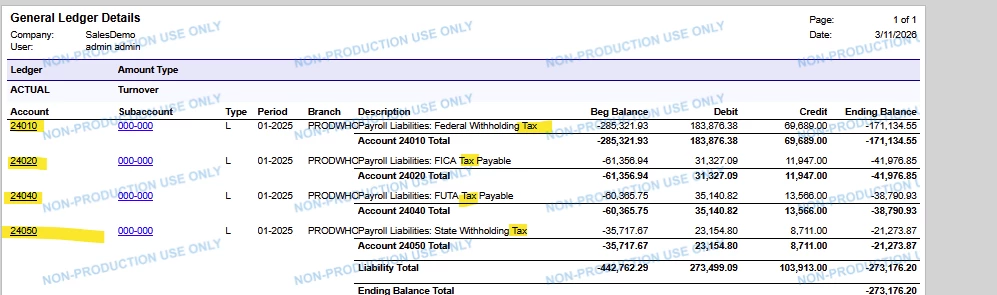
Drill-in to the problem line highlighted above will show us what IS included and will look something like this:
What is missing??
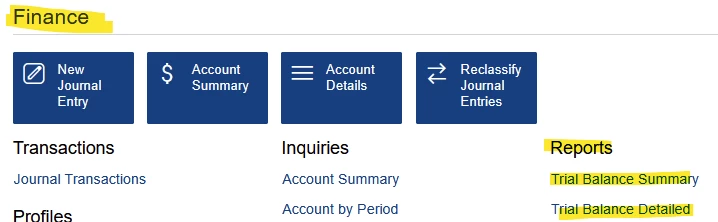
To show us what is missing, we need the Acumatica standard Trial Balance Report showing accounts within the range of the highlighted line that are Left Out of your report. To help us, you need to highlight or mark the missing lines. By “Trial Balance”I am referring to either of these 2 reports (not a report from Report Definitions screen - accept no substitutes. 😉).
When I say “show the details” of the Rows, columns, Unit sets, I mean pop open Data Source for the line where the missing accounts belong, so we can see the filters on each line.
We don’t need to see the Data Source details for every line. We need *only the line that should contain the missing accounts/amounts*.
Show Data Source Details of one line where one account on your TB did not appear on one line in CF
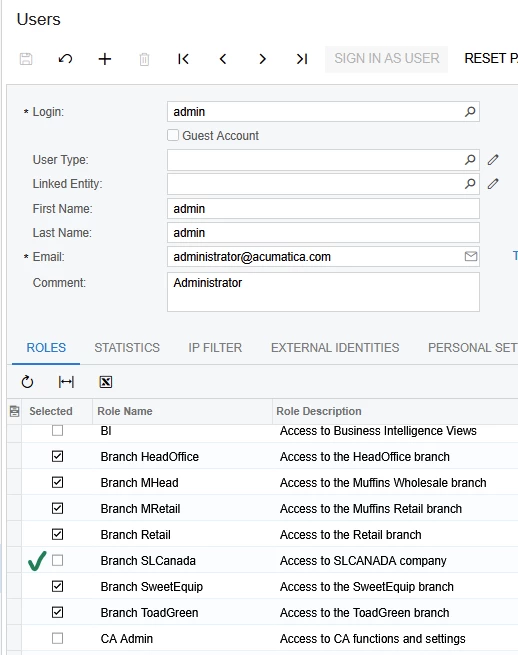
First, verify that your User login is a member of all branch roles.
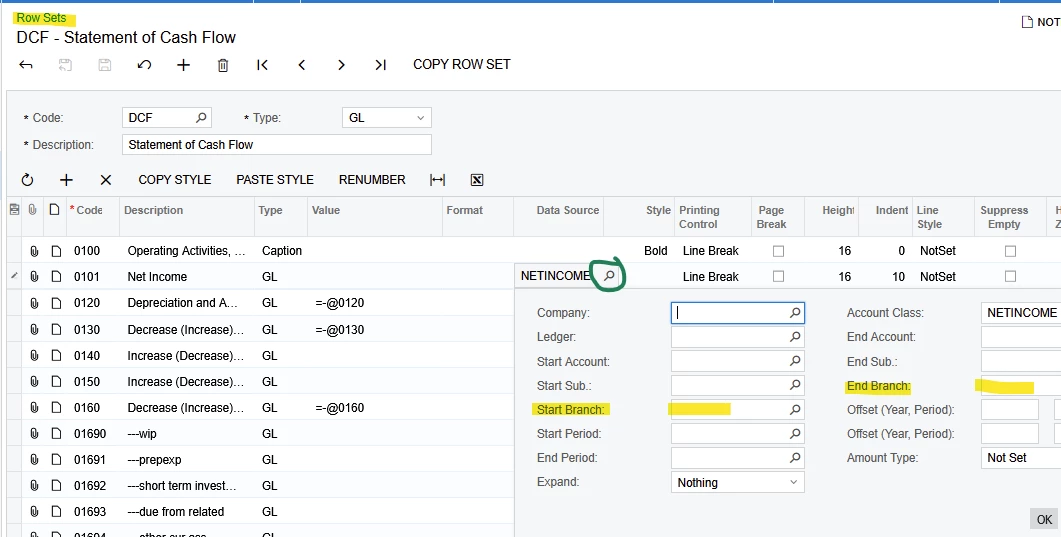
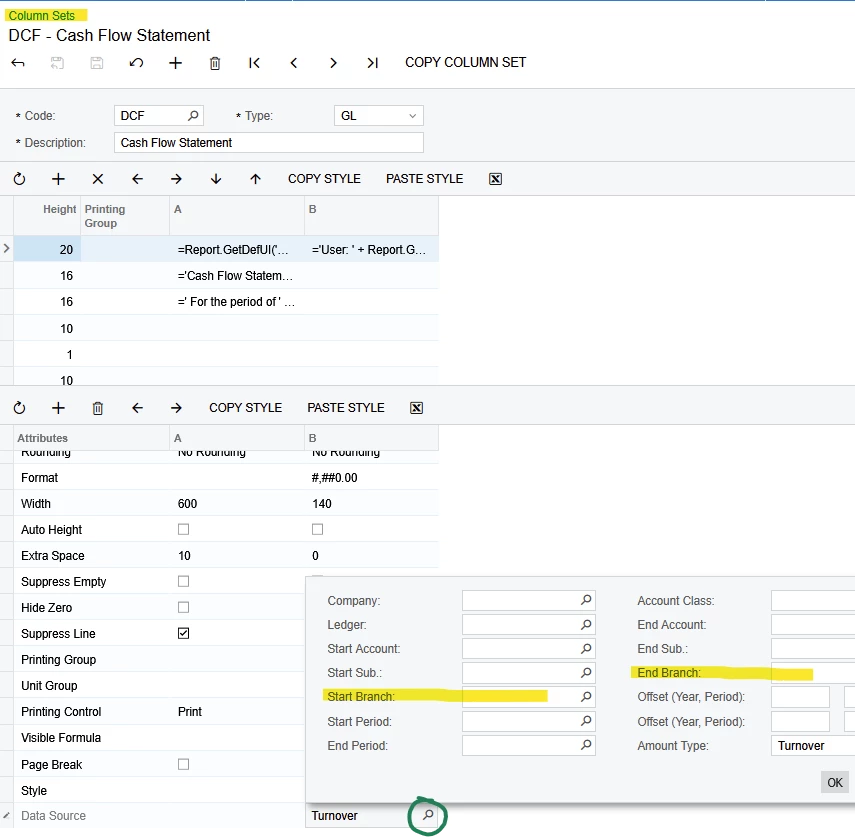
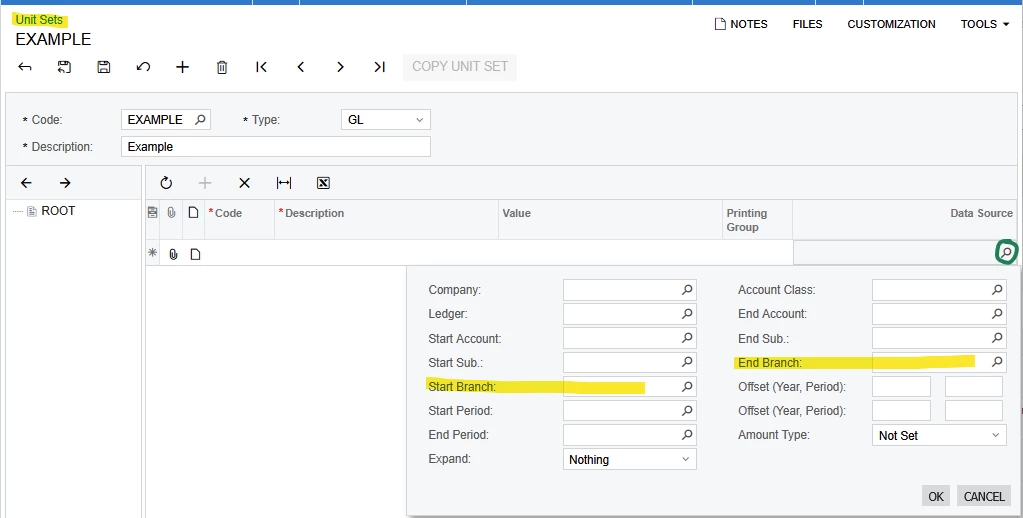
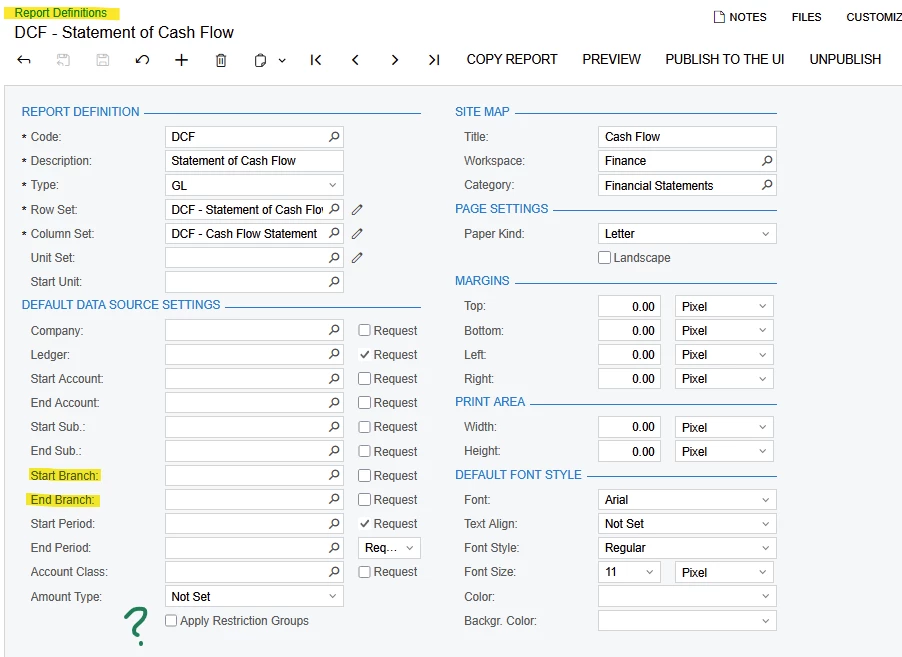
Next, look at the Data Source details of Row, Column, Unit Set (if using), and Report Definition to see which Branches are included. Branch selections should be blank to include all branches.
Are Restriction Groups used in tenant and activated on Report Def? RG’s may cause hidden data.
Are all branches using the same Accounts, Account Groups, and Subaccounts? If not… verify that all Accounts, Account Groups, and subaccounts used by the missing branches are included in the report configurations.
This seems to all be correct on my end- I am still getting the same result; some lines are accurate while others total one amount and when drilled into are not reflecting all branches or post periods.
If you need more help with your Cash Flow, we can help. We will need to see:
Result of Cash Flow Report with drill-down to see what IS being included.
Example of what is missing: show a report like Trial Balance, with the same Company, Branch, Period, Account, and Ssubaccount that was included in step 1.
Show the configuration details of the line in the Row Set that should have included the missing figures.
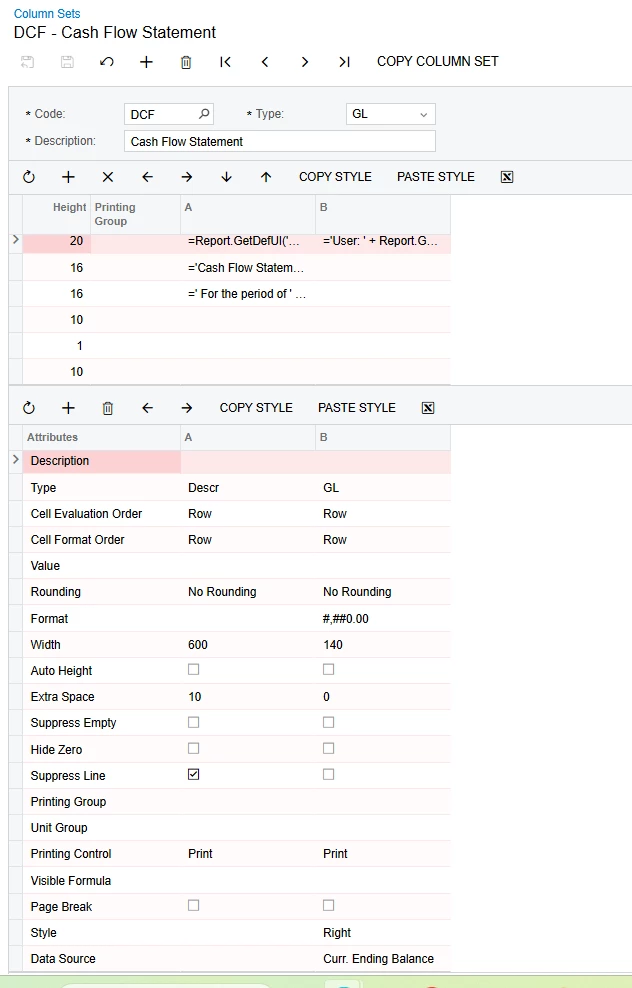
Show the configuration details of the column in the Column Set that should have included the missing figures.
If your report has a Unit Set, show configuration details of the Unit Set node that should have included the missing figures.
Show details of any active Restriction Groups that may preclude the company/branch/account/subaccount from showing on a report, or show the status of Apply Restriction Groups is Off (not selected) in Report Definition (shown below).
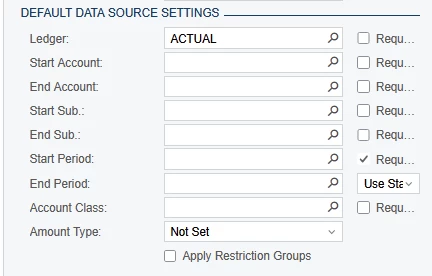
Show the details of Default Data Source Settings in the Row Definition, to confirm the account, account class, and subaccount are note being filtered out (shown below).
Alternatively, you can check the items in the above list and ask for more help here, if my suggestions did not lead you to the answer.
When I asked for “Result of Cash Flow Report with drill-down to see what IS being included” I mean this:
Tax Payable is highlighted as an example. Drill Into Tax Payable to show what is included.
Drill-in to the problem line highlighted above will show us what IS included and will look something like this:
What is missing??
To show us what is missing, we need the Acumatica standard Trial Balance Report showing accounts within the range of the highlighted line that are Left Out of your report. To help us, you need to highlight or mark the missing lines. By “Trial Balance”I am referring to either of these 2 reports (not a report from Report Definitions screen - accept no substitutes. 😉).
When I say “show the details” of the Rows, columns, Unit sets, I mean pop open Data Source for the line where the missing accounts belong, so we can see the filters on each line.
We don’t need to see the Data Source details for every line. We need *only the line that should contain the missing accounts/amounts*.
Show Data Source Details of one line where one account on your TB did not appear on one line in CF