Solved

About "Customer and Vendor Visibility Restriction". How to Design or Fix issues?

  • January 6, 2026
  • 3 replies
  • 46 views

Forum|alt.badge.img

Let's say I have three different companies: A, B, and C.
I have also enabled "Customer and Vendor Visibility Restriction".
Company A has customers A1, A2, A3...
Company B has customers B1, B2, B3...
Company C has customers C1, C2, C3...
I have an external processing center that adds customer payment methods to these customers, regardless of which company they belong to, processing them uniformly.
Then, I use an Automaton Schedule to synchronize this processed data.

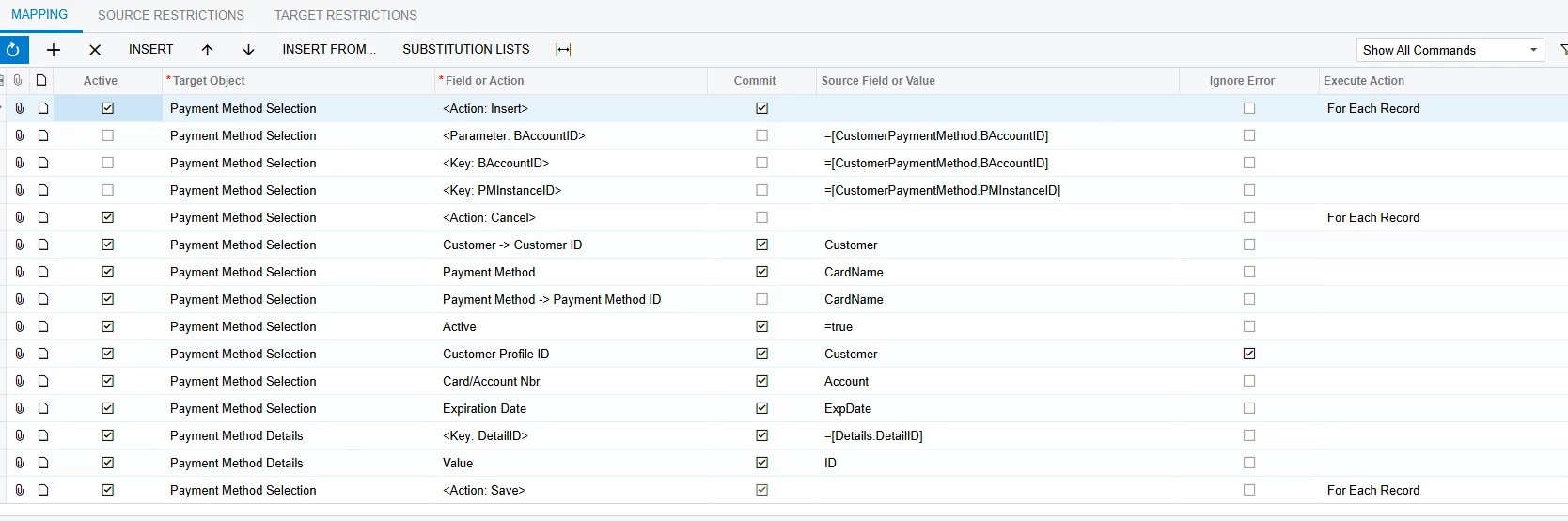
My problem is, using my administrator role (which has access to A, B, and C), no matter which company (A, B, or C) I create the job in to synchronize customer payment methods, there are always issues. For example, if I create the Automaton Schedule in company A, it cannot synchronize B1, B2..., C1, C2..., because the Import by Scenario function throws an error, stating that B1, B2... cannot be found in the system.

Is there a way to circumvent this problem? Do I have to create separate Automaton Schedules for A, B, and C, and then differentiate the customers to satisfy the "Customer and Vendor Visibility Restriction" setting? Wouldn't that mean I would have to create multiple duplicate Automaton Schedules for all my related customer data?

Is there a better solution?

Best answer by travislawson

I haven’t tested it, but I would add the Branch in the beginning to set the correct branch and see if it still errors.  

3 replies

Forum|alt.badge.img+1

Automation schedules run in the context as the “admin” user so if you can “see it” it can see it.  I think the error comes in from the import scenario, but let’s dig in.  Also if you can post your Import Scenario XML that would be helpful.  


My initial thought is do you have Branch set on the import scenario to specify that branch to use for that record?


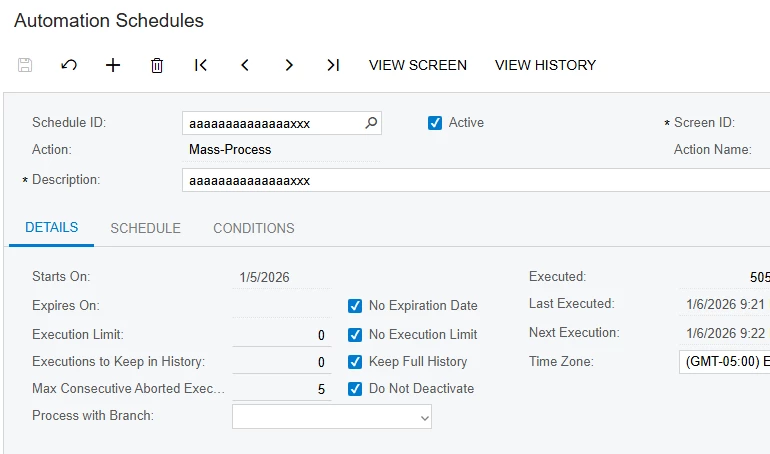
On the automation schedule, do you have “process with branch” set?


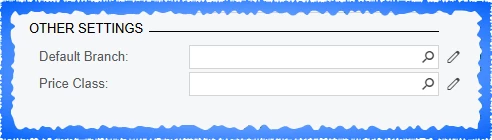
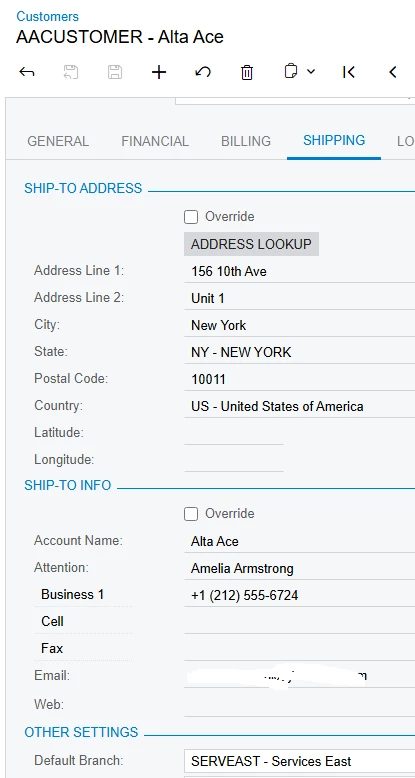
On the customers, do you have Default branch set under the Shipping tab?


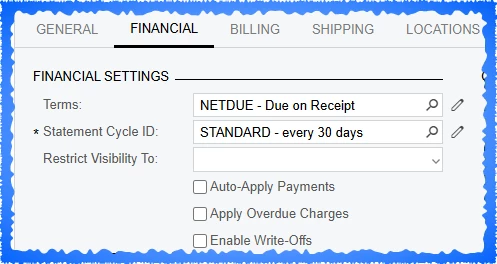
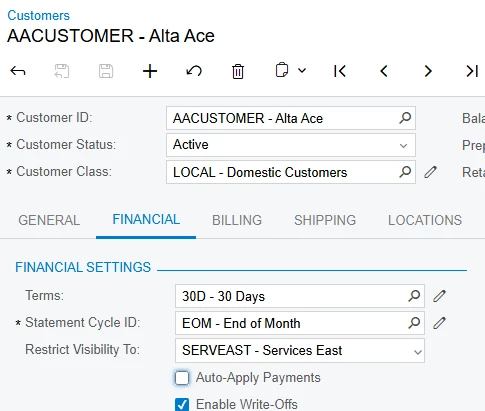
Do you have “Restrict visibility to:” set?  This should be a yes, but double checking.


Forum|alt.badge.img
  • Author
  • Freshman I
  • January 7, 2026

Thank you! ​@travislawson .

1,we don't have Branch set on the import scenario.


2,On the automation schedule, we do not have “process with branch” set.This value is blank.

3,On the customers, we have Default branch set under the Shipping tab.

4,Yes,we have “Restrict visibility to:” set.

For #2,we create Automation Schedule under Branch B.
For administrators, this Automation Schedule is visible when switch A, B, and C.

For #3,#4,we set this customer under Branch A.
For administrators, this customer  is visible when switch A, B, and C.

So, the problem lies in the "Import by scenario" function (#1).


Forum|alt.badge.img+1

I haven’t tested it, but I would add the Branch in the beginning to set the correct branch and see if it still errors.