
Question

2025 R2 SO Error: The document is out of the balance. Build 25.201.0213.2

  • March 31, 2026
  • 4 replies
  • 16 views

bzelinski
Varsity II
Forum|alt.badge.img+1
 

Here’s our issue since upgrading to 2025 R2: This invoice is giving us the strange error message ‘SO Error: The document is out of the balance.
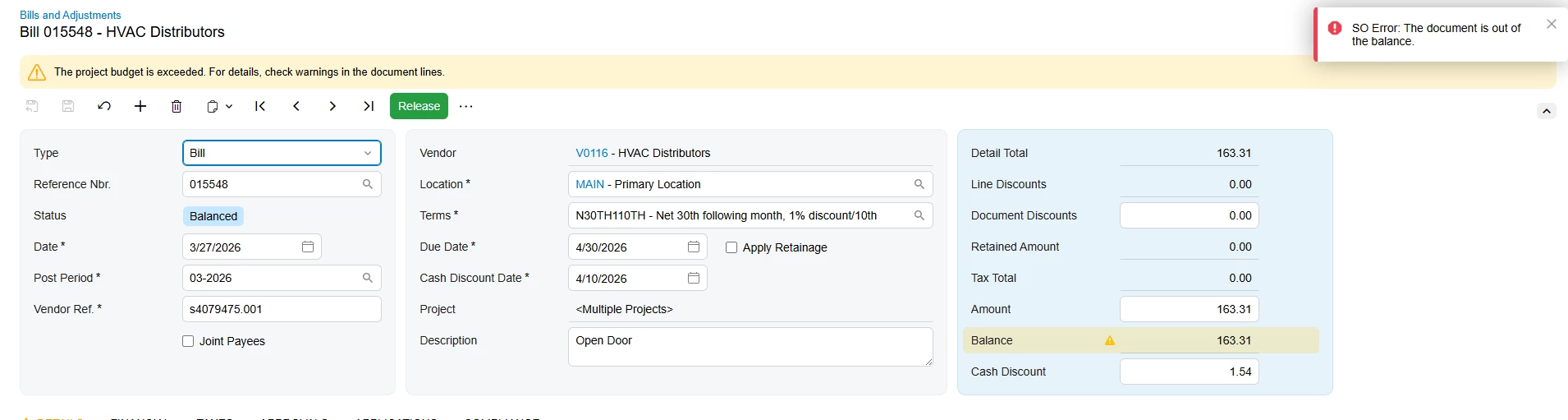
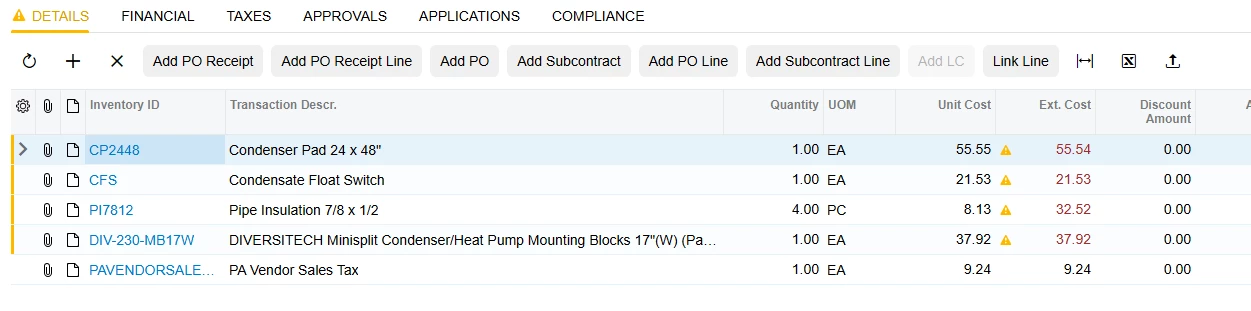
We understand the part about the project budget being exceeded. This is simply because of different model numbers being used in the quote that what are being used in this purchase order/bill.

We’ve already selected “Allow Adding New Items on the Fly” in the project settings.

The document appears to be in balance to me. Any thoughts?

4 replies

Laura03
Captain II
Forum|alt.badge.img+20
  • Captain II
  • March 31, 2026

Hello Brian, Is there any additional detail showing in Tools → Trace?


Is the screen customized?  See previous post. (link)


Does the same error appear if you temporarily revert to Classic View?


bzelinski
Varsity II
Forum|alt.badge.img+1
  • Author
  • Varsity II
  • March 31, 2026

@Laura03 

Hi Laura,

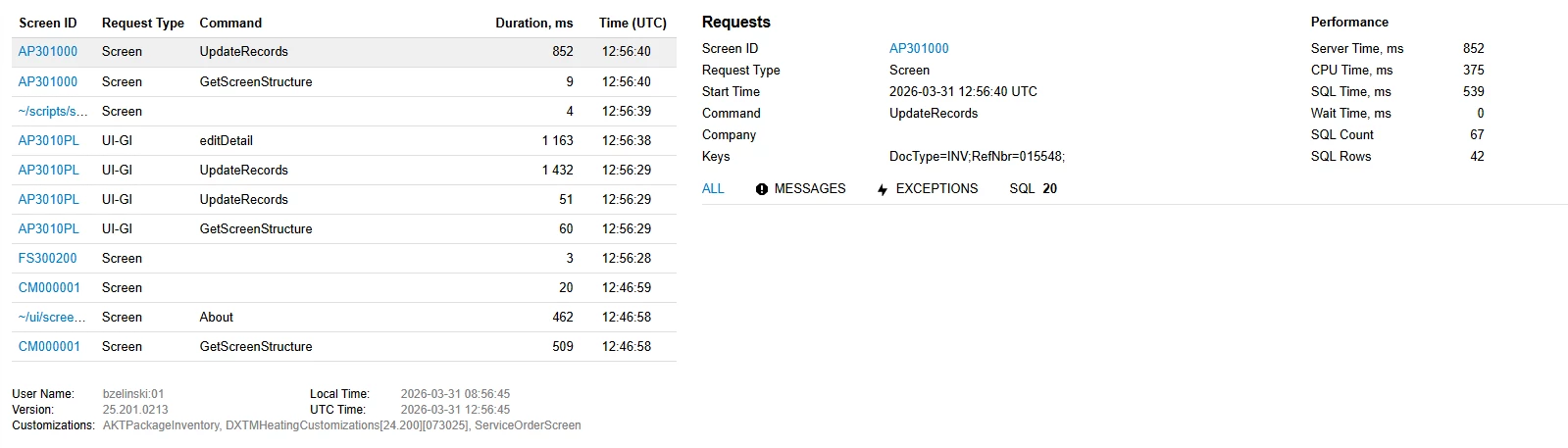
Here’s what I can see in the Trace:

The screen is not customized. I also thought about switching to classic view and have tried it already. It now gives the same error message.


Laura03
Captain II
Forum|alt.badge.img+20
  • Captain II
  • March 31, 2026

Hi,

Usually we can see red messages when viewing Trace immediately after an error appears on screen.  Nothing lights up red? (Checking on timing of above screenshot.)


bzelinski
Varsity II
Forum|alt.badge.img+1
  • Author
  • Varsity II
  • March 31, 2026

@Laura03 Yes, nothing lights up red on the Trace. I just tried to release it again and it gives the same error message, but no change on the trace.