

Answer

Stock Item Image not showing on first tab on the ImageURL Field

  • April 2, 2025
  • 2 replies
  • 79 views

We are currently using a REST API to import our images for stock items. But when we do, they show up on the second tab of the ImageURL field. Does anyone know why/how we can avoid this? 

This now makes our report look like there is no image within a stock item profile.

Image 1: Shows no image. 
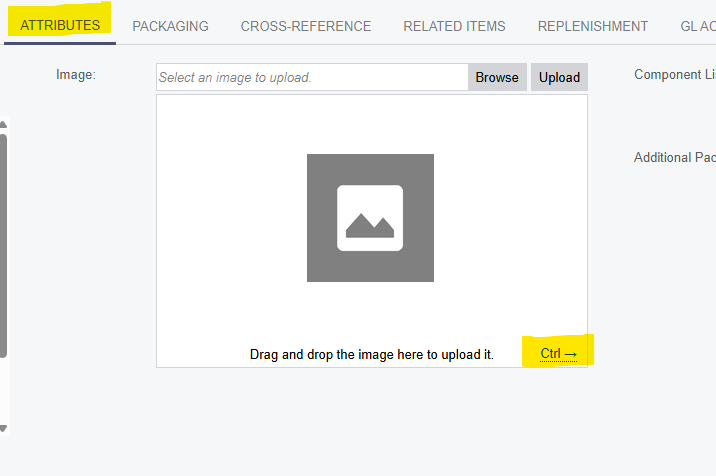

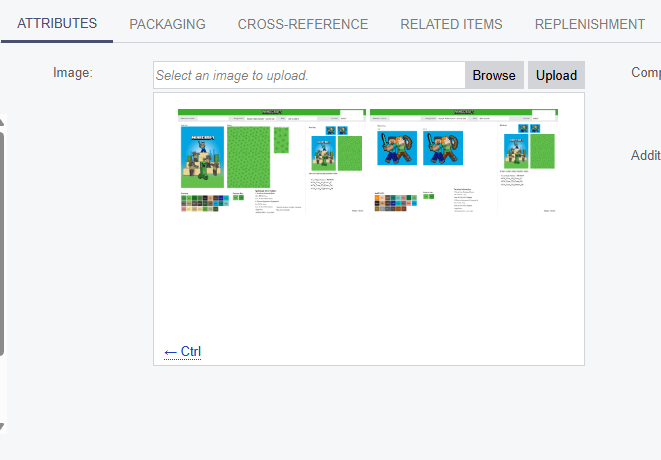
Image 2: After clicking Ctrl →, this is where we see the image. 


Best answer by Ola Ayanlaja

Hi ​@jrudolph For correct operation, you need to substitute the following line in ImageUrl:

='Stock Items (' + PadRight(UCase([Item.InventoryCD]), 30, ' ') + ')\\XXXXX.jpg'

2 replies

Forum|alt.badge.img
  • Acumatica Employee
  • Answer
  • April 2, 2025

Hi ​@jrudolph For correct operation, you need to substitute the following line in ImageUrl:

='Stock Items (' + PadRight(UCase([Item.InventoryCD]), 30, ' ') + ')\\XXXXX.jpg'

  • Author
  • Freshman I
  • April 3, 2025

@OlaAyanlaja62 - Is this in regard to the script we are running? My coworker said he tried everything and it still is not working.
