Hi team,
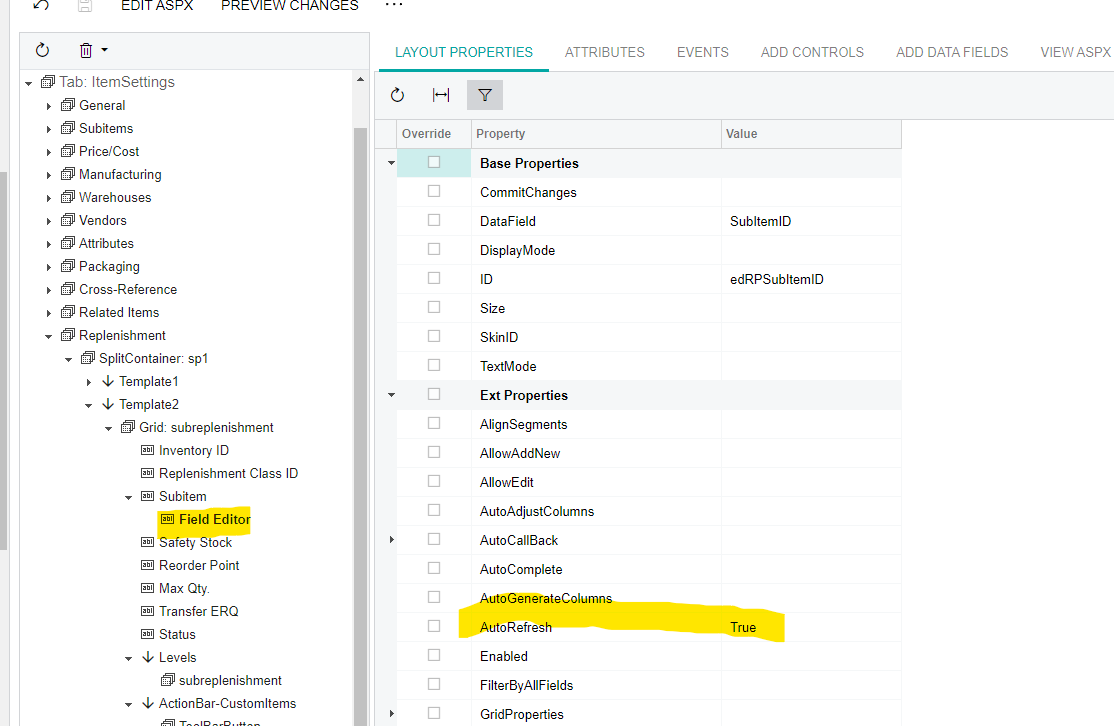
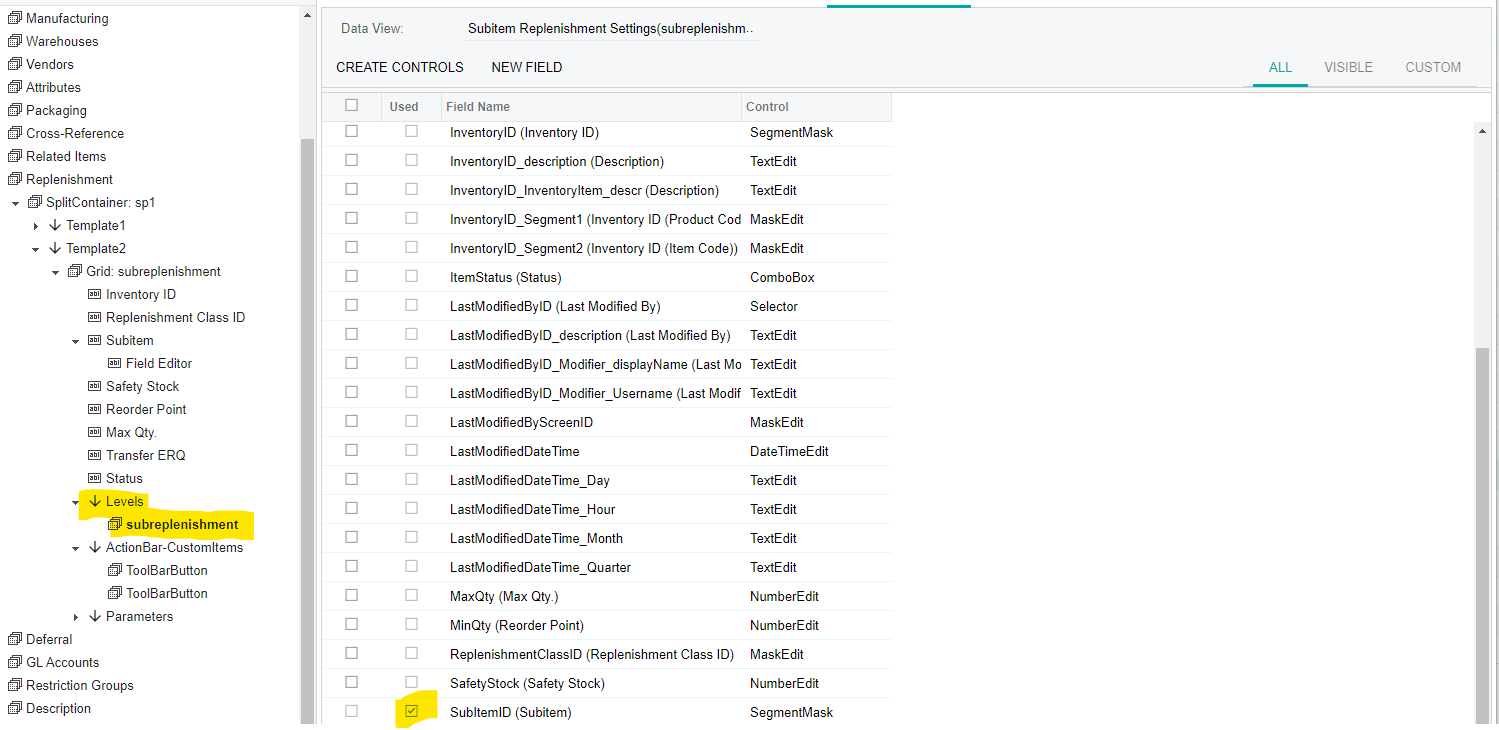
I've added a custom selector field in the stock item screen. This field displays location IDs based on the selected warehouse in the grid. However, there's an issue: when I change the warehouse, the field doesn't refresh automatically. I'm looking for an auto-refresh property, but it seems not to be available in the grid editor properties. Could you please assist me in achieving automatic field refresh? I've also tried using a custom attribute, but the issue persists.
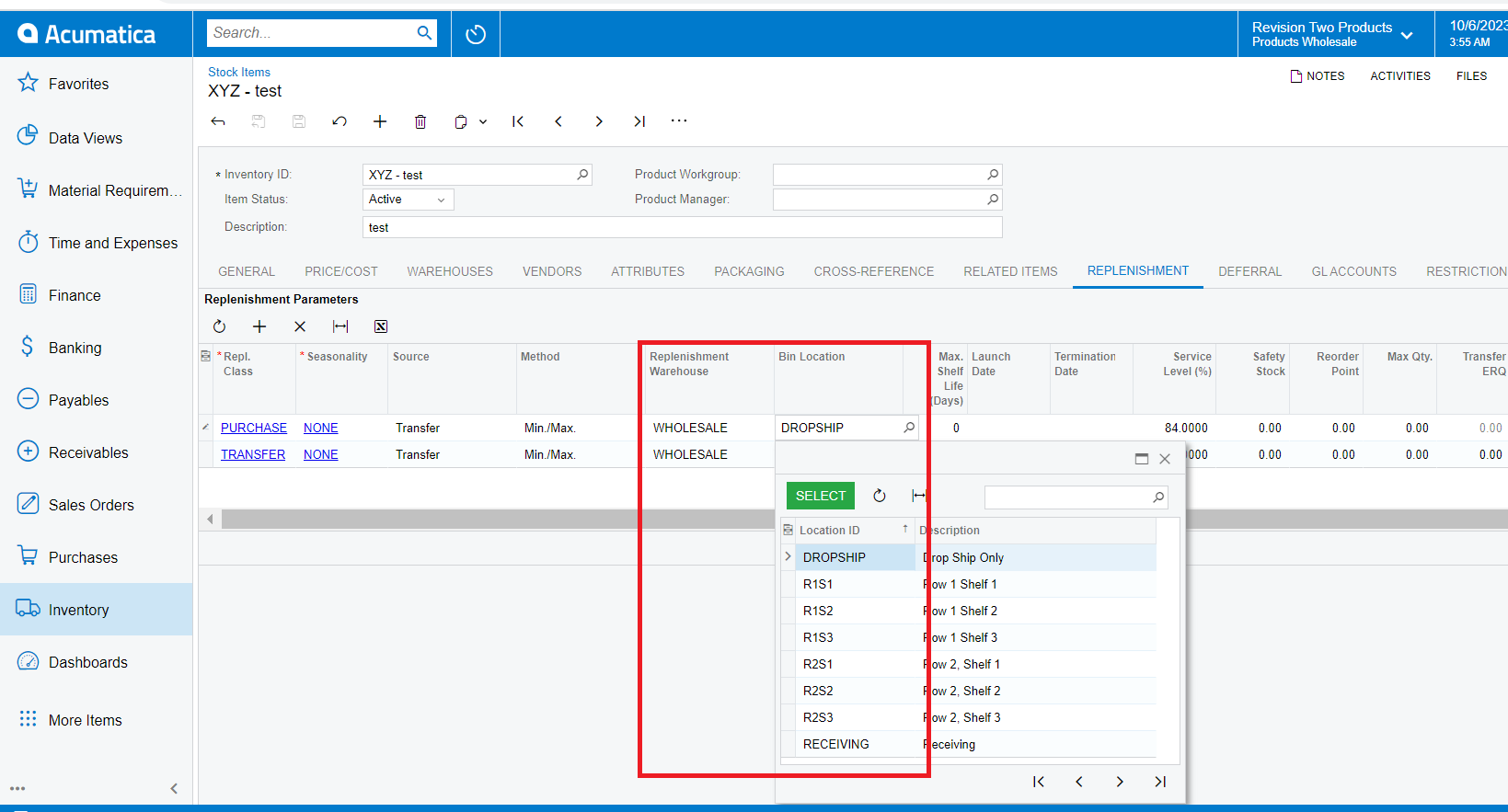
I am using the code provided below.
#region UsrBinLocation
[PXUIField(DisplayName = "Bin Location")]
[PXSelector(
typeof(Search<INLocation.locationID,
Where<INLocation.siteID, Equal<Current<INItemRep.replenishmentSourceSiteID>>>>),
typeof(INLocation.locationCD),
typeof(INLocation.descr),
DescriptionField = typeof(INLocation.descr),
SubstituteKey = typeof(INLocation.locationCD))]
public virtual int? UsrBinLocation { get; set; }
public abstract class usrBinLocation : PX.Data.BQL.BqlInt.Field<usrBinLocation> { }
#endregion
I also used a custom attribute, but the result is the same.
public class INItemRepExt : PXCacheExtension<PX.Objects.IN.INItemRep>
{
#region UsrBinLocation
[PXInt]
[PXUIField(DisplayName = "Bin Location")]
[CustomLocationSelector]
public virtual int? UsrBinLocation { get; set; }
public abstract class usrBinLocation : PX.Data.BQL.BqlInt.Field<usrBinLocation> { }
#endregion
}
public class CustomLocationSelectorAttribute : PXCustomSelectorAttribute
{
public CustomLocationSelectorAttribute()
: base(typeof(INLocation.locationID))
{
this.DescriptionField = typeof(INLocation.descr);
this.SubstituteKey = typeof(INLocation.locationCD);
}
protected virtual IEnumerable GetRecords()
{
var itemRep = (INItemRep)_Graph.Caches[typeof(INItemRep)].Current;
if (itemRep != null && itemRep.ReplenishmentSourceSiteID != null)
{
foreach (INLocation location in PXSelect<INLocation,
Where<INLocation.siteID, Equal<Current<INItemRep.replenishmentSourceSiteID>>>>.
Select(this._Graph))
{
yield return location;
}
}
}
}
Regards,
Sagar