Has anyone found a solution to using customer rate tables to calculate the line item billable prices?
How do we create rate tables that can be attached to each customer?
For example, we have some customers that always receive a 10% discount. We have others who always receive a 25% discount. We need to be able to attach the rate table that will be applied to each customer.
We could do this in Sage CRE. Since changing to Acumatica, we have lost this functionality, or maybe I am just missing it in Acumatica.
Please let me know how if you have a solution for creating rate tables and attaching them to each customers' account.
@khowe86
Best answer by JohnMichels
If you are working in projects, Billing Rules + Rate Tables can be configured to provide customer specific pricing. Customer specific rate tables can be cumbersome as the number of customers can be large (many rate tables need to be created). Instead, you can do two other things:
Create Billing Rules that are discount based: 10% Discount, 15% Discount, etc. and assign customers/projects to these Billing Rules. You would use the @price function to pull prices from the Sales Prices table. The discount rate would be added to the Billing Rule amount calculation.
Add “Discount” UDF/Attribute to the project representing the applicable discount. Add this UDF-Discount to the billing rule amount calculation.
Native ACU Discount functionality is not integrated into Projects.
If you are working in projects, Billing Rules + Rate Tables can be configured to provide customer specific pricing. Customer specific rate tables can be cumbersome as the number of customers can be large (many rate tables need to be created). Instead, you can do two other things:
Create Billing Rules that are discount based: 10% Discount, 15% Discount, etc. and assign customers/projects to these Billing Rules. You would use the @price function to pull prices from the Sales Prices table. The discount rate would be added to the Billing Rule amount calculation.
Add “Discount” UDF/Attribute to the project representing the applicable discount. Add this UDF-Discount to the billing rule amount calculation.
Native ACU Discount functionality is not integrated into Projects.
Has anyone found a solution to using customer rate tables to calculate the line item billable prices?
How do we create rate tables that can be attached to each customer?
For example, we have some customers that always receive a 10% discount. We have others who always receive a 25% discount. We need to be able to attach the rate table that will be applied to each customer.
We could do this in Sage CRE. Since changing to Acumatica, we have lost this functionality, or maybe I am just missing it in Acumatica.
Please let me know how if you have a solution for creating rate tables and attaching them to each customers' account.
@khowe86
Hi!
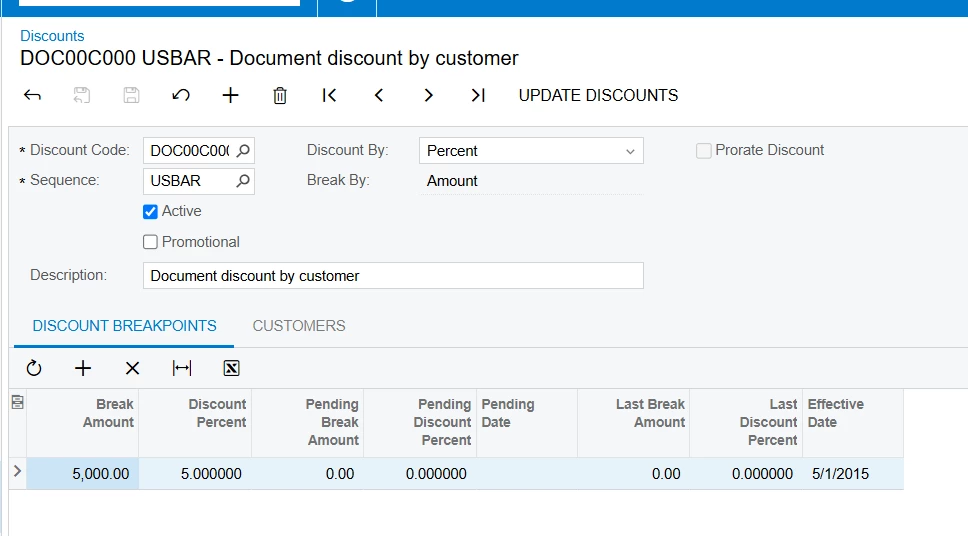
Seems to me you may need to configure Customer Discounts feature, however Appointments and Service Orders don’t support this functionality yet. Sales Orders, Invoices and other documents in Acumatica do support it.
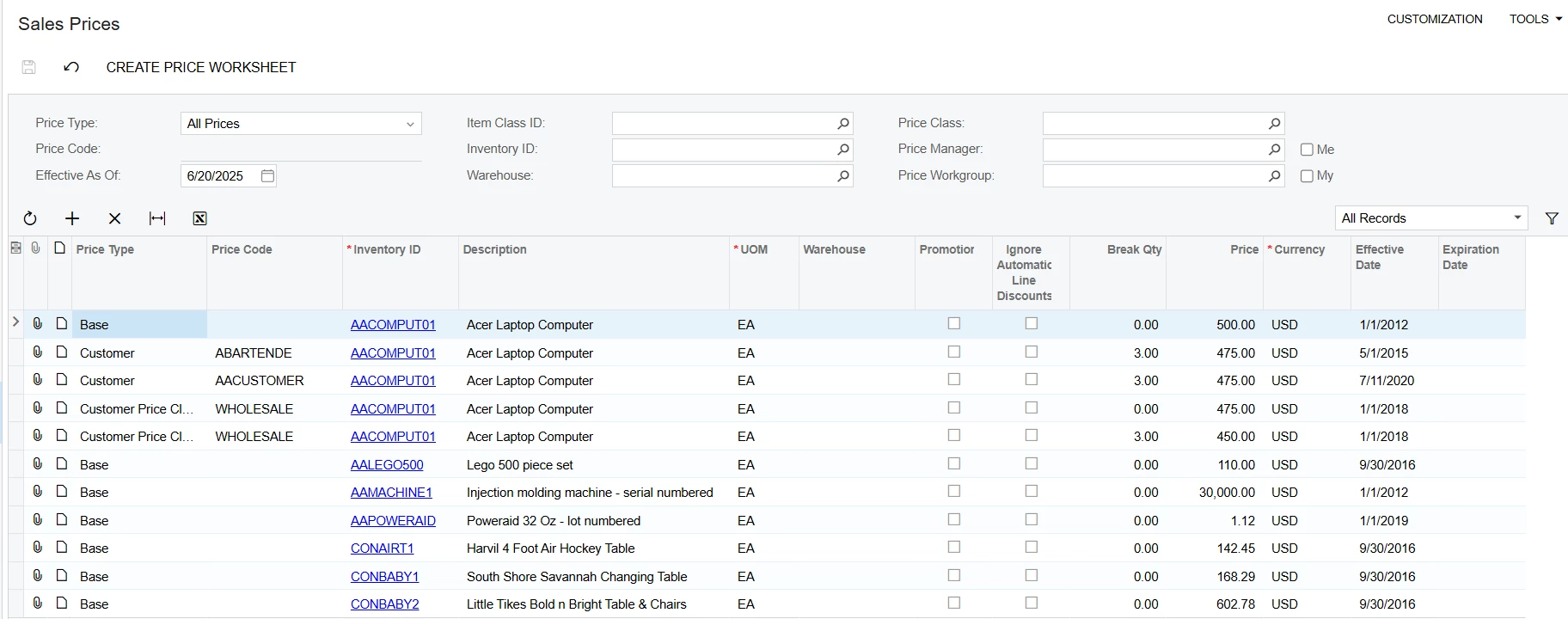
Another way to handles this is to use the Sales Prices, to define a specific price for an item based on the customer or customer class.
Sales prices are supported by Appointments and Service Orders.