Answer

Space usage, Cannot find snapshot to delete

  • December 5, 2023
  • 6 replies
  • 196 views

AndrewBGL
Pro I
Forum|alt.badge.img

Hello,

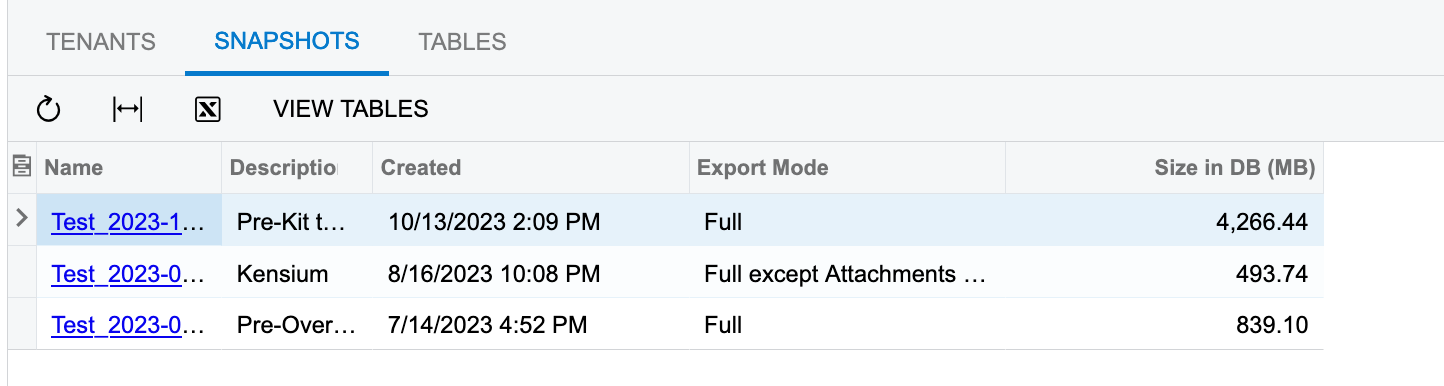
I regularly create snapshots and then delete the old ones. I have an issue where there are snapshots show under space usage screen under the Snapshot tab. Under the tenant list the snapshots do not appear.


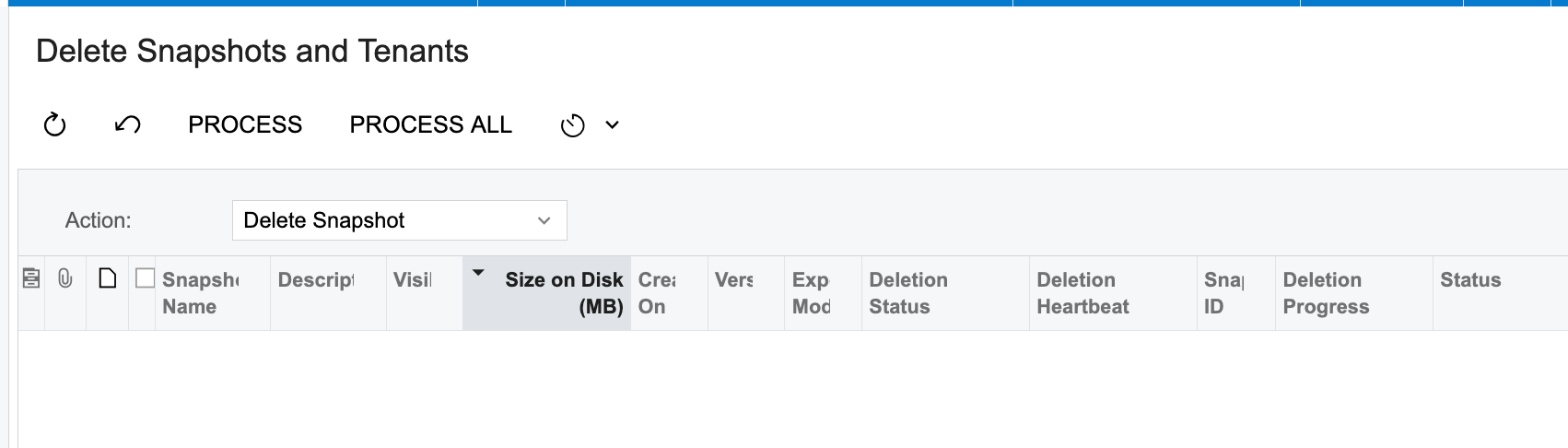
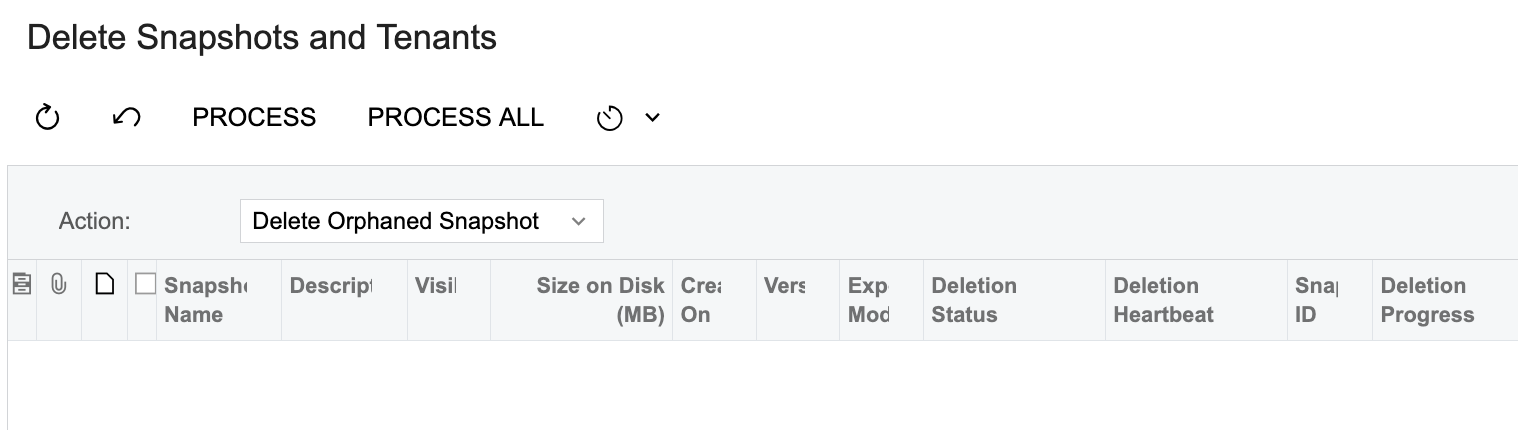
I have already ran the delete snapshot page and I have used the delete orphan action.


Any ideas on how to delete these snapshots.

Thanks
 

Best answer by AndrewBGL

The final fix was to delete the test tenant and overwrite it with the company tenant.

6 replies

AndrewBGL
Pro I
Forum|alt.badge.img
  • Author
  • Pro I
  • December 5, 2023

I also used the calculate space used to make sure the usage was updated.


Robert Sternberg
Captain II
Forum|alt.badge.img+7

Chiming in to say I have seen this before however I did not find a solution.  


Forum|alt.badge.img+1

Are there any tenants that you do not have access to?


Check the Space Usage screen to see if there are any tenants listed that do not appear on the Tenants screen.

It may also be a good idea to try optimizing the database from the Tenants screen during the company's non-work hours.


AndrewBGL
Pro I
Forum|alt.badge.img
  • Author
  • Pro I
  • December 14, 2023

Hello,

I was able to find the issue. I created the snap shot in the test tenant so I needed to login to that tenant to delete the snapshot.


AndrewBGL
Pro I
Forum|alt.badge.img
  • Author
  • Pro I
  • Answer
  • December 15, 2023

The final fix was to delete the test tenant and overwrite it with the company tenant.


Chris Hackett
Community Manager
Forum|alt.badge.img
  • Acumatica Community Manager
  • December 15, 2023

Thank you for sharing your solution with the community @AndrewBGL!