Question

Restoring a snapshot did not show all the data and screens in my local dev

  • October 18, 2025
  • 6 replies
  • 66 views

Hello

I created a snapshot in full mode and successfully restored it in my local development environment. However, when I log in, I’m unable to view the complete data and other screen.

Is there any permission I need to check while creating the snapshot? 

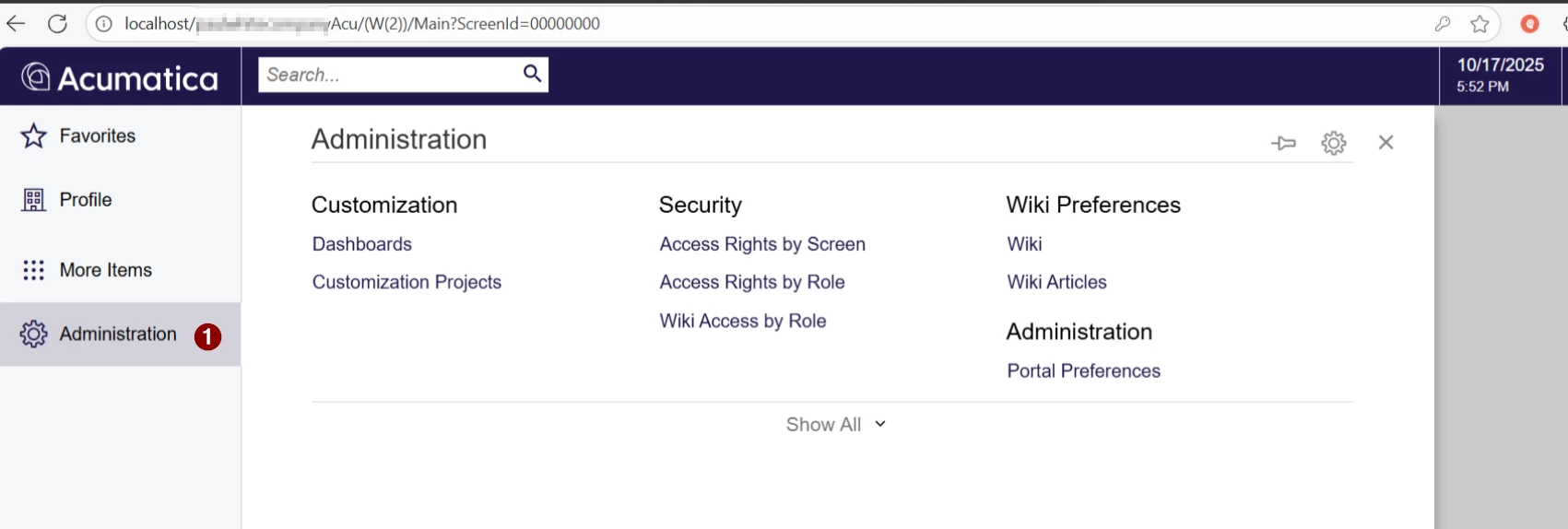
The below is my local instance.
Acumatica Verison:25.100.0054
 

6 replies

ricoybanez
Jr Varsity III
Forum|alt.badge.img+3
  • Jr Varsity III
  • October 20, 2025

@vishalrk 

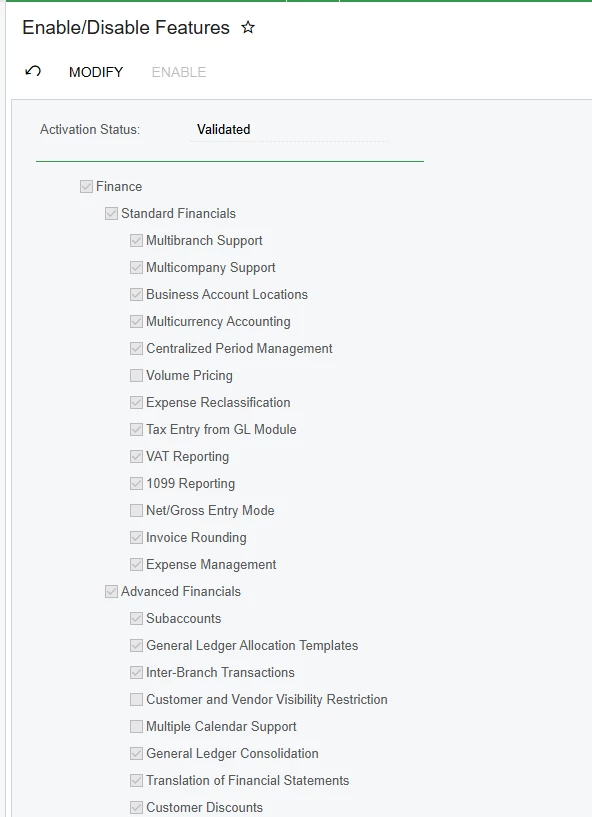
Please go to:
 

  1. Select More Items
  2. System Management
  3. Select Enable/Disable Features
  4. Click Modify
  5. Check items to enable

That’s it, hope it helps!


  • Author
  • Freshman I
  • October 20, 2025

Hi ​@ricoybanez 
 

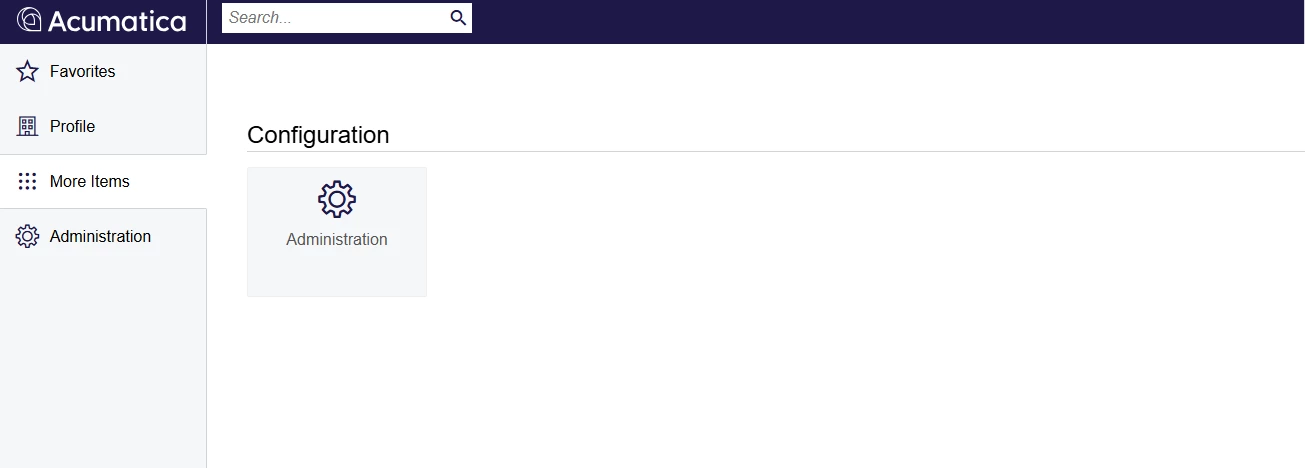
i do not see that option in my local instance

  1. Select More Items
  2. System Management
  3. Select Enable/Disable Features


darylbowman
Captain II
Forum|alt.badge.img+15

What user account are you using? You could reset the admin password with a SQL script and use that.


  • Author
  • Freshman I
  • October 21, 2025

@darylbowman I have already done that. Reset the admin account pwd and credentials. This is a strange behavior I am seeing, while I am restoring the snapshot to my local dev.

is there any permission, that I need to uncheck for?


darylbowman
Captain II
Forum|alt.badge.img+15

Access Rights can be a nightmare depending upon how they were configured. Go to Users and make sure you have Administrator. If they messed with that, create a new role and assign Granted for each module and use that one instead.


Chris Hackett
Community Manager
Forum|alt.badge.img
  • Acumatica Community Manager
  • November 6, 2025

Hi ​@vishalrk were you able to find a solution? Thank you!