Answer

Outlook plugin limitations

  • August 4, 2024
  • 5 replies
  • 414 views

Forum|alt.badge.img

There is no option to login via SSO for Outlook plugin. It just have an option to enter local credentials. While searching online, this issue was almost from beginning. Is Acumatica not looking to improve this feature from several years? Why ?
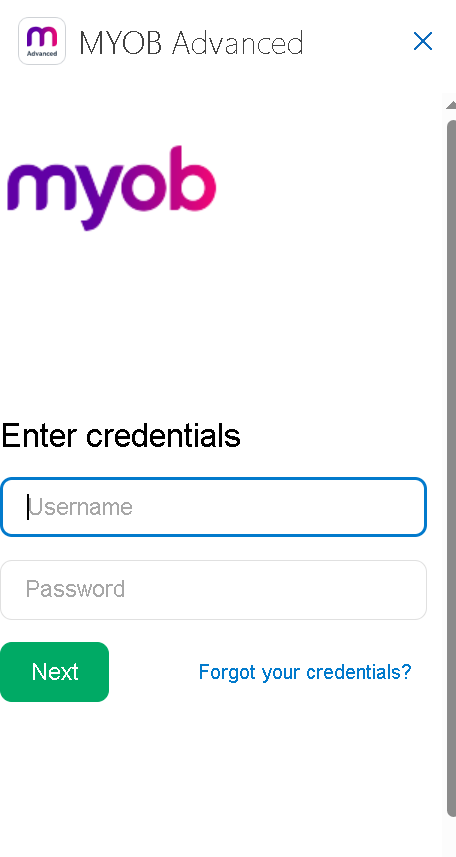
 

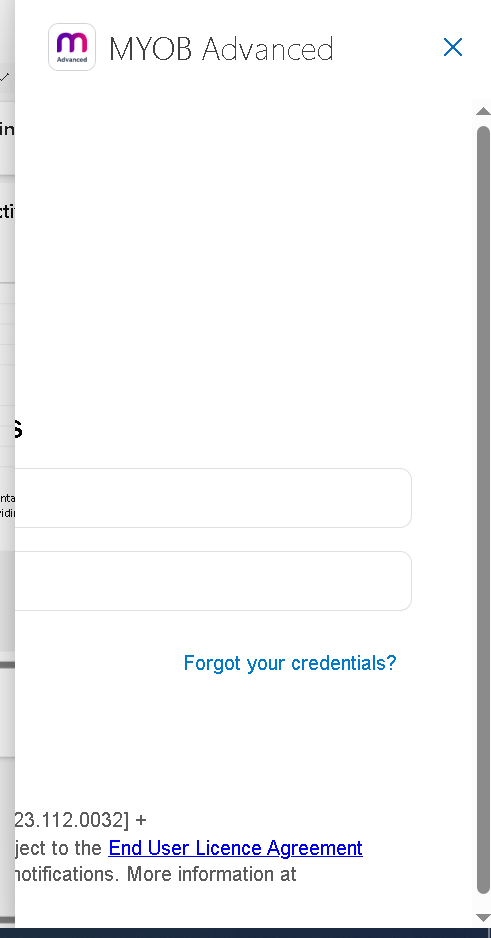
Also, Looks like, It doesn’t support new Outlook mode (Currently, Microsoft has replaced legacy Outlook) as the login window gets disappeared after entering credentials. Has anyone faced such issue?

 

Best answer by Ralph

It is shortlisted and the last update I can find says they are aiming for 2025. Here’s a link to that thread

https://community.acumatica.com/ideas/support%2Dsingle%2Dsign%2Don%2Dwith%2Doutlook%2Dadd%2Din%2D5695

5 replies

  • Jr Varsity I
  • Answer
  • August 9, 2024

It is shortlisted and the last update I can find says they are aiming for 2025. Here’s a link to that thread

https://community.acumatica.com/ideas/support%2Dsingle%2Dsign%2Don%2Dwith%2Doutlook%2Dadd%2Din%2D5695


Forum|alt.badge.img
  • Author
  • Freshman I
  • August 11, 2024

Hi @Ralph , That link is not working to me. Does it also mention about not supporting new Outlook mode ?


RaphaelPfaff12
Semi-Pro III

@abhishekkc here the post from @Doug Johnson 

Community Update: we are in the process of creating a specification but a specific release date is not yet available - our goal is 2025. 

Plan: Acumatica will silently log users into the Acumatica Outlook Add-in via SSO. For phase 1 we will link the email of the user’s Microsoft 365 account to the email in the Acumatica User Profile.

Feedback request: Please ‘like’ this reply if this solution works for you. If you prefer something different, then 'like' the post that immediately follows.


Glen Martin
Acumatica Moderator
Forum|alt.badge.img+1
  • Acumatica Moderator
  • December 11, 2024

Hi ​@abhishekkc,

Currently, Microsoft has replaced legacy Outlook

Please note that New Outlook is still a preview version, and not officially supported: https://learn.microsoft.com/en-us/microsoft-365-apps/outlook/get-started/deployment-new-outlook

If you wish to test the preview version of New Outlook, the workaround is posted here: 

If Option 1 does not resolve, for SaaS customer, please contact Acumatica support for the web.config change in Option 2.


Glen Martin
Acumatica Moderator
Forum|alt.badge.img+1
  • Acumatica Moderator
  • July 15, 2025

The new version of the Outlook integration now supports SSO through OpenID Connect with Acumatica native users: 

New idea to specifically support Entra ID (FKA Azure Active Directory) SSO with the Outlook integration: