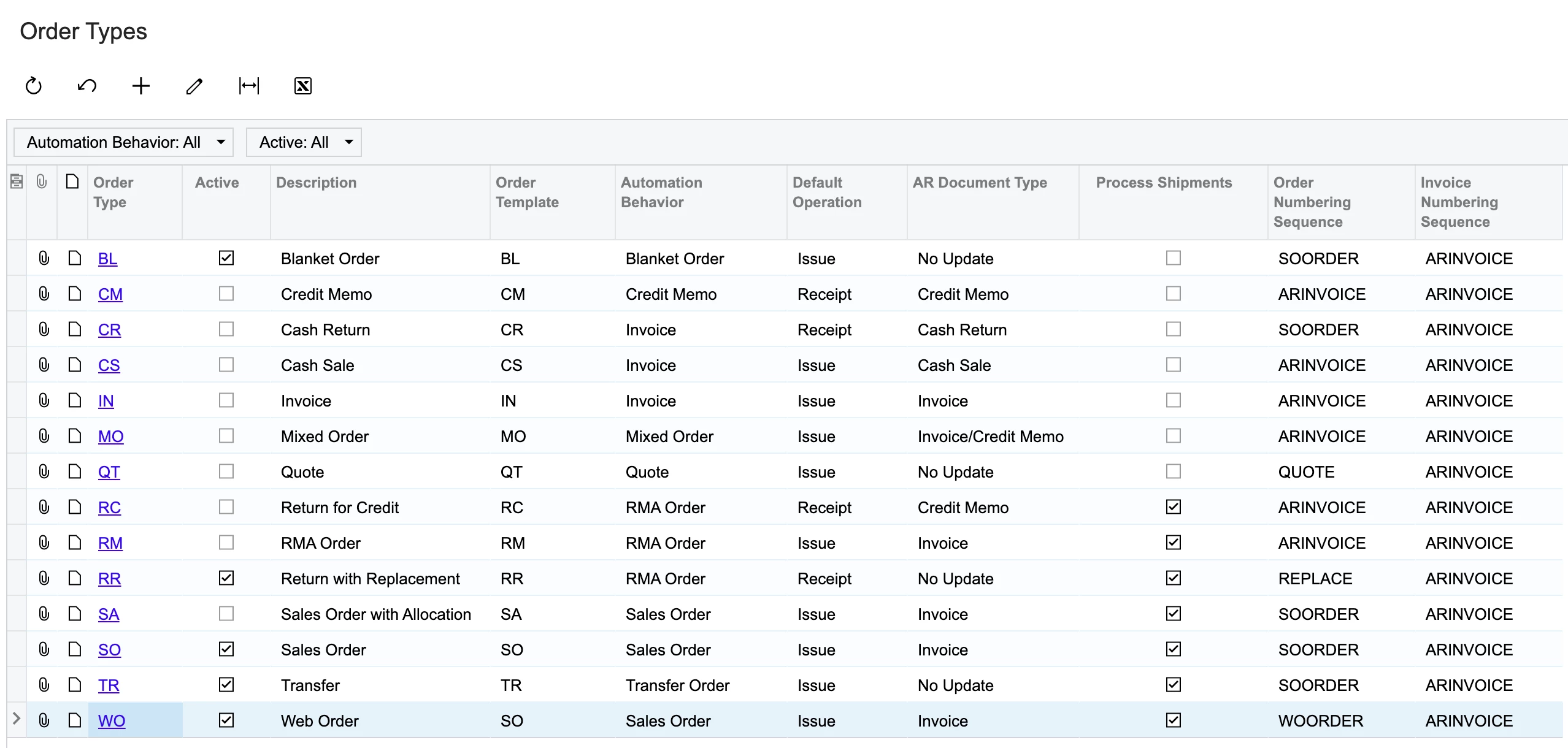
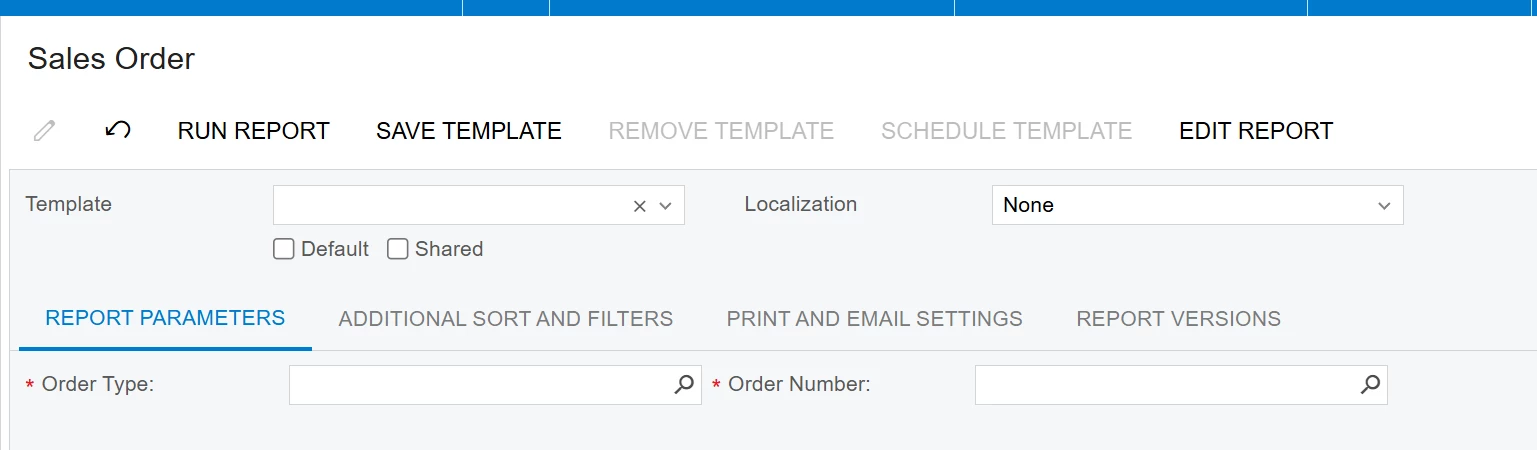
Hi all, we recently added a new order type because we changed e-commerce platforms. Previously, our web orders were prefixed with “SO” like our normal phone orders. With our new ecom orders, we created a new “WO” order type so we could reset the numbering sequence, and also to differentiate from our regular SO orders.
The issue -- when we go to choose a web order from the Package Label report (ScreenId=AM625006)
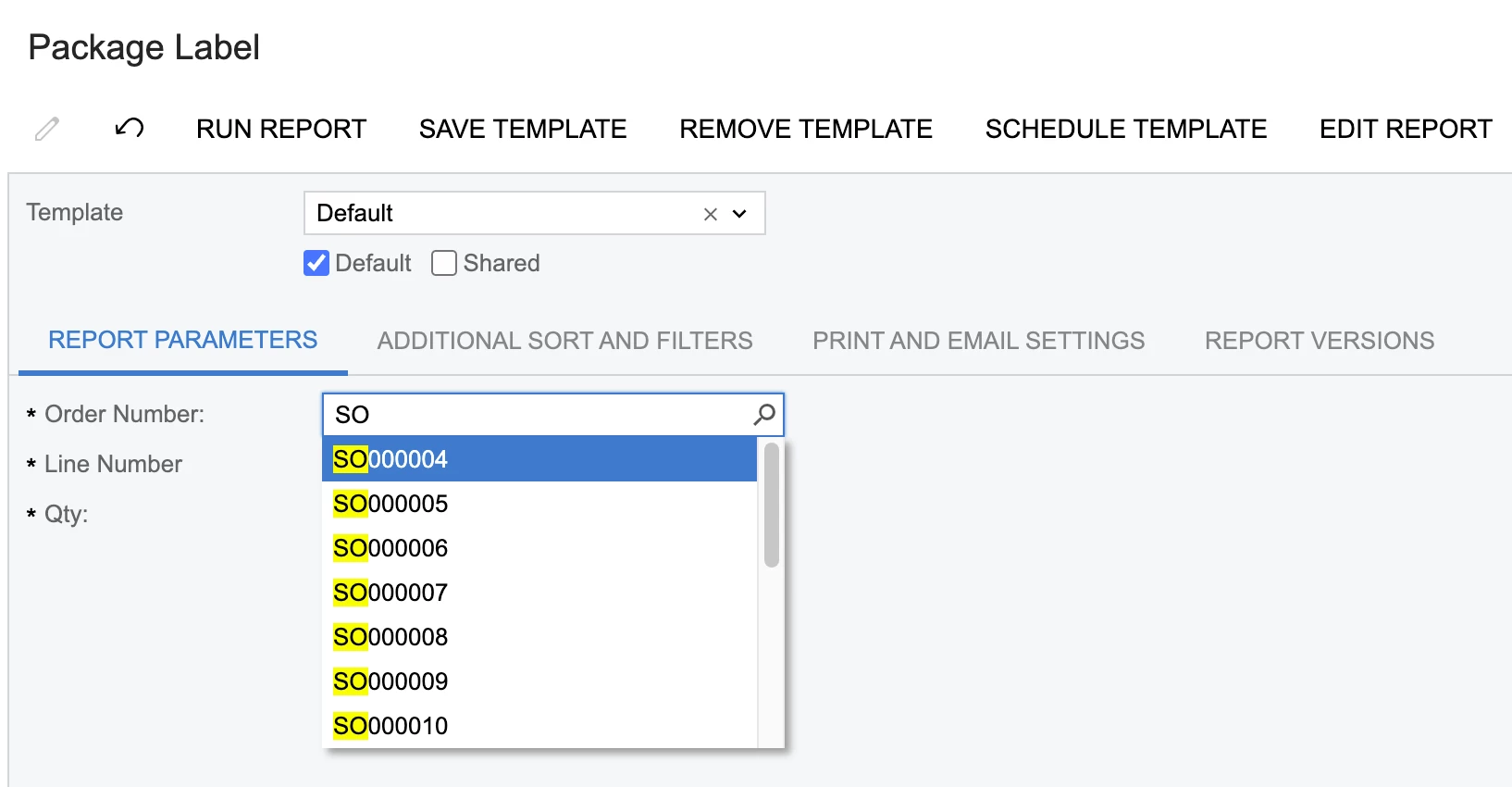
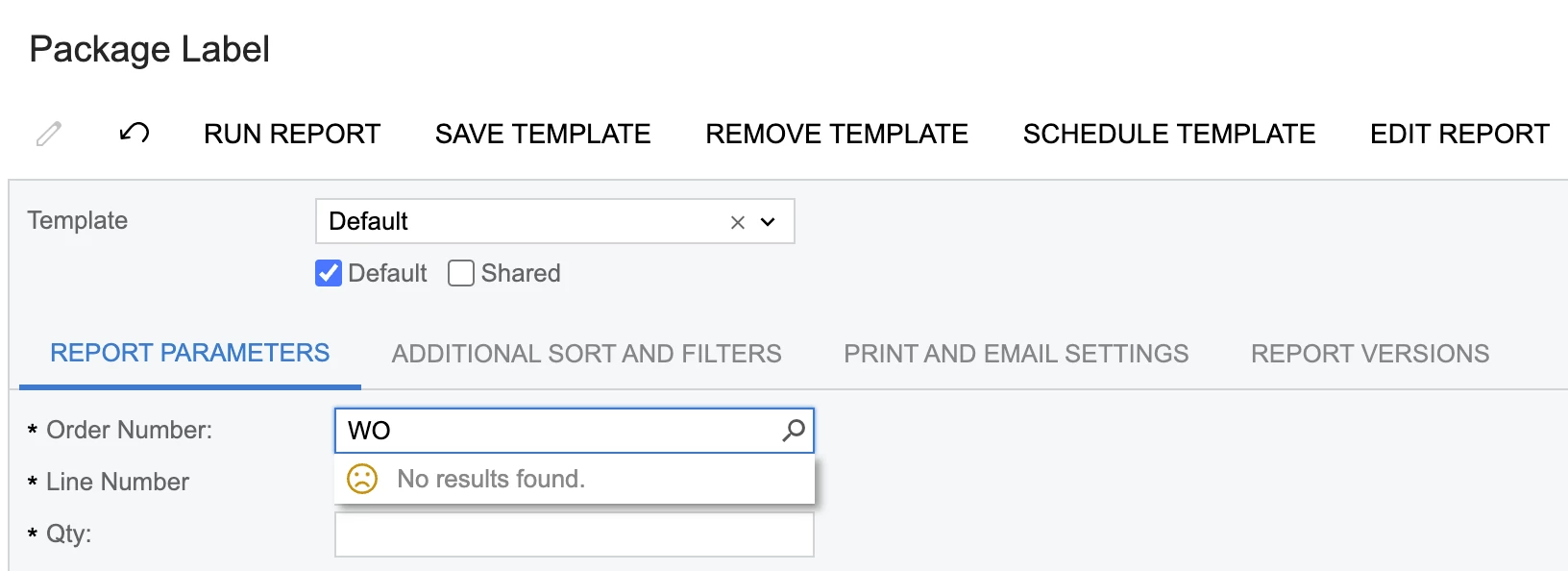
When I type “SO” into the search field, I see all available SO orders… when I type in WO, it shows no results. HOWEVER -- if I type in the exact WO order number, I can print the associated… it’s just that it doesn’t show in the search results. Any thoughts/ideas?
Best answer by meganfriesen37
Hi,
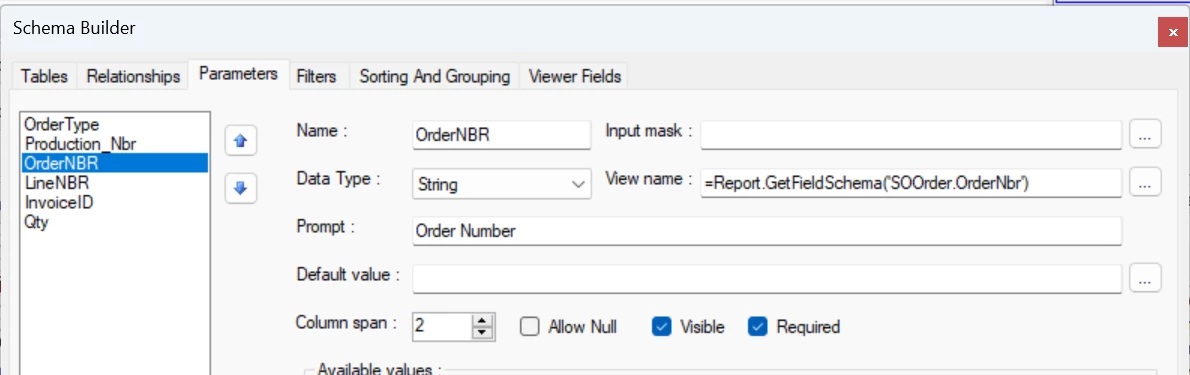
It looks like your report does have the OrderType field in the report but it’s not printing or being used anywhere? I’d try updating your Order Type and OrderNBR parameters to match what is in the stock SO reports to see if that works. Based on what I’m seeing on the OrderNBR parameter, I’m not seeing a reason it should be filtered.
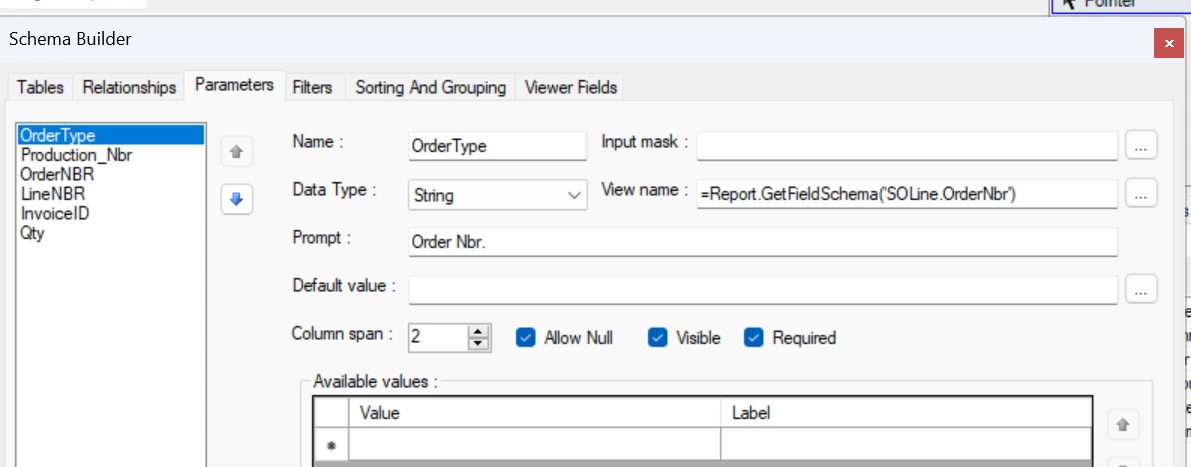
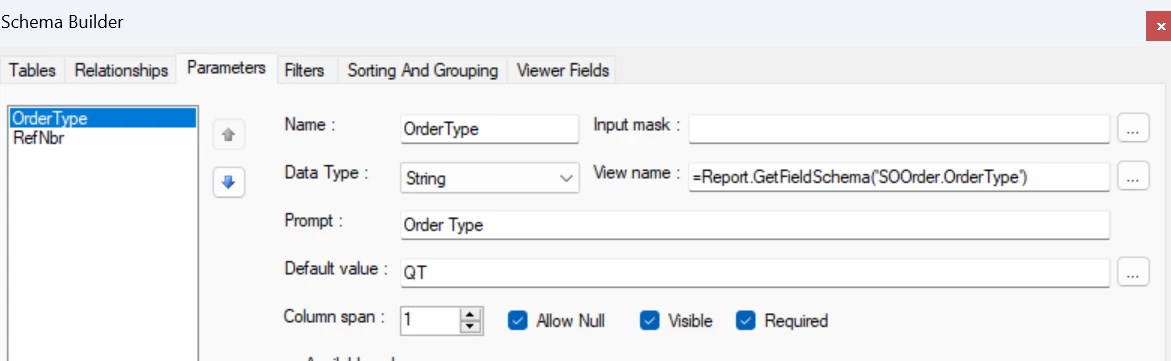
Your report - Order Type (though it looks like this might be a duplicate of the Order Nbr one - it’s generally better to get the field schema from the header tables (i.e. SOOrder) than the detail lines (SOLine).
From the Stock Sales Order report:
OrderNbr (Your report)
Stock Report: (The highlighted part is saying look for the order numbers based on the OrderType parameter.
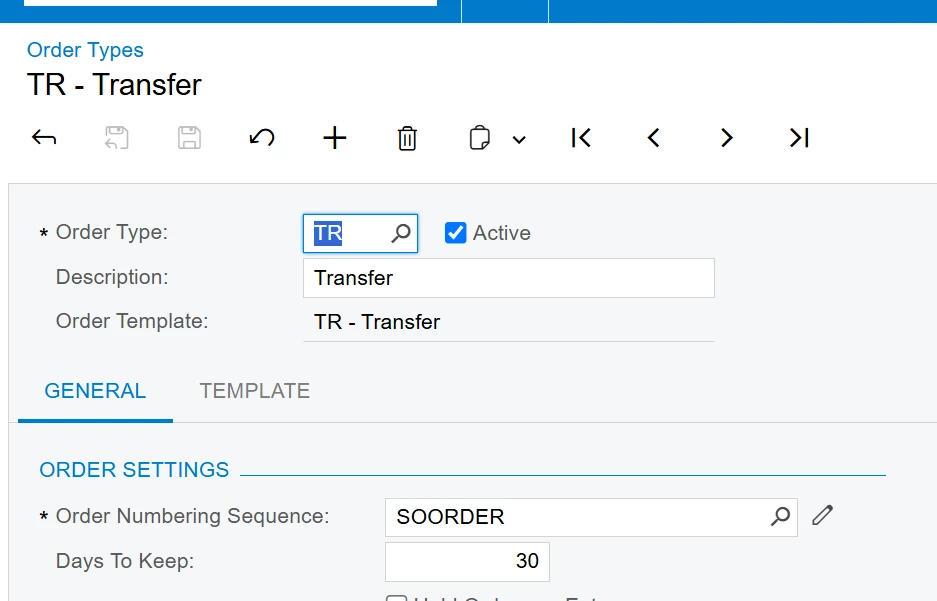
For the Order Nbr value in Acumatica, are you expecting the Order Nbr to start with WO instead of SO? If so, that is managed through the numbering sequences set on each of the order types.
The Package Label report looks to be a custom report, as I don’t have it in my demo environment. Some of the reports require the order type and then the list of available order numbers are automatically filtered to match. Is it possible that there is some hard coded filtering into the report? So that could be an option to update your report to filter that way. I.e. printing the Sales Order, it looks first at the Order Type and then the Order Nbr field is filtered.
For the Order Nbr value in Acumatica, are you expecting the Order Nbr to start with WO instead of SO? If so, that is managed through the numbering sequences set on each of the order types.
The Package Label report looks to be a custom report, as I don’t have it in my demo environment. Some of the reports require the order type and then the list of available order numbers are automatically filtered to match. Is it possible that there is some hard coded filtering into the report? So that could be an option to update your report to filter that way. I.e. printing the Sales Order, it looks first at the Order Type and then the Order Nbr field is filtered.
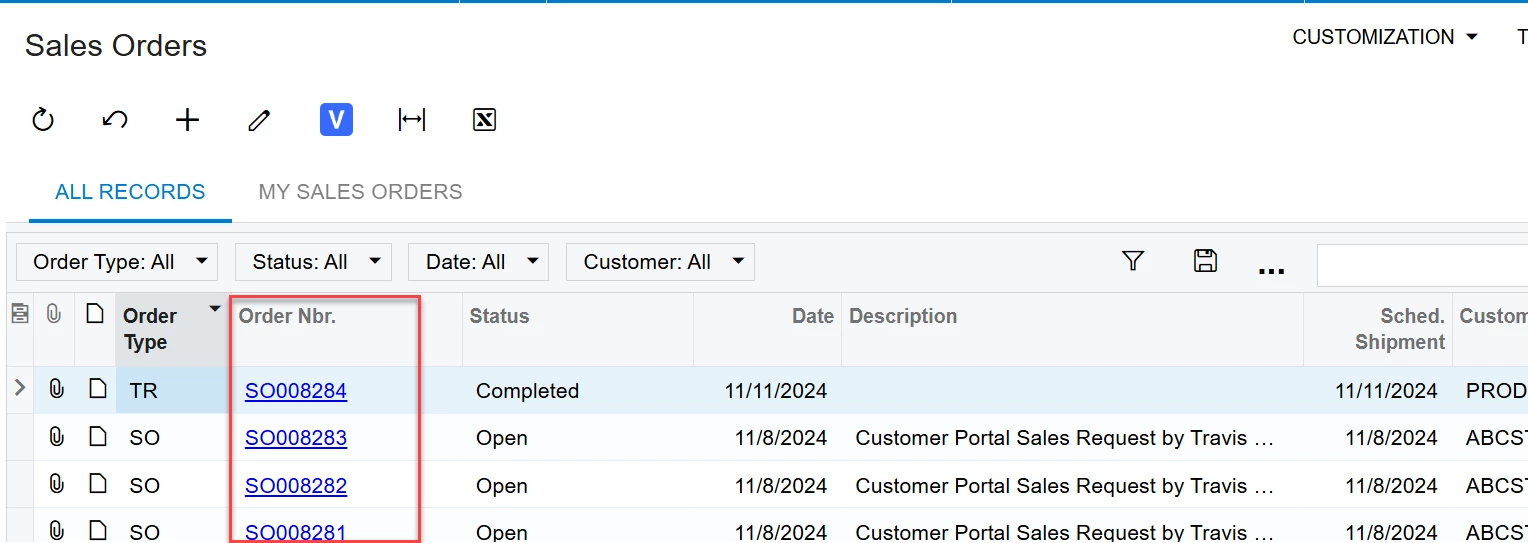
Yes, our WO orders sequence correctly and show up just fine in our sales orders pl… it’s just that they don’t show up in the search field in the package label report.
I looked at the schema/filtering and don’t see anything unusual, but I’m new to all of this!
It looks like your report does have the OrderType field in the report but it’s not printing or being used anywhere? I’d try updating your Order Type and OrderNBR parameters to match what is in the stock SO reports to see if that works. Based on what I’m seeing on the OrderNBR parameter, I’m not seeing a reason it should be filtered.
Your report - Order Type (though it looks like this might be a duplicate of the Order Nbr one - it’s generally better to get the field schema from the header tables (i.e. SOOrder) than the detail lines (SOLine).
From the Stock Sales Order report:
OrderNbr (Your report)
Stock Report: (The highlighted part is saying look for the order numbers based on the OrderType parameter.
It looks like your report does have the OrderType field in the report but it’s not printing or being used anywhere? I’d try updating your Order Type and OrderNBR parameters to match what is in the stock SO reports to see if that works. Based on what I’m seeing on the OrderNBR parameter, I’m not seeing a reason it should be filtered.
Your report - Order Type (though it looks like this might be a duplicate of the Order Nbr one - it’s generally better to get the field schema from the header tables (i.e. SOOrder) than the detail lines (SOLine).
From the Stock Sales Order report:
OrderNbr (Your report)
Stock Report: (The highlighted part is saying look for the order numbers based on the OrderType parameter.
It’s confusing -- my predecessor wrote this and I’m trying to untangle what he did.
I’ve tried a few different methods, but I’m still only able to see SO prefixed orders in the search results… WO will not appear. And you’re right, it doesn’t appear to be filtering to only show SO orders.
And of course the main office just lost power 😂 (I’m remote) so I just lost access to remote desktop. Maybe I will start Thanksgiving early today. Thank you for your help, it’s appreciated! 😁