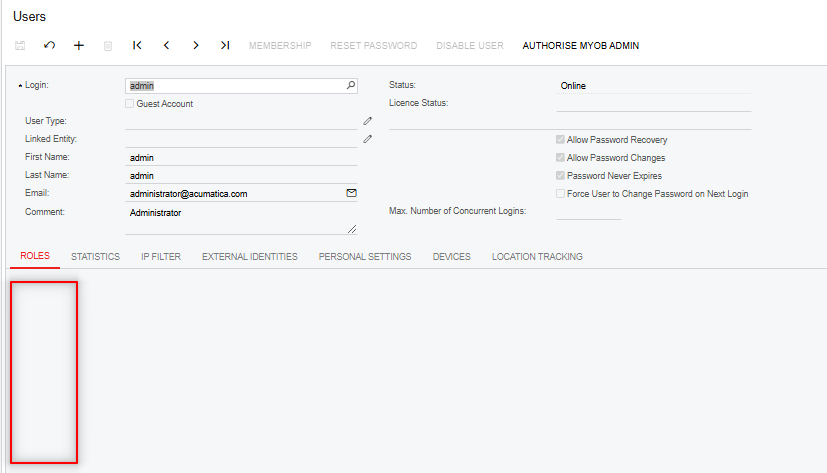
I noticed that one of the automations scheduled to release Purchase Receipts is unable the process the releases as the financial period was closed. I tried to tick the “Financial Supervisor” role for the Acumatica admin user to allow the automation to process the Purchase Receipts even when a financial period is closed. However, when I selected admin under the Users screen, I realised that the Roles are not accessible:
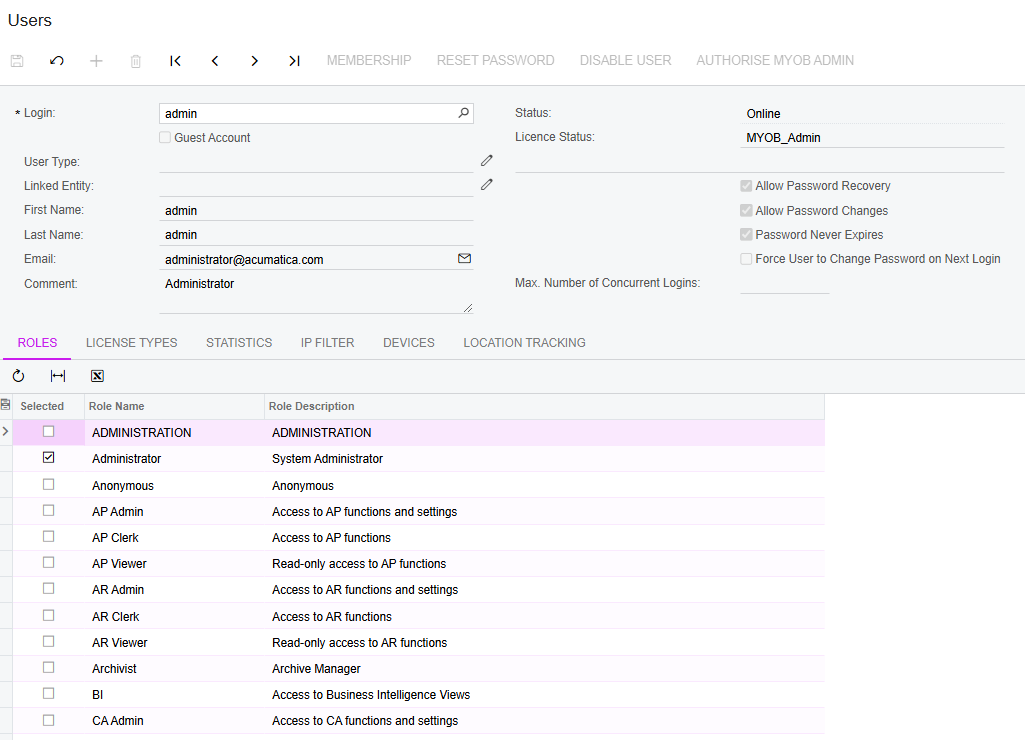
I checked another site and it is allowing modification of the Roles for this user:
I am wondering if I don’t have rights and how can I get access to modify the system admin role.
Best answer by Ola Ayanlaja
Hi @SamMemar posting into closed periods is an exceptional situation and a real user with appropriate privileges should decide, not a scheduler. If the client believes he should have this functionality - then Financial Supervisor role has to be added to the administrative roles list, see https://help.acumatica.com/Help?ScreenId=ShowWiki&pageid=c51d3a6c-7a9e-4302-bb0a-3b70d894ab76. A parameter in web.config defines the list, not roles assigned to admin user. If Financial team thinks it will be useful for multiple clients - I would recommend to implement a GL Preferences option 'Allow posting to closed financial periods by a schedule'
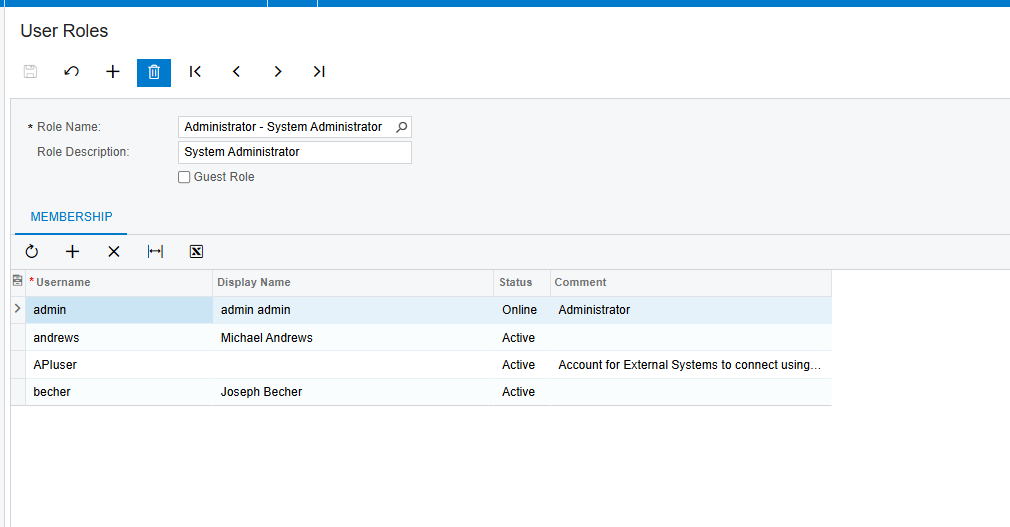
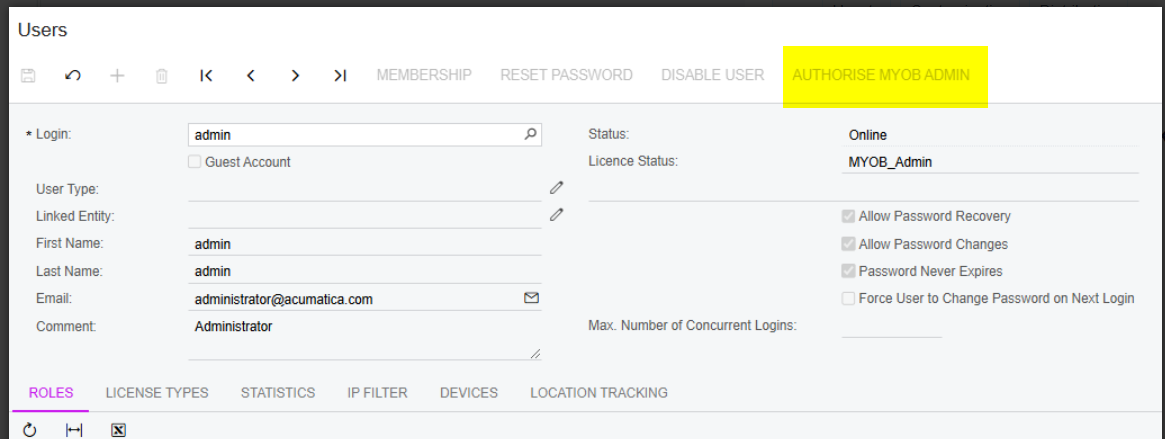
Thank you for the tip. I checked the User Roles screen and noticed the admin username is not listed there. I tried to add it but it is not available to select. I clicked on the AUTHORIZE MYOB ADMIN and waiting if that would resolve the issue. When I checked the User Roles of the Administrator role of the other site where I have access to the Roles, I can’t see admin listed either. Therefore, not sure if having it there would resolve the issue.
Hi @SamMemar posting into closed periods is an exceptional situation and a real user with appropriate privileges should decide, not a scheduler. If the client believes he should have this functionality - then Financial Supervisor role has to be added to the administrative roles list, see https://help.acumatica.com/Help?ScreenId=ShowWiki&pageid=c51d3a6c-7a9e-4302-bb0a-3b70d894ab76. A parameter in web.config defines the list, not roles assigned to admin user. If Financial team thinks it will be useful for multiple clients - I would recommend to implement a GL Preferences option 'Allow posting to closed financial periods by a schedule'