Answer

Modern Customer Portal 25R2

  • October 14, 2025
  • 7 replies
  • 109 views

Colin MacMillan
Jr Varsity II
Forum|alt.badge.img+1

Hello,

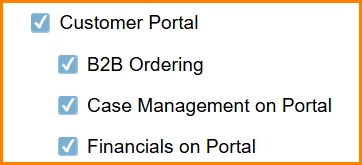
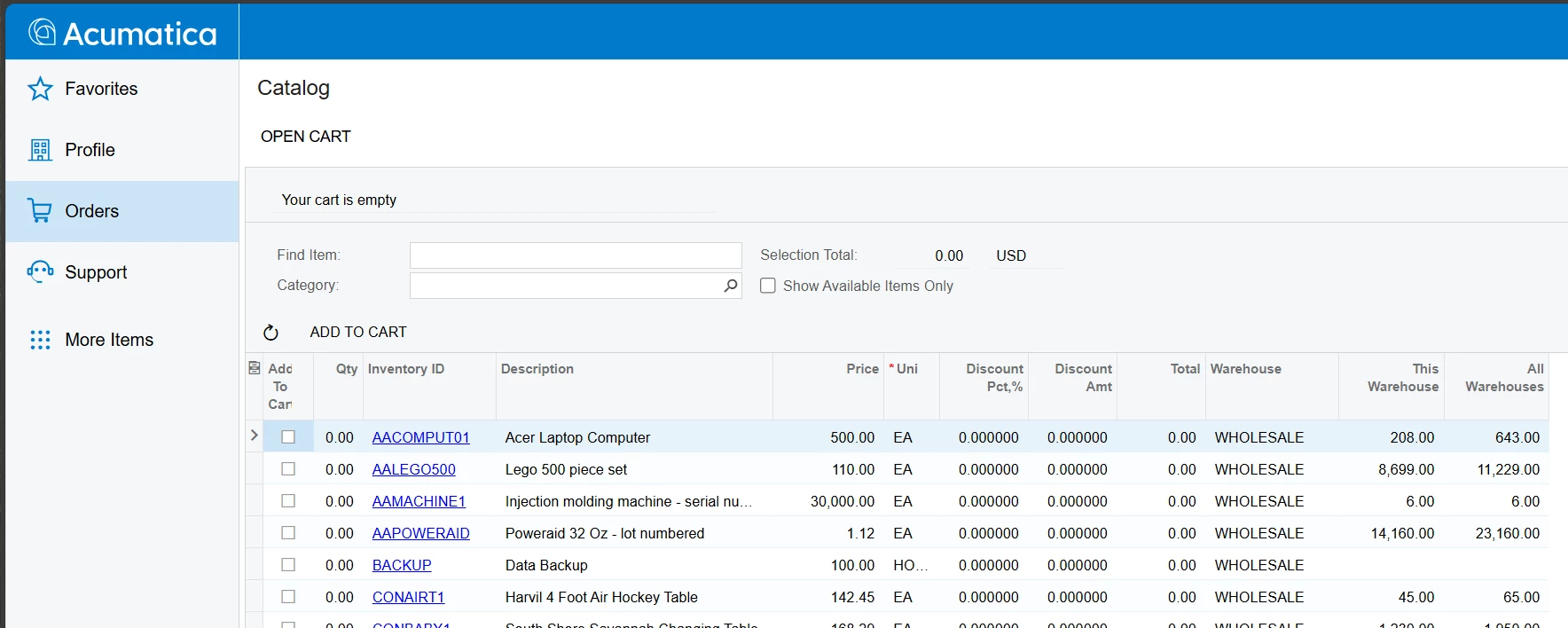
I’ve enabled the new Modern Customer Portal but when I log in as admin or a Customer Contact with user and roles assigned nothing displayed.

The Portals record has been configured.

Anyone have ideas on what could be the issue?  I’ve tried with the classic Portal Enabled and Disabled and nothing changes.
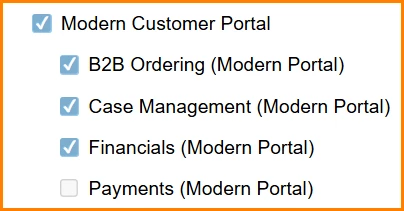
Tried with classic on/off.
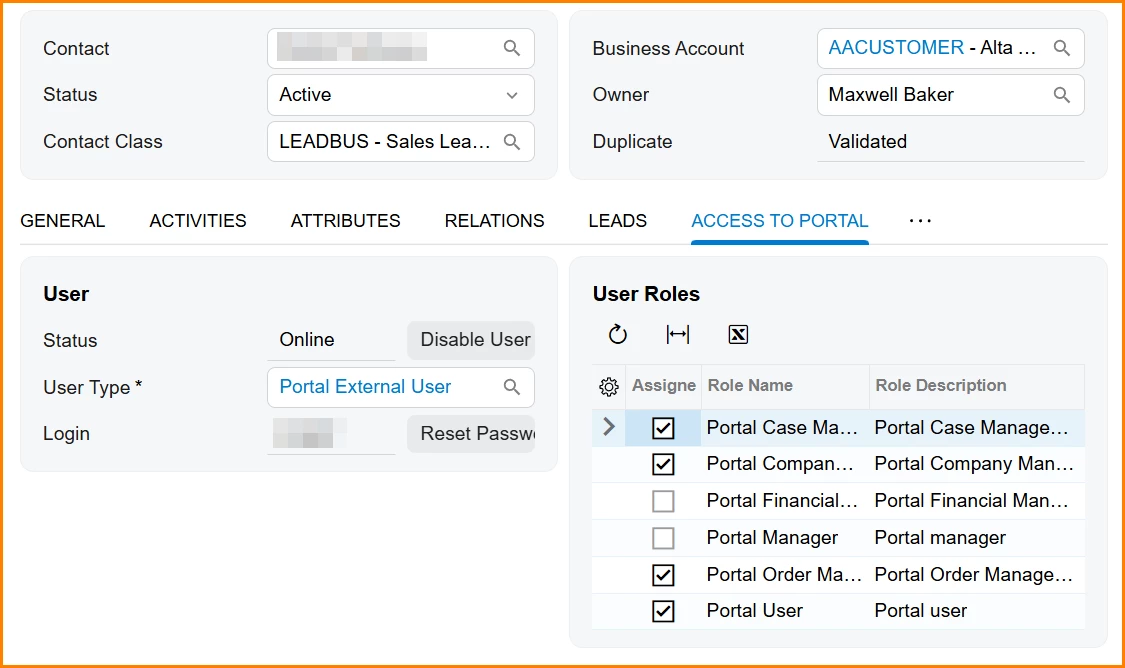
Various roles tested also, all on/off, etc.
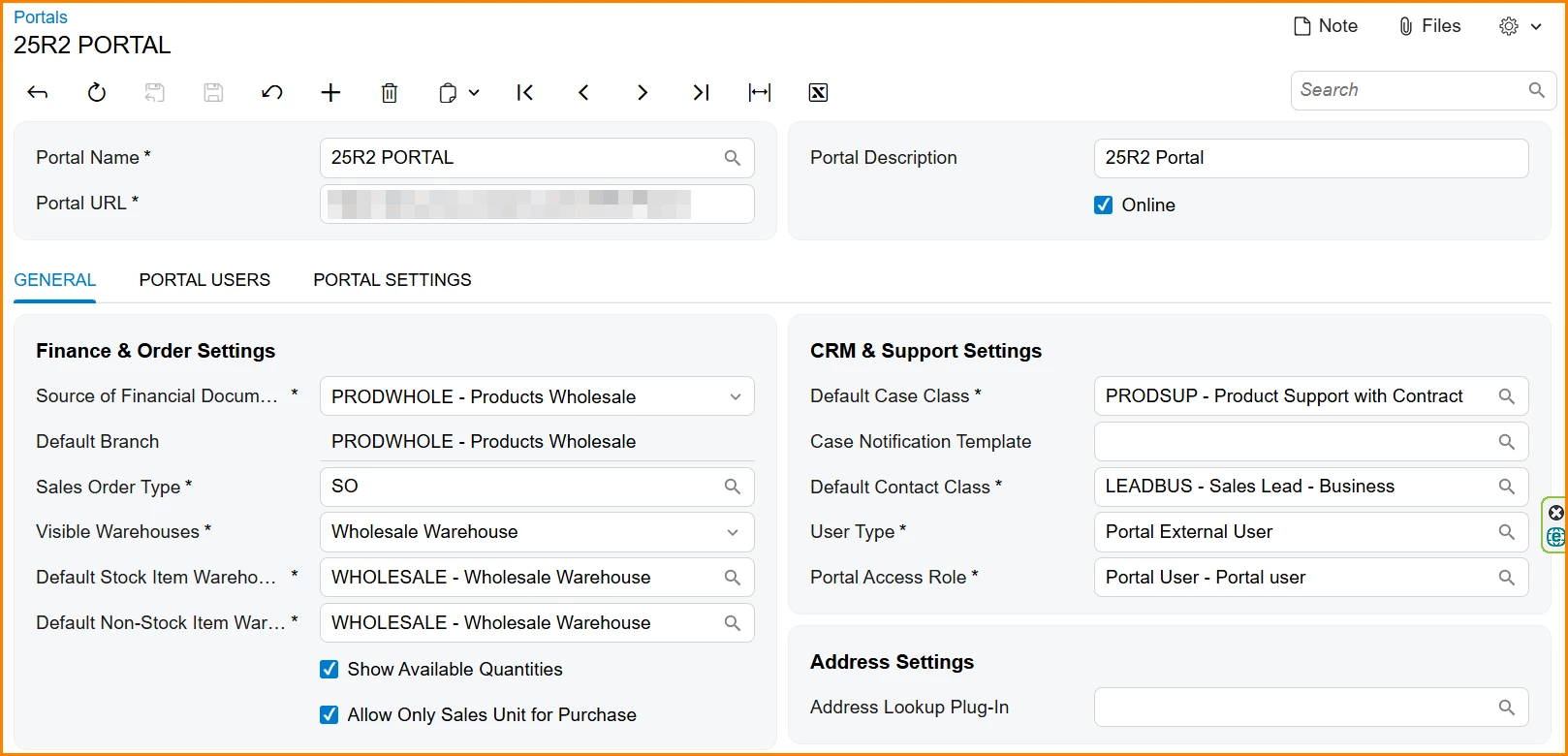
Portal configured.
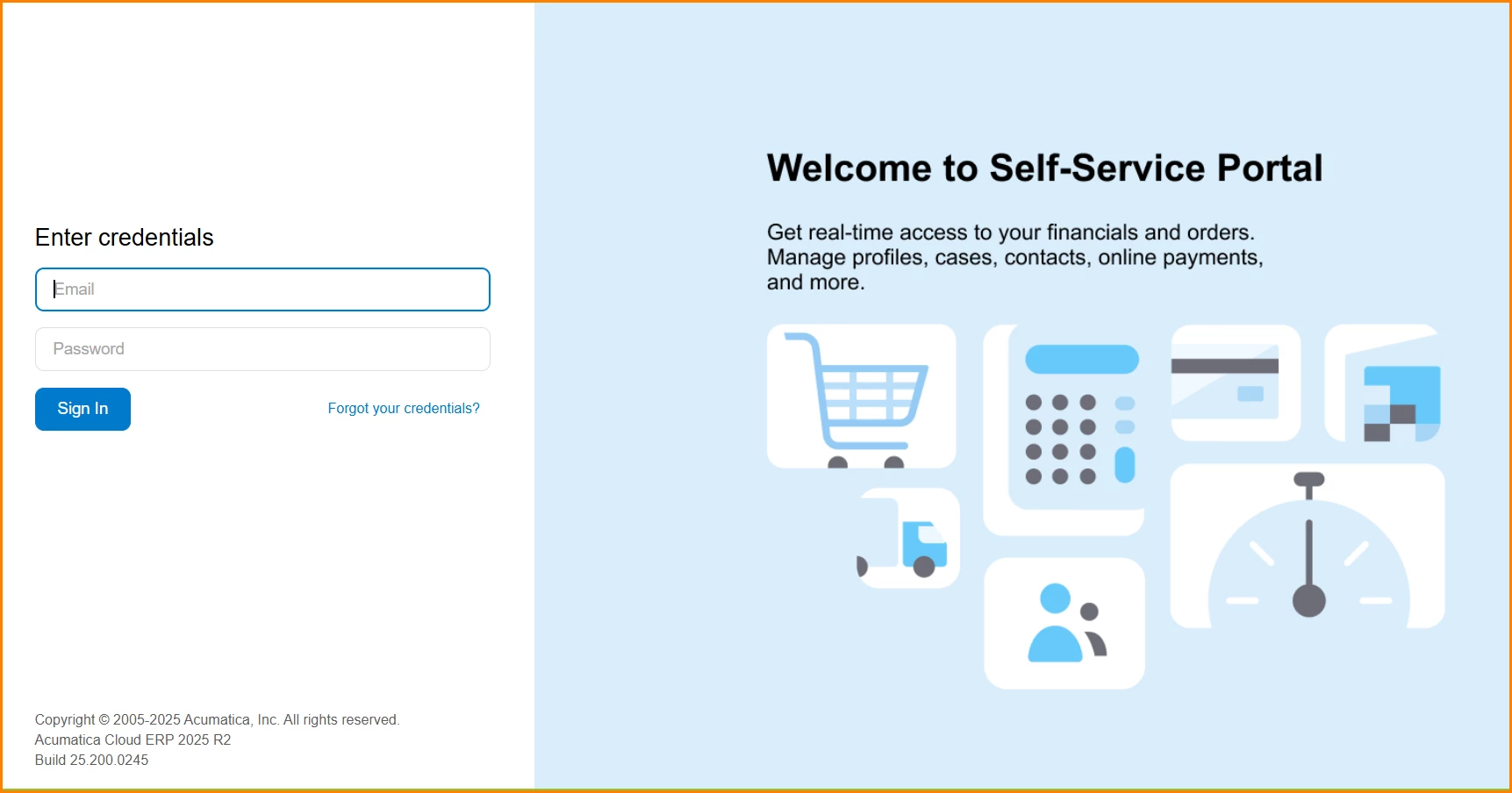
New home page displays.
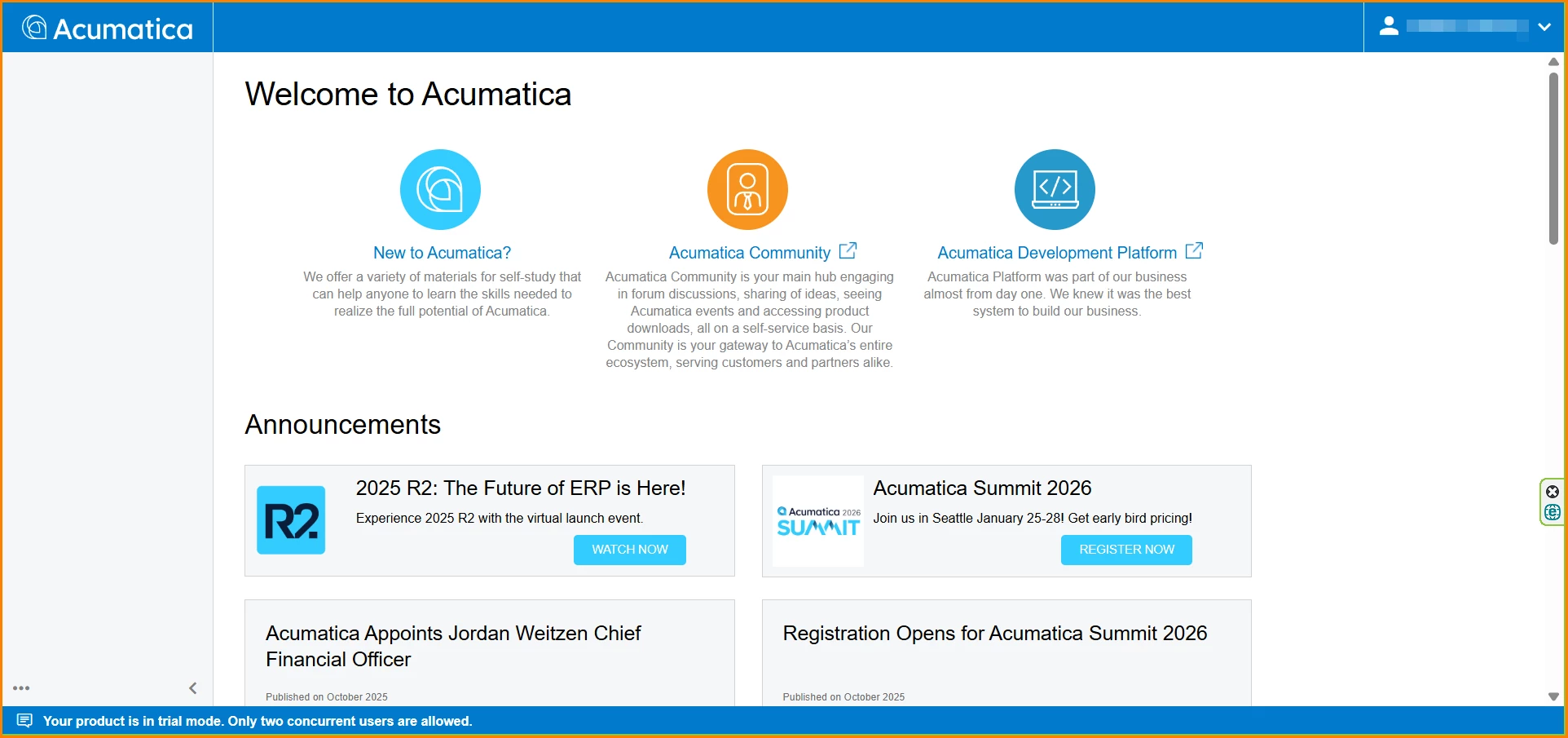
Nothing on home page of portal when logged in with admin or Customer Contact.

 

Best answer by pallikasharma11

Hello ​@Colin MacMillan 

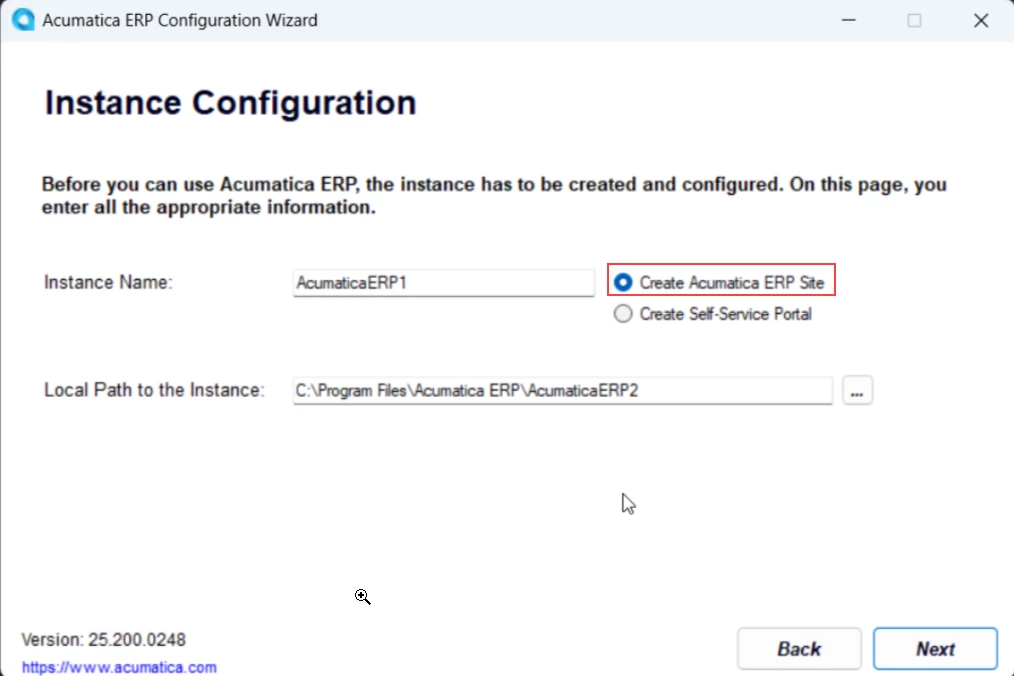
The EnableGuesAccess being true is only set up if ‘Create Self service portal’ is enabled when deploying instance

Could you try re deploying the instance and make sure ‘Create Acumatica ERP site’ default toggle is the one that is selected


7 replies

chrisj58
Freshman II
Forum|alt.badge.img
  • Freshman II
  • October 14, 2025

@Colin MacMillan running into the same issue! I’m unable to see any workspaces in the modern customer portal when logged in as an admin or as a contact. I’ll post something if I figure out the problem.


  • Freshman I
  • October 18, 2025

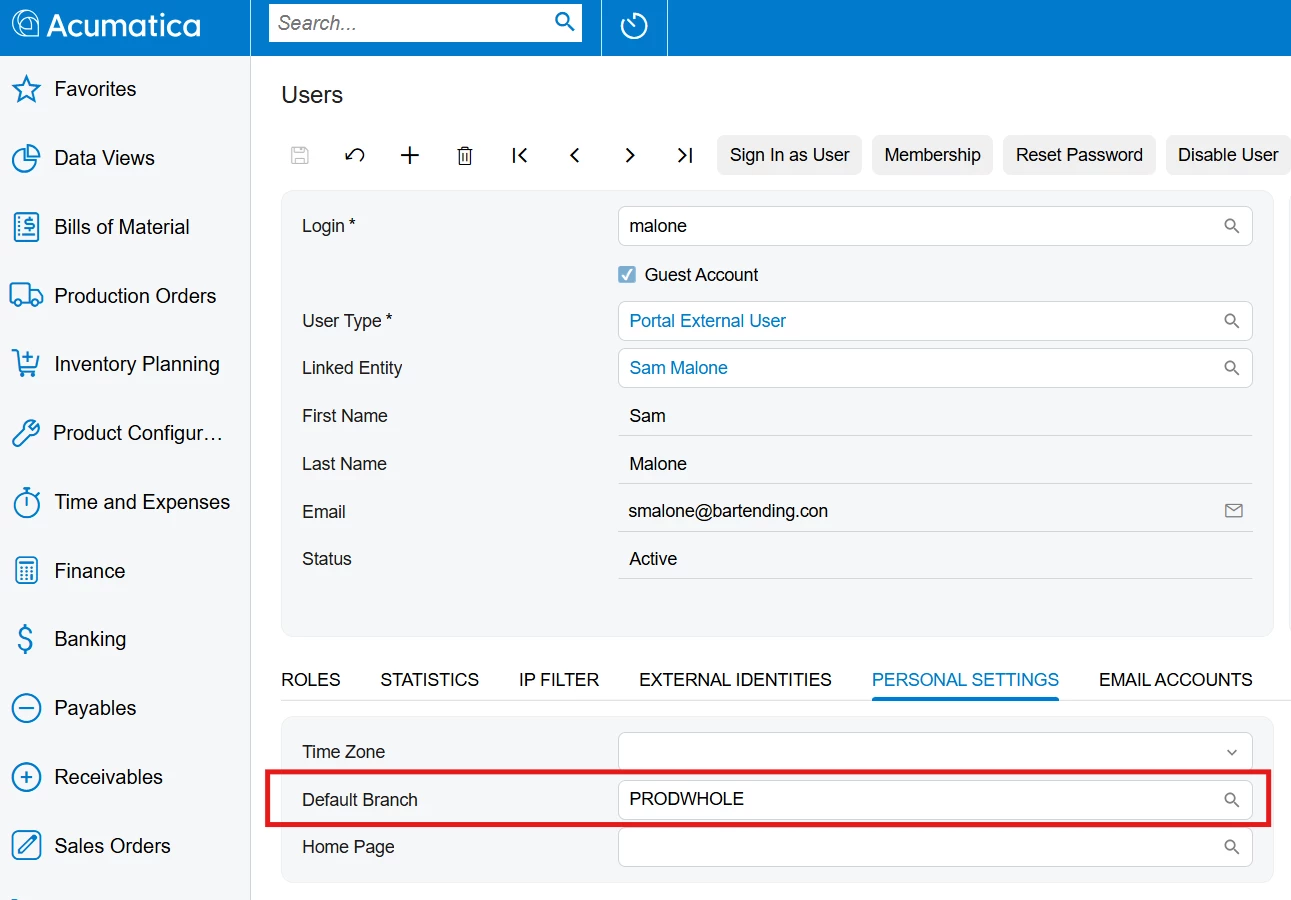
FYI: I got the menu showing in my Sales Demo by setting the user’s default branch.

But still getting the Classic UI pages and some permissions errors.


  • Freshman I
  • October 18, 2025

Sorry spoke too soon, it was a page cache still allowing the workspace to show.


Forum|alt.badge.img+2

Hello ​@Colin MacMillan 


Deploy Modern Portal Instance (not as self service portal)


Run Acumatica ERP Configuration Wizard.

Select “Deploy New Instance”.

Point to existing ERP database.

Use a unique virtual directory/website name.


NOTE- Do not toggle the Create Acumatica ERP site. (for a modern portal it needs to be an ERP instance)


Configure Guest Access


Open web.config in the new portal root directory.


Locate the following line: 

<add name="PXActiveDirectorySyncMembershipProvider" ...>


Add attribute: enableGuestAccess="true“


Configure the Portal in the ERP


Now that the portal instance is deployed and guest access is enabled, go to your main ERP instance.

Check Enable/Disable Features (CS100000) and ensure the Modern Portal features are enabled.

Open the Portals (SP701000) screen.

Click + to create a new portal configuration.

Fill in the required fields.


Colin MacMillan
Jr Varsity II
Forum|alt.badge.img+1
  • Author
  • Jr Varsity II
  • October 21, 2025

Hello ​@Colin MacMillan 


Deploy Modern Portal Instance (not as self service portal)


Run Acumatica ERP Configuration Wizard.

Select “Deploy New Instance”.

Point to existing ERP database.

Use a unique virtual directory/website name.


NOTE- Do not toggle the Create Acumatica ERP site. (for a modern portal it needs to be an ERP instance)


Configure Guest Access


Open web.config in the new portal root directory.


Locate the following line: 

<add name="PXActiveDirectorySyncMembershipProvider" ...>


Add attribute: enableGuestAccess="true“


Configure the Portal in the ERP


Now that the portal instance is deployed and guest access is enabled, go to your main ERP instance.

Check Enable/Disable Features (CS100000) and ensure the Modern Portal features are enabled.

Open the Portals (SP701000) screen.

Click + to create a new portal configuration.

Fill in the required fields.


Hello ​@pallikasharma11,

I tried all of these steps.  I deleted everything and started again, but still the same problem.  The enableGuestAccess="true“ was already set in web.config.
Any other suggestions?


Forum|alt.badge.img+2
  • Acumatica Employee
  • Answer
  • October 21, 2025

Hello ​@Colin MacMillan 

The EnableGuesAccess being true is only set up if ‘Create Self service portal’ is enabled when deploying instance

Could you try re deploying the instance and make sure ‘Create Acumatica ERP site’ default toggle is the one that is selected


Colin MacMillan
Jr Varsity II
Forum|alt.badge.img+1
  • Author
  • Jr Varsity II
  • October 21, 2025

@pallikasharma11 , thank you.  Yes this is now working after installing a normal Site instead of the Portal Site.
I appreciate your help.