Hi @SethB,
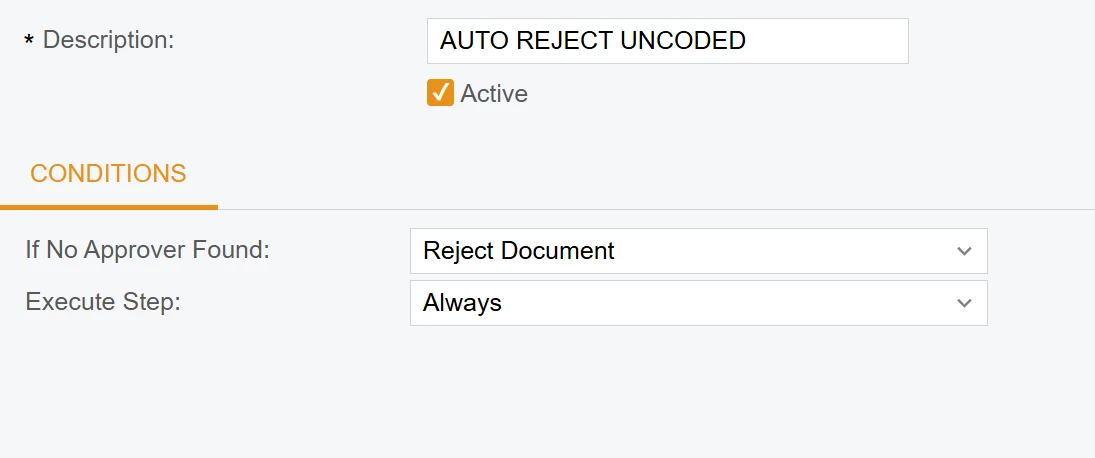
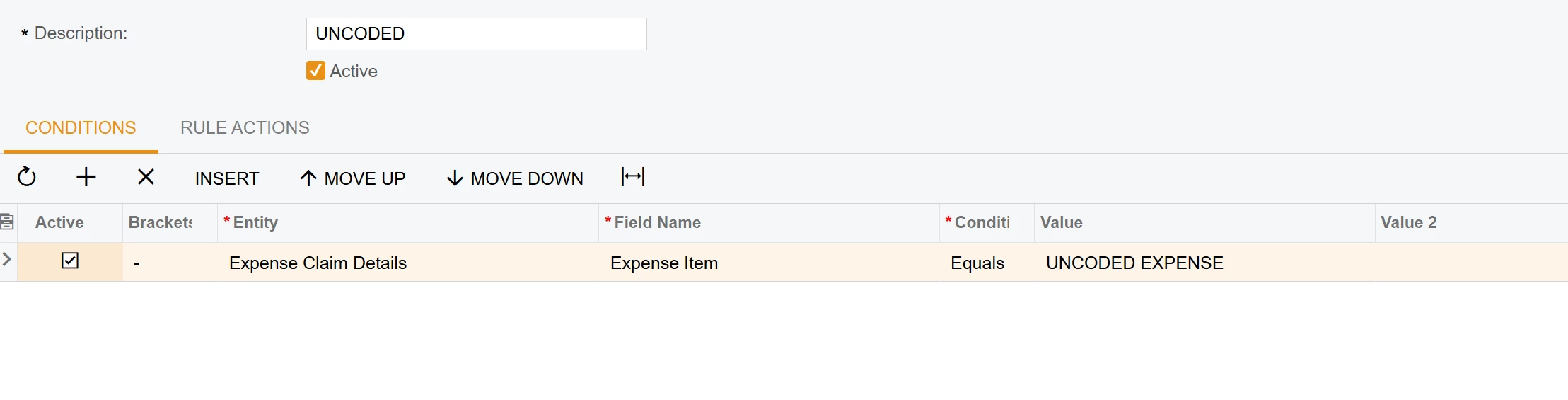
The reason your current setup rejects every claim is that the Approval Map operates only at the Header level (EPExpenseClaim) and cannot natively "loop" through the lines to check for a specific Item ID. To fix this, you need to push a flag from the lines to the header.
1. Create a Custom Header Field
In your Customization Project, add a new field to the EPExpenseClaim (Header) entity:
- Field Name:
UsrHasUncodedItems - Data Type:
bool (Checkbox) - DisplayName:
Has Uncoded Items
2. Add Business Logic (Code)
Add the following logic to your ExpenseClaimEntry graph extension. This will automatically toggle the header checkbox if at least one line contains the "UNCODED" item:
csharp
protected void _(Events.RowSelected<EPExpenseClaim> e)
{
    if (e.Row == null) return;

// Check if any receipt in the claim has the UNCODED item
    bool hasUncoded = Base.ExpenseDetails.Select().Any(res => {
        InventoryItem item = PXSelectorAttribute.Select<EPExpenseReceipt.inventoryID>(
            Base.ExpenseDetails.Cache, res.GetItem<EPExpenseReceipt>()) as InventoryItem;
        return item?.InventoryCD?.Trim() == "UNCODED";
    });

// Update the custom header field
    e.Cache.SetValue<EPExpenseClaimExt.usrHasUncodedItems>(e.Row, hasUncoded);
}
Используйте код с осторожностью.
3. Update your Approval Map
- Open your Approval Map (EP205000).
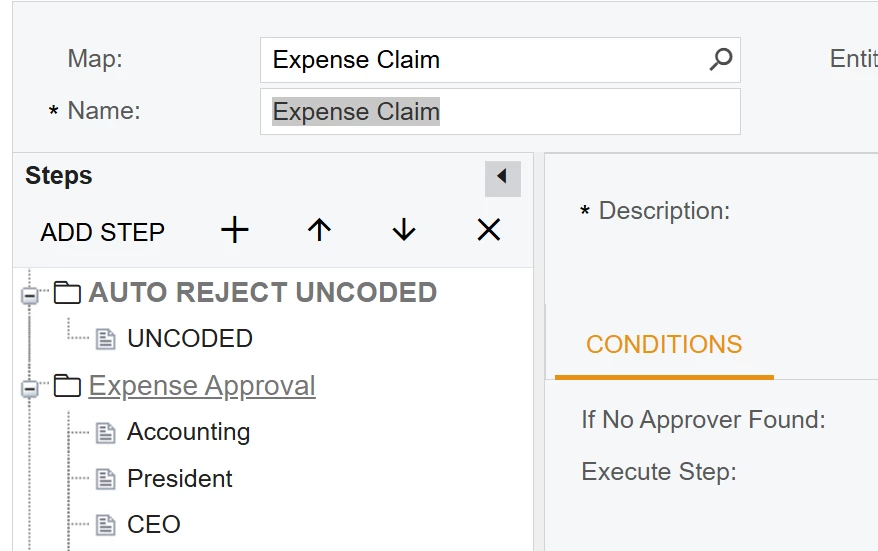
- Create a New Step and move it to the very top (Step 1).
- Conditions Tab:
Entity: Expense ClaimField: UsrHasUncodedItems (your new field)Condition: EqualsValue: Checked
- Rule Actions Tab:
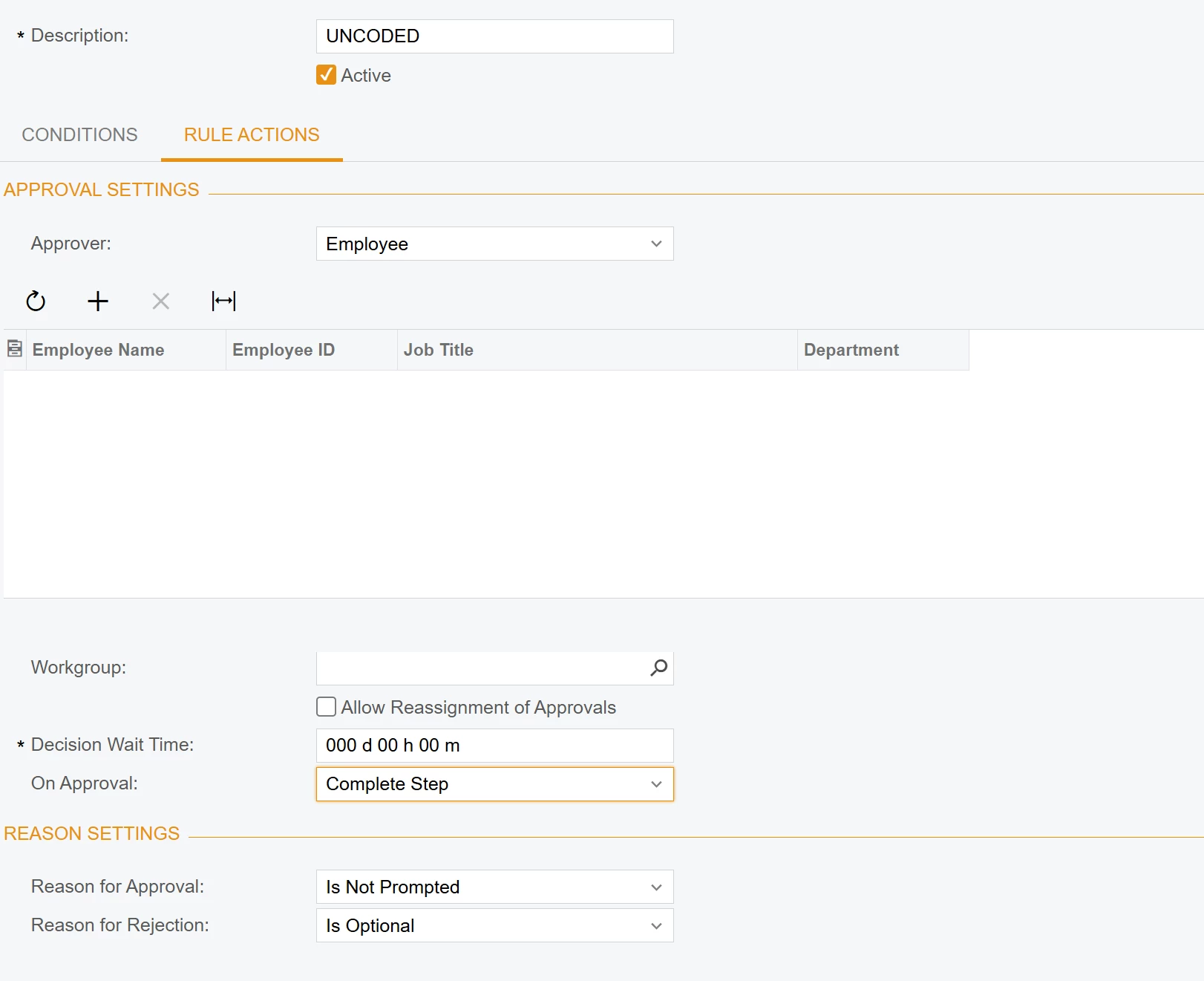
- Action: Reject
- Reason: "Claim contains UNCODED items. Please recode them before submitting."