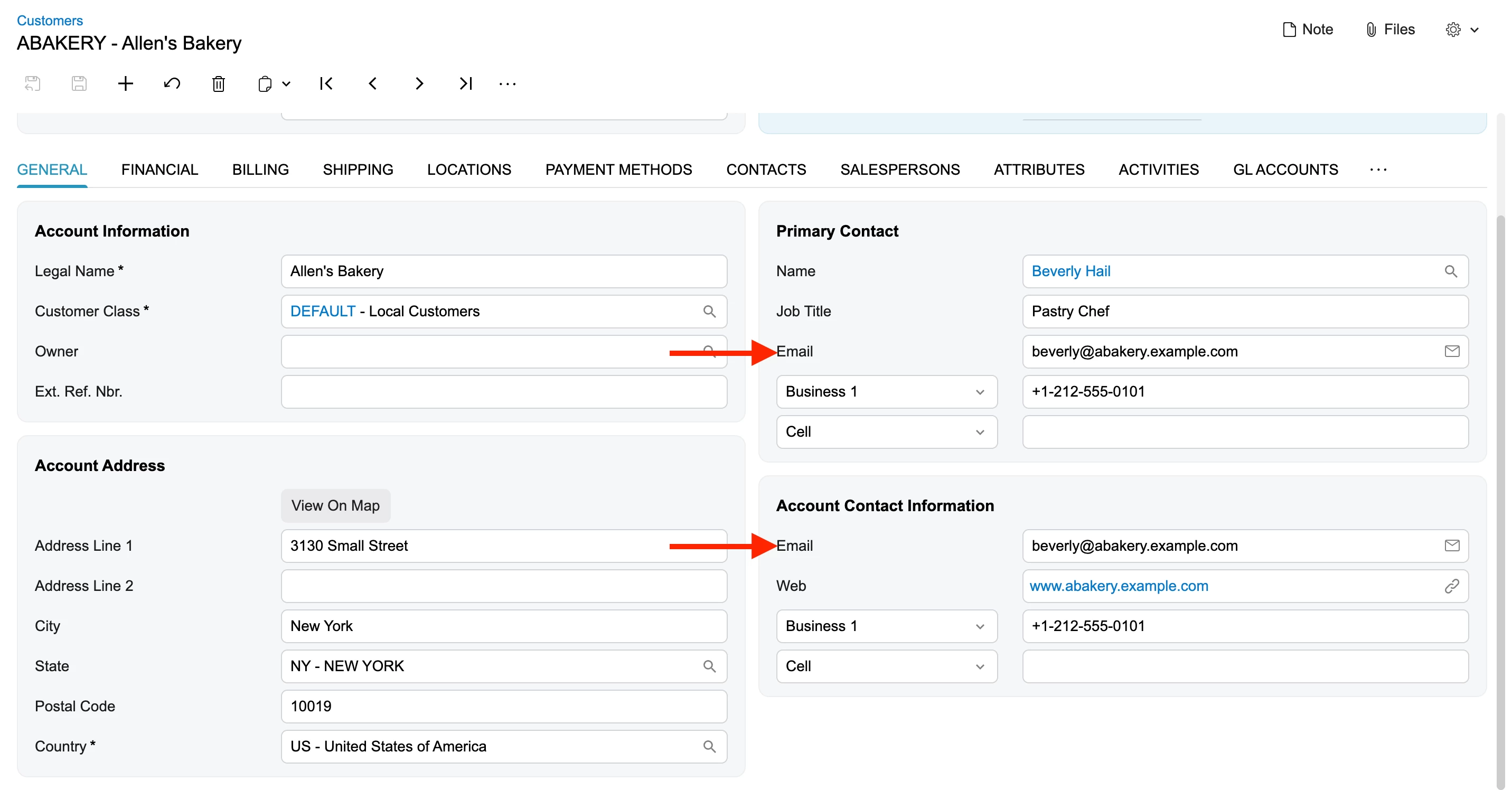
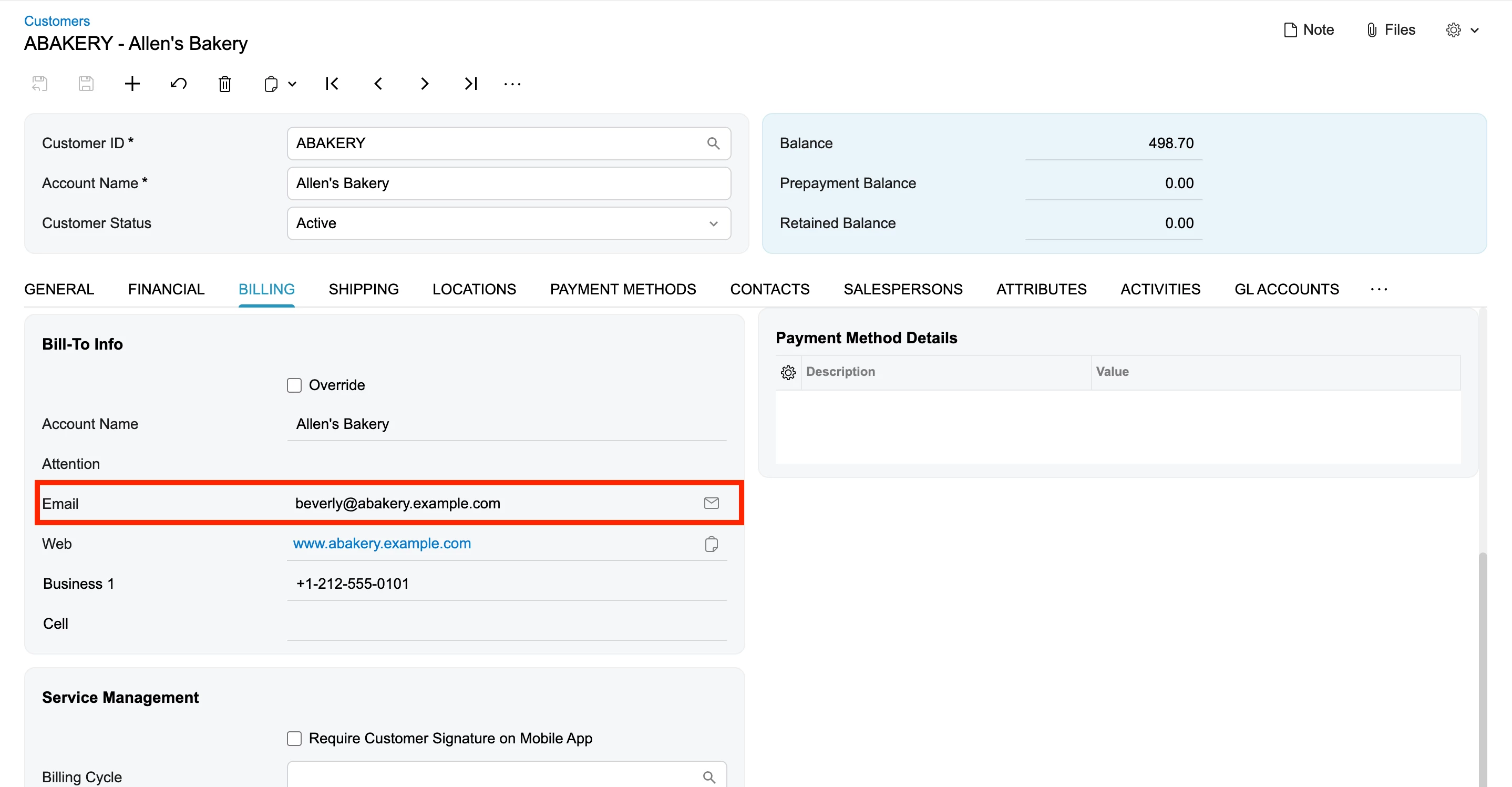
Hello,
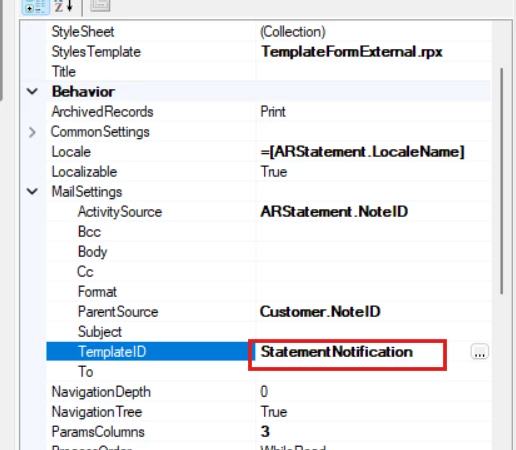
I have a scenario where when the user navigates to Customers » Print statement and click on ‘send’ the email activity pop up is generated with the default email template configured in the Report designer Template ID.
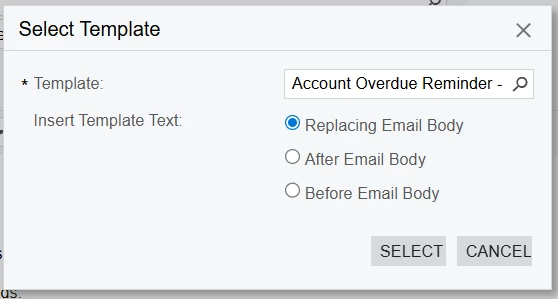
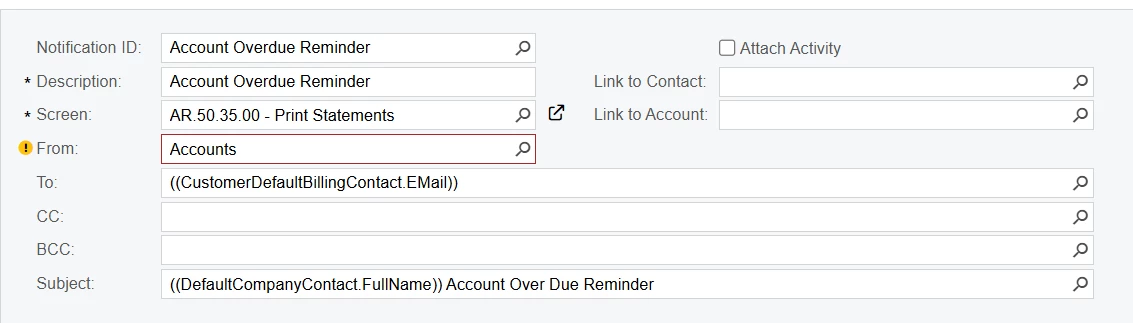
However when the user clicks on select template » replacing email body the fields mentioned with ((XXX.XXX)) such as ((CustomerDefaultBillingContact.EMail)) in the email template is not getting populated.
This is the header of the email template the user selects when changing the default template to the custom one
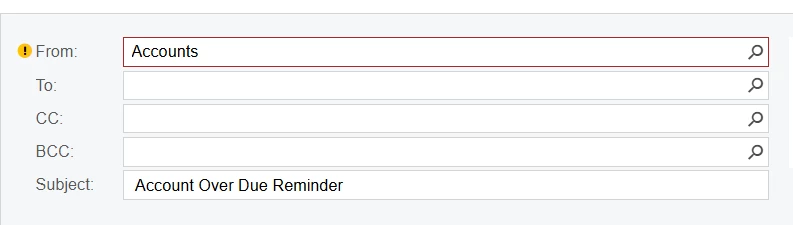
however, only the text is appearing on the email
I had tried to add this template to the report designer to see if the fields are populating and they do appear properly. it doesn't work only when the template is changed.
Appreciate if anyone could help me in identifying the issue here and how to resolve it.
Thank you so much in advance.