Answer

Sales Orders with no salesperson, can we add to past sales orders

  • May 24, 2025
  • 4 replies
  • 59 views

Forum|alt.badge.img

Hello Acumatica Community. 

No doubt others have had the same issue. Where a salesperson wasn’t entered against a customer and Sales Orders have been processed without a sales person.

Is there any possible way to go back and add the sales person for correct reporting?
Best answer by nhatnghetinh

Hi ​@GavinWorsley 

+ If SO has not been completed. You can delete Invoice & Shipment of this SO => then edit the SO and add Salesperson to that SO.
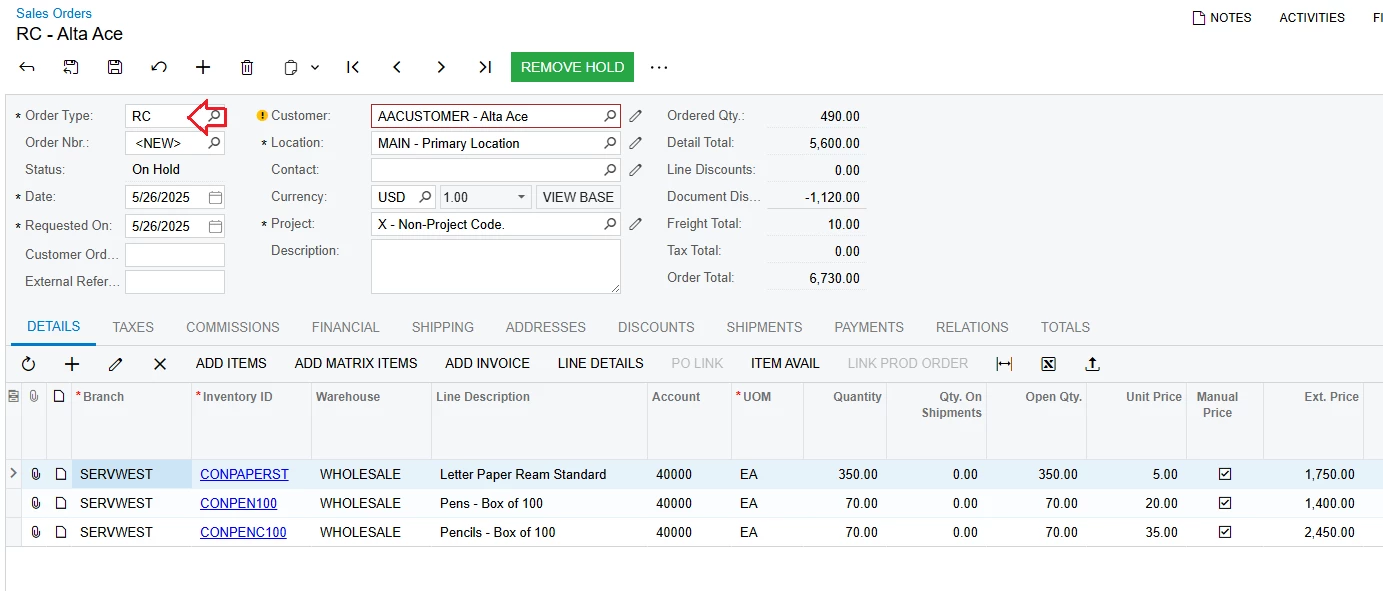
+ If SO has been completed. Please create RC (Return for Credit) to cancel that SO. Then create a new SO with Salesperson.


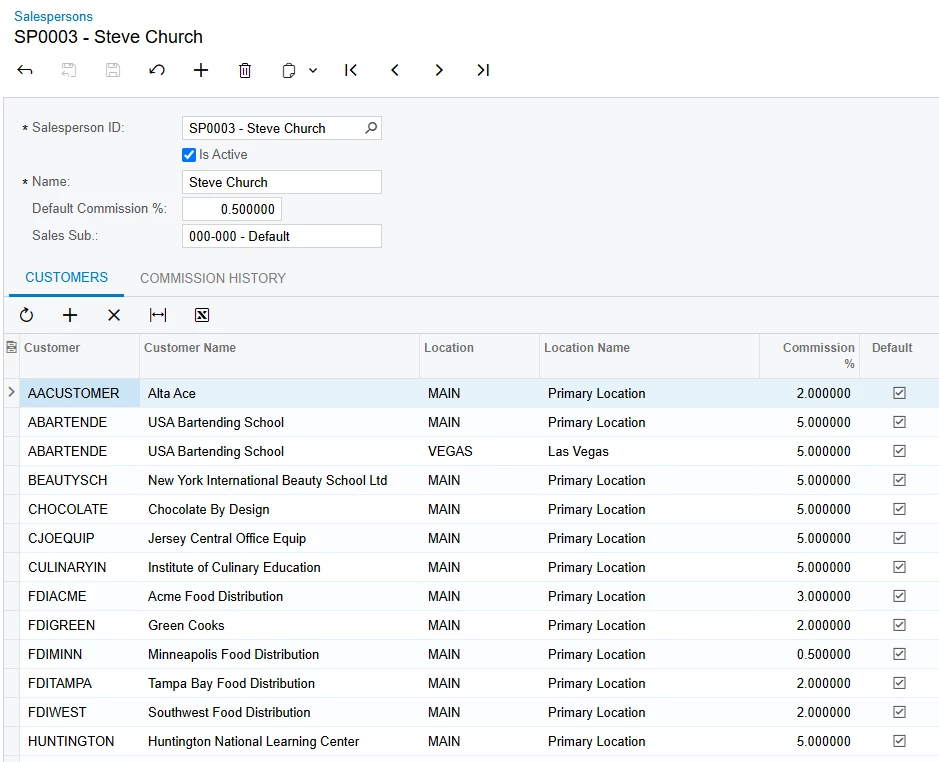
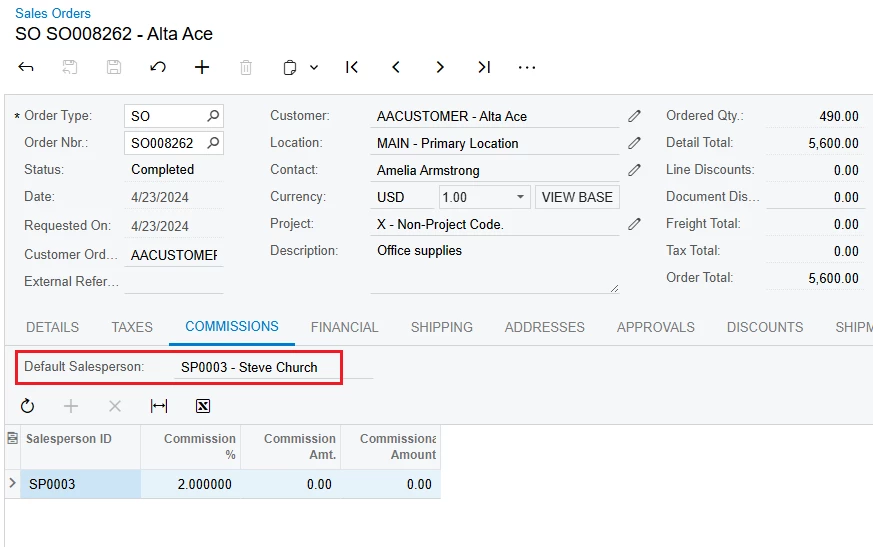
+ To avoid missing a Salesperson when entering the SO, create a Default Salesperson for the customers.


Best Regards,

NNT

4 replies

nhatnghetinh
Captain II
Forum|alt.badge.img+11
  • Captain II
  • Answer
  • May 26, 2025

Hi ​@GavinWorsley 

+ If SO has not been completed. You can delete Invoice & Shipment of this SO => then edit the SO and add Salesperson to that SO.
+ If SO has been completed. Please create RC (Return for Credit) to cancel that SO. Then create a new SO with Salesperson.


+ To avoid missing a Salesperson when entering the SO, create a Default Salesperson for the customers.


Best Regards,

NNT


Forum|alt.badge.img
  • Author
  • Freshman I
  • May 26, 2025

Hello ​@nhatnghetinh 

Thank you so much for taking the time to reply! So kind!

I should have said that the issue I have is with completed SOs of which I have 300 in the last 12months


nhatnghetinh
Captain II
Forum|alt.badge.img+11
  • Captain II
  • May 26, 2025

Hi ​@GavinWorsley 

We also encountered a similar situation to you with SOs that were completed a long time ago but did not have a Salesperson. How to calculate sales for this Salesperson? The only way is to do it manually outside. Or you can create Generic Inquiry and assign Order Nbr. to that Salesperson.


Best Regards,

NNT


Forum|alt.badge.img
  • Author
  • Freshman I
  • May 26, 2025

Ok. That's a good idea.

I will be using the data in Power Bi so will have to keep that section of data outside the system and clean it up for reporting.

Thank you again for being so helpful!