Answer

Route PO Approvals by Project Task or Cost Code

  • June 3, 2025
  • 3 replies
  • 54 views

Forum|alt.badge.img

Hello - 

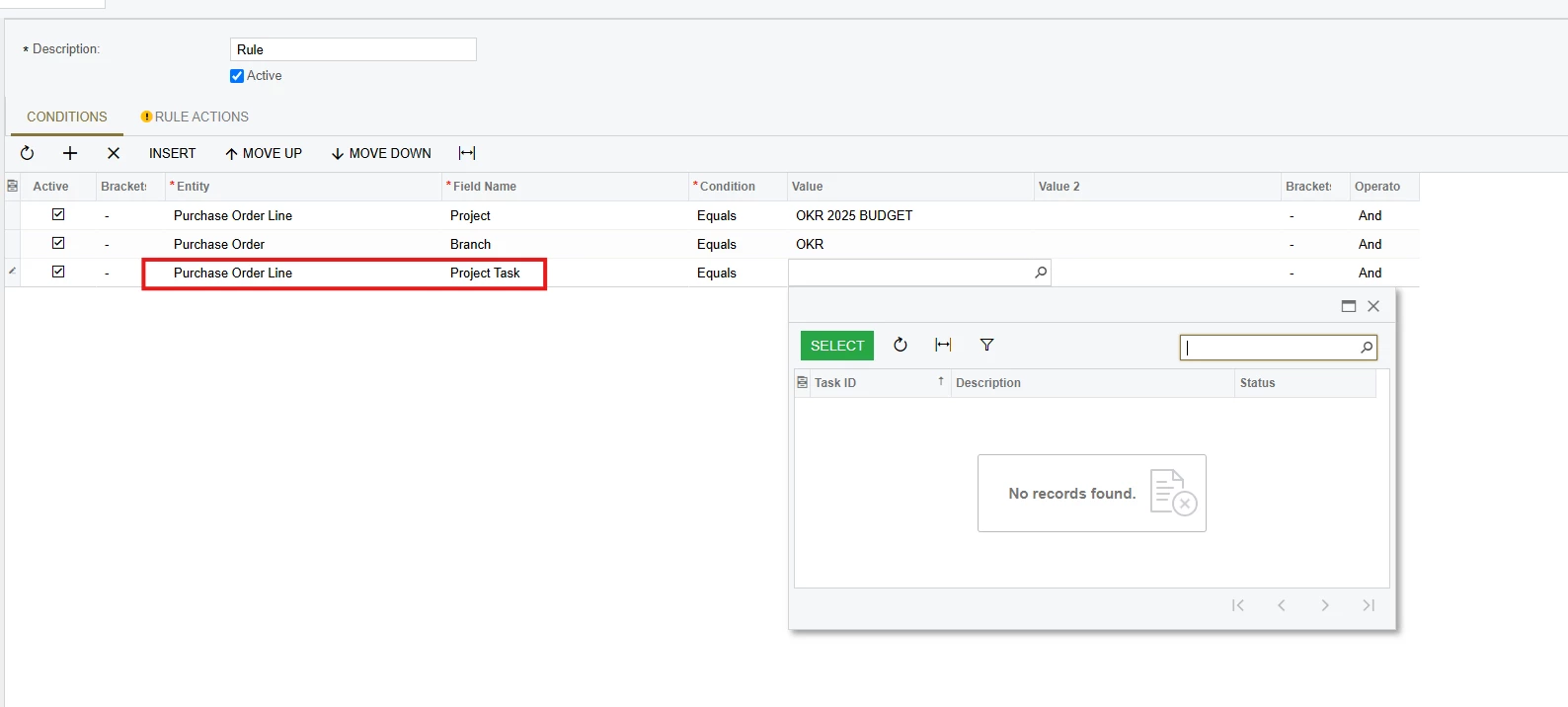
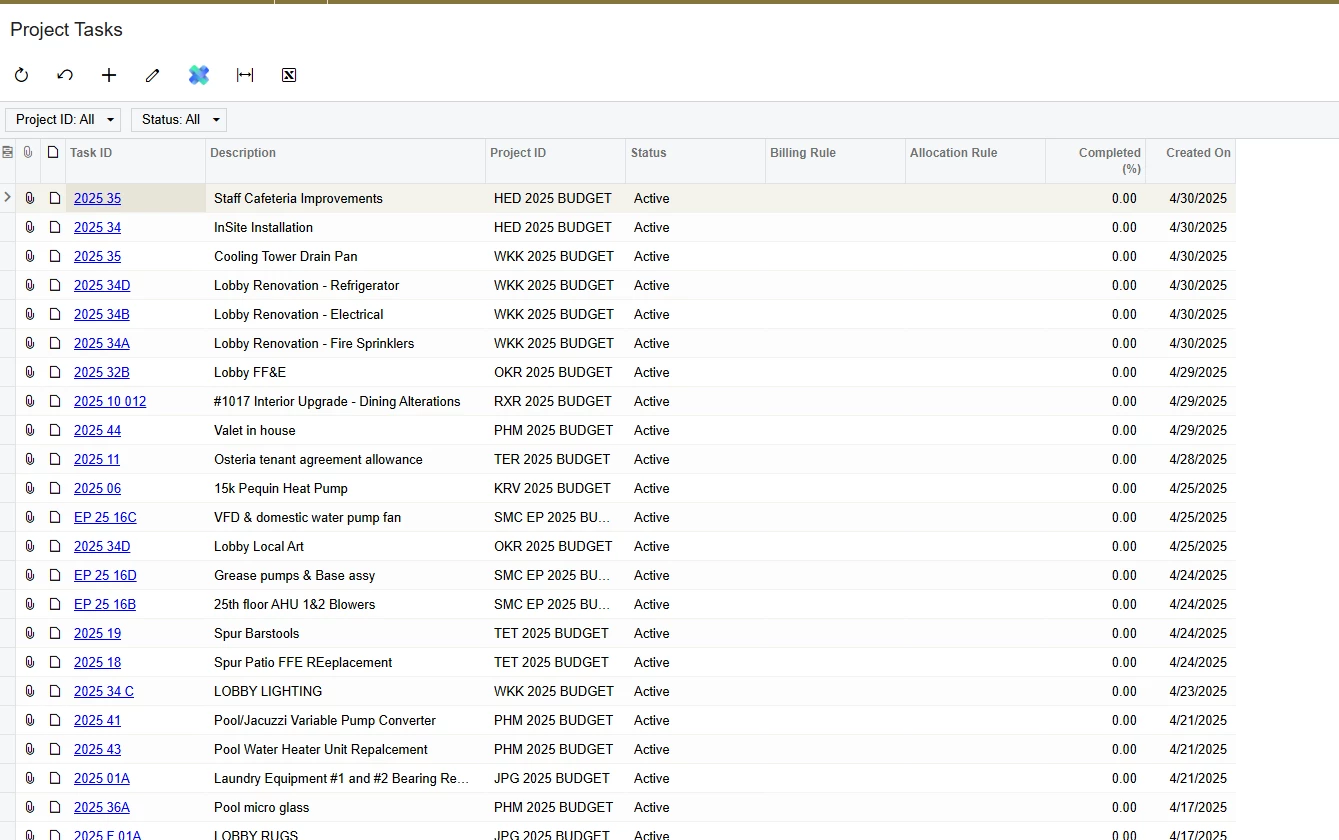
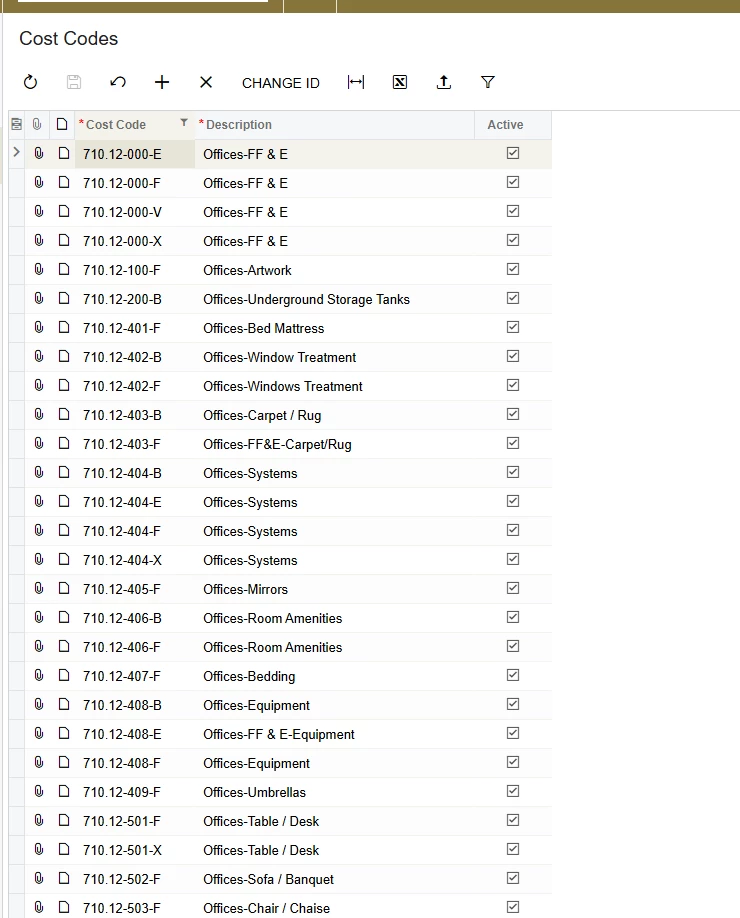
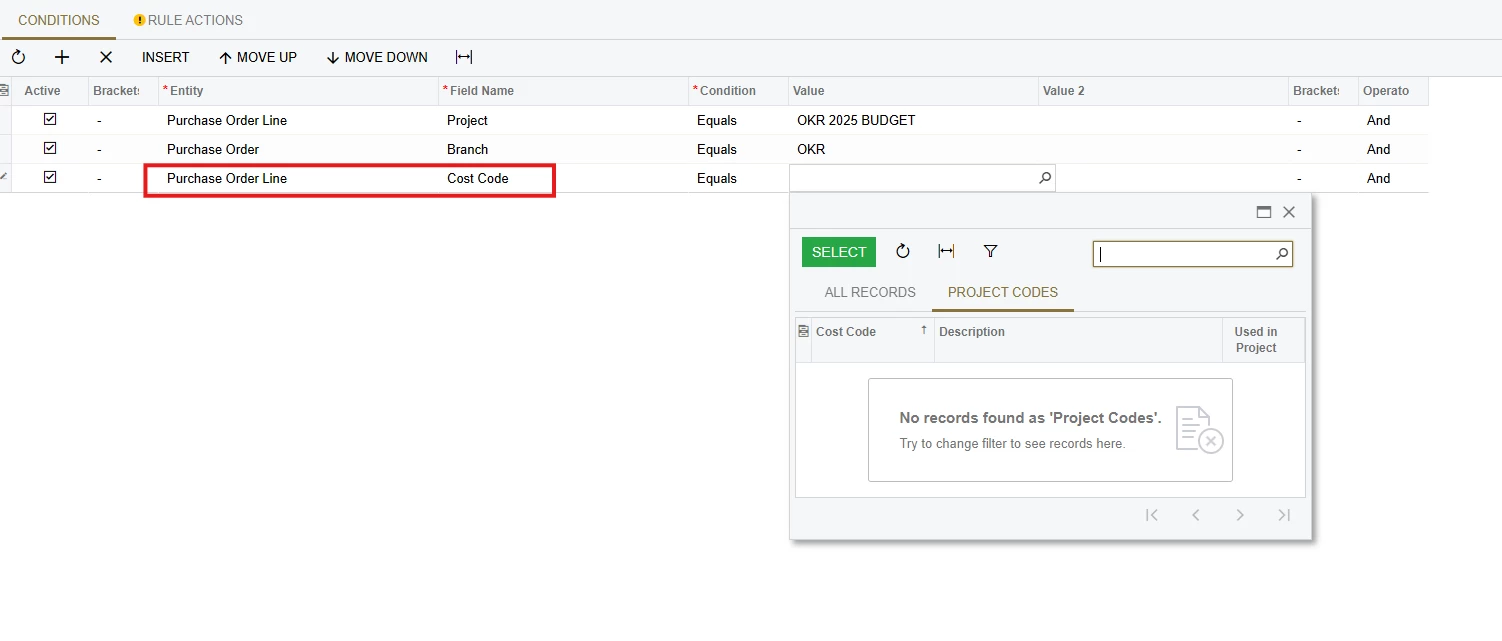
I am attempting to create Purchase Order Approval Routing by Project Task or Cost Code, however, when I choose those options on the ‘Purchase Order Line’, no Project Task IDs or Cost Codes will populate, despite us having those configured in the system.

Am I missing a step here in order to get these to populate in the approval routing options?


Best answer by KavinduHewawasam18

HI ​@mdyer,


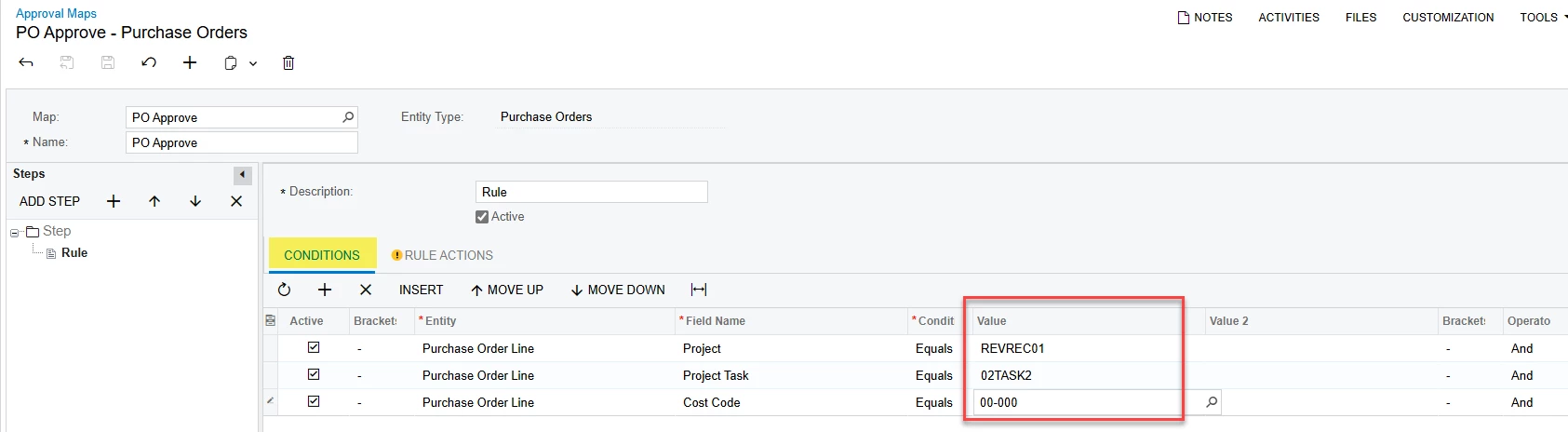
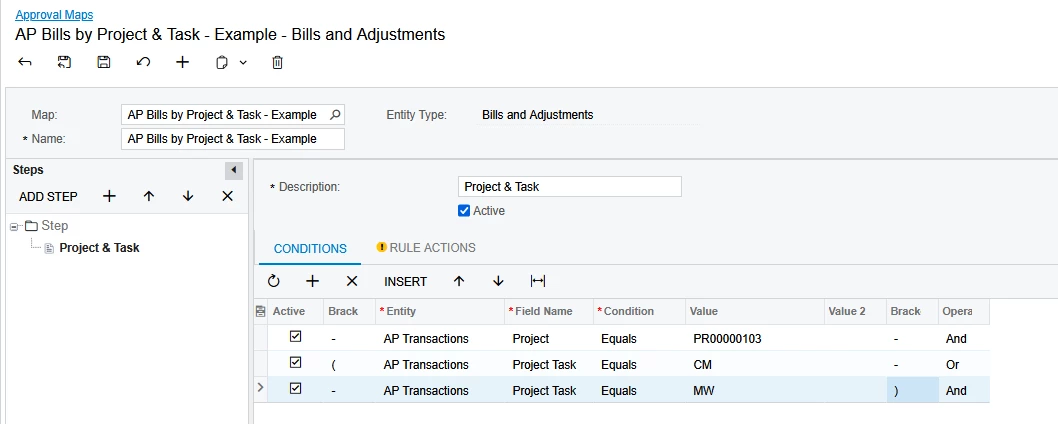
The Project Tasks and Cost Codes  will not Populate in Value Column, but still you can Copy and Paste the Project Task and Cost Code into the Value column and  setup Approval map and it will be working as expected. Please refer to the below given screenshots of My Approval Map and Purchase Orders Status


Approval Map


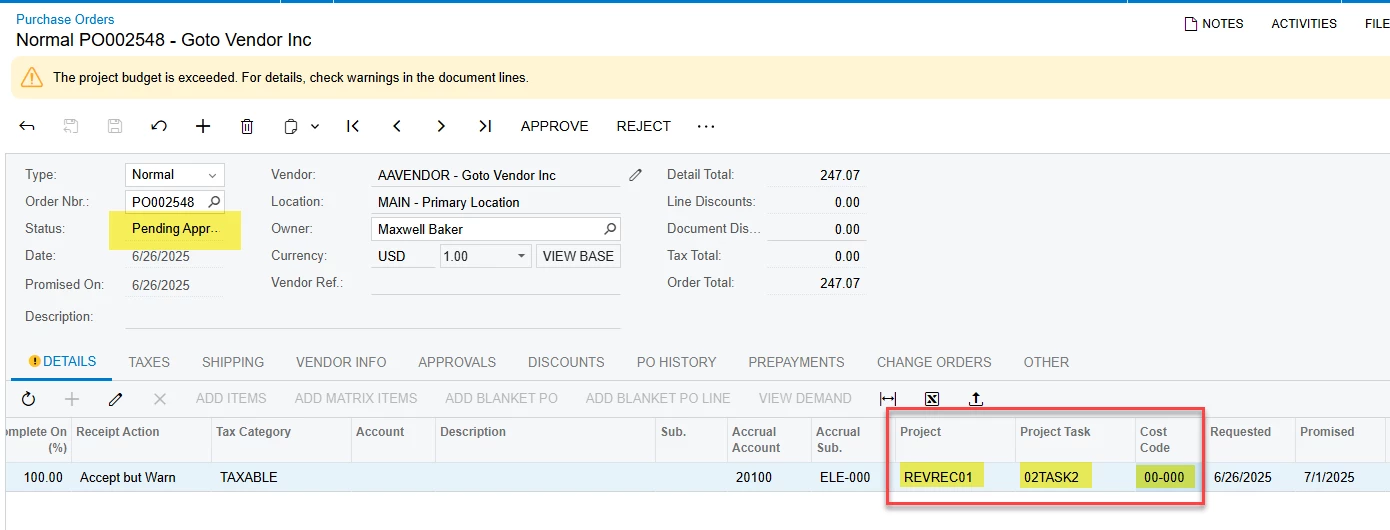
Purchase Order is in Approvals with where match with the conditions which defined in Approval Map


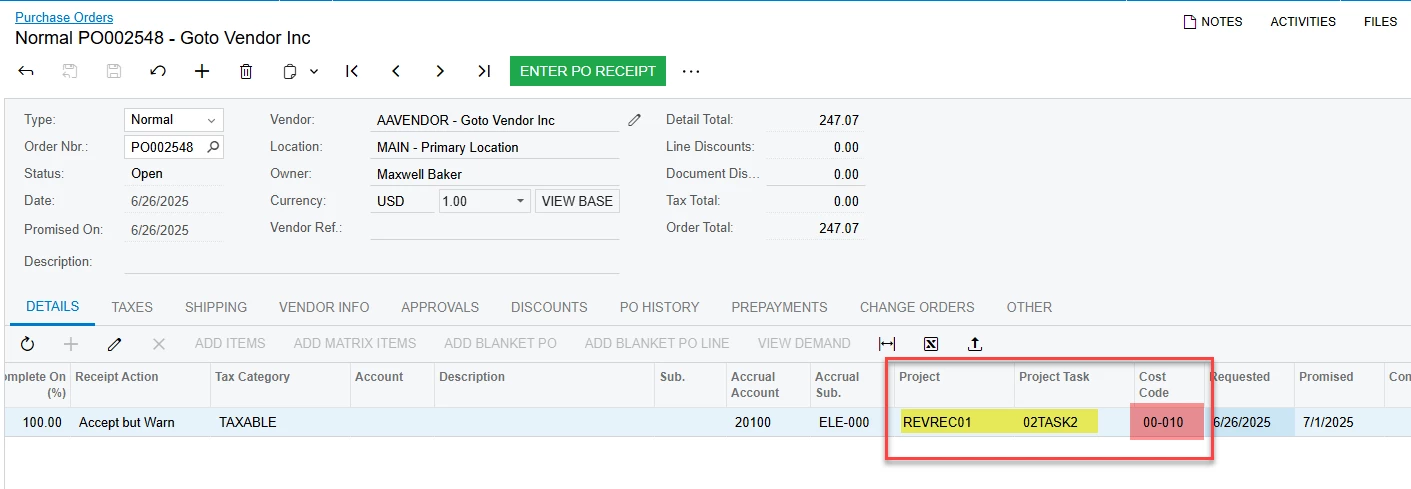
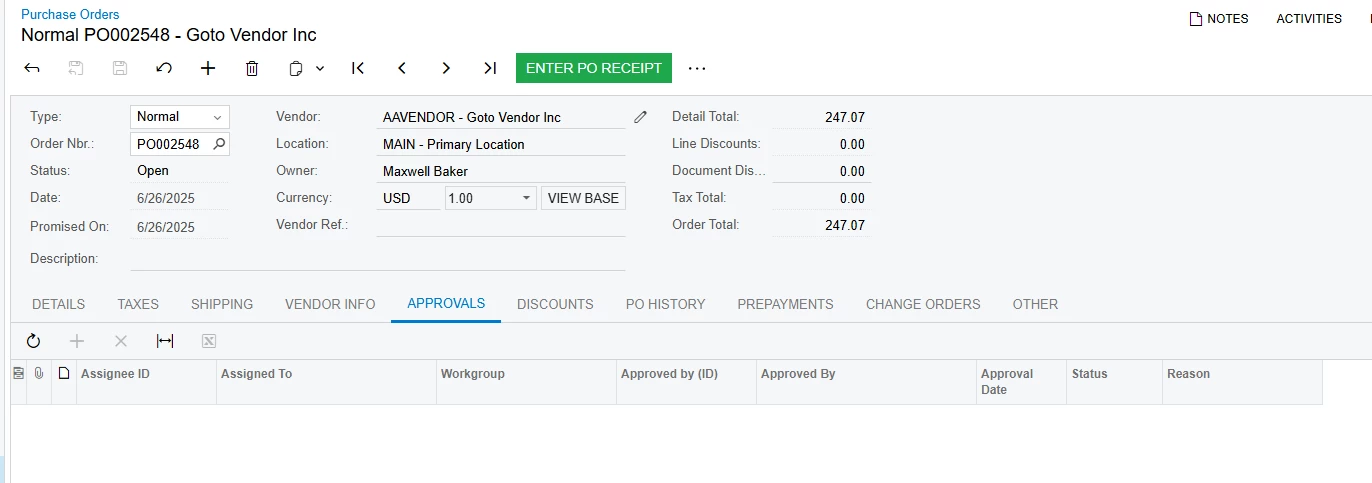
Purchase Order not going though the Approvals which is not match with the conditions


Regards,

Kavindu

3 replies

Forum|alt.badge.img

Hello,

I think the Tasks and Cost Codes are not showing in the Approvals screen because they are Project-dependent and the Approval Map Lines are not ‘working together’ to look up the Tasks & Cost Codes based on the project entered on a previous line.

I see you’ve selected a specific project on the first line of your Map - but the Map screen isn’t built to use the prior Condition lines to see the project and then display the proper tasks/cost codes on subsequent lines.  The Map is not looking up the 3rd line based on the project that is selected on the first line.


Does the Approval route correctly if you Type In the project Task or Cost Code?  Like this example.


Laura


HI ​@mdyer,


The Project Tasks and Cost Codes  will not Populate in Value Column, but still you can Copy and Paste the Project Task and Cost Code into the Value column and  setup Approval map and it will be working as expected. Please refer to the below given screenshots of My Approval Map and Purchase Orders Status


Approval Map


Purchase Order is in Approvals with where match with the conditions which defined in Approval Map


Purchase Order not going though the Approvals which is not match with the conditions


Regards,

Kavindu


ricoybanez
Jr Varsity III
Forum|alt.badge.img+3
  • Jr Varsity III
  • June 27, 2025

@mdyer 

Copy Paste Project Cost or Project Task on the condition, it works fine.