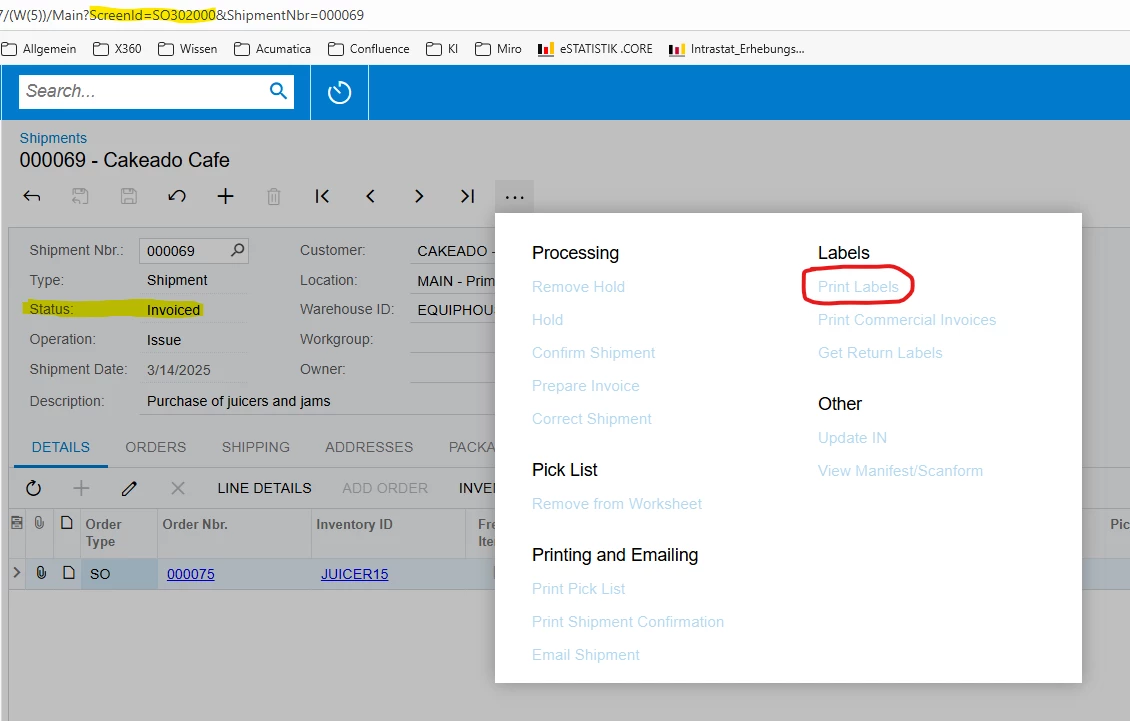
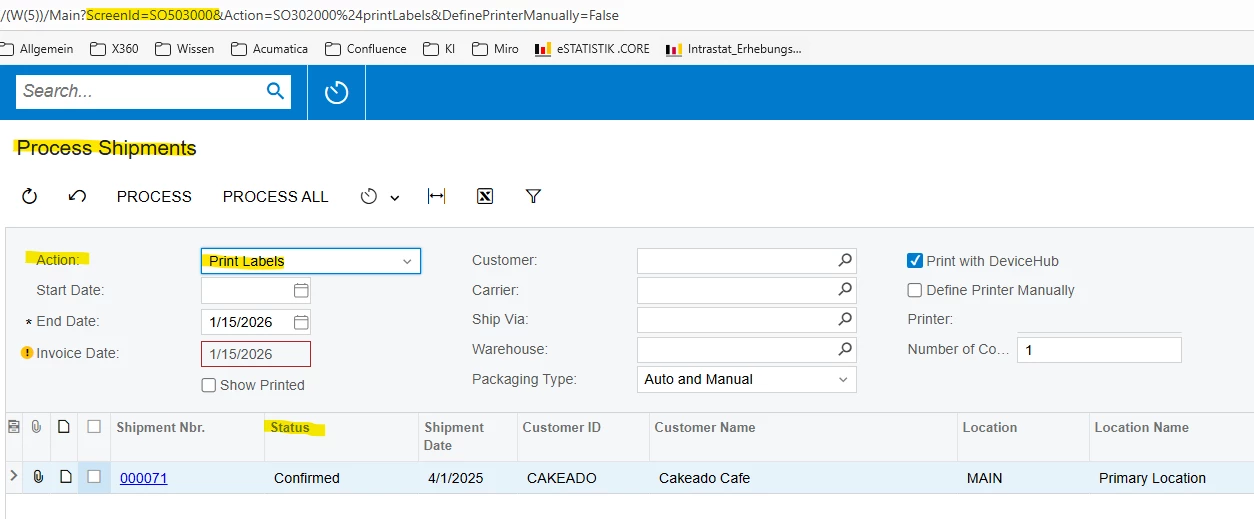
Does anyone know why it is no longer possible to print shipping labels using Screen “Shipments”, ScreenID “SO302000” or Screen “Process Shipments”, ScreenID “SO503000” after shipping is confirmed or invoiced?
→ “Print Labels” is inactive
→ Only Shipments with confirmed status are listed
Are there any settings that make reprinting possible in the cases described above?
Thanks in advance.
Best answer by Dipak Nilkanth
Hi @DenizAtalay66, To print labels for Confirmed orInvoiced statuses, you can achieve this by creating a workflow customization.
Extend the default workflow and add the Print Labels action to the Confirmed and Invoiced states, making the action available when the document reaches those statuses.
You can follow the steps outlined in the link below to implement same.
Hi @DenizAtalay66, To print labels for Confirmed orInvoiced statuses, you can achieve this by creating a workflow customization.
Extend the default workflow and add the Print Labels action to the Confirmed and Invoiced states, making the action available when the document reaches those statuses.
You can follow the steps outlined in the link below to implement same.
I would say that is a default feature that helps to prevent double shipping, and/or internal theft. This topic has been at the top of my mind over the past number of months. Right now our internal process is that shipping can print shipping labels and basically send packages to the doc in a fedex trailer, before invoicing occurs and at that point sales orders can be modified. anyone else have any comments about this?