



Answer

Purchase Receipt Error Receiving Quantity for Sales Orders

  • March 4, 2025
  • 5 replies
  • 131 views

Forum|alt.badge.img

Hi Community,

Could someone please assist with the following situation:

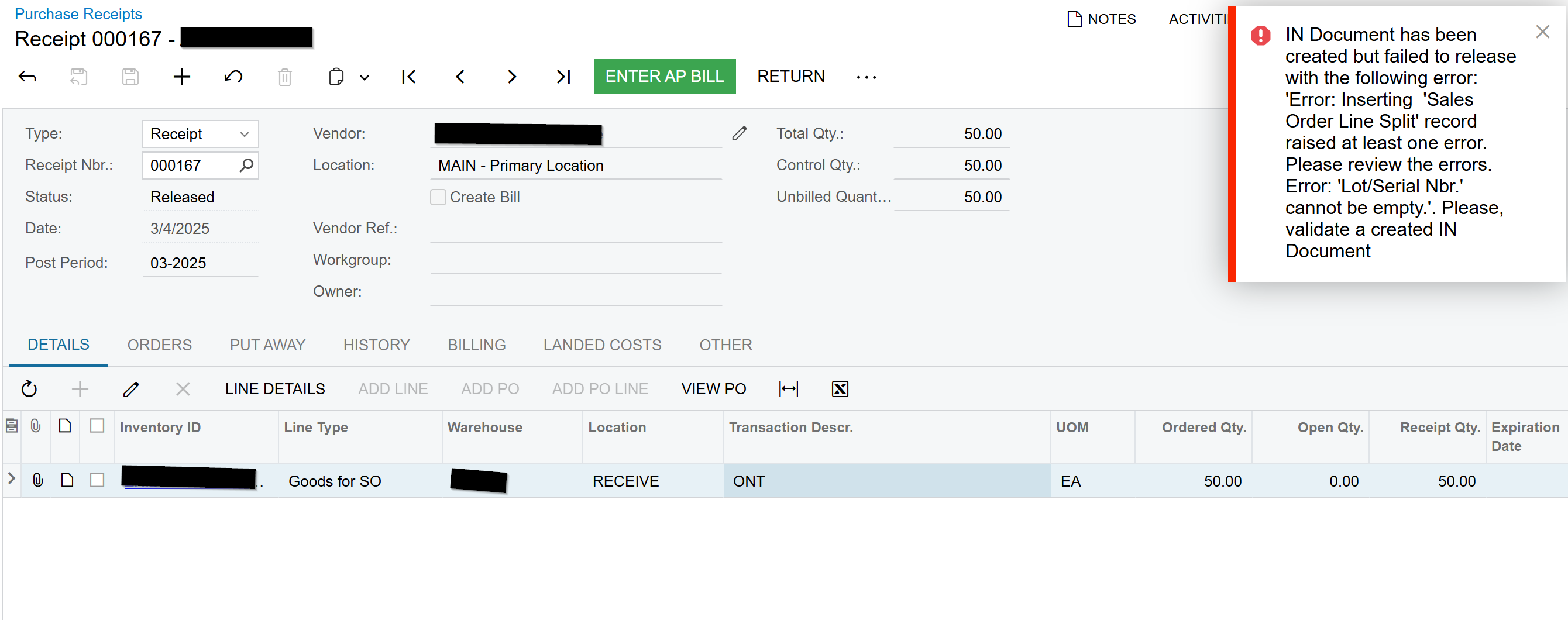
I have a Sales Order for 5 items Marked for PO, Purchase to Order. I create the PO, and I increase the quantity from 5 to 50. I try to Receive these 50 into my warehouse, and I get this error. 

Error: IN Document has been created but failed to release with the following error: 'Error: Inserting  'Sales Order Line Split' record raised at least one error. Please review the errors. Error: 'Lot/Serial Nbr.' cannot be empty.'. Please, validate a created IN Document
 

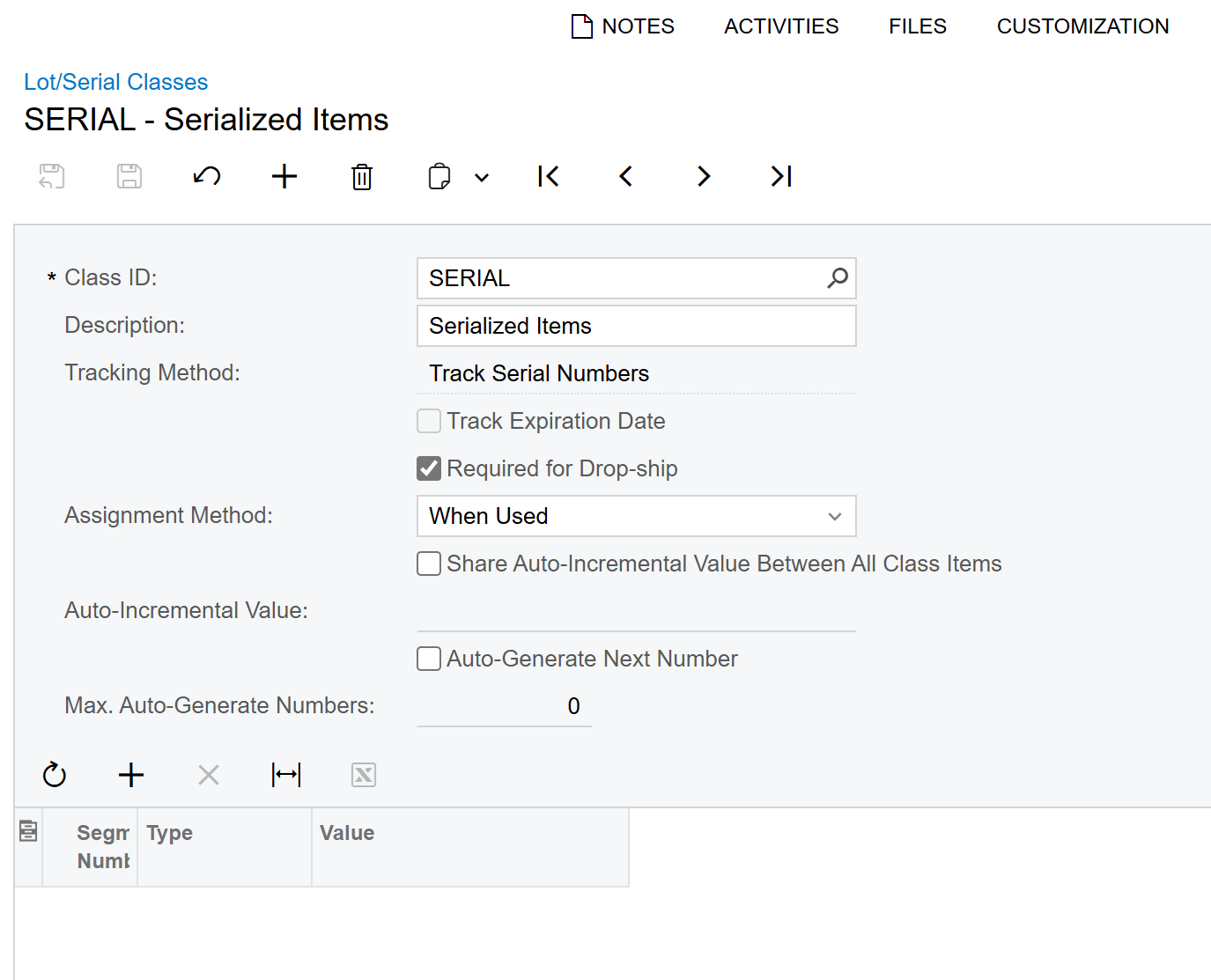
This is the Lot/Serial Class associated with the item:
 

Thank you,

RJ

Best answer by rkenna

Just to update this post, this error was caused by a customization on the SOLine that was translating all the way to the Purchase Receipt with Serial Numbers.

5 replies

meganfriesen37
Captain II
Forum|alt.badge.img+12

Go to the “Other” tab of your purchase receipt and find the inventory document created.  You may need to populate the “Line Details” to add the serial numbers there and do some type of allocation for the items that were marked “purchase to order” vs. the other line items.


Forum|alt.badge.img
  • Author
  • Captain I
  • Answer
  • March 13, 2025

Just to update this post, this error was caused by a customization on the SOLine that was translating all the way to the Purchase Receipt with Serial Numbers.


Chris Hackett
Community Manager
Forum|alt.badge.img
  • Acumatica Community Manager
  • March 13, 2025

Thank you for sharing your solution with the community ​@rkenna!


Forum|alt.badge.img+5
  • Jr Varsity I
  • March 15, 2025

Hi ​@rkenna,

Ensure lot/serial numbers are assigned correctly before releasing the IN document, especially if the item requires lot/serial tracking.

Hope this helps.


Forum|alt.badge.img

Receiving qty adjustments are appalling in ACU.  You should be able to adjust a receiving or PO receipt at any time as long as a bill is not entered for it.
