when creating a Purchase Order from a Sales Order, if the same item appears multiple times in the Sales Order, it gets consolidated into a single line in the PO with the total quantity.
We need to retain the multiple lines in the PO exactly as they appear in the Sales Order rather than consolidating them. Is there a way to configure the system to maintain the original line structure when generating the PO?
Looking forward to your guidance on this.
Best answer by vkumar
Hi @jvarughese23
You may elaborate the business requirement why lines needs to be different on Purchase order.
Here is a workaround which requires some manual effort.
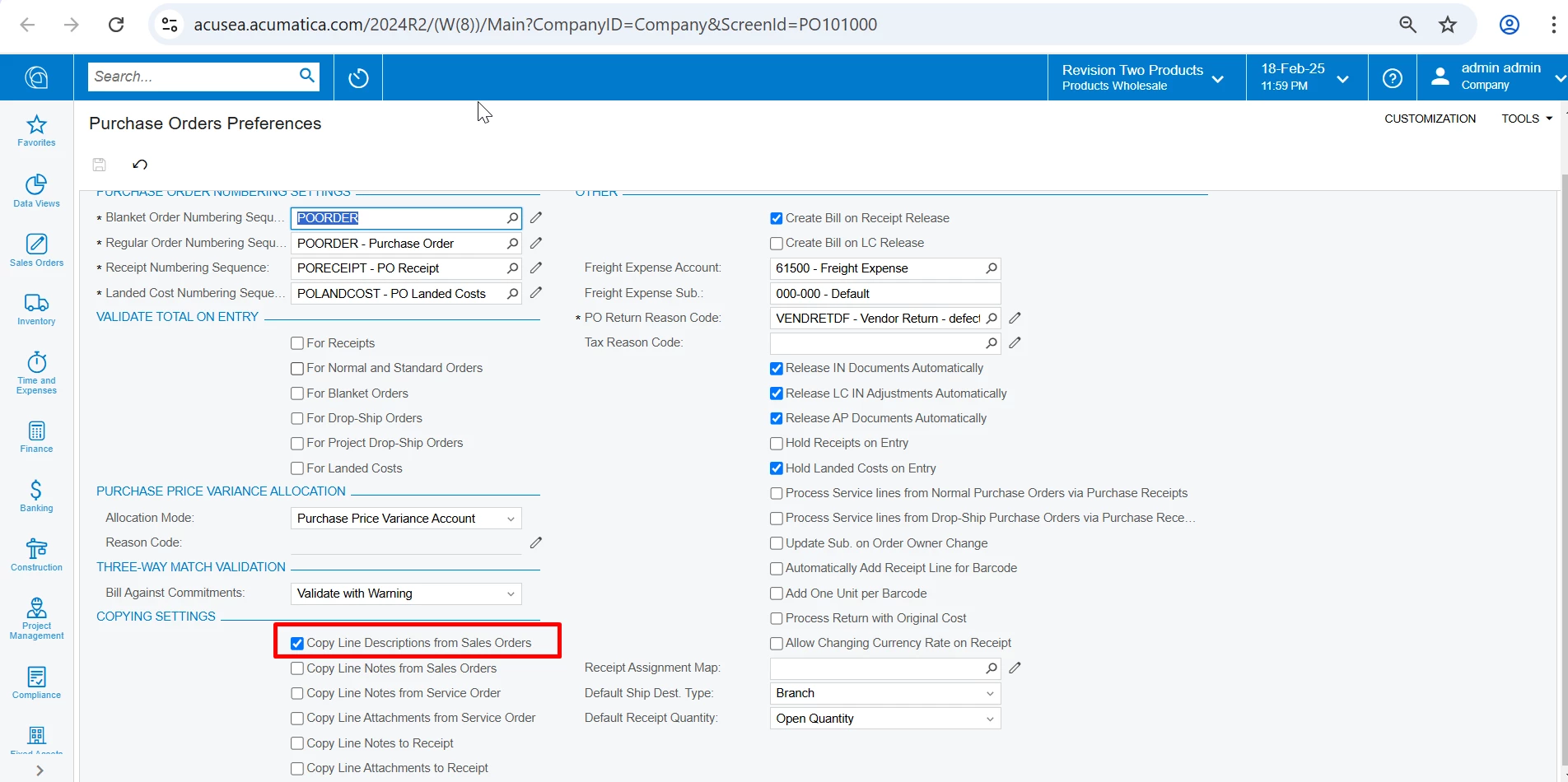
On Purchase order preferences screen, check ‘Copy Line descriptions from Sales Order’ option
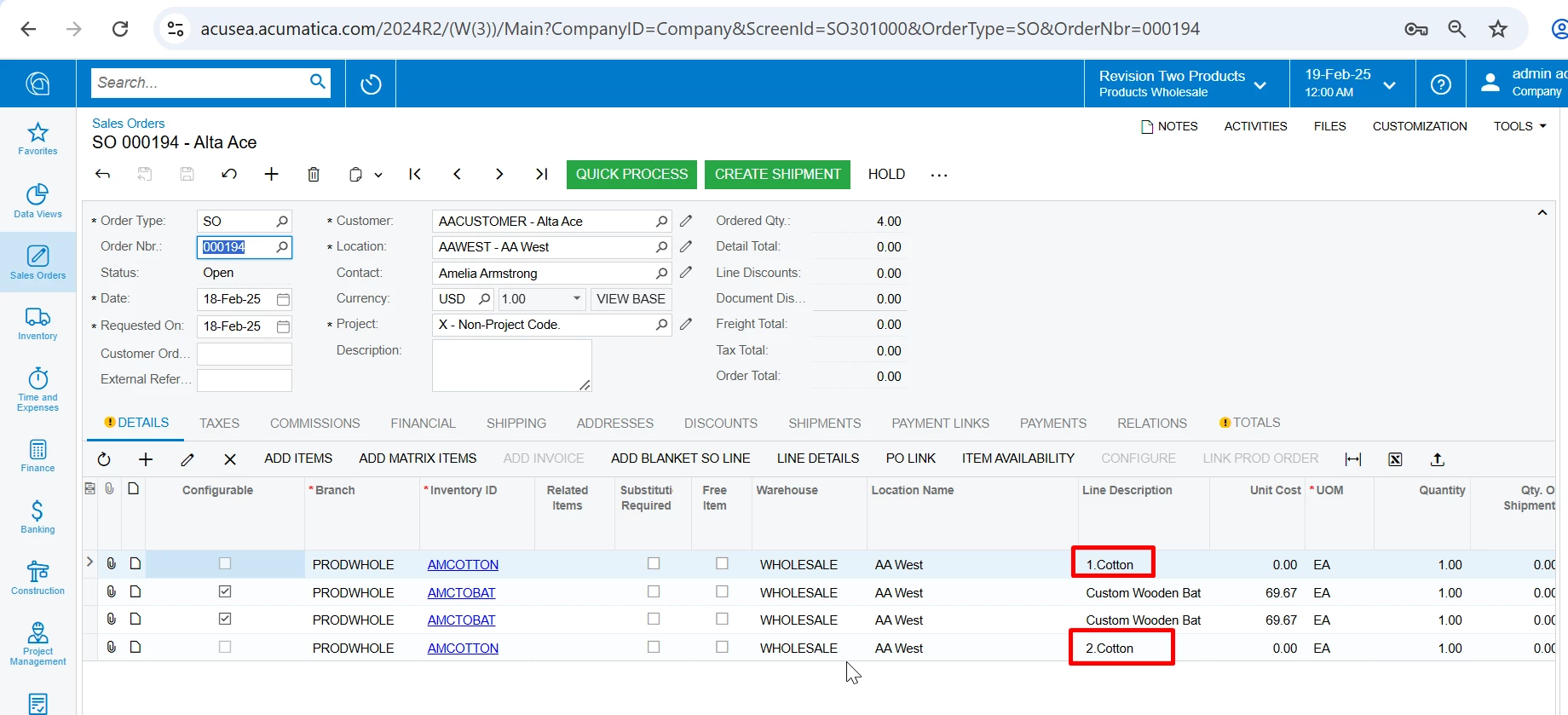
On Sales order lines, ensure the Line description is different for lines with same Item
In this case, when you create Purchase order, it creates a line on Purchase order, if the Line description is different.
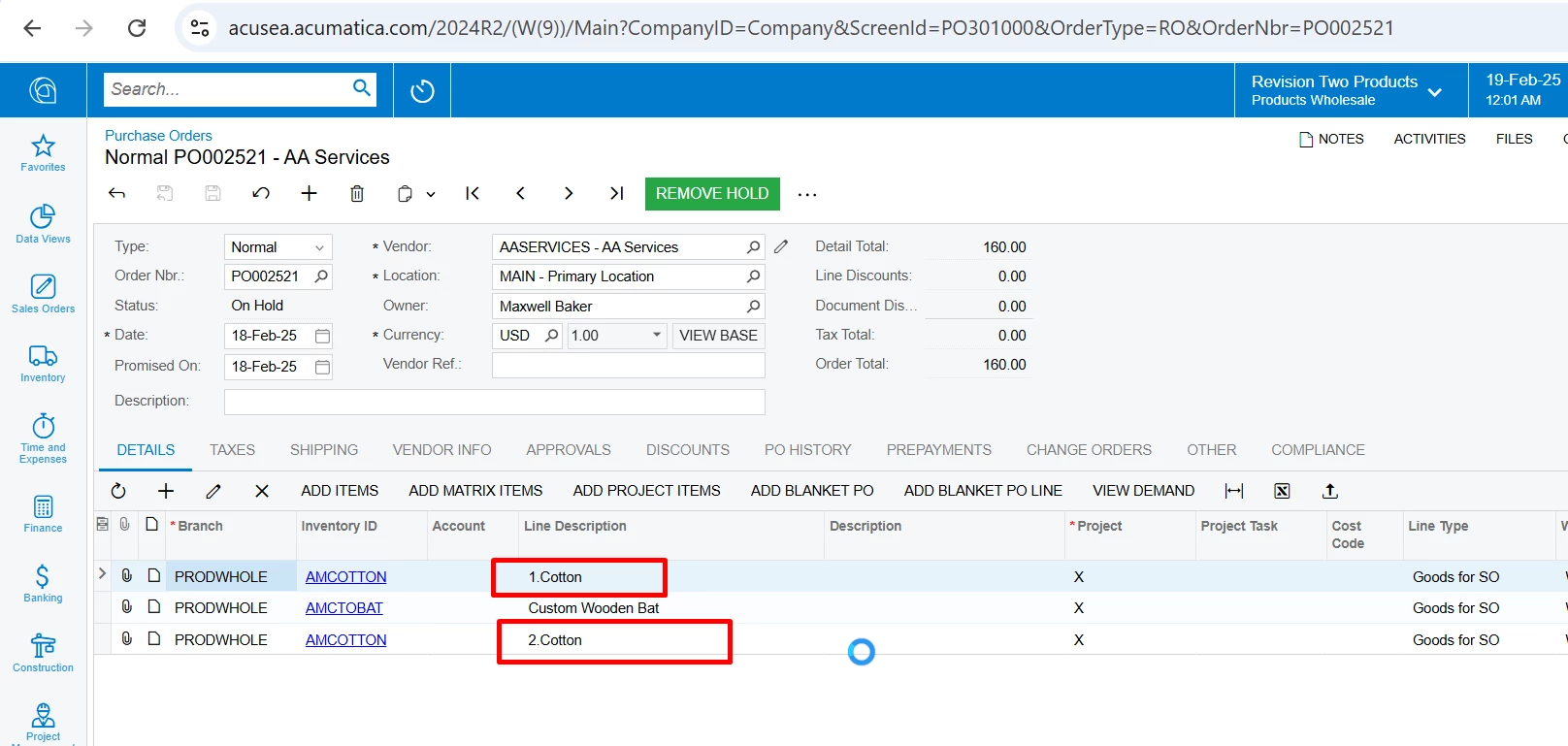
On Purchase order generated, lines are added if description is different ( but same inventory ID)
Here is a Test SO
Here is the output PO generated from the SO
You need to explore customization if this is not a feasible solution. This wont be practical on orders with large number of lines.
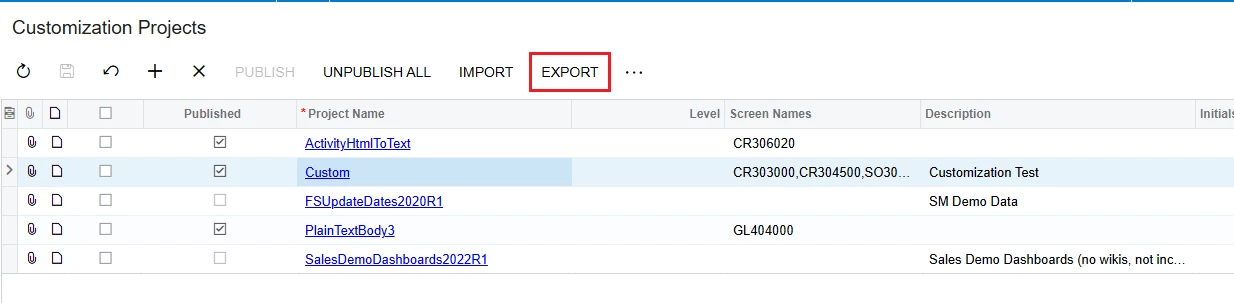
As far as I know, the customization project has not saved the previously edited versions. So you need to manually save the versions by clicking "Export" on the Customization Projects screen.
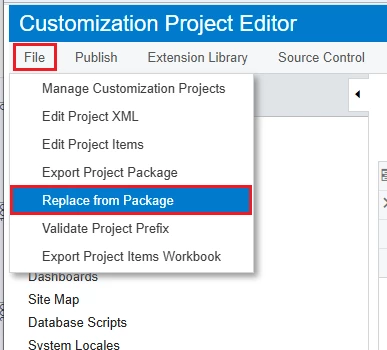
Then if you want to get back the previous Versions, do the following: On the "Customization Projects" screen > Click "Project Name" > Customization Project Editor > Click “File” > Click “Replace from package”
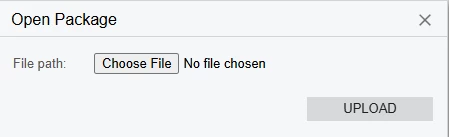
Click “Choose File” > Select the previously exported Customization Projects Version file > Click “UPLOAD”