I have run into an issue where multiple users are using different order types,
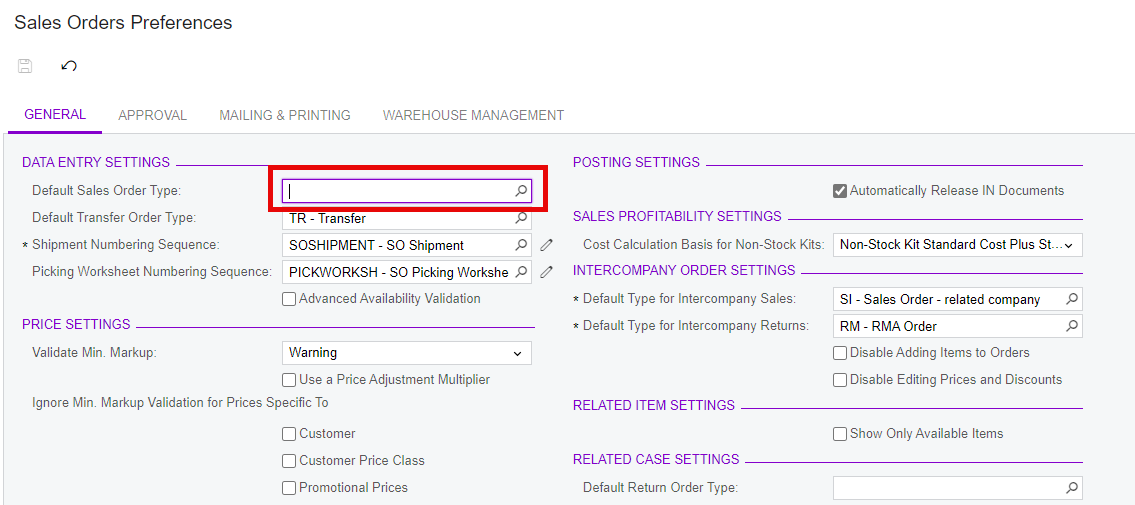
By Default Sales order preferences is set to SO. If I remove and save it to Blank,
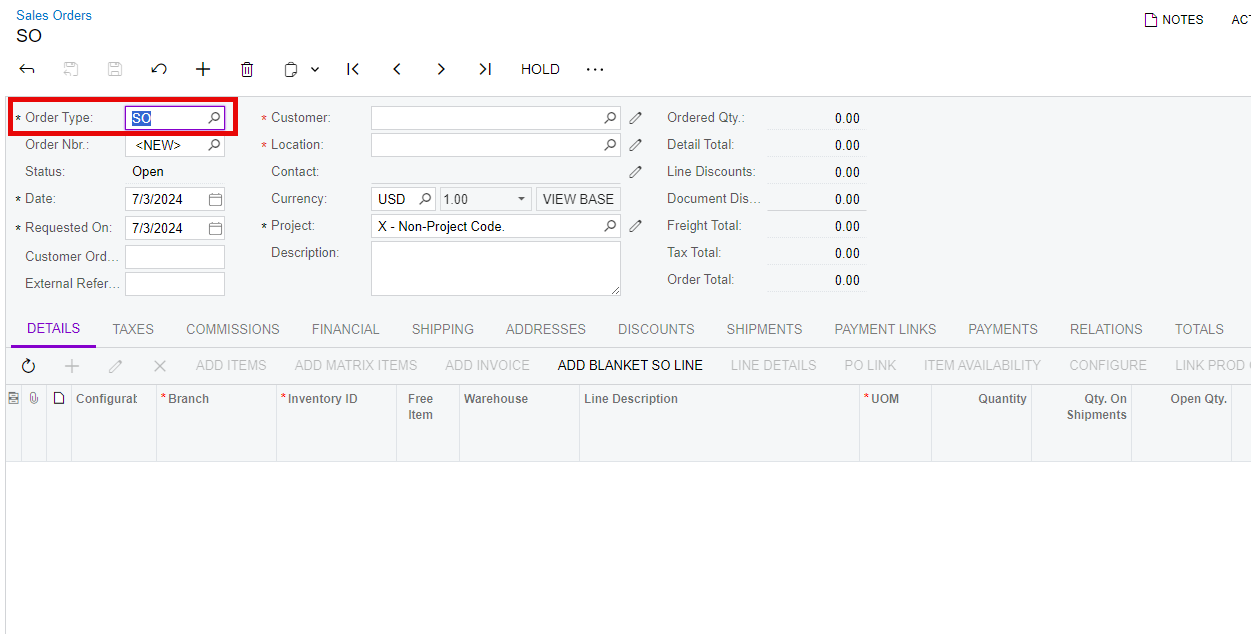
when I go to create a sale order it then repopulates with SO.
Is there a way to force it to be blank so that the users loading orders have to select the order type each time.
Cheers,
Nathan
Best answer by ehylinski
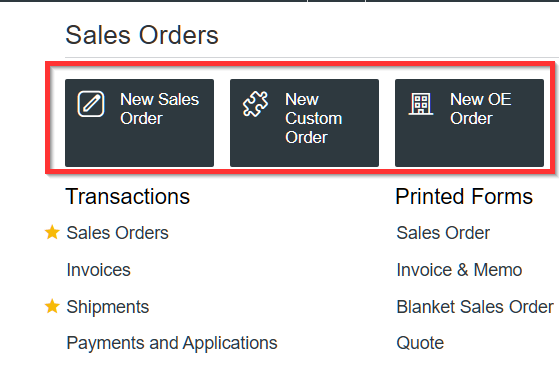
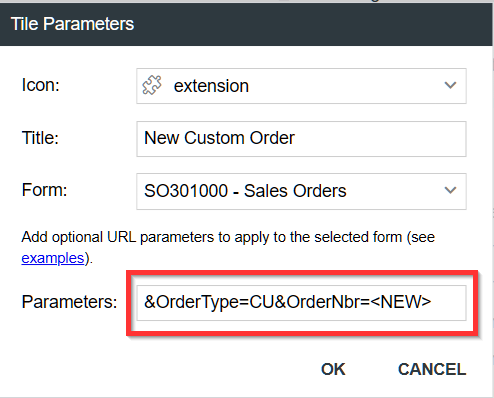
@nbrailey35 - A low effort workaround for this is to add new Workspace Tiles for frequently used Order Types. Adding the Order Type in the parameter of the tile will populate the Order Type in the new document. It doesn’t entirely address the issue, but it cut down on our users’ time spent recreating sales orders with the proper type.
I deleted the default order type and tried to create a new order and SO populated.
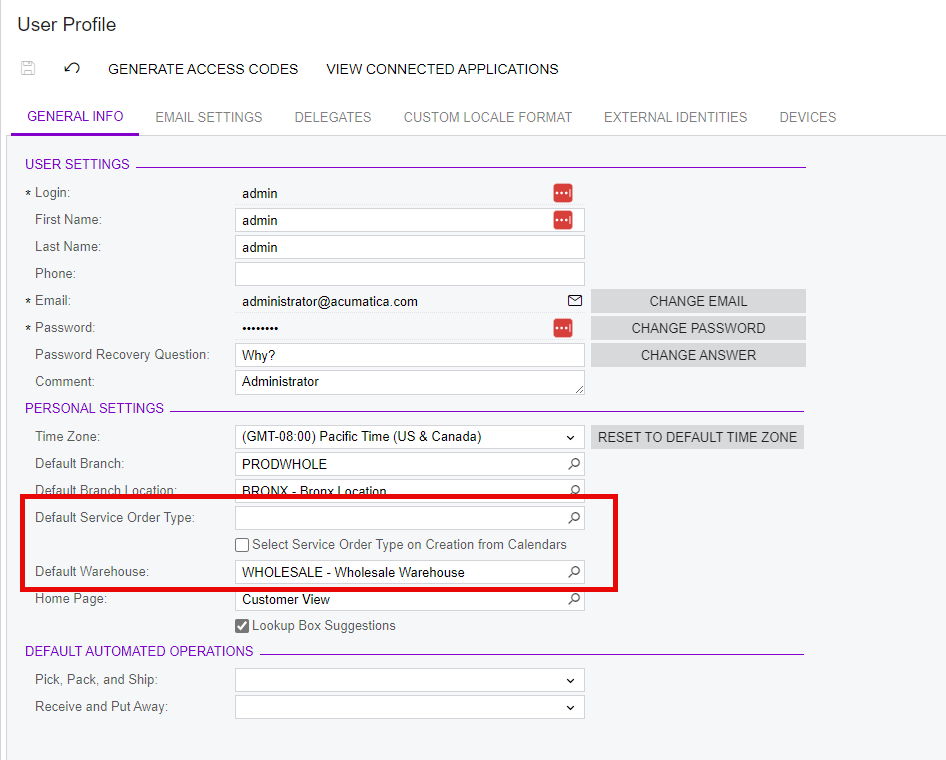
I don’t know of a way to force users to change the order type without a customization but you could create an idea in the community to have Acumatica add the feature as it is on the User Profile to have a Default Order Type since there is already a Default Service order type and warehouse:
@nbrailey35 - A low effort workaround for this is to add new Workspace Tiles for frequently used Order Types. Adding the Order Type in the parameter of the tile will populate the Order Type in the new document. It doesn’t entirely address the issue, but it cut down on our users’ time spent recreating sales orders with the proper type.