Answer

Inventory Valuation by Date report

  • September 28, 2022
  • 12 replies
  • 1178 views

Forum|alt.badge.img

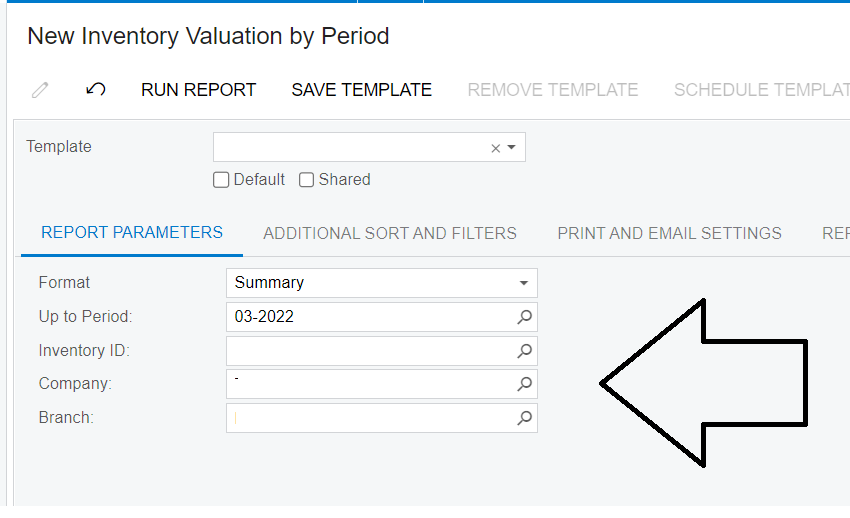
I have a report designed based on the historical inventory valuation and I would want to introduce a date range parameter instead of using the Period as is with the standard Acumatica forms. I have the report date field selected via the filter but when I run the report on data is extracted.

Has anyone worked with an inventory valuation report where one can draw the date parameter range instead of using a period?

Best answer by Kandy Beatty

HI @kudzaim20 

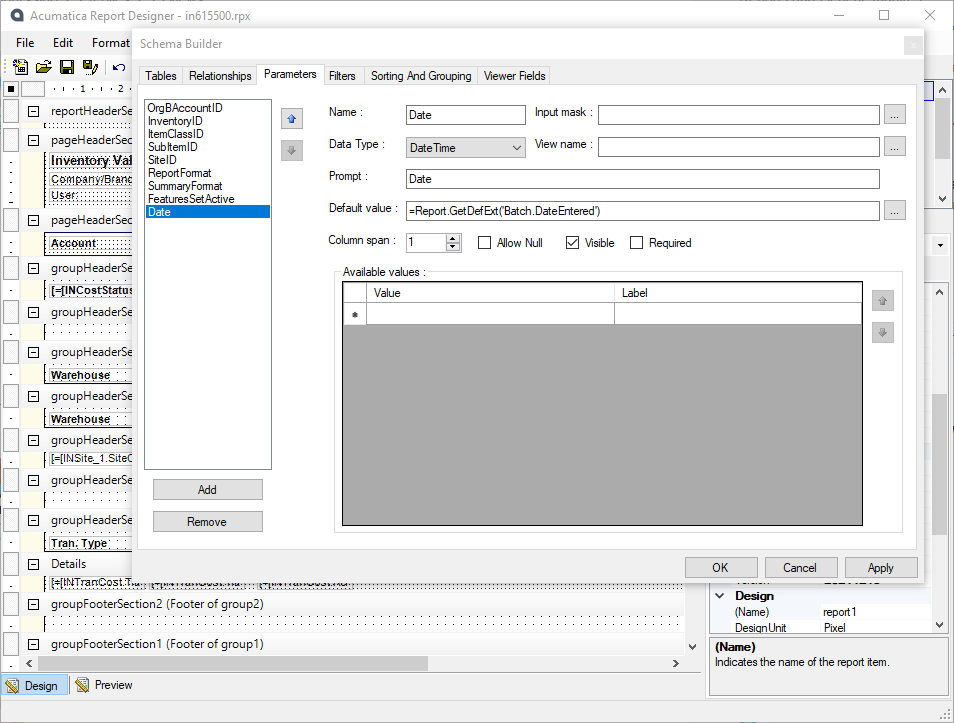
You can add that right on the report designer. GO to File> Build Schema> Parameters


I did add the date filter , however it does not filter the transactions by “date”, if you check balance at the end of August and compare with end of October it is coming back the same with no difference yet there were transactions between the said period. 

Try to change the default value to be a range,  such as an if statement. 

12 replies

Kandy Beatty
Captain II
Forum|alt.badge.img+17
  • Captain II
  • September 28, 2022

Hi @kudzaim20 

Can you share the XML for your report? Or screenshots of what you are looking for?


Forum|alt.badge.img
  • Author
  • Jr Varsity II
  • September 28, 2022

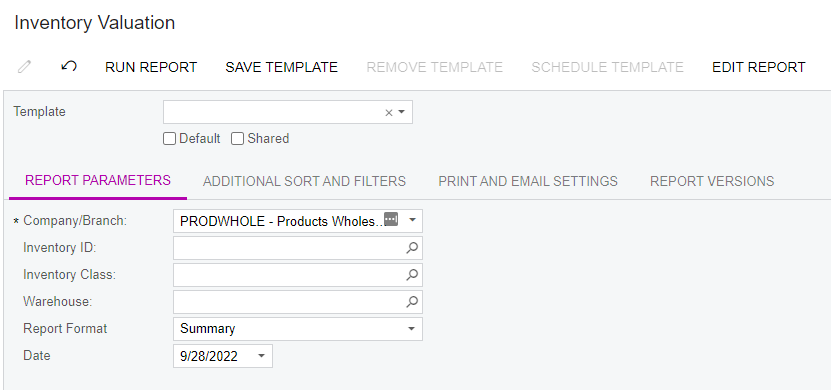
On the report parameters of my report I would like to add a date from to filter instead of having a period filter


Kandy Beatty
Captain II
Forum|alt.badge.img+17
  • Captain II
  • September 28, 2022

HI @kudzaim20 

You can add that right on the report designer. GO to File> Build Schema> Parameters


Forum|alt.badge.img
  • Freshman I
  • October 25, 2022

HI @kudzaim20 

You can add that right on the report designer. GO to File> Build Schema> Parameters


Hi @kbeatty21 

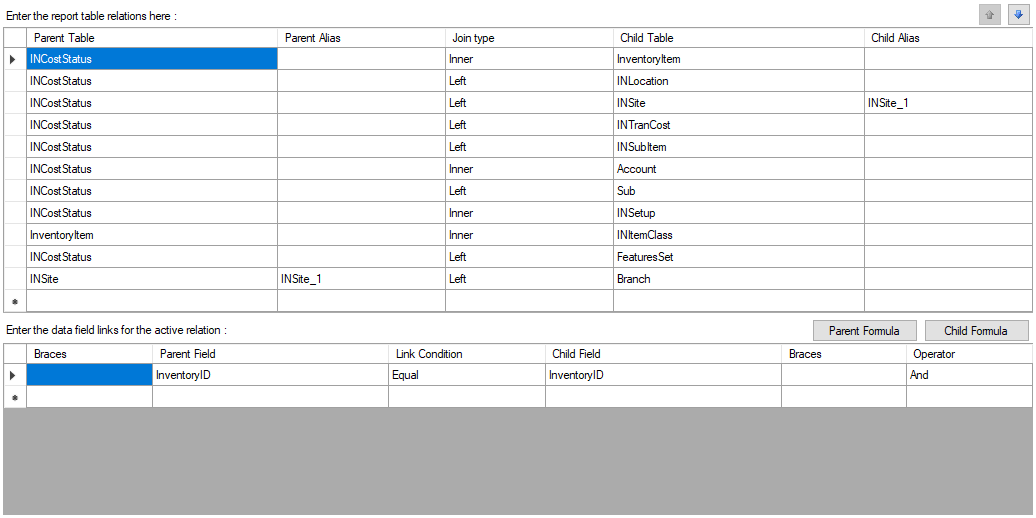
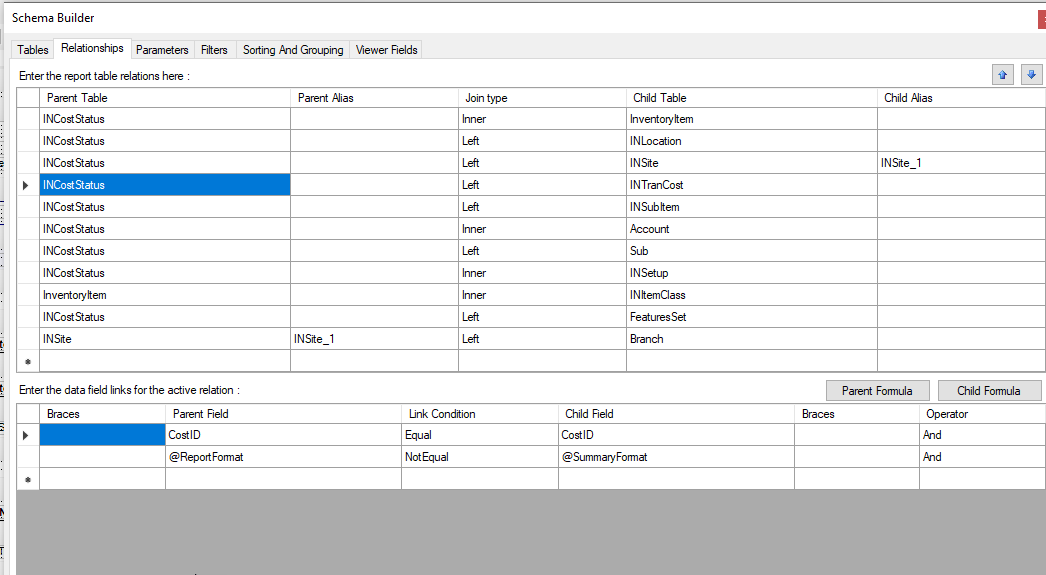
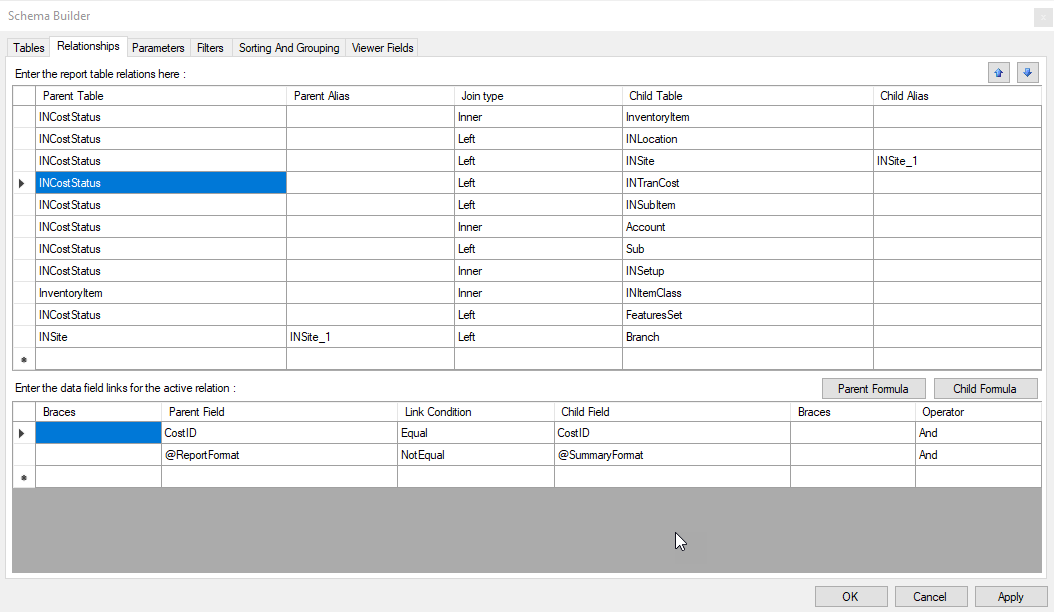
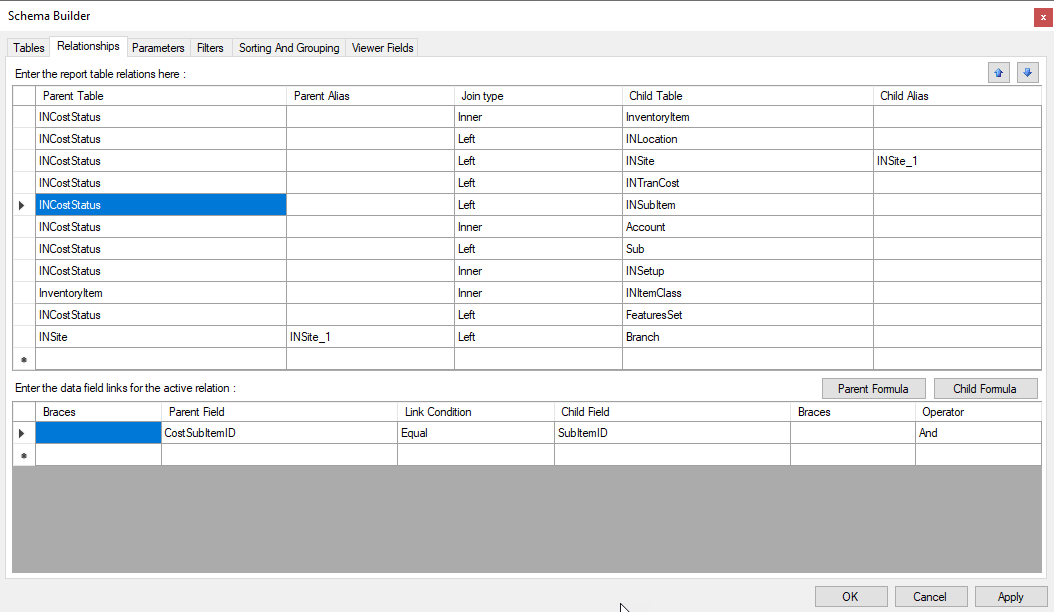
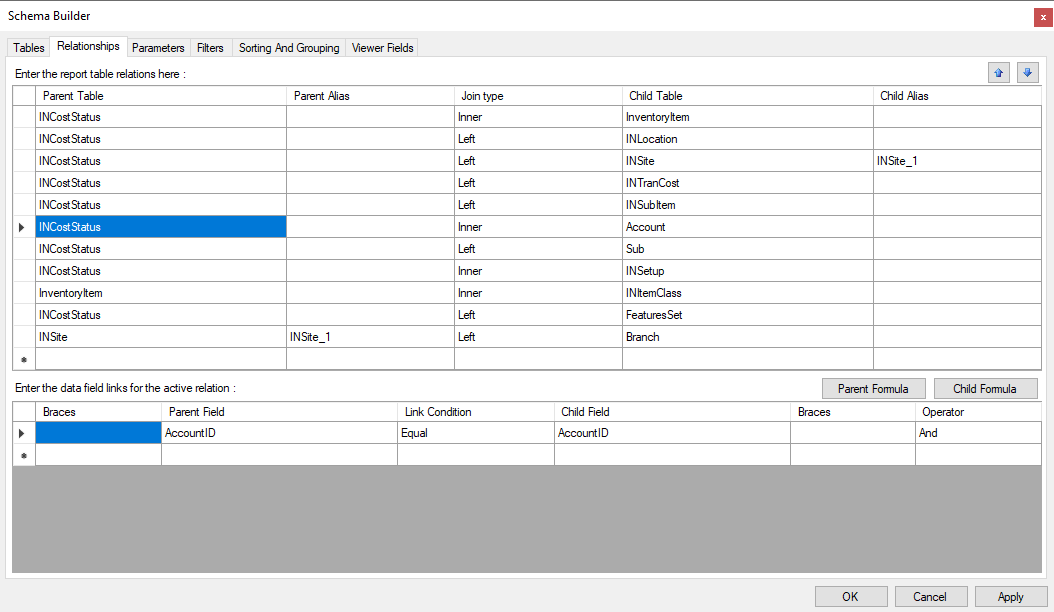
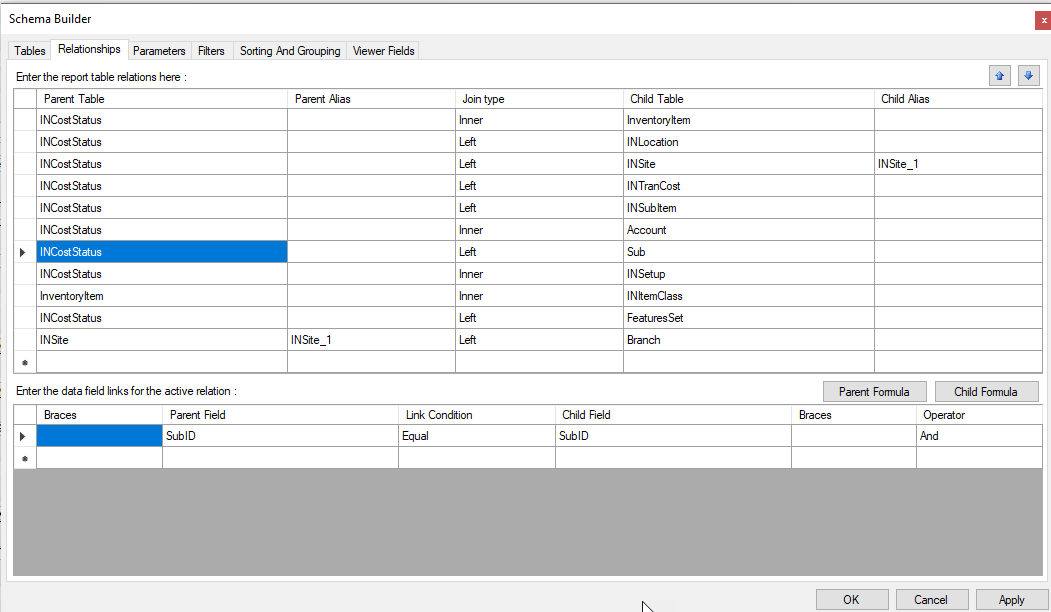
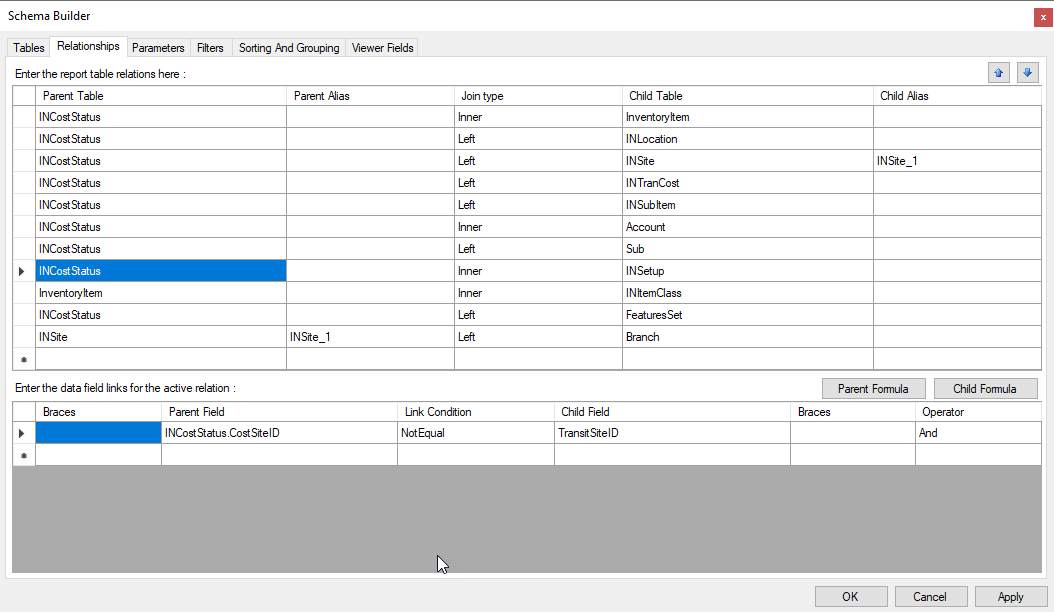
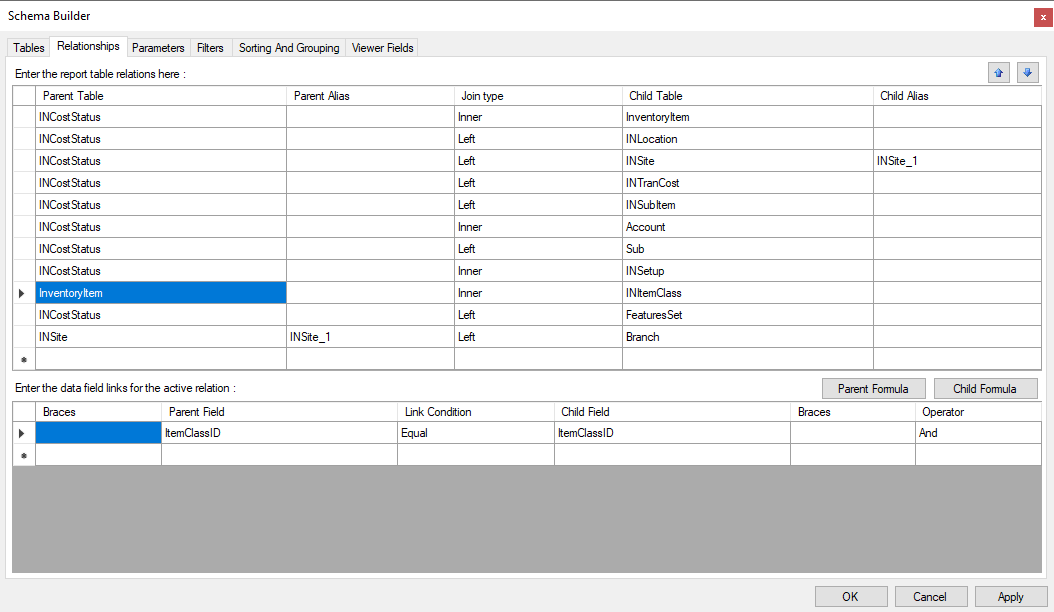
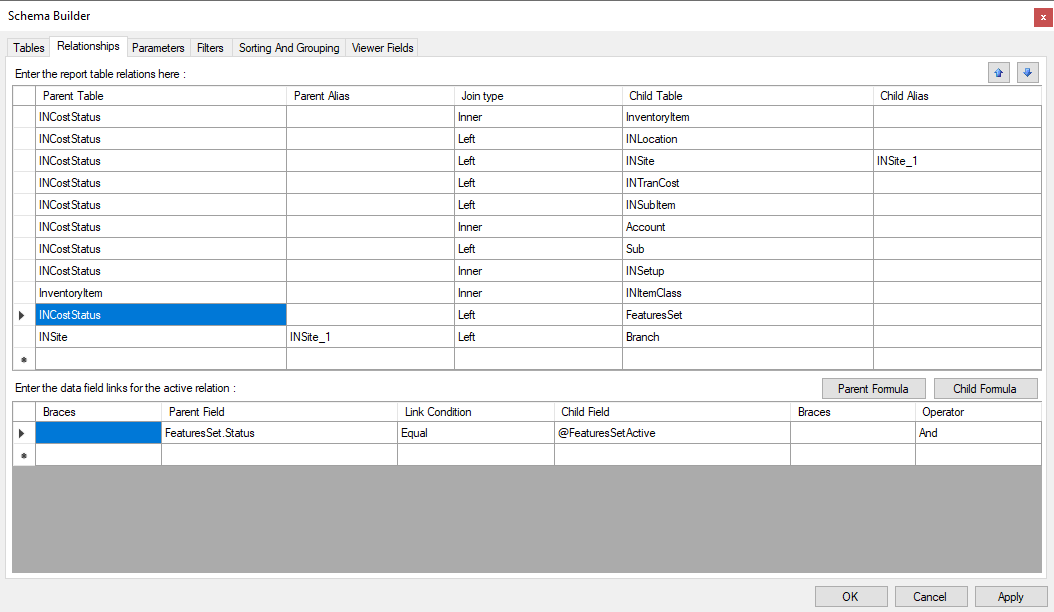
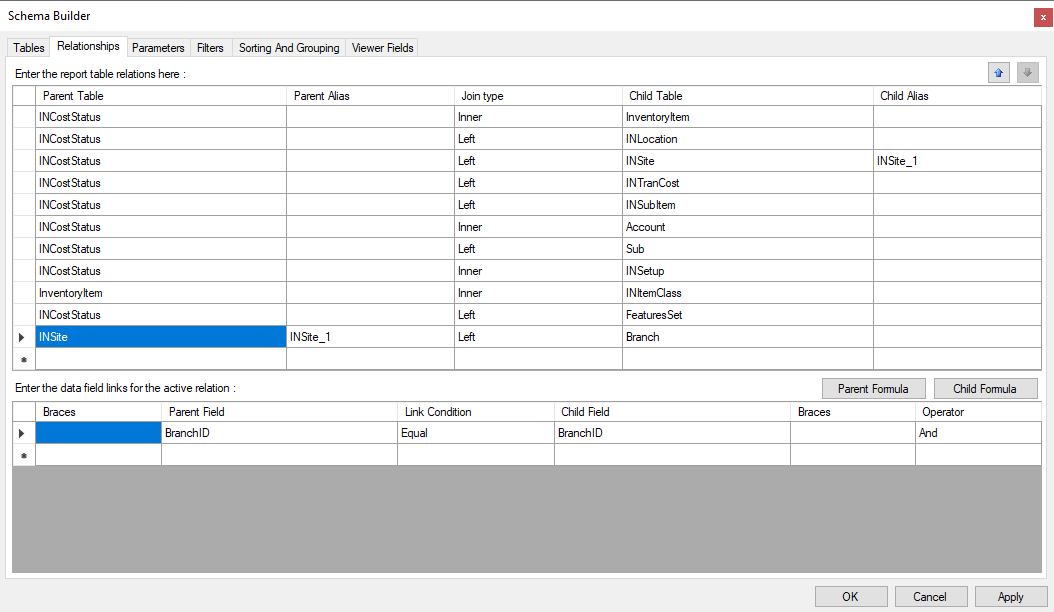
Could you please kindly share your relationship on this report.

I tried building the relationship to add Batch date but fail

Thanks so much!


Forum|alt.badge.img
  • Author
  • Jr Varsity II
  • October 25, 2022

Hi @kudzaim20 

Can you share the XML for your report? Or screenshots of what you are looking for?

Good day

I have attached the xml 


Kandy Beatty
Captain II
Forum|alt.badge.img+17
  • Captain II
  • October 25, 2022

Hi @kudzaim20 

Can you share the XML for your report? Or screenshots of what you are looking for?

Good day

I have attached the xml 

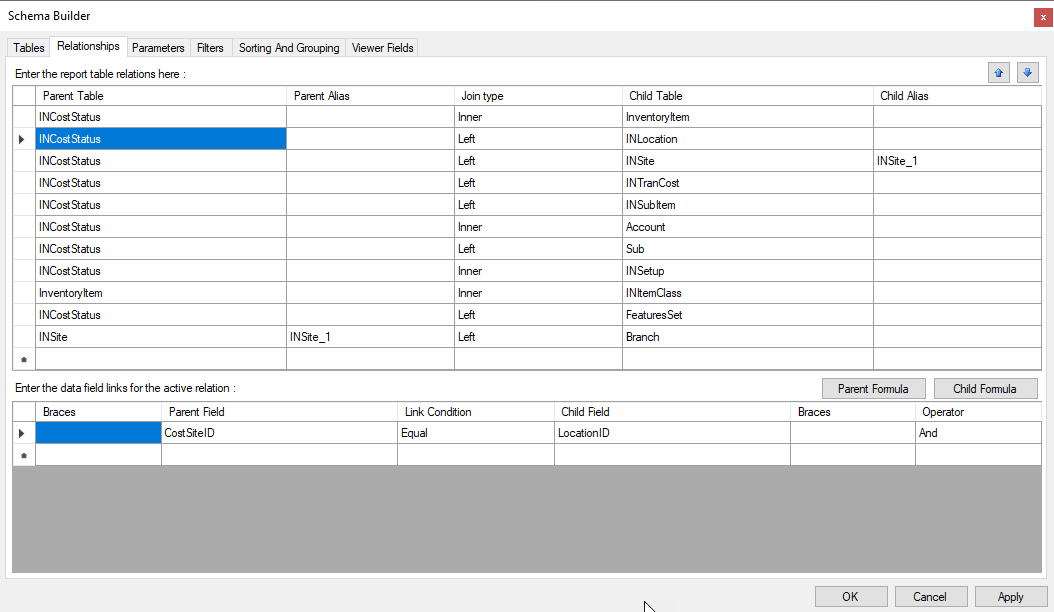
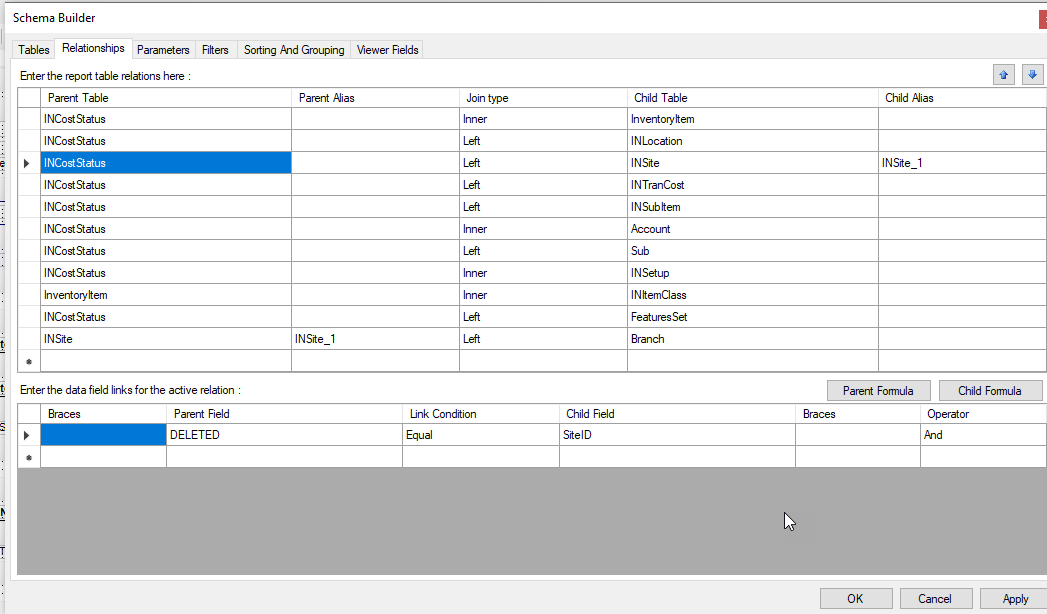
Did you add what I showed in the screen shot?


Kandy Beatty
Captain II
Forum|alt.badge.img+17
  • Captain II
  • October 25, 2022

HI @kudzaim20 

You can add that right on the report designer. GO to File> Build Schema> Parameters


Hi @kbeatty21 

Could you please kindly share your relationship on this report.

I tried building the relationship to add Batch date but fail

Thanks so much!

Hi @haule 


Forum|alt.badge.img
  • Author
  • Jr Varsity II
  • October 26, 2022

HI @kudzaim20 

You can add that right on the report designer. GO to File> Build Schema> Parameters


I did add the date filter , however it does not filter the transactions by “date”, if you check balance at the end of August and compare with end of October it is coming back the same with no difference yet there were transactions between the said period. 


Kandy Beatty
Captain II
Forum|alt.badge.img+17
  • Captain II
  • Answer
  • October 26, 2022

HI @kudzaim20 

You can add that right on the report designer. GO to File> Build Schema> Parameters


I did add the date filter , however it does not filter the transactions by “date”, if you check balance at the end of August and compare with end of October it is coming back the same with no difference yet there were transactions between the said period. 

Try to change the default value to be a range,  such as an if statement. 


Forum|alt.badge.img
  • Jr Varsity III
  • October 21, 2024

HI @kudzaim20 

You can add that right on the report designer. GO to File> Build Schema> Parameters


I did add the date filter , however it does not filter the transactions by “date”, if you check balance at the end of August and compare with end of October it is coming back the same with no difference yet there were transactions between the said period. 

Try to change the default value to be a range,  such as an if statement. 

@Kandy Beatty @kudzaim20 what was the If statement that you went with to get the date range to work out properly?


Forum|alt.badge.img
  • Jr Varsity II
  • February 3, 2025

Just wanted to say. I read this whole post and utilized the file above. This is extremely helpful.


Thank you!


  • Freshman I
  • October 21, 2025

@stoner7matt  is this worked ?