Answer

How to Extend As Customer a Business Account via Rest API

  • June 25, 2025
  • 17 replies
  • 189 views

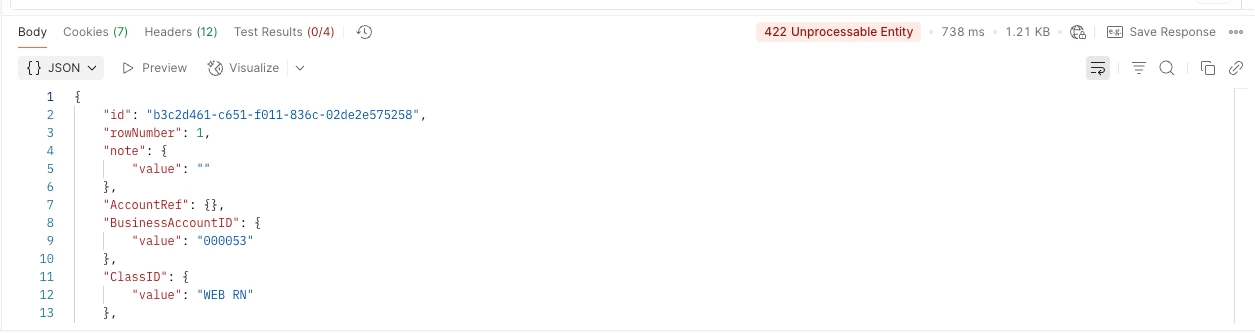
Trying to trigger the “Extend as Customer” action for a business account via the rest api but am getting a 422 Unprocessable Entity. Not sure what I am doing wrong? Please help.

In postman using ‘POST’ with the url: https://((CUSTOMER))/entity/Default/24.200.001/BusinessAccount/ConvertBusinessAccountToCustomer

Body: 

{

"entity": {

"Type": { "value": "BAccount" },

"BusinessAccountID": { "value": "000053" },

"CustomerClass": { "value": "W RN BC" },

"CustomerName": { "value": "Channeltestcustomer169" },

"SalesAccount": { "value": "40000" },

"ARAccount": { "value": "11000" }

}

}


Best answer by Abhishek Niikam

That number (6587) is the auto-generated internal ID (primary key) from the BAccount table.
When you extended the account to a customer, Acumatica used the same BAccountID to create a record in the Customer table, linking both.

and CustomerID is the same as BusinessAccountID in my case  (Test1).

17 replies

Forum|alt.badge.img+2

I am fairly familiar with REST APIs and the 422 Unprocessable Entity error typically indicates that the request format or data is incorrect.
this error might be due to one of the following:

  •  Check the Endpoint URL – Ensure the endpoint and version (24.200.001) are correct.

  • Missing Required Fields: Some fields might be required but not obvious.
  • Validate the Business Account ID (000053) – Confirm it exists and is accessible.
    with GET /entity/Default/24.200.001/BusinessAccount/000053

  • Check the Request Body/Params – For GET, ensure you're not sending an unnecessary or malformed body.
     

Hope it helps!


jinin
Pro I
Forum|alt.badge.img+11
  • Pro I
  • June 26, 2025

Hi ​@jpeterson ,

To convert a Business Account to a Customer, only the BusinessAccountID field is required. Please find below a sample JSON request for the conversion.

Url:entity/Default/24.200.001/BusinessAccount/ConvertBusinessAccountToCustomer

Method:POST

Request:
{

    "entity": {

        "BusinessAccountID": {

            "value": "ALPINEAIR"

        }

    },

    "parameters": {}

}


  • Author
  • Freshman I
  • June 26, 2025

I have cleaned up the POST so the request looks like the below but I still get the 422

Same URL: https://((Customer)).acumatica.com/entity/Default/24.200.001/BusinessAccount/ConvertBusinessAccountToCustomer

{

"entity": {

"BusinessAccountID": { "value": "000053" }

}

}


Have also confirmed that I can access the account by doing the simple Get

https://((Customer)).acumatica.com/entity/Default/24.200.001/BusinessAccount/000053


Any other ideas? 


Forum|alt.badge.img+2

@jpeterson Hello, after hours of trying I’m able to Create Customer via ConvertBusinessAccountToCustomer action.

I have attached my testing example to show it works :

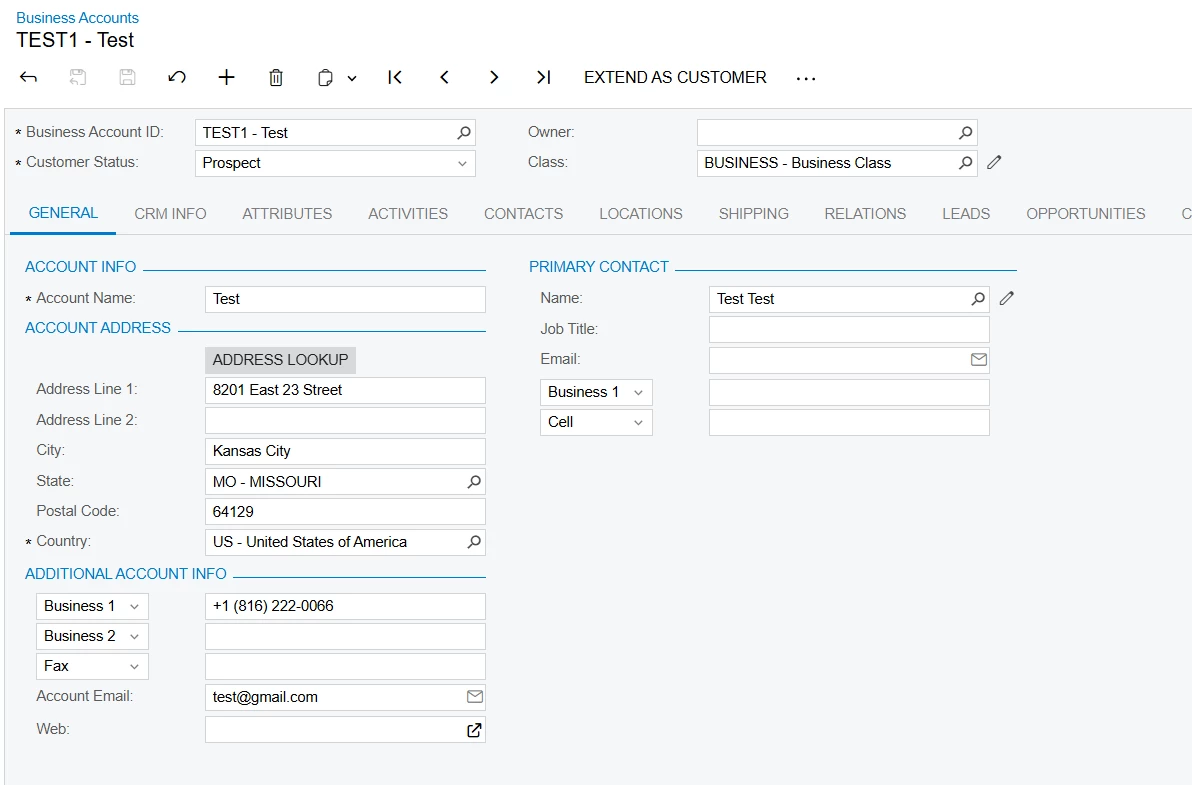
Before Extend As Customer

I used this Request :
 

{
"entity": {

"BusinessAccountID": {
"value": "TEST1"
},


"MainContact": {

"Email": {

"value": "test@gmail.com"

}

}
}
}

and you just need BusinessAccountID & Email. (Both are Mandatory)
Note : You can add field such as Type, CustomerClass, CustomerName, SalesAccount, etc.

URL’s  you can use one of them (both works):
1.  /entity/Default/24.200.001/BusinessAccount/ConvertBusinessAccountToCustomer/
2. 
 /entity/Default/24.200.001/BusinessAccount/ExtendToCustomer/
 

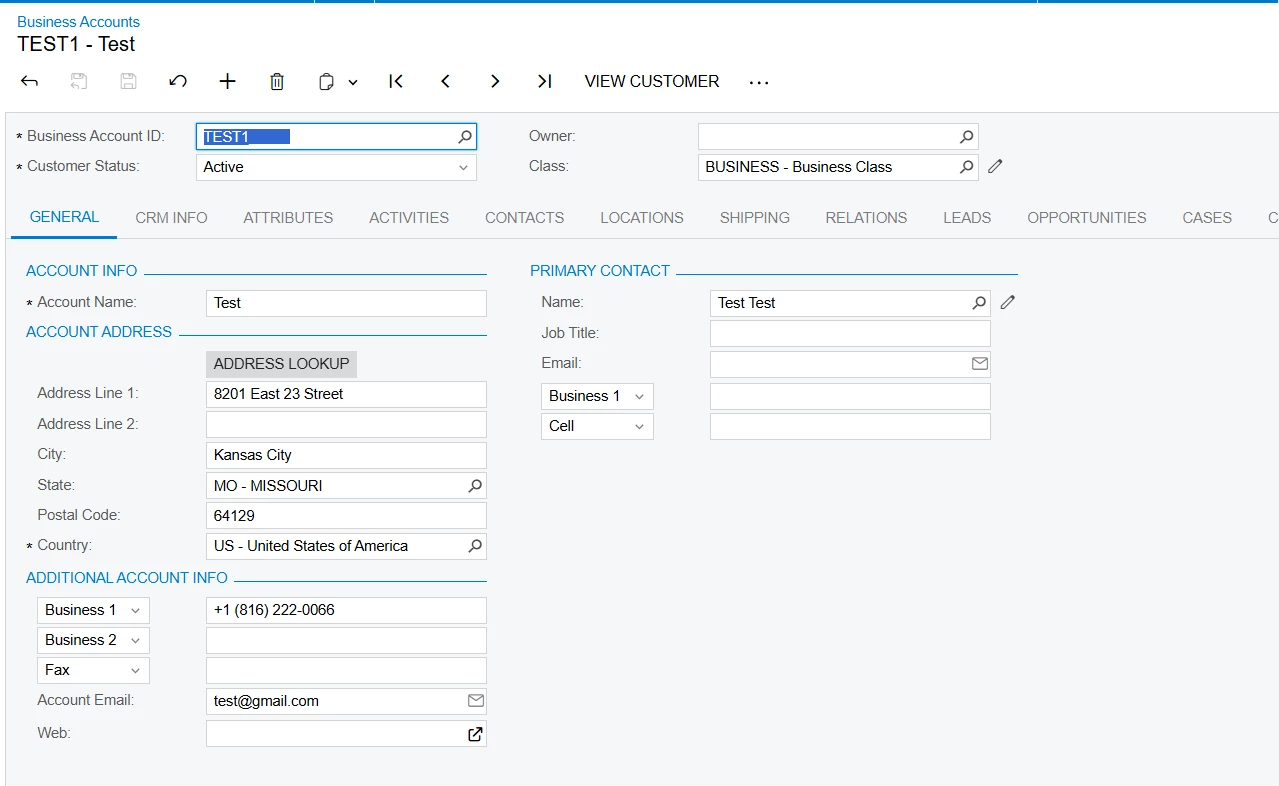
After Customer Created


You Got 204 - No Content as a Response & it actually means: The request was successfully processed, but there's no data returned in the response body.

I hope it helps! Thanks for sharing this. I learned something new from it.


  • Author
  • Freshman I
  • June 26, 2025

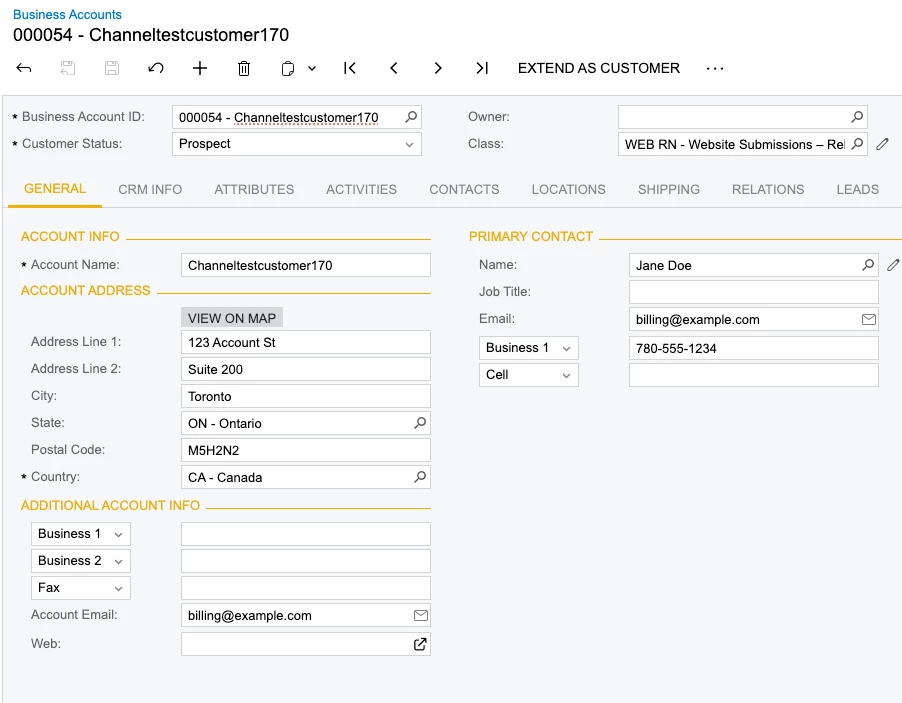
Argh I am glad you got it to work but unfortunately i still get the 422. See below: 

Body: 

{

"entity": {

"Type":{

"Value":"BAccount"

},

"BusinessAccountID": {

"value": "000054"

},

"MainContact": {

"Email": {

"value": "billing@example.com"

}


}

}

}

I tried it with both url’s you suggested.


Forum|alt.badge.img+2

@jpeterson from above I suggest you check BusinessAccountID value in Database (my case DAC - BAccount - > AcctCD → Test1).

Select AcctCD from BAccount 

if query give you result & AccCD value is diff. then replace it OR
Inspect your Business Account ID field & check value in Database.


  • Author
  • Freshman I
  • June 26, 2025

I have confirmed that AccountId does match. You are doing a POST correct?


Forum|alt.badge.img+2

@jpeterson Yes, its a POST request. I suggest you that try BusinessAccountID as “54” in request instead of “000054”. rest is as it is.
so your req become : 

{

"entity": {"Type":{"Value":"BAccount"},

"BusinessAccountID": {"value": "54"},

"MainContact": {"Email": {"value": "billing@example.com"}}}

}

Give it try.


  • Author
  • Freshman I
  • June 27, 2025

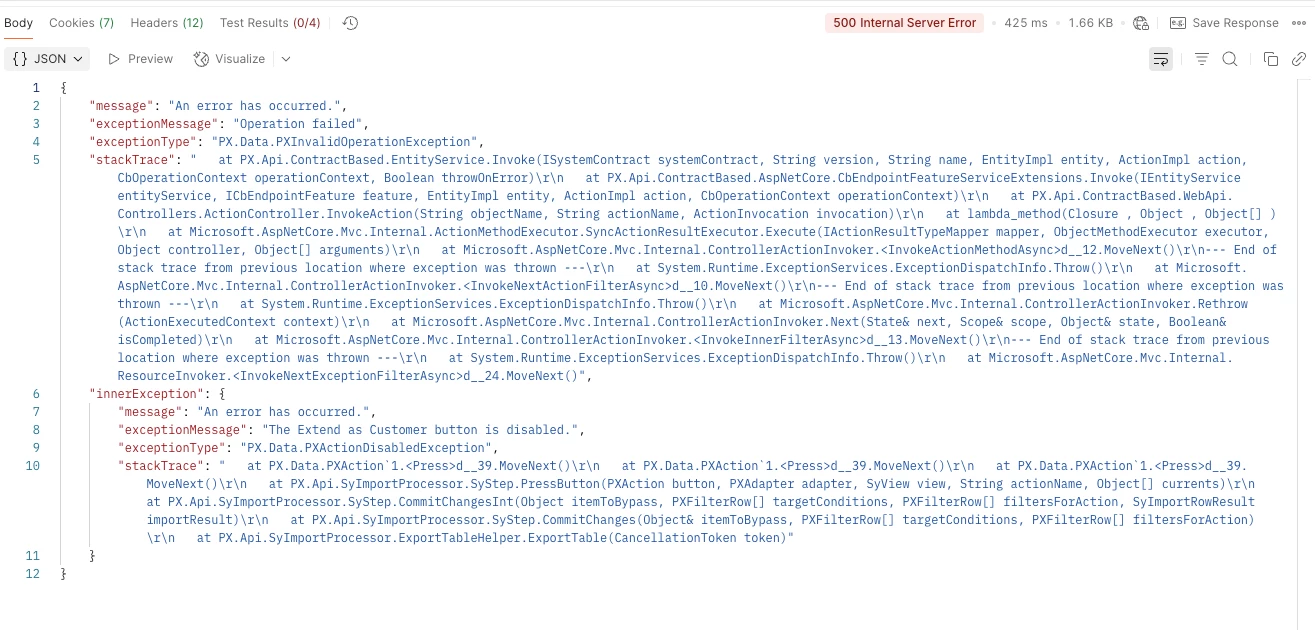
Might be getting somewhere. Now I get the error saying the Extend as Customer button is disabled? I have confirmed I can use it in the UI. 

It is an action under the business account endpoint: 

Though there are no parameters? Not sure if that matters. 


Forum|alt.badge.img+2

@jpeterson okay you are on right track & I also face this issue. This error came when you try to send req with Unknown fields name like instead of BusinessAccountID you trying BusinessAccount or other naming issue regarding fields.
you can try this req also & if possible send database snap of BAccount & Customer Table.

{"entity": {
"Type":{"Value":"BAccount"},
"BusinessAccountID": {"value": "--"},
"CustomerName": {"value": "---"},
"CustomerClass": {"value": "LOCAL"},
"MainContact": { "Email": { "value": "test@mail.com" }}}}


  • Author
  • Freshman I
  • June 27, 2025

Hmm same error with your request but atleast we are getting somewhere. 

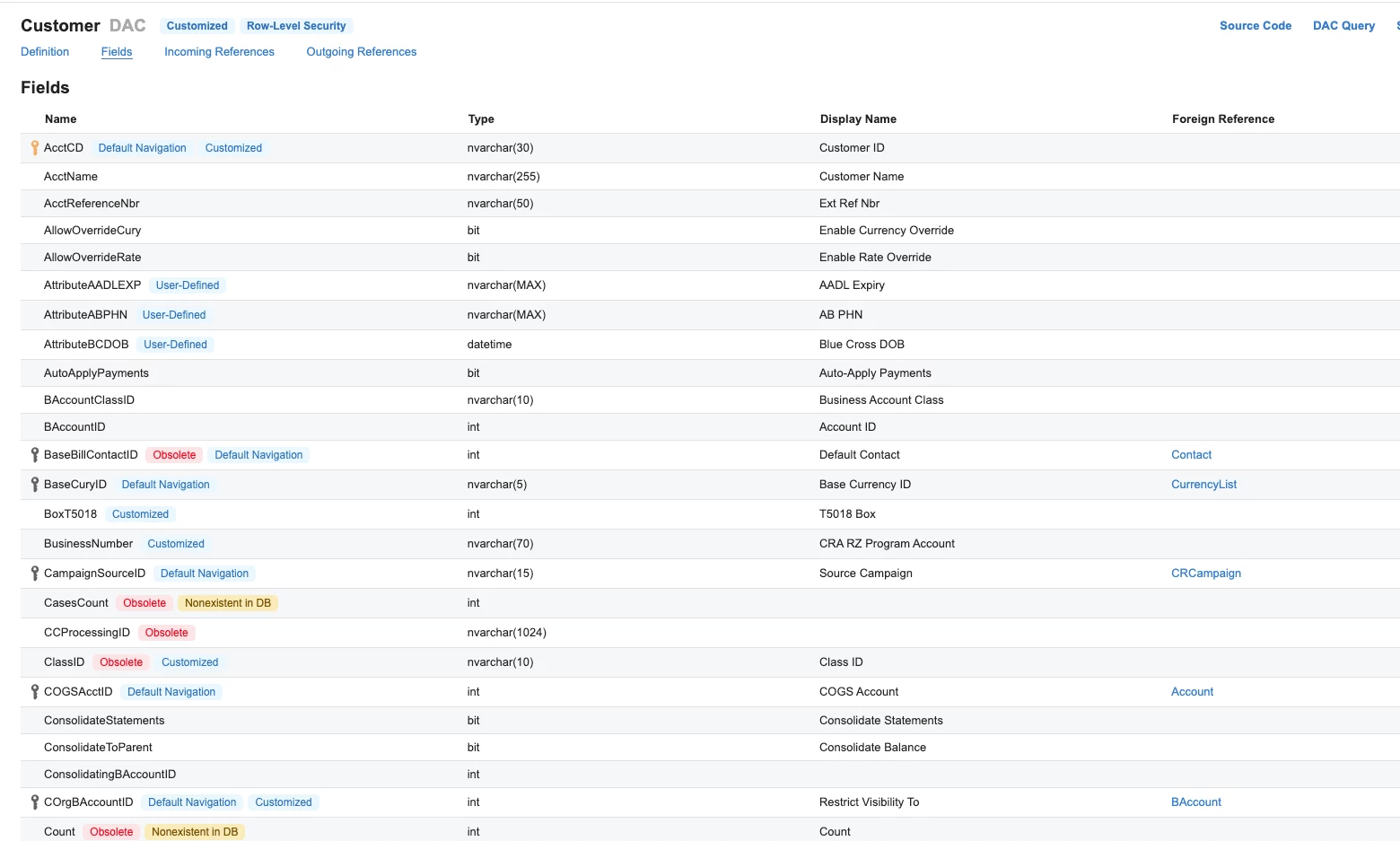
Here is the Business Account Schema: 


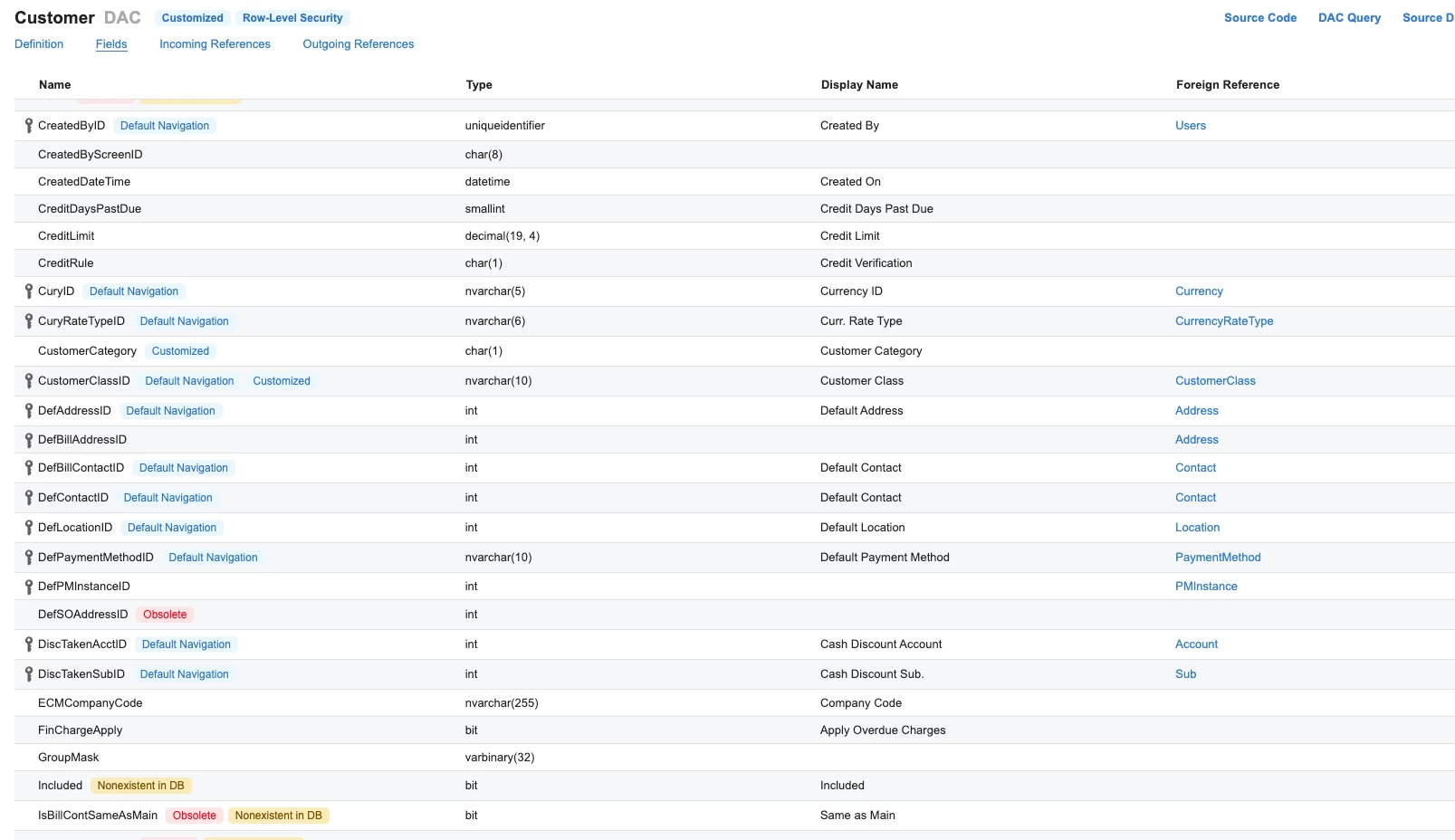
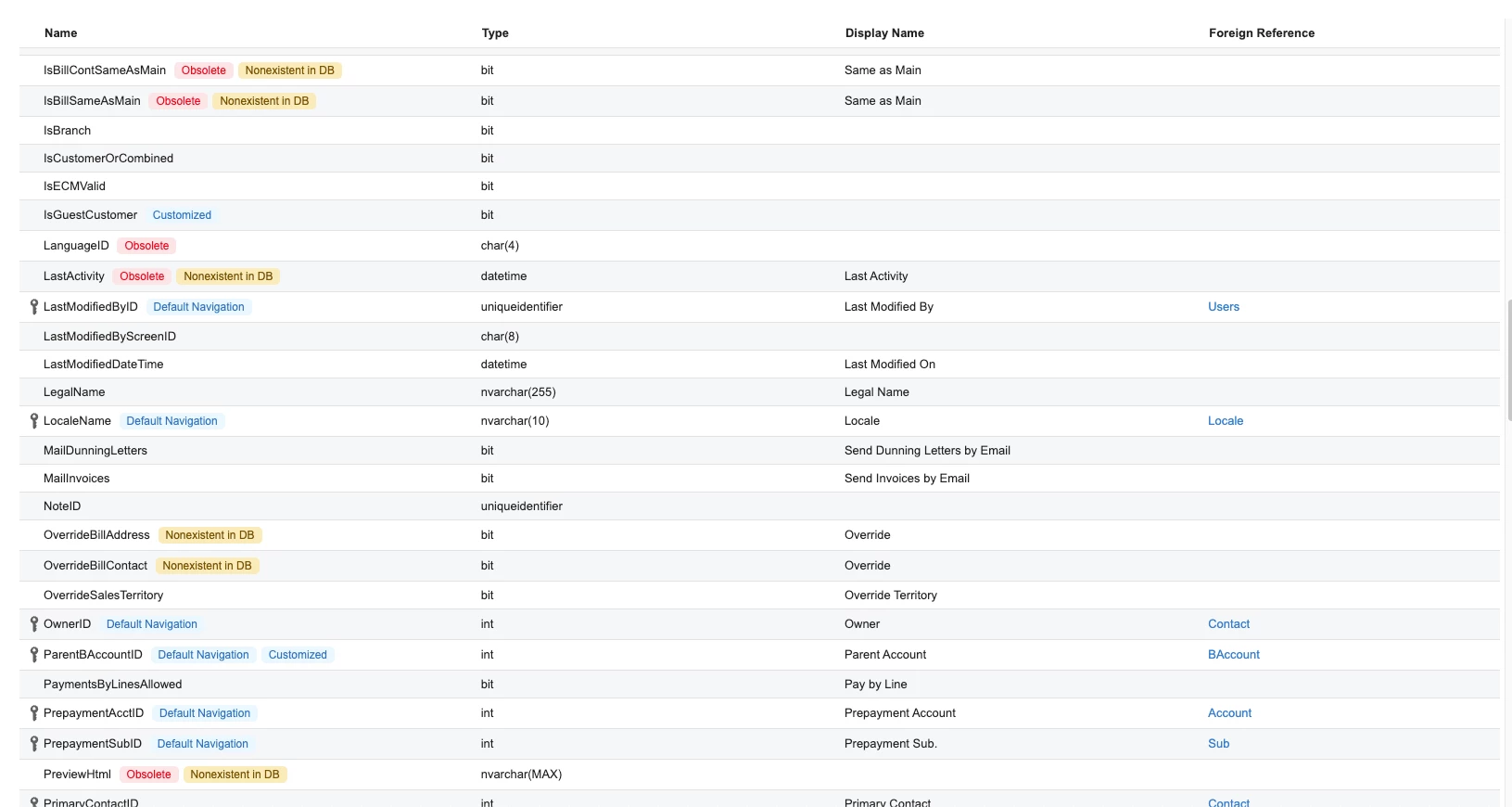
Customer Schema


  • Author
  • Freshman I
  • June 27, 2025

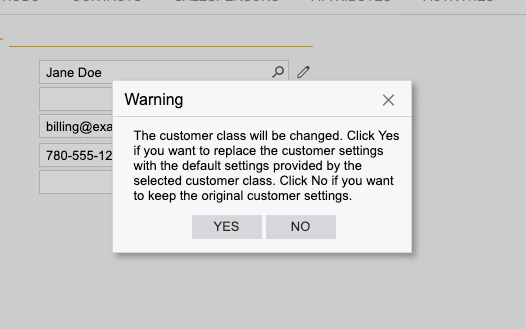
If I go through this manually in the UI when I click the “extend as customer” button it jumps me to the customer’s page and before I save the record I have to update the customer class. When I do that it gives me this warning below. Not sure if it matters.


Forum|alt.badge.img+2

@jpeterson I think its not required & if you not provide it take default Customer class. & if had doubt then provide this value in req.
I’m pretty sure that your providing wrong value in req. Just double check your values that are matches with database records like in AcctCD value in table BAccount, EMail format in Contact table, etc.
All fields values you providing in  request double check it.
and provide Whole log of 422 error if possible.


  • Author
  • Freshman I
  • June 27, 2025

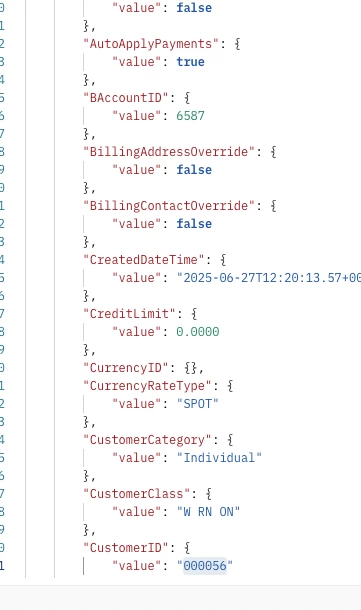
I found something interesting. A business account I extended to a customer manually through the UI. if I do a Get customer in the response it shows me the BAccountID and the customerID. But I am not sure where that BAccountID of 6587 is coming from? 000056 is what shows as the Business Account in the UI. Where would I find that 6587 number?


Forum|alt.badge.img+2

You can find 6587 in the BAccount table as the BAccountID


Try this:

  • SELECT 
    b.BAccountID,
    b.AcctCD AS BusinessAccountCD,
    c.BAccountID AS CustomerCD,
    c.bAccountID AS CustomerBAccountID
    FROM
    BAccount b
    JOIN
    Customer c ON b.BAccountID = c.bAccountID
    WHERE
    b.AcctCD = '000056';


  • Author
  • Freshman I
  • June 27, 2025

Would it make sense that it needs to be the internal numeric id in the request vs the visible one? 


Forum|alt.badge.img+2

That number (6587) is the auto-generated internal ID (primary key) from the BAccount table.
When you extended the account to a customer, Acumatica used the same BAccountID to create a record in the Customer table, linking both.

and CustomerID is the same as BusinessAccountID in my case  (Test1).