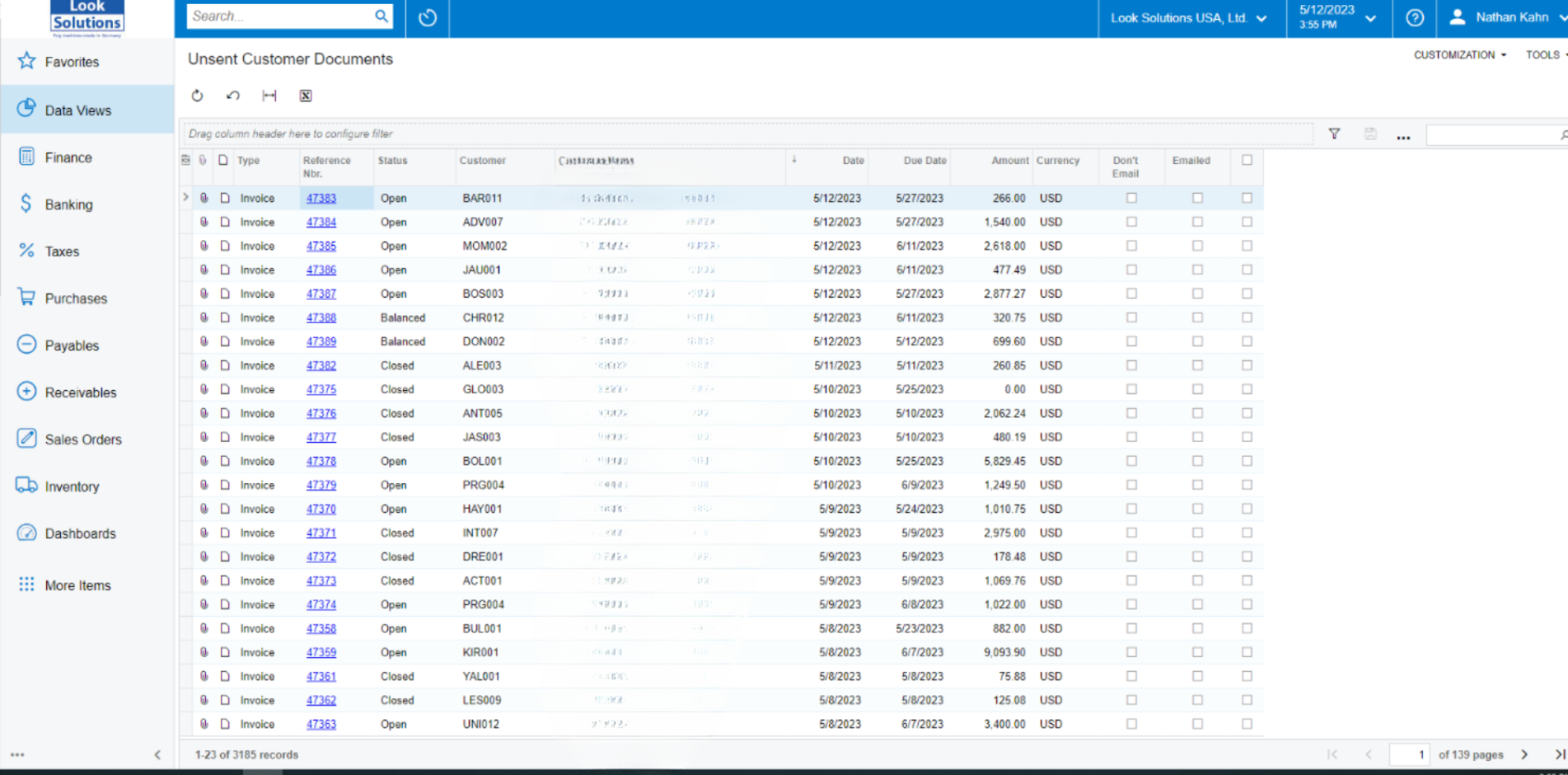
Hi @NathanKahn
The generic inquiry verifies the Emailed or Don’t Email checkboxes located on the Financials tab.
Using the action of Email, under Printing and Emailing should mark the invoice as Emailed. Also, using the action of Mark as Do not Email will remove the document from the list. What steps are you following to send the email?
To mass update the records, you can send the emails as follows:
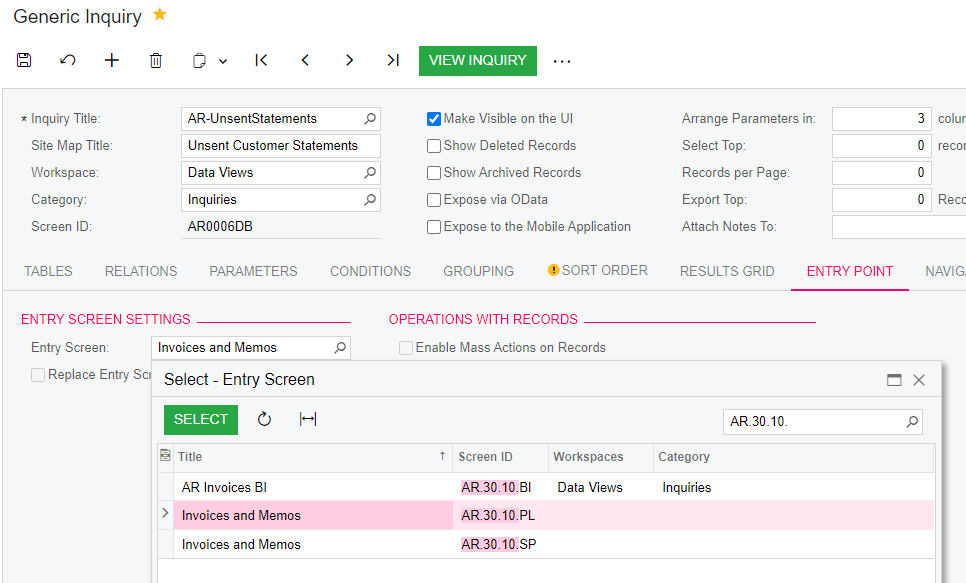
- Under Customization (top right), use action of Edit Generic Inquiry
- On the Entry Point tab, on the Entry Screen, set Invoices and Memos (AR.30.10.00) screen
- On the Entry Point tab, set Enable Mass Actions on Records as true
- On the Mass Actions add the line Email (PrintingAndEmailingID)
- Save
- Now you can select and send the emails
The Mark as Do not Email action is not available under the Mass Actions tab. I would believe that with a customization it could be available. You could follow these steps: