
Answer

Drop Ship with Serial Number

  • February 13, 2025
  • 6 replies
  • 113 views

josborn02
Varsity III
Forum|alt.badge.img+1

Hello,

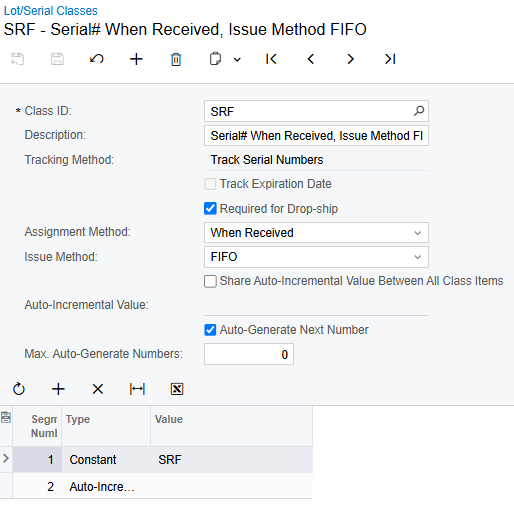
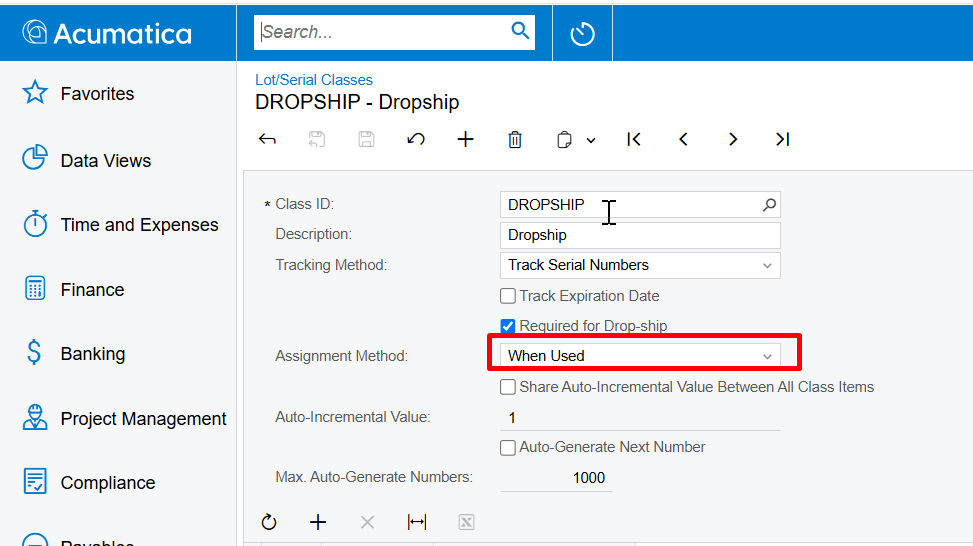
I am trying to drop ship an item that is serial tracked.  I have checked the Required for Drop-ship box in the Lot/Serial Class.
 

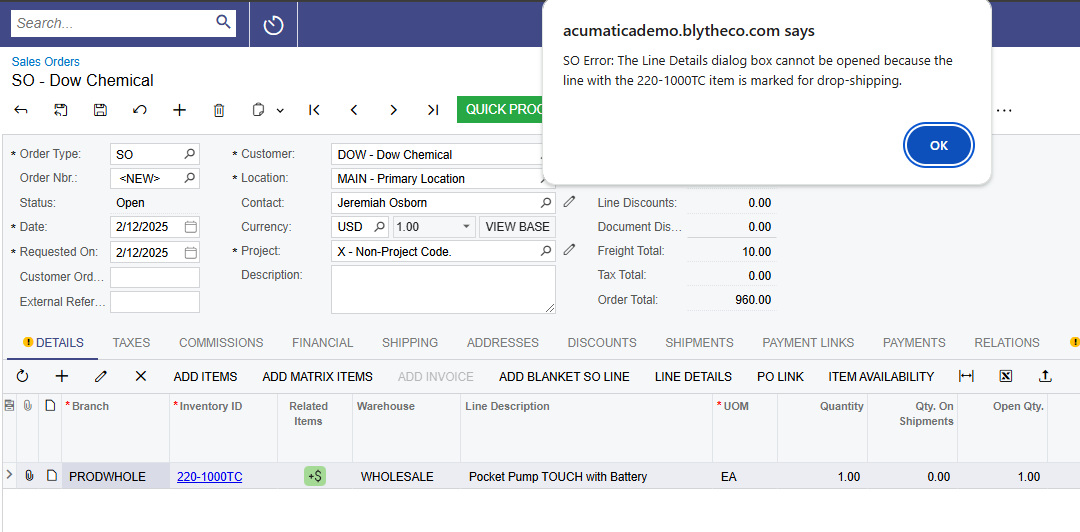
I still cannot open Line Details to enter the serial number on the Sales Order screen, and get this error.
 

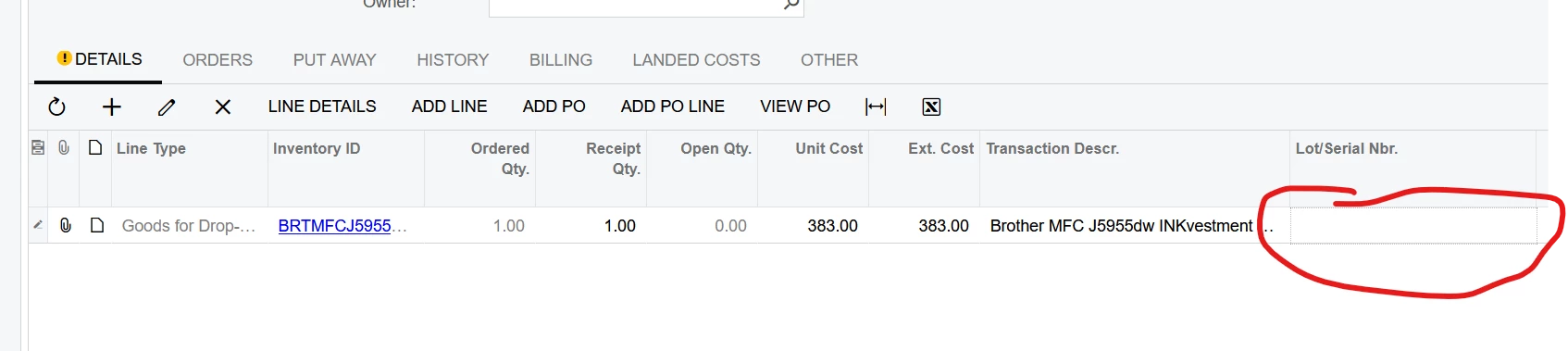
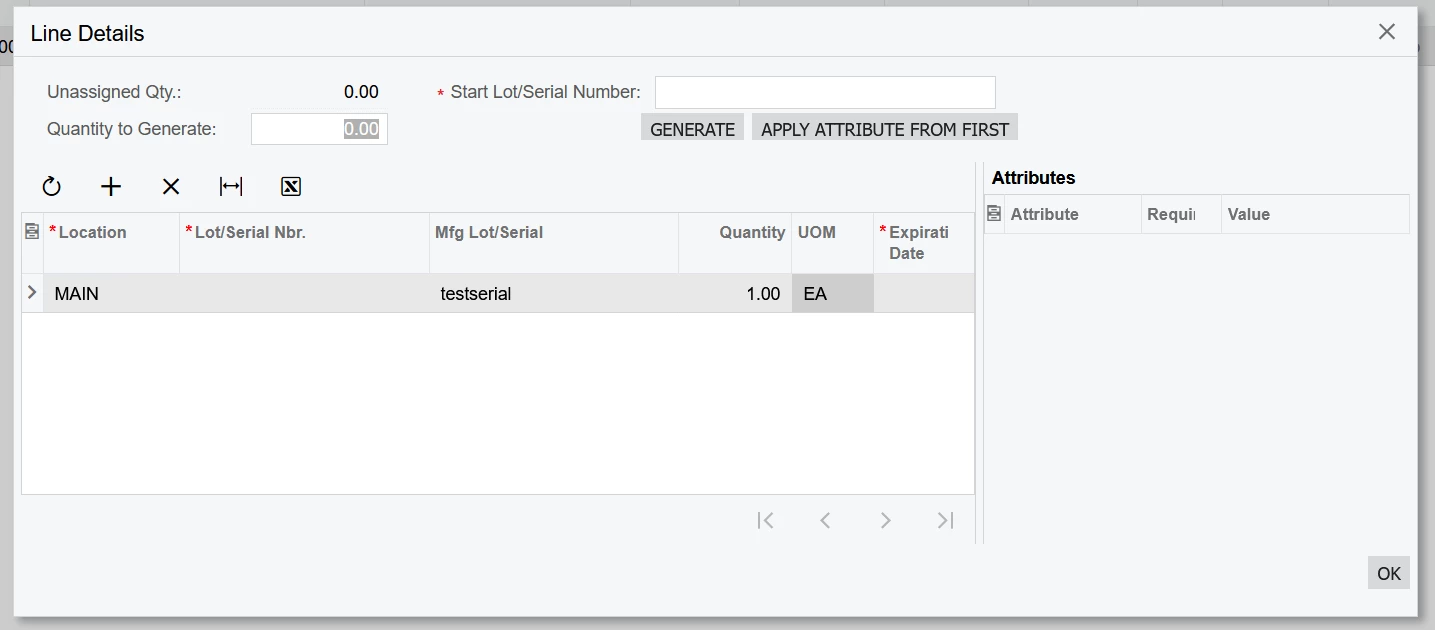
The first place I can enter a serial number is on the Purchase Receipt.
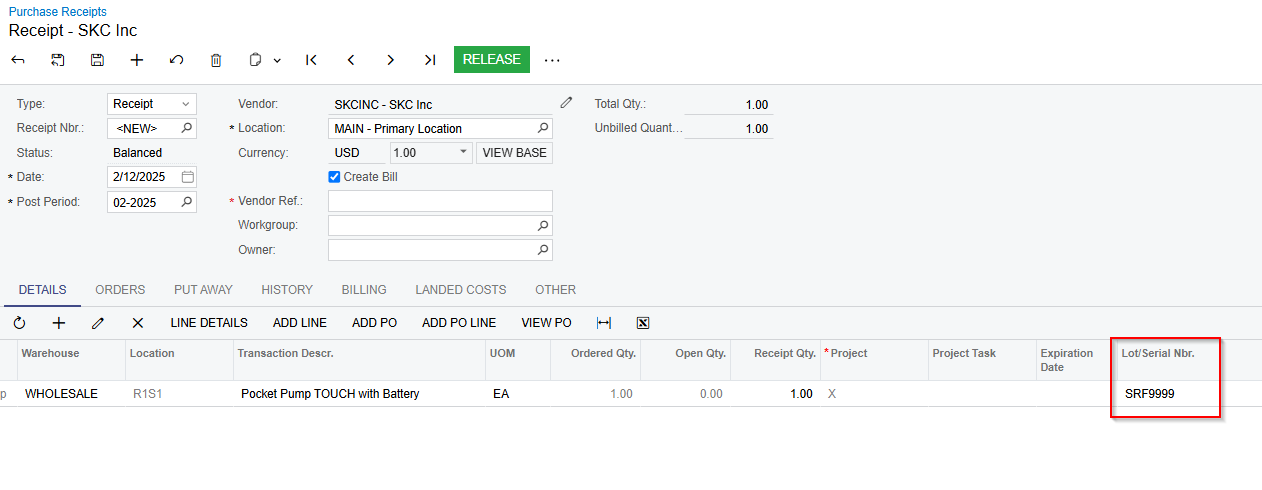
 

Is there a way to enter the serial number on the Sales Order screen for a drop ship item?
Best answer by vkumar

Hi ​@josborn02 

Please set the Lot /serial class with Assignment method ‘When used’. This should work.


Hope this helps.

Regards,


6 replies

Forum|alt.badge.img+2

@josborn02 I believe the system won't allow entering the serial number in sales due to the drop ship process.
The line details in the sales order serve to allocate existing warehouse stock to the sales order, while for drop shipments, the serial number can only be entered at the time of purchase receipt.

Work around: If you need to track serial numbers for drop shipments, you can create a generic inquiry to monitor drop ship orders with their serial numbers.


Forum|alt.badge.img+12
  • Acumatica Support Team
  • Answer
  • February 13, 2025

Hi ​@josborn02 

Please set the Lot /serial class with Assignment method ‘When used’. This should work.


Hope this helps.

Regards,


Dana Moffat
Community Manager
Forum|alt.badge.img+2
  • Community Manager
  • February 13, 2025

Thank you for your post.

When raising the drop ship PO, how is it that you know which particular serial#, your drop vendor will be fulfilling your order with?


josborn02
Varsity III
Forum|alt.badge.img+1
  • Author
  • Varsity III
  • February 13, 2025

Thank you everybody for your replies.  Ideally I could enter the serial number on the SO because it is on the SO Confirmation or Shipment Confirmation I receive from the vendor.  However, it looks like the only way to enter it is at the Purchase Receipt level.


  • Freshman I
  • April 8, 2025

Once we add the S/N in the line details of the PO Receipt, how do we get that S/N to carry through to the customer’s equipment record?


  • Freshman I
  • November 13, 2025

We are trying to accomplish the same thing as the above question. However, using serial class of enter “When used” I get an error on my PO Receipt saying a serial/lot number is required, but it does not allow me to enter it directly on the PO receipt screen.

I can add a serial from the line details, and that allows me to release the Receipt, but it value still does not show up in the lot/serial field on the Po Receipt. Am I missing something simple?