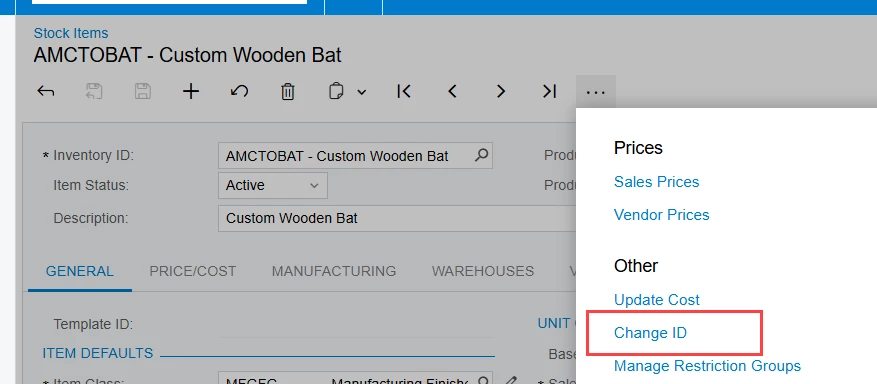
I’m trying to change the Lot/Serial Class on a few stock items from LOTTRACKED to USER.
When the items are allocated on Sales Orders, I get the expected error message:
“IN Error: The lot/serial class of the xyz item cannot be changed because this item is allocated in the Sales Order SO1234 document.”
After I deallocate the xyz item from all Sales Orders, I get a different message saying the Lot/Serial Class cannot be changed because the item has inventory.
I went a step further and cleared out all the inventory, but the system still won’t let me change the Lot/Serial Class. My understanding is that once there are completed transactions (receipts, issues, shipments, etc.), Acumatica “freezes” the Lot/Serial Class to preserve transaction history.
Before I commit to a solution, can anyone confirm if:
- This really means the Lot/Serial Class is locked forever once transactions exist, even if inventory = 0.
- The only supported approach is to create a new stock items with the desired Lot/Serial Class going forward.
I have four products in this situation and want to make sure I’m following the correct process before I start creating new items unnecessarily.