

Hi Expert,
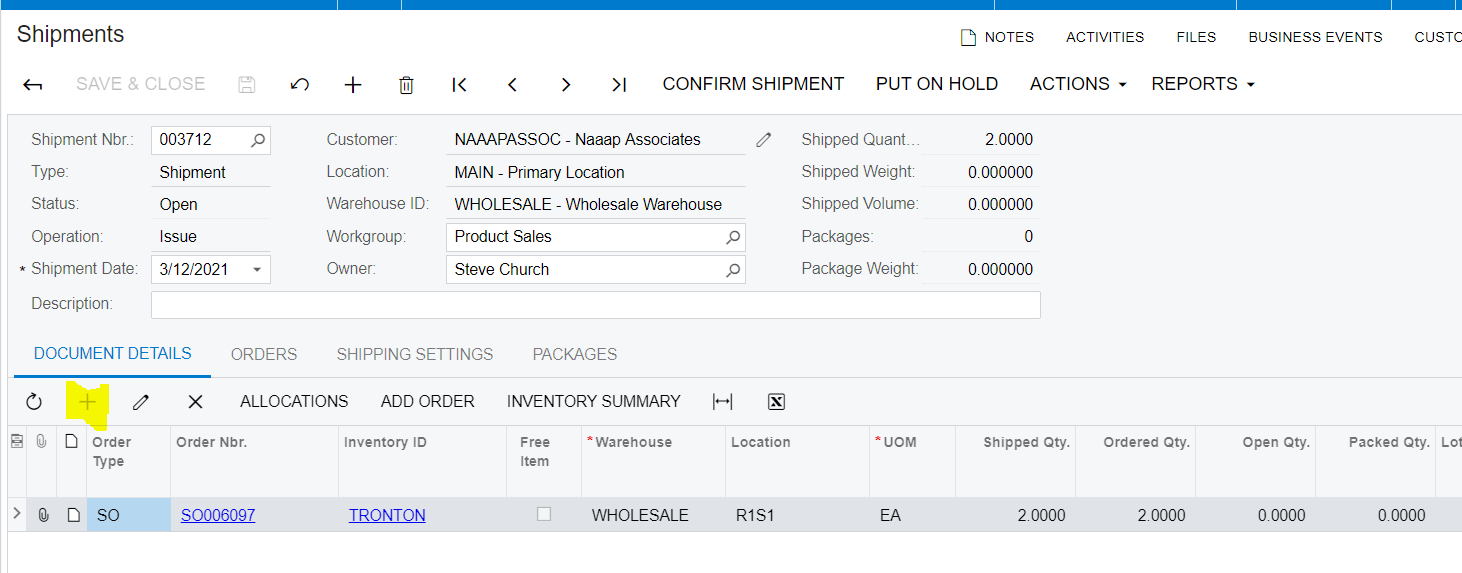
How can I add Non Stock Item manually in Shipment without SO/Order Reference ? I want to enable add button in Shipment.
Thanks
Ivan Kusno
Hi Expert,
How can I add Non Stock Item manually in Shipment without SO/Order Reference ? I want to enable add button in Shipment.
Thanks
Ivan Kusno
Best answer by Noah
I’ve been seeking an answer to this and so far it’s been a ‘you can’t’. It seems you have to add the non-stock item to the Sales Order. A workaround is to create a new Sales Order Type that doesn’t create an Invoice, add the non-stock item to that new Sales Order, then add it to the Shipment.
I’d love to know if there is a way to do it. Seems intuitive if Non-Stock items are designed to not be tracked in the system that we should be able to ship them out without a reference to another document.
Enter your E-mail address. We'll send you an e-mail with instructions to reset your password.

