v2023R1 currently. It sounds like 25R1 will change our world on this topic, but we’re not there yet. Even 23R2 would probably help because that’s where they introduced Allocation management.
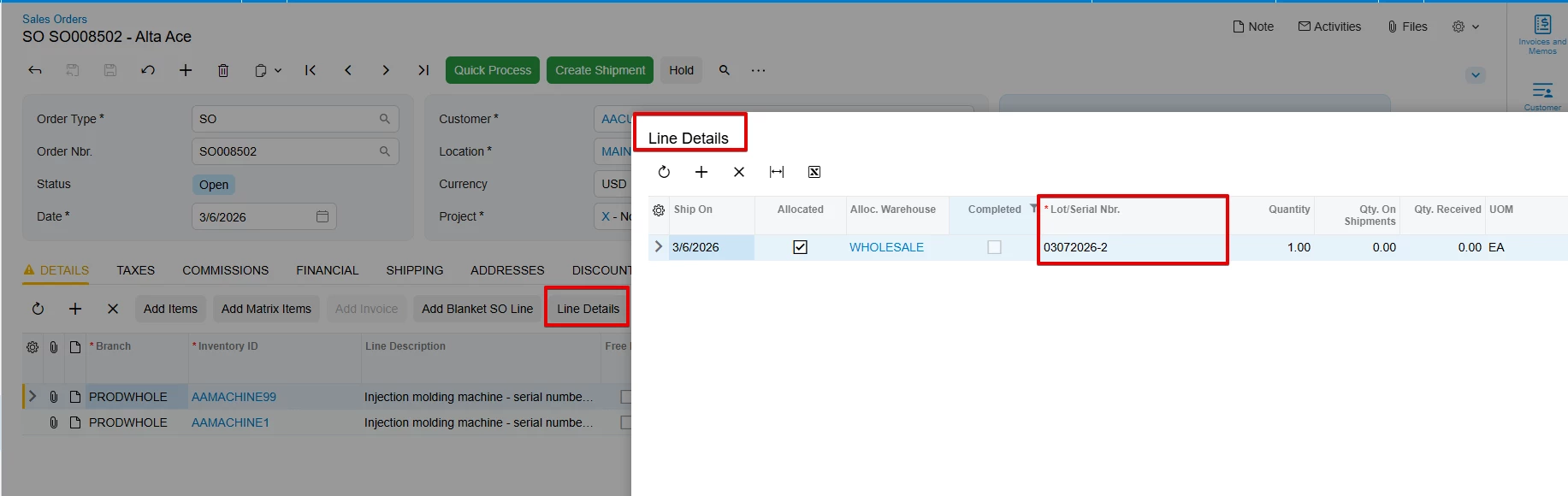
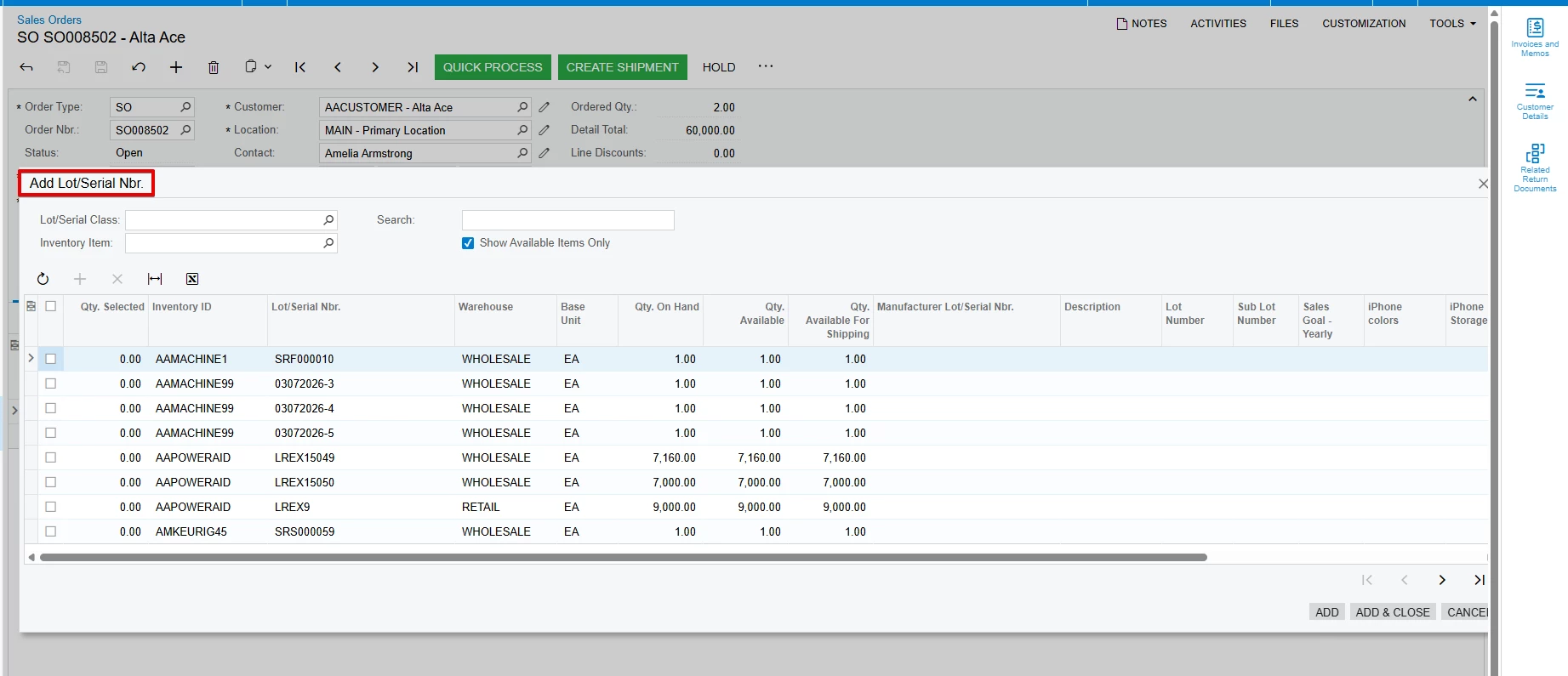
We typically allocate serials of heavy equipment and accessories that we sell at the sales order, rather than waiting for the shipment. I select the line in the sales order, click Line Details, check Allocate and then browse for a serial, *every* serial in the warehouse shows in the lookup window. I select one, and I’m told that inventory quantity will go negative because it’s already allocated to another sales order.
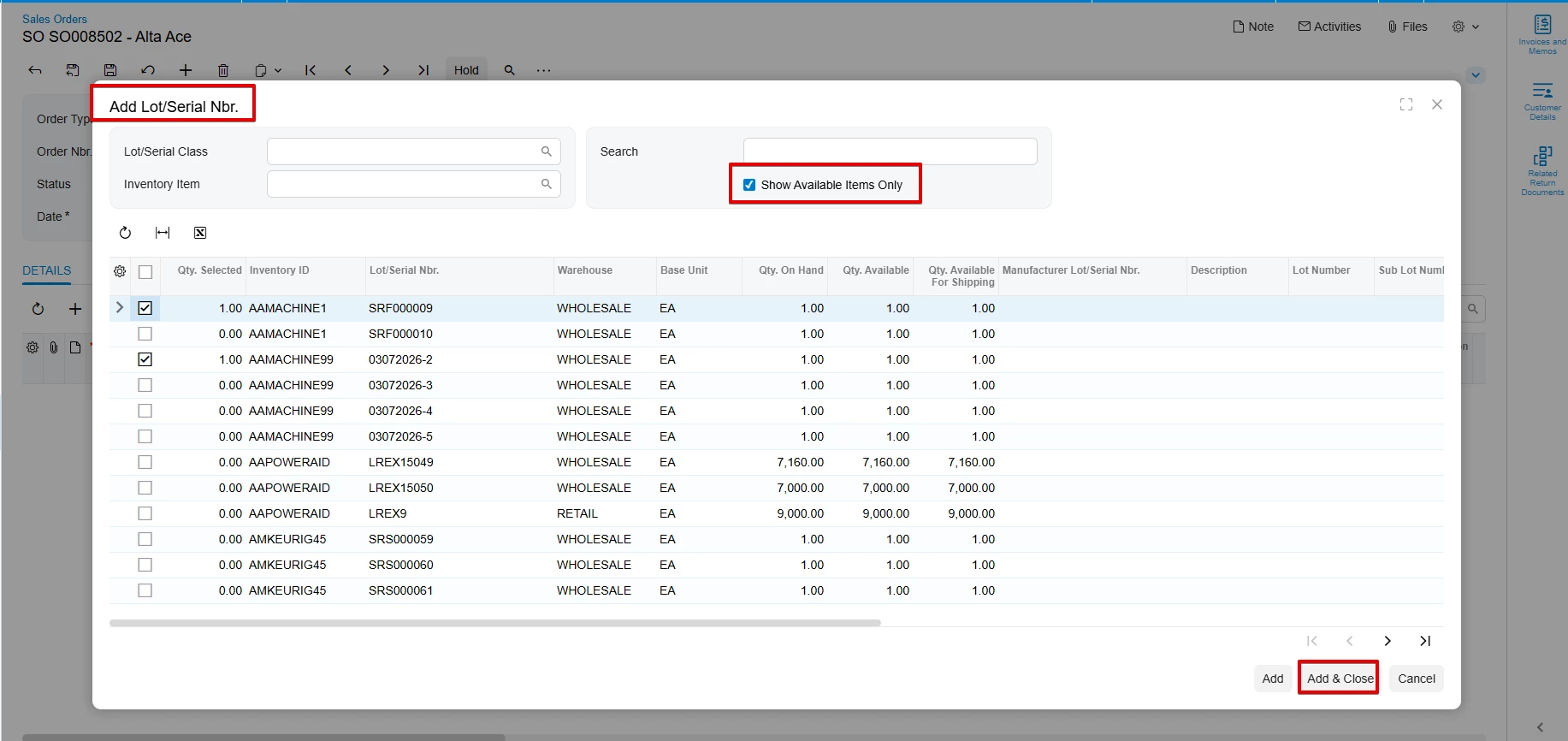
Right now we do this dance down the list until it doesn’t error any longer. What’s strange to me is that the lookup screen lists Qty On Hand (1), Qty Available (1) and Qty Hard Available (1) for every item in the list. I would have expected one of the Qty Available values to be 0 when it’s allocated to another sales order, but unfortunately nothing on this screen shows that it is allocated.
I want to believe there is some way to have this lookup screen tell me what serials are not available.