
Answer

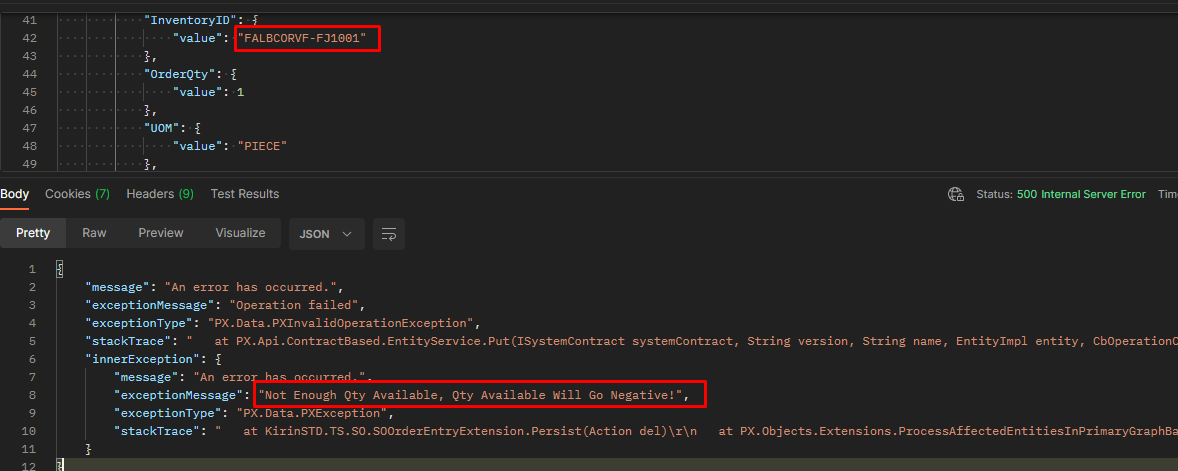
API Create Sales Order Return reponse "Not Enough Qty Available, Qty Available Will Go Negative!"

  • January 11, 2022
  • 12 replies
  • 135 views

Forum|alt.badge.img


Hello all, please help me.

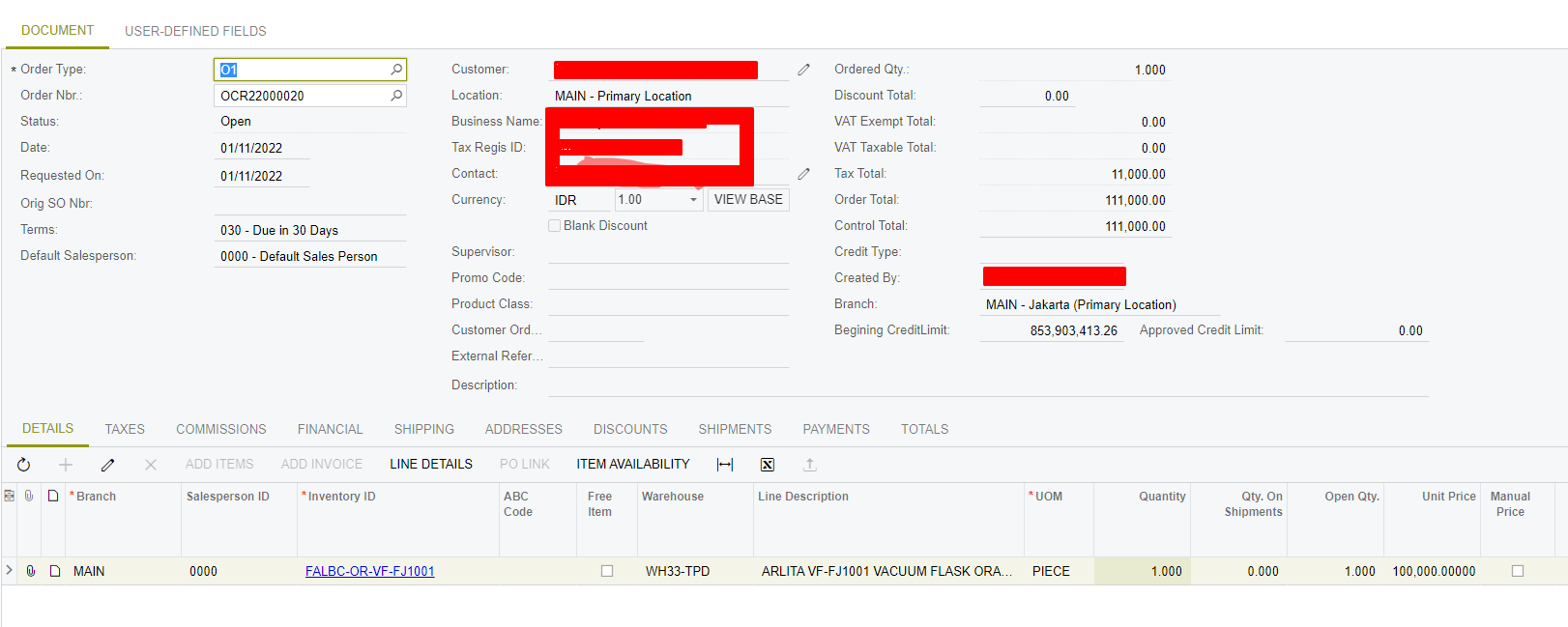
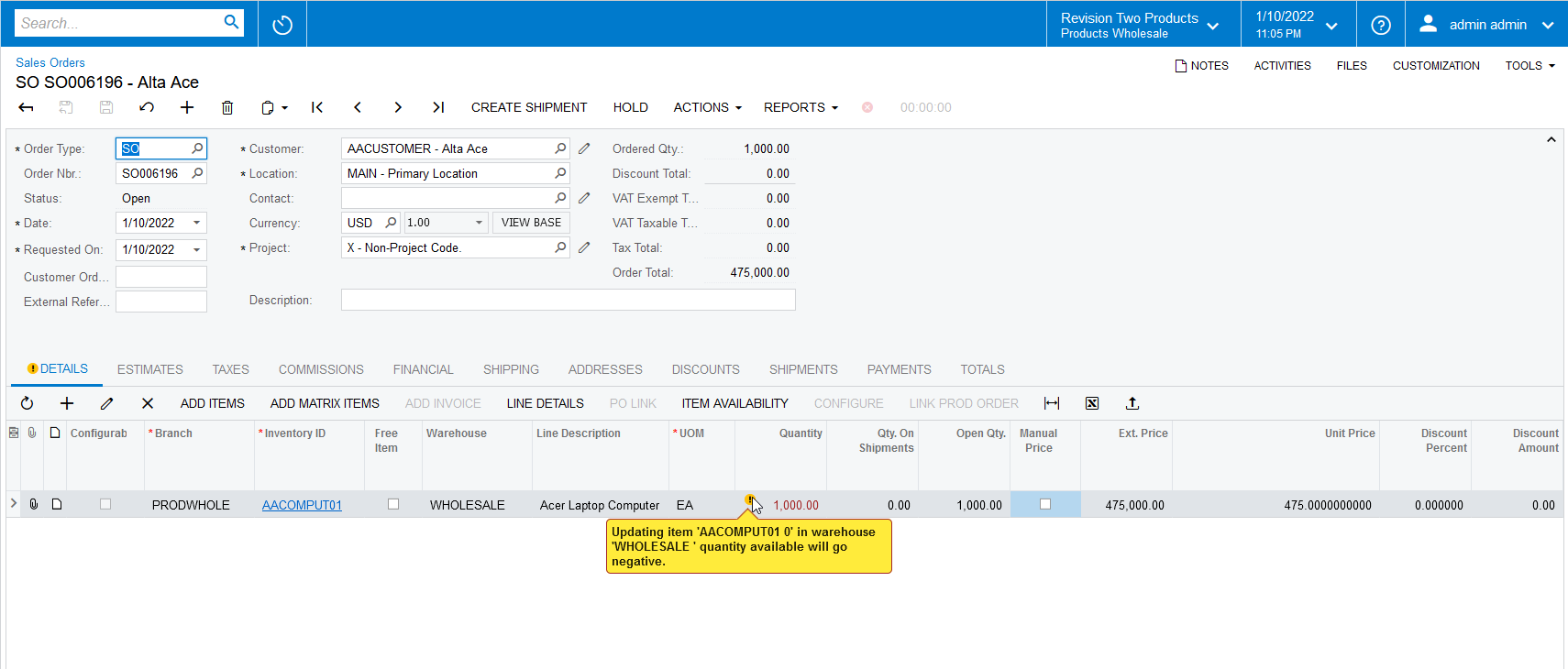
I try create SO with API but response always Not Enough Qty Available, Qty Available Will Go Negative!, i try again with another InventoryID but response is same.

I try create SO in Acumatica and works

i try in Acumatica Cloud ERP 2021 R2 Build 21.205.0063

Best answer by jinin

Hi @abdi 

Unpublish the packages and verify with the API call. 

You can republish the package once you are done with the verification. 

As I mentioned above,  the Order creation API call, will not validate the Qty.

Share your Request JSON also for a review.

12 replies

jinin
Pro I
Forum|alt.badge.img+11
  • Pro I
  • January 11, 2022

Hi @abdi 

By default, Acumatica will not validate the qty when we create an order through API. Can you please try on the SO screen to create an order with the same product? 


Forum|alt.badge.img
  • Author
  • Jr Varsity III
  • January 11, 2022

Hi @jinin 

Yes, I have tried and it works, and it uses the same product


jinin
Pro I
Forum|alt.badge.img+11
  • Pro I
  • January 11, 2022

Hi @abdi 
As per your screenshot, you have done customization on this screen, can you please unpublish the package and check once?


Naveen Boga
Captain II
Forum|alt.badge.img+19
  • Captain II
  • January 11, 2022

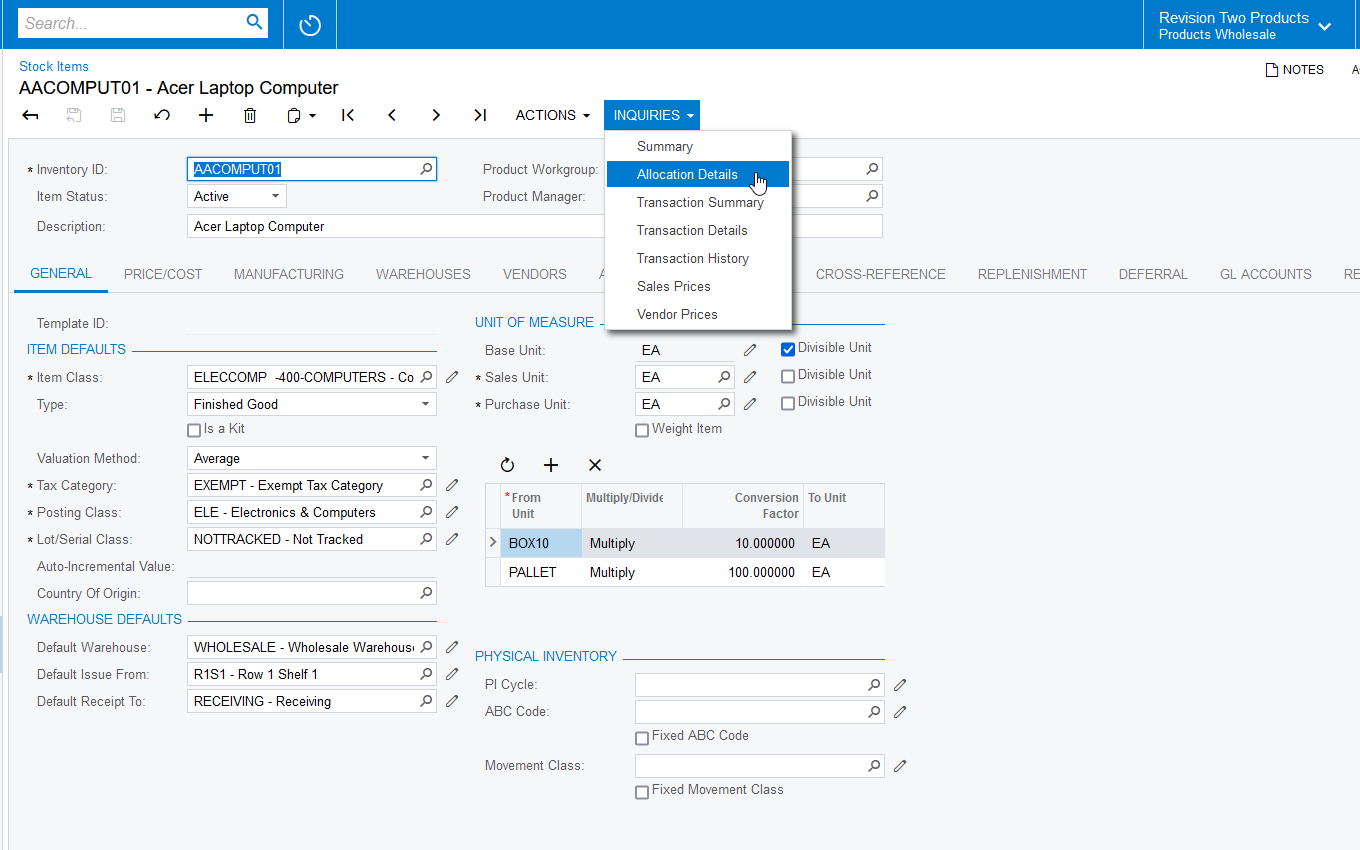
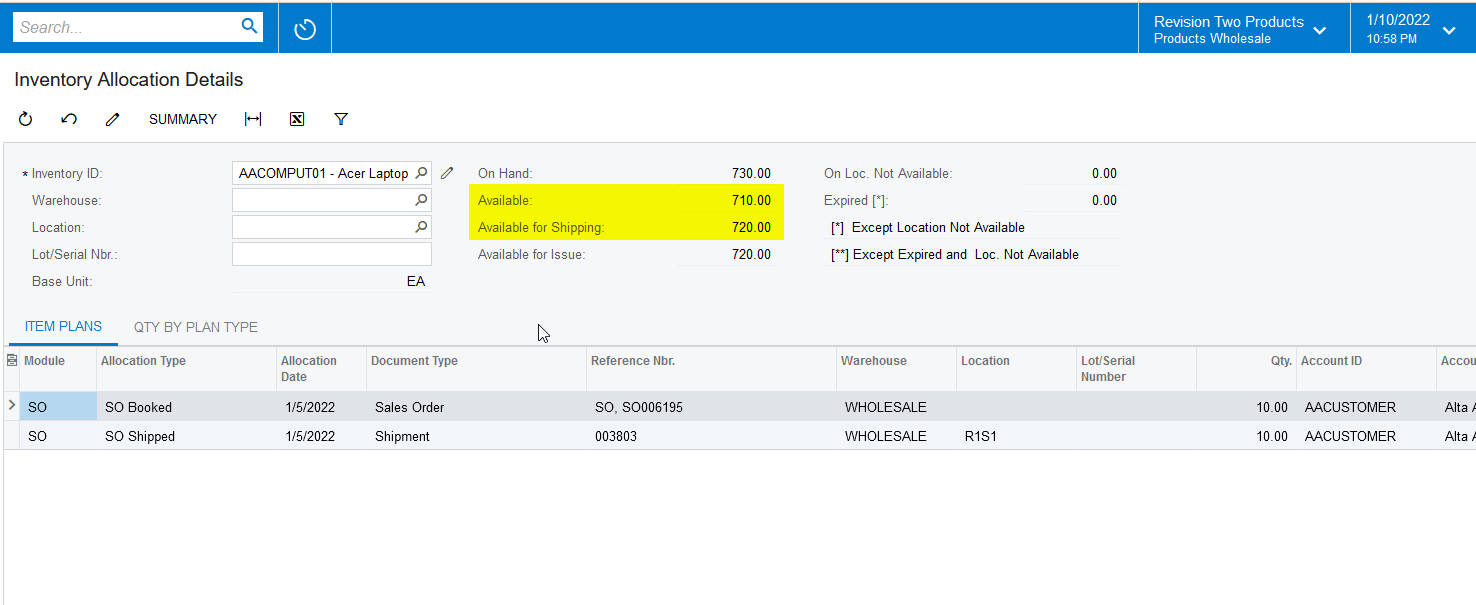
Hi @abdi  Have you checked Availability of those Stock items?


Forum|alt.badge.img
  • Author
  • Jr Varsity III
  • January 11, 2022

Hi @jinin I have unpublished and republished, the result is still the same

​​​@Naveen B 


jinin
Pro I
Forum|alt.badge.img+11
  • Pro I
  • Answer
  • January 11, 2022

Hi @abdi 

Unpublish the packages and verify with the API call. 

You can republish the package once you are done with the verification. 

As I mentioned above,  the Order creation API call, will not validate the Qty.

Share your Request JSON also for a review.


Forum|alt.badge.img
  • Author
  • Jr Varsity III
  • January 11, 2022

Hi @jinin oke i try unpublish and test api call
this is my request json
{
    "OrderType": {
        "value": "O1"
    },
    "CustomerID": {
        "value": "A1015"
    },
    "Commissions": {
        "DefaultSalesperson": {
            "value": "0000"
        }
    },
    "CustomerOrder": {
        "value": "PO21-005182"
    },
    "Description": {
        "value": "description"
    },
    "note": "notes Header",
    "Details": [
        {
            "note": "ini notes Header",
            "InventoryID": {
                "value": "FALBCORVF-FJ1001"
            },
            "OrderQty": {
                "value": 1
            },
            "UOM": {
                "value": "PIECE"
            },
            "DiscountCode": {
                "value": "DSC SBDDLR"
            },
            "WarehouseID": {
                "value": "WH33-TPD"
            }
        }
    ]
}


Forum|alt.badge.img
  • Author
  • Jr Varsity III
  • January 11, 2022

Hi @jinin The API runs when unpublished, so this issue is caused by customization?


jinin
Pro I
Forum|alt.badge.img+11
  • Pro I
  • January 11, 2022

Yes @abdi .

Please check your customization. Comment the code base one by one and identify the issue. 


Naveen Boga
Captain II
Forum|alt.badge.img+19
  • Captain II
  • January 11, 2022

Yes @abdi  API JSON request looks good and it is confirmed that issue causing from your customisation.


Do you have many customizations involved on the Sales Order screen?


Forum|alt.badge.img
  • Author
  • Jr Varsity III
  • January 11, 2022

Hi @jinin and @Naveen B 
The problem is customization create by vendor

#FYI this API run in production mode but not run in staging mode, I will import customization from production

Thanks all for help


Naveen Boga
Captain II
Forum|alt.badge.img+19
  • Captain II
  • January 11, 2022

@abdi  Okay Great, you identified the root cause of this issue. Thanks for sharing the update.