Hello @definitesteve ,
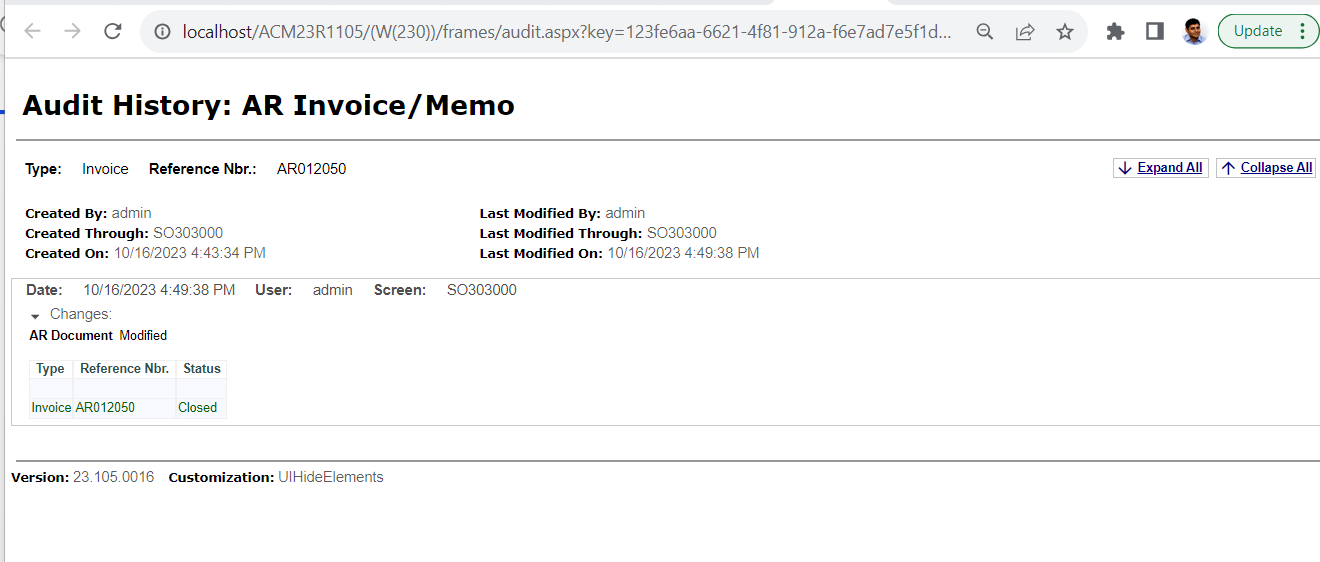
By Default, With no Field-Level Audit turned on, we can see two facts about all records:
- Who CREATED a record/when, and
- Who last MODIFIED a record/when.
Acumatica also comes with several security audits in place:
- User Login
- User Login Failed
- User Logout
- User / Screen accessed
- User Session Expired
- Emails Sent Success
- Email Sent Failed
In addition to Kulvir’s suggestion above, I am providing more information about Audits.
In order to use Field-Level Audit, the feature must first be enabled in Enable/Disable Features screen.
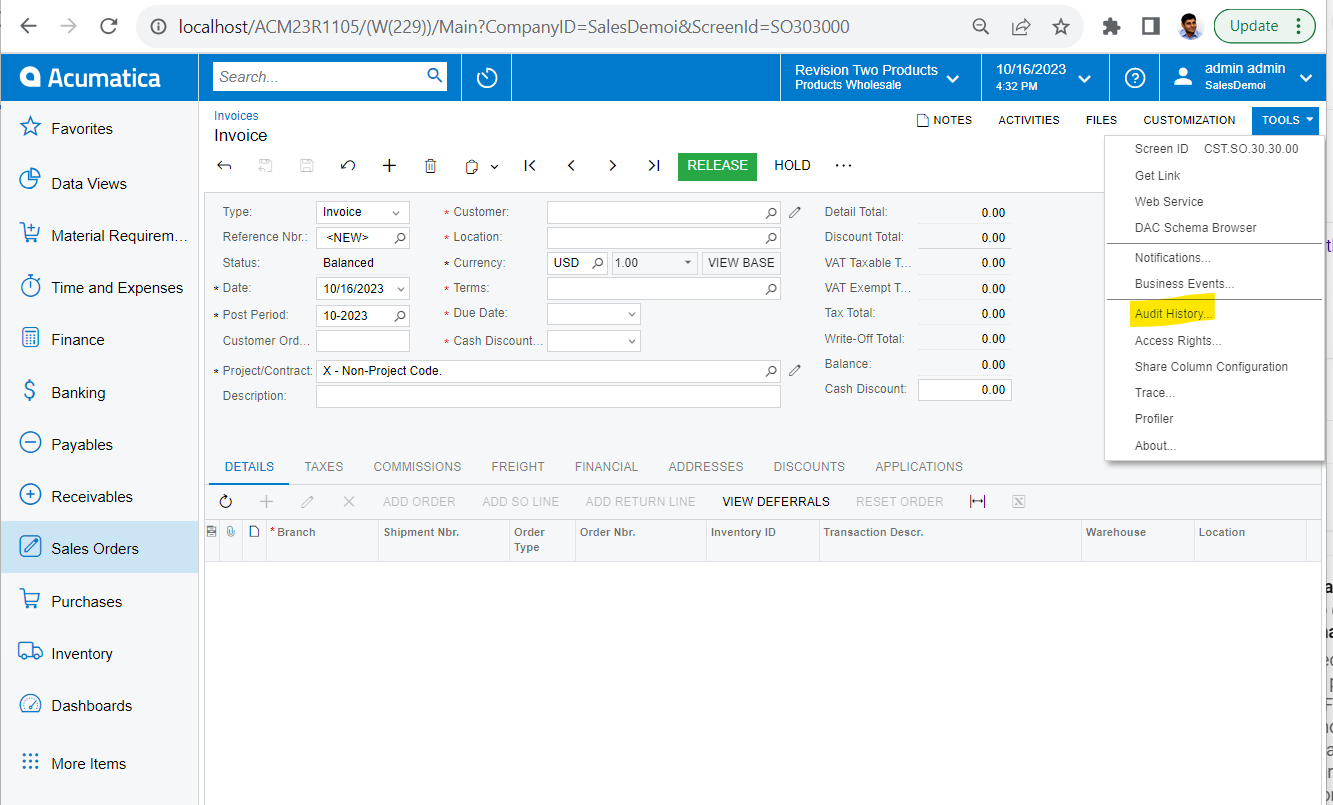
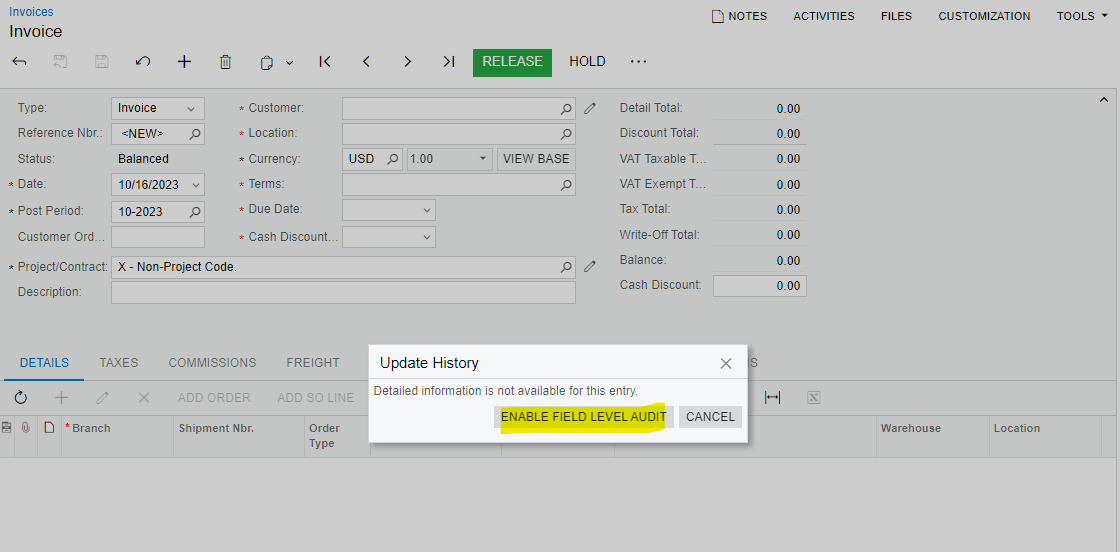
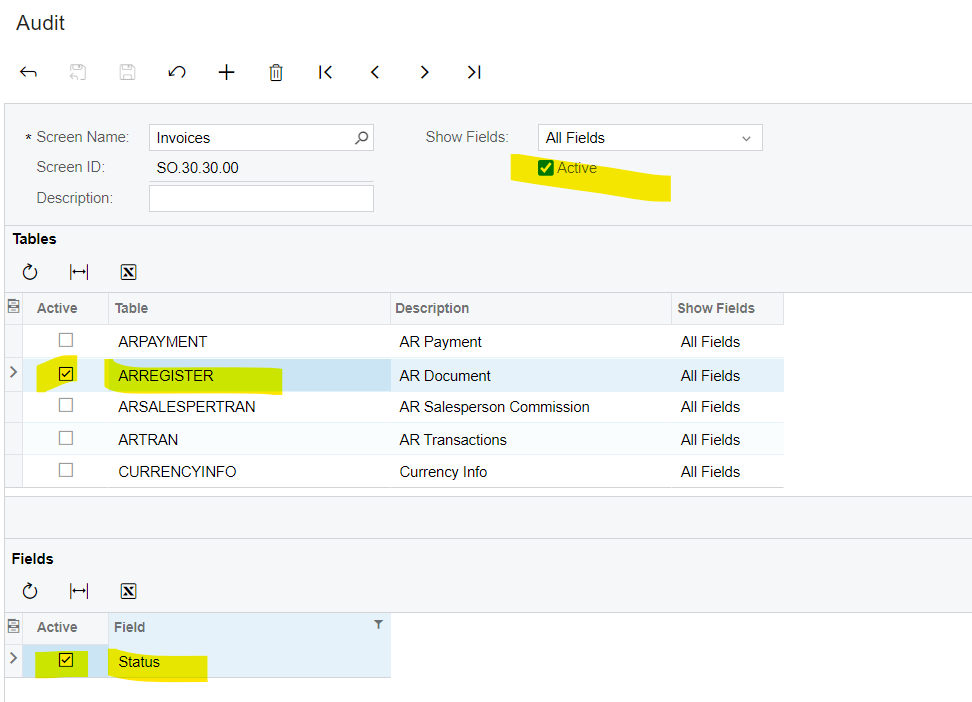
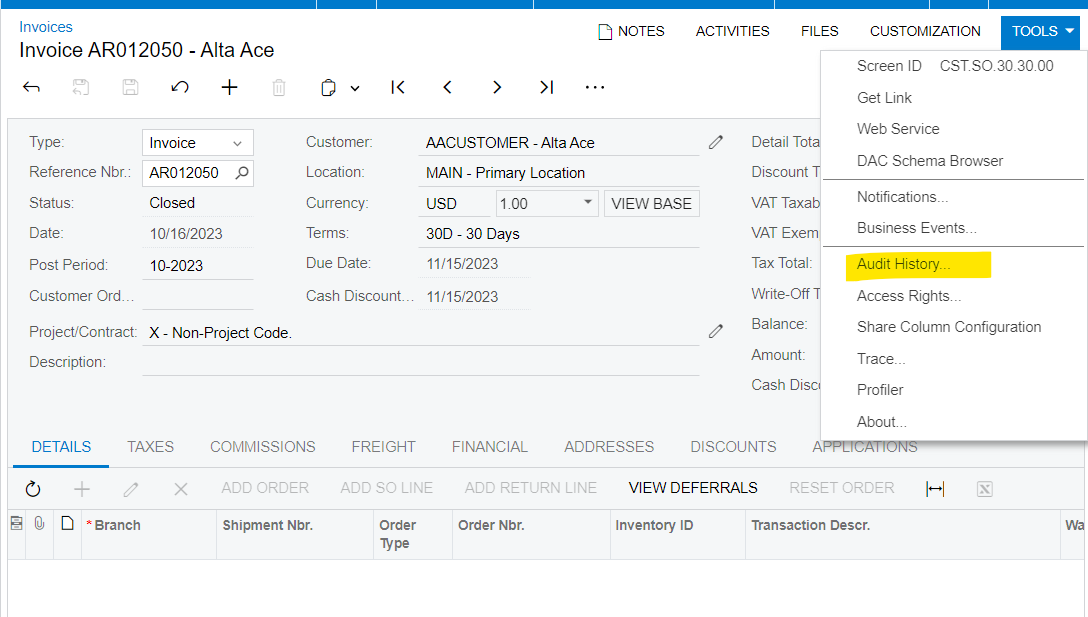
After Field-Level Audit feature is enabled, Audit screens appear in User Security → Preferences → Audit. After Audits are configured for each transaction/document screen where you want to track document Status, the system will begin to accumulate the Status Dates you are seeking. (Dates will be tracked only from the date the new Audits are configured, forward… not for historical documents that posted before Audits were configured.)
Recommended items to audit:
- AP
- Vendor remit address changes & deletions
- Addition of new vendors
- Changes to the Accounts Payable preferences Screen
- Payroll
- Employee salary and hourly pay rates
- Employee direct deposit account settings
- Paychecks and Adjustments (form did not allow audit 9/2/20 LB)
- PTO Banks
- Banking
- Addition of bank accounts
- General Ledger
- Additions of new Accounts user and date stamped
- Additions of Subaccounts user and date stamped
- Changes to the GL preferences Screen
- System Settings
- Additions or changes to Users
- Additions or changes to Roles
- Review of Security Preferences any changes User and date stamped
Laura