Hi @KratikaKalal
This is due to limitations in the implementation of the OData protocol for Acumatica.
From Acumatica I320 documentation:
Supporting the OData Specification
Acumatica ERP generates the names of the fields for OData entities based on the display names of the Acumatica
ERP fields in an English locale. To adhere to the OData specification, Acumatica ERP uses the following rules in
generating these names:
Part 1: Working with Generic Inquiry–Based OData | 11
• If the display name contains no invalid symbols, the name is le unchanged.
• If the display name starts with a digit, an underscore is added before the name. For example, 2Update is
converted to _2Update.
• If the display name contains invalid symbols, such as spaces, these symbols are removed from the name.
For example, Account Name is converted to AccountName.
The generic inquiry–based OData protocol provided by Acumatica ERP does not support the following items in the
OData specification:
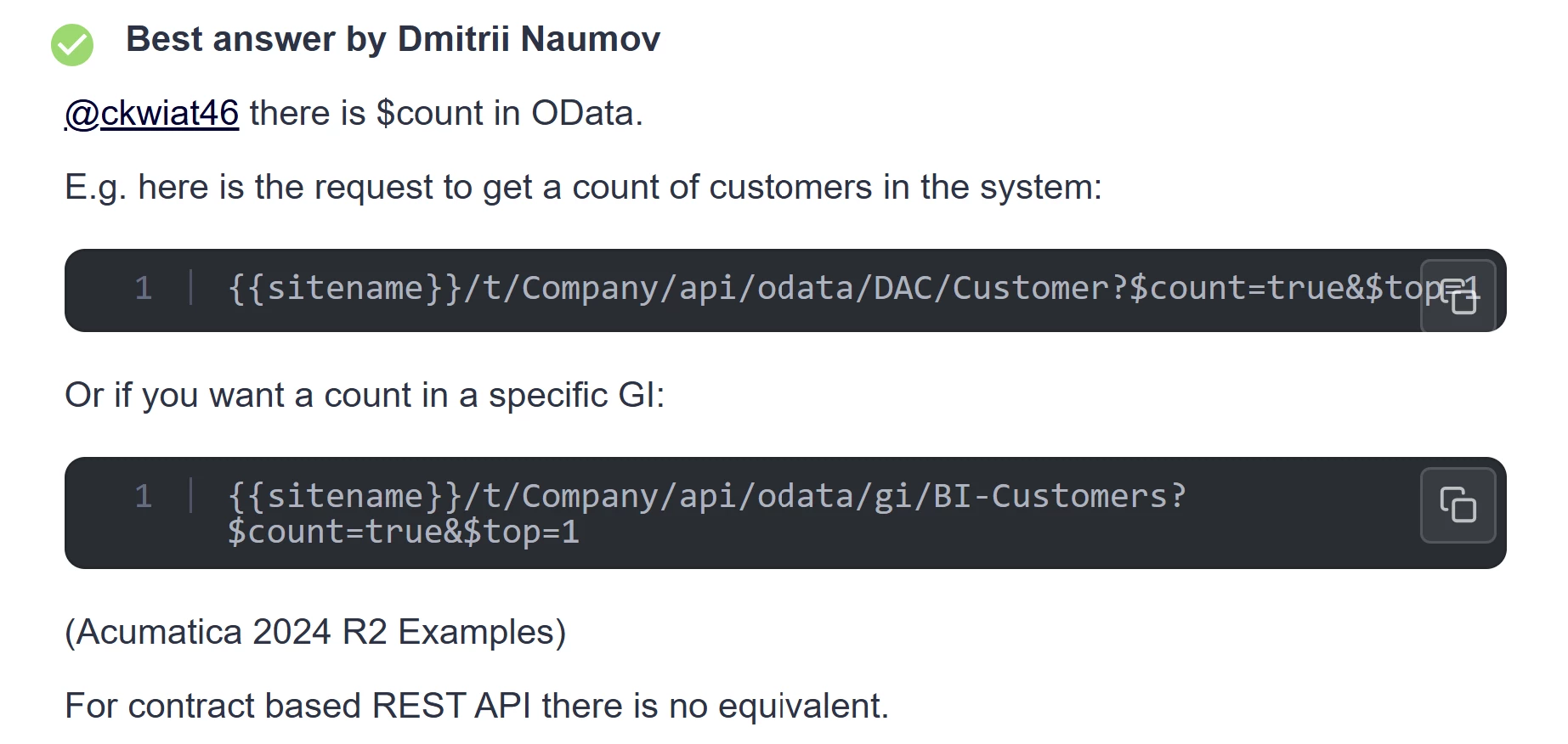
• The $expand and $count query options
• The IsOf() query function
The system applies the $filter query option as a part of the WHERE clause of the SQL request—that is, in the same
way as it applies conditions on the Conditions tab of the Generic Inquiry (SM208000) form. You cannot sort and
filter by the fields that the system calculates by using a formula in the source generic inquiry.
With REST API, the use of such parameters is allowed:
$filter Parameter
When you retrieve records from Acumatica ERP by using the contract-based REST API, you use the $filter parameter to specify the conditions that determine which records should be selected from Acumatica ERP. You use OData URI conventions to specify the value of the parameter.
$top Parameter
When you retrieve records from Acumatica ERP by using the contract-based REST API, you use the $top parameter to specify the number of records to be returned from Acumatica ERP. That is, if you specify N as the value of this parameter, the first N records will be returned from Acumatica ERP.
$skip Parameter
When you retrieve records from Acumatica ERP by using the contract-based REST API, you use the $skip parameter to specify the number of records to be skipped from the list of returned records. That is, if you specify N as the value of this parameter, the first N records will be skipped from the list of returned records.
$expand Parameter
When you retrieve records from Acumatica ERP by using the contract-based REST API, you use the $expand parameter to specify the linked and detail entities that should be expanded. By default, no linked or detail entities are expanded; that is, only fields of the top-level entity are returned. You need to explicitly specify each linked or detail entity to be expanded.
$select Parameter
When you retrieve records from Acumatica ERP by using the contract-based REST API, you use the $select parameter to specify the fields of the entity to be returned from Acumatica ERP. By default, all fields of the entity are returned.
$custom Parameter
When you retrieve records from Acumatica ERP by using the contract-based REST API, you use the $custom parameter to specify the fields that are not defined in the contract of the endpoint to be returned from Acumatica ERP. That is, you can use this parameter to obtain the values of the predefined elements on an Acumatica ERP form that are not included in the entity definition, the values of user-defined fields, and the values of elements that were added to the Acumatica ERP form in a customization project.