Solved

REST API PUT New customer , upload file

  • March 21, 2022
  • 9 replies
  • 745 views

Forum|alt.badge.img

how upload file from REST API when add new customer?

Best answer by Naveen Boga

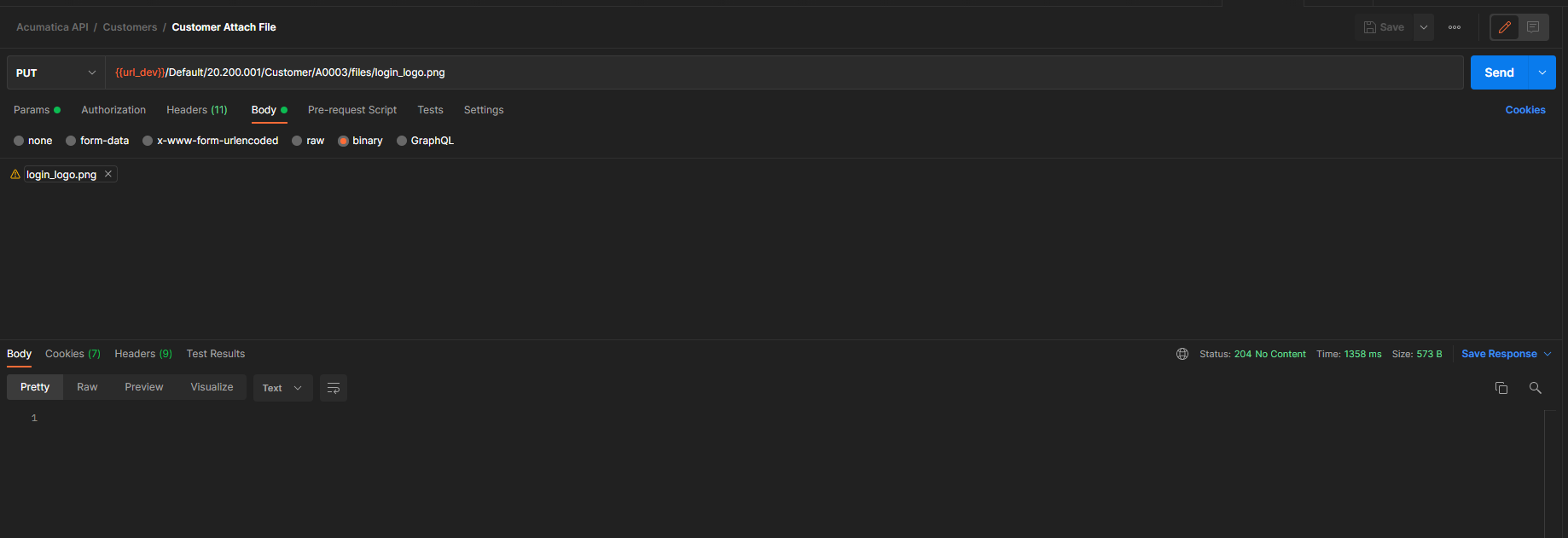
Hi @abdi  Below is the well explained about how to attach the files using REST API. I followed the steps and it is working great and may help you as well.


https://asiablog.acumatica.com/2018/01/attach-files-with-rest-api.html

9 replies

Naveen Boga
Captain II
Forum|alt.badge.img+19
  • Captain II
  • March 21, 2022

HI @abdi  I don’t think we can attach a file while creating of Customer API call.

You need to create a customer then invoke another API call to attach the file


Forum|alt.badge.img
  • Author
  • Jr Varsity III
  • March 22, 2022

Hi @Naveen Boga do you know what API to use to attach files? Thanks


Naveen Boga
Captain II
Forum|alt.badge.img+19
  • Captain II
  • Answer
  • March 22, 2022

Hi @abdi  Below is the well explained about how to attach the files using REST API. I followed the steps and it is working great and may help you as well.


https://asiablog.acumatica.com/2018/01/attach-files-with-rest-api.html


Forum|alt.badge.img
  • Author
  • Jr Varsity III
  • March 22, 2022

Hi @Naveen Boga , thank you its work


now,  how to delete this file with API? 


Naveen Boga
Captain II
Forum|alt.badge.img+19
  • Captain II
  • March 22, 2022

Awesome @abdi  As I know REST API doesn't support deletion of files directly.


Forum|alt.badge.img
  • Author
  • Jr Varsity III
  • March 22, 2022

Hi @Naveen Boga hmmm okay.

for the GET file with API, did you know?


Naveen Boga
Captain II
Forum|alt.badge.img+19
  • Captain II
  • March 22, 2022

@abdi  You can review the below link and hope this helps you


Forum|alt.badge.img
  • Author
  • Jr Varsity III
  • March 22, 2022

Hi @Naveen Boga 

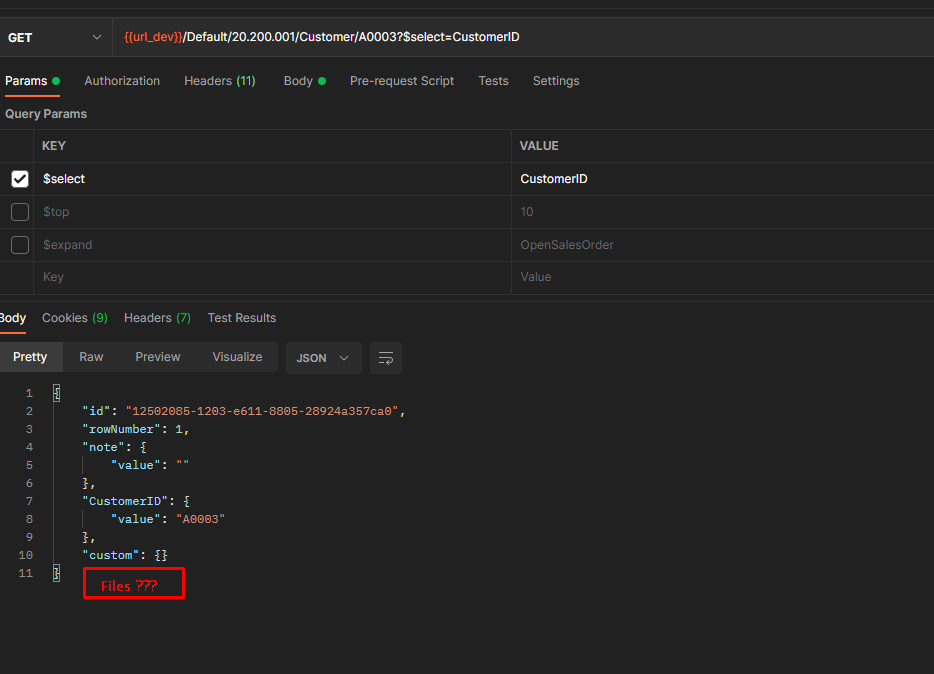
API to get id files is not in response body

return file does not exist


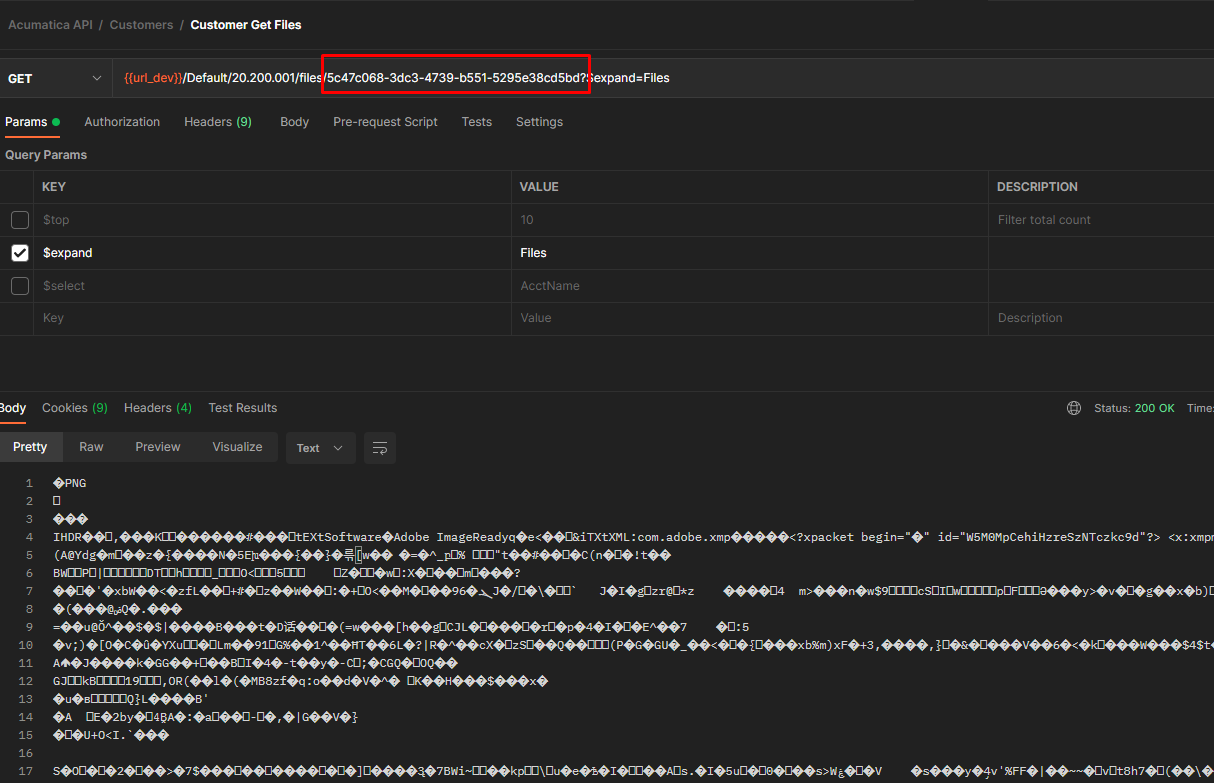
but api for get files is works, i find id on screen


Naveen Boga
Captain II
Forum|alt.badge.img+19
  • Captain II
  • March 22, 2022

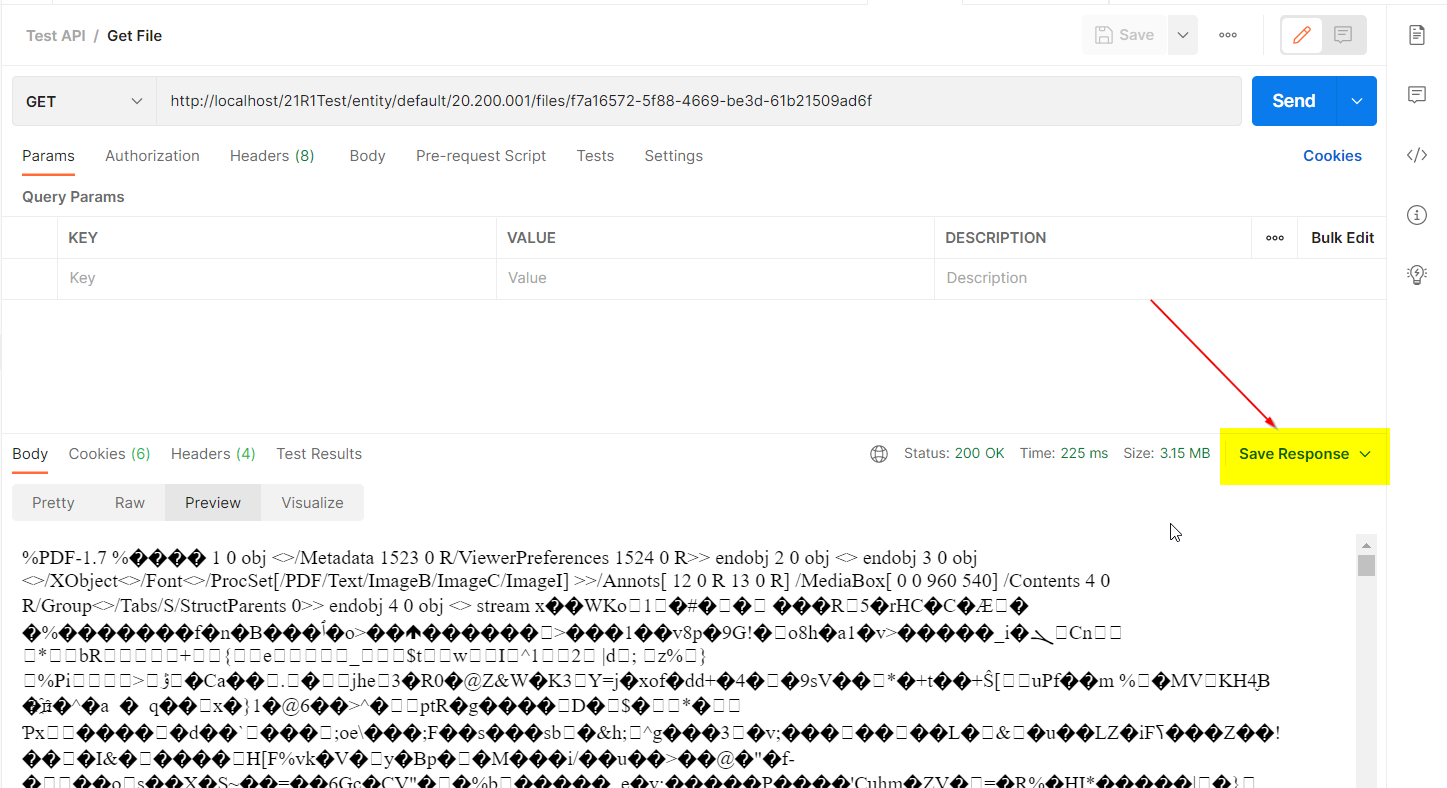
Hi @abdi  Postman is not supporting us to view the files, but you can SAVE this response and then open a file with proper application like PDF or WORD, it is opening properly.