Question

REST API "Check Trace for more details"

  • October 23, 2025
  • 5 replies
  • 76 views

Forum|alt.badge.img

I use the Default/Shipment endpoint to save shipment information to Acumatica via REST API. If the order cannot be shipped in full (or other common errors), I get a failure to save the shipment record and the only message returned by Acumatica will say “Order SO X cannot be shipped in full. Check Trace for more details.”

How can I check trace for more details? I have tried: 

  • Request Profiler
    • I can see the returned Exception here if I turn on logging, but the exception is too late to tell me where the problem is. 
  • System Monitor
  • Logging in as the API user and looking at the Trace page there
  • Guzzle request to /Scripts/Trace/index.html
    • This just returns the HTML for a deferred script unless I want to get into browser emulation just to get a usable error message

Shipments can be 80+ lines, so trying to replicate the problem by hand in Acumatica is not working well. 

5 replies

Dmitrii Naumov
Acumatica Moderator
Forum|alt.badge.img+7
  • Acumatica Moderator
  • October 23, 2025

@PBSA could you please send an example of your payload for shipment creation?


Forum|alt.badge.img
  • Author
  • Jr Varsity II
  • October 23, 2025

@Dmitrii Naumov Here is the a sample payload (I’ve remove the middle 74 Detail objects):

{
"Type": {
"value": "I"
},
"CustomerID": {
"value": "CUSTOMERNAME"
},
"Location": {
"value": "MAIN"
},
"WarehouseID": {
"value": "WH1"
},
"Operation": {
"value": "Issue"
},
"ShipmentDate": {
"value": "2025-10-23"
},
"Details": [
{
"rowNumber": 1,
"OrderType": {
"value": "SO"
},
"OrderNbr": {
"value": "188544"
},
"OrderLineNbr": {
"value": "1"
},
"ShippedQty": {
"value": 48
},
"Allocations": [
{
"rowNumber": 1,
"InventoryID": {
"value": "323504"
},
"LocationID": {
"value": "P:25052114"
},
"LotSerialNbr": {
"value": "25051132"
},
"Qty": {
"value": 48
},
"UOM": {
"value": "EA"
}
}
]
},
...
{
"rowNumber": 76,
"OrderType": {
"value": "SO"
},
"OrderNbr": {
"value": "188544"
},
"OrderLineNbr": {
"value": "151"
},
"ShippedQty": {
"value": 18
},
"Allocations": [
{
"rowNumber": 1,
"InventoryID": {
"value": "011733"
},
"LocationID": {
"value": "P:25052114"
},
"LotSerialNbr": {
"value": ""
},
"Qty": {
"value": 18
},
"UOM": {
"value": "EA"
}
}
]
}
],
"custom": {
"Document": {
"UsrEmployeeID": {
"value": "2222"
}
}
},
"Owner": {
"value": 525363
}
}

This program posts dozens of shipments a day successfully. Typically when they throw errors like this, there is some soft allocation disagreement that can be easily fixed if it can be found.


Chris Hackett
Community Manager
Forum|alt.badge.img
  • Acumatica Community Manager
  • November 6, 2025

Hi ​@PBSA were you able to find a solution? Thank you!


Forum|alt.badge.img
  • Author
  • Jr Varsity II
  • November 6, 2025

@Chris Hackett No, I haven't.


jinin
Pro I
Forum|alt.badge.img+11
  • Pro I
  • November 21, 2025

Hi ​@PBSA,

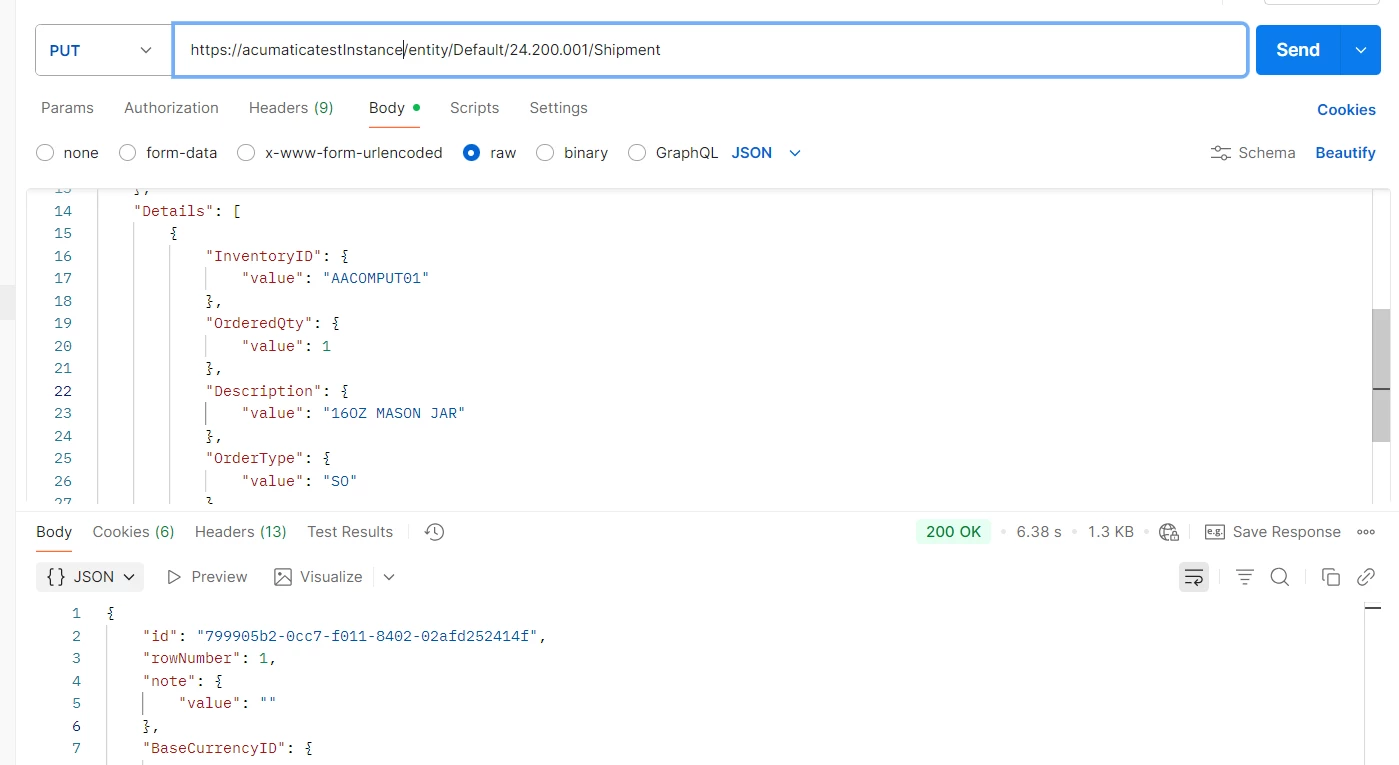
Could you please try with a simple request and check if it’s working for you?

{

    "CustomerID": {

        "value": "CUST001349"

    },

    "WarehouseID": {

        "value": "WHOLESALE"

    },

    "ShipmentDate": {

        "value": "2025-11-22"

    },

    "Type": {

        "value": "Shipment"

    },

    "Details": [

        {

            "InventoryID": {

                "value": "AACOMPUT01"

            },

            "OrderedQty": {

                "value": 1

            },

            "Description": {

                "value": "Computer"

            },

            "OrderType": {

                "value": "SO"

            },

            "OrderNbr": {

                "value": "000586"

            }

        }

    ]

}