Solved

OAuth Logout is NOT working

  • May 6, 2025
  • 11 replies
  • 231 views

Forum|alt.badge.img

Hi Everyone,

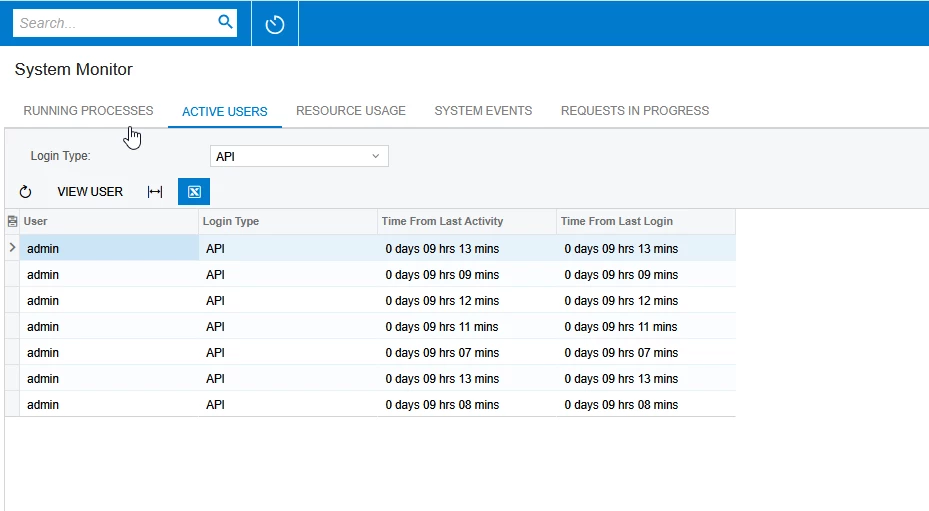
We are making an API calls to Acumatica like below but creating lot of API sessions and not logging out from Acumatica. Can you please review and help us on this?


  1. Log into Acumatica - Working
  2. Creating Sales Orders - Working
  3. Logout from Acumatica - Not working

Please find the screenshot for reference.
 

Best answer by Naveen Boga

@nsmith51 This concept is similar to how cookies work in ASP.NET.

In Acumatica, when you receive a API response from the Acumatica, it includes an ASP.NET Session ID. You need to extract this Session ID from the API response and include it as a header (using AddHeader) in your logout request. This ensures that the API session is properly terminated within the Acumatica system.

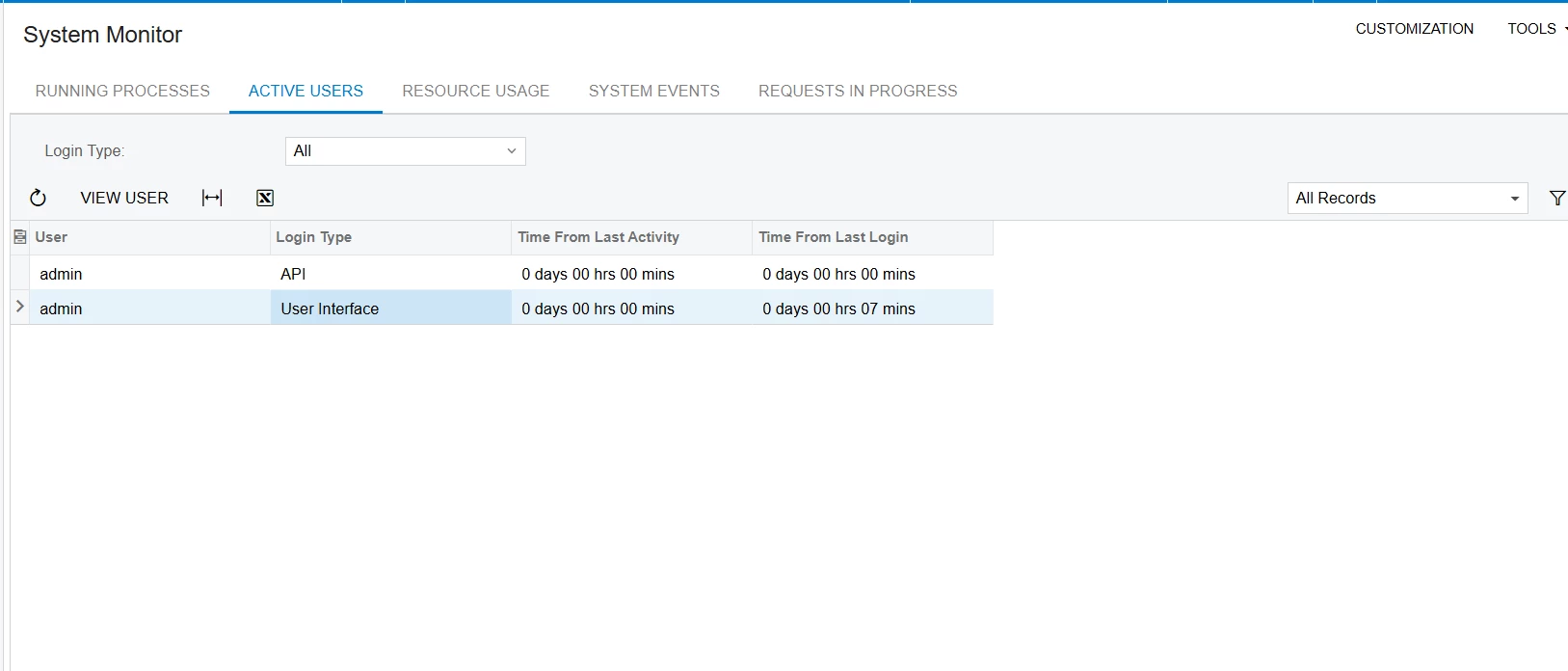
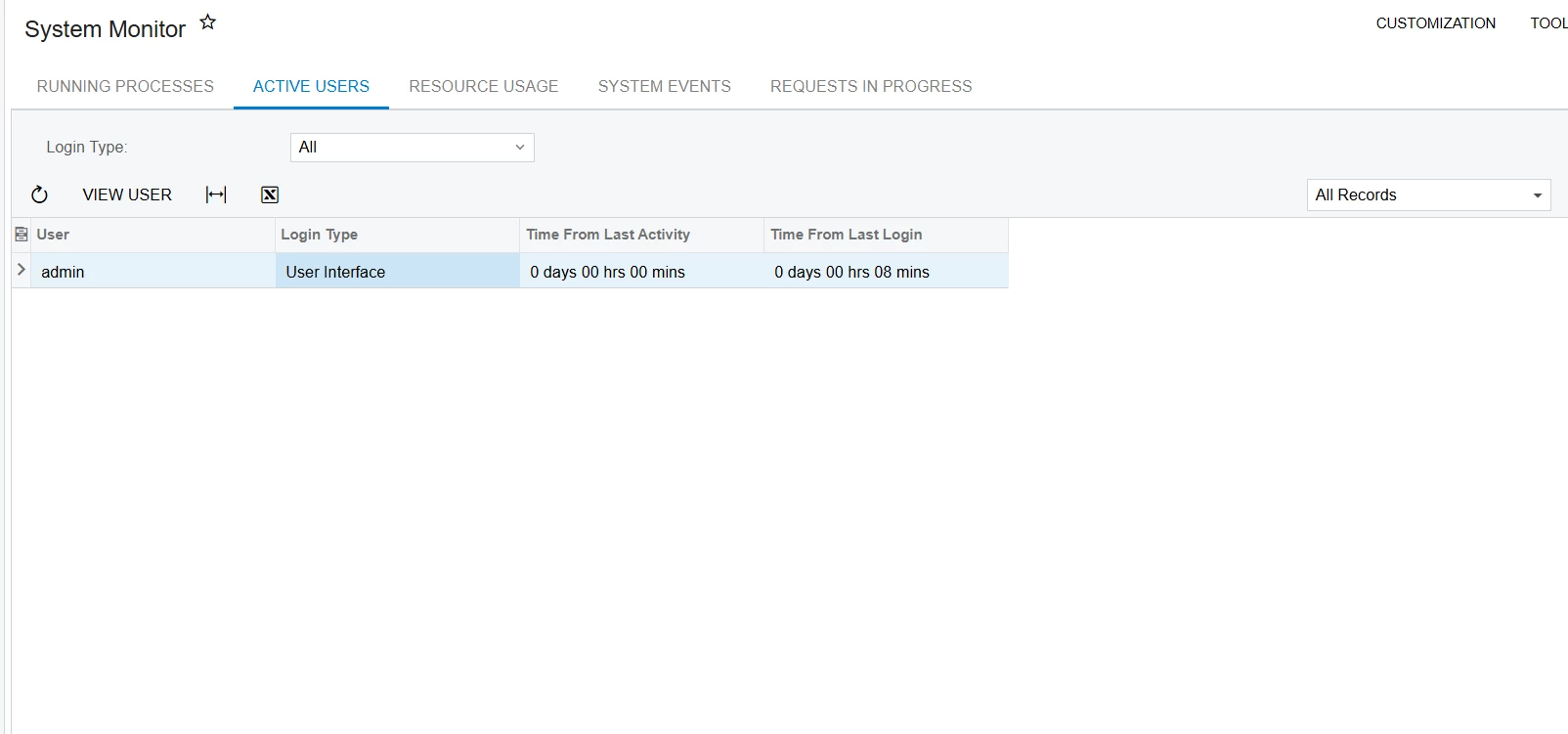
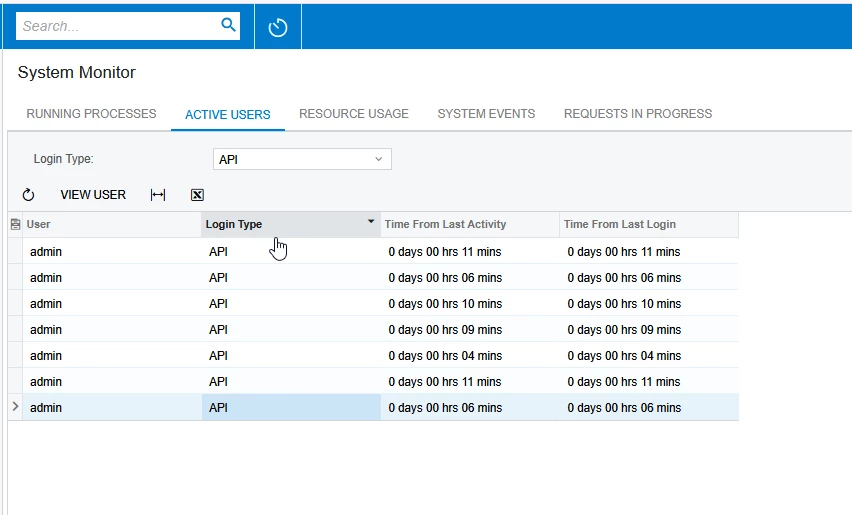
Here are screenshots for reference.


Add the below code in your logout API call:

logoutRequest.AddHeader("Cookie", "ASP.NET_SessionId=" + sessionID);


Hope this helps!!

11 replies

Forum|alt.badge.img
  • Author
  • Jr Varsity III
  • May 7, 2025

Still NOT logged out from the system.


Forum|alt.badge.img
  • Author
  • Jr Varsity III
  • May 7, 2025

@Dmitrii Naumov Can you please help with this?


Forum|alt.badge.img+1
  • Jr Varsity II
  • May 7, 2025


hi ​@nsmith51 ,

I am able to logout API user 

by making below API call able to logout API user
http://localhost/AcumaticaInstanceName/entity/auth/logout

Hope above helps!!


DipakNilkanth
Pro III
Forum|alt.badge.img+13

Hi ​@nsmith51,

  • How are you performing the logout? Could you please share more details?
  • Session identification is managed through a cookie. If you call the logout endpoint without the session specified in the cookie, the logout will have no effect.
  • Please ensure that the cookie is being handled properly when performing the logout.


Hope, it helps!


Forum|alt.badge.img
  • Author
  • Jr Varsity III
  • May 7, 2025

@Nilkanth Dipak Thanks for the response.

Below is the code I’m using to logout but it’s not logging out from the system. 
 

      var logoutRequest = new RestRequest(“http://localhost/23R2/entity/auth/logout”, Method.Post);
      logoutRequest.AddHeader("Authorization", "Bearer " + authToken);
      RestResponse logoutResponse =  client.Execute(logoutRequest); 

@Dmitrii Naumov 


DipakNilkanth
Pro III
Forum|alt.badge.img+13

Hi ​@nsmith51,

Try below code snippet.

const logout_data = await fetch(`${acumatica_host_url}${acumatica_logout_url}`, {
method: 'POST',
headers: {
Accept: 'application/json',
'Content-Type': 'application/json',
'cookie': `ASP.NET_SessionId=${asp_session_id}`
}
});

Not verified by me but give it a try.


Forum|alt.badge.img
  • Author
  • Jr Varsity III
  • May 7, 2025

@Nilkanth Dipak 

I don’t believe this code will work, as I'm using OAuth authentication.

Out of curiosity, could you clarify what asp_session_id refers to in this context?


Dmitrii Naumov
Acumatica Moderator
Forum|alt.badge.img+7
  • Acumatica Moderator
  • May 7, 2025

@nsmith51 even with OAuth authentication you still have the ASP.NET_SessionId cookie that identifies the session. You do need to send it in the logout request.


Forum|alt.badge.img
  • Author
  • Jr Varsity III
  • May 7, 2025

@Dmitrii Naumov Can you please help me with the sample code OAuth with ASP.NET_SessionID Cookie?


Naveen Boga
Captain II
Forum|alt.badge.img+19
  • Captain II
  • Answer
  • May 8, 2025

@nsmith51 This concept is similar to how cookies work in ASP.NET.

In Acumatica, when you receive a API response from the Acumatica, it includes an ASP.NET Session ID. You need to extract this Session ID from the API response and include it as a header (using AddHeader) in your logout request. This ensures that the API session is properly terminated within the Acumatica system.

Here are screenshots for reference.


Add the below code in your logout API call:

logoutRequest.AddHeader("Cookie", "ASP.NET_SessionId=" + sessionID);


Hope this helps!!


Forum|alt.badge.img
  • Author
  • Jr Varsity III
  • May 8, 2025

@Naveen Boga  Awesome! Really appreciate it, man!


Thanks a ton for sharing the sample code and screenshots — it worked perfectly for me!