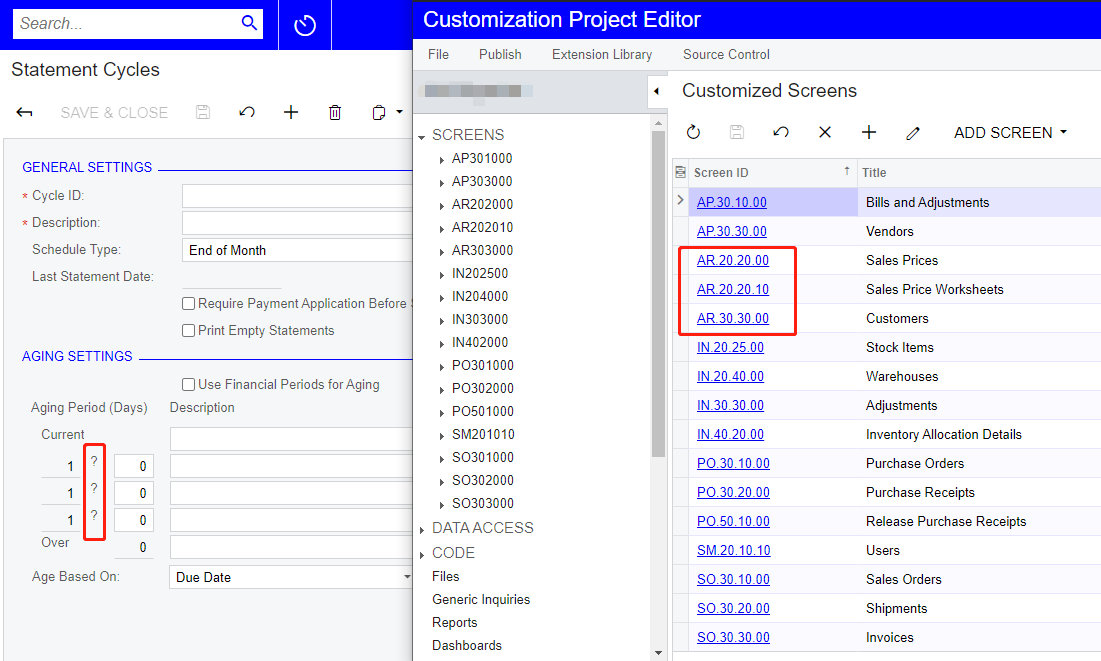
Do you have other Customization Projects published on that instance?
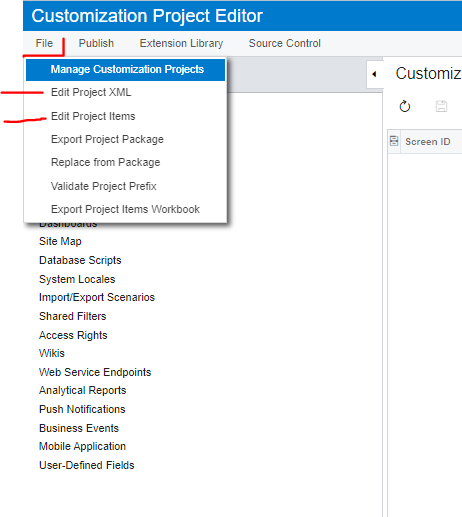
Please make sure there is no modifications made on AR202800 screen in any of the Customization Projects published on that instance? ( For this, you can check or make a quick search on File->Edit Project Items and/or File->Edit Project XML) See below:
If you can’t find any direct modifications to AR202800 screen, then please make sure you are modifying the AR202800 DACs in another published Customization Project.
@Cesar Betances Hello Thank you for the guidance. however, I checked the 2 areas you pointed out, I don’t find any information on “AR202800”
And also, what is so strange is that every time after I have upgrade a new version, the page will become error, even before I publish any customization. It is quite strange.