Question

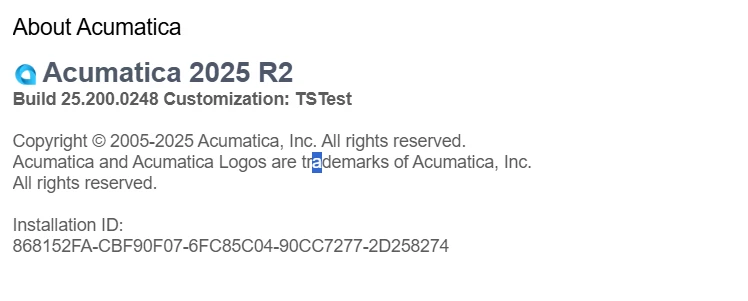
Upgrading from 24R2 to 25R2

  • November 17, 2025
  • 10 replies
  • 151 views

Forum|alt.badge.img


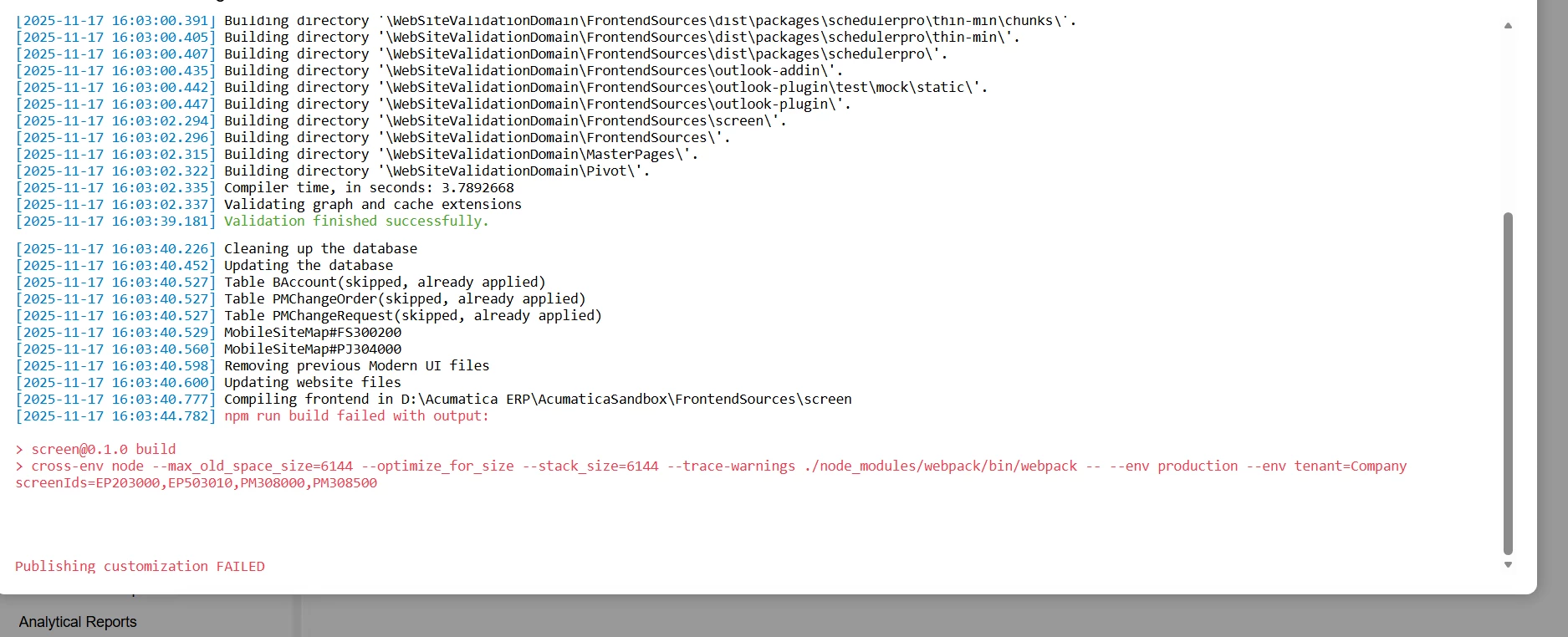
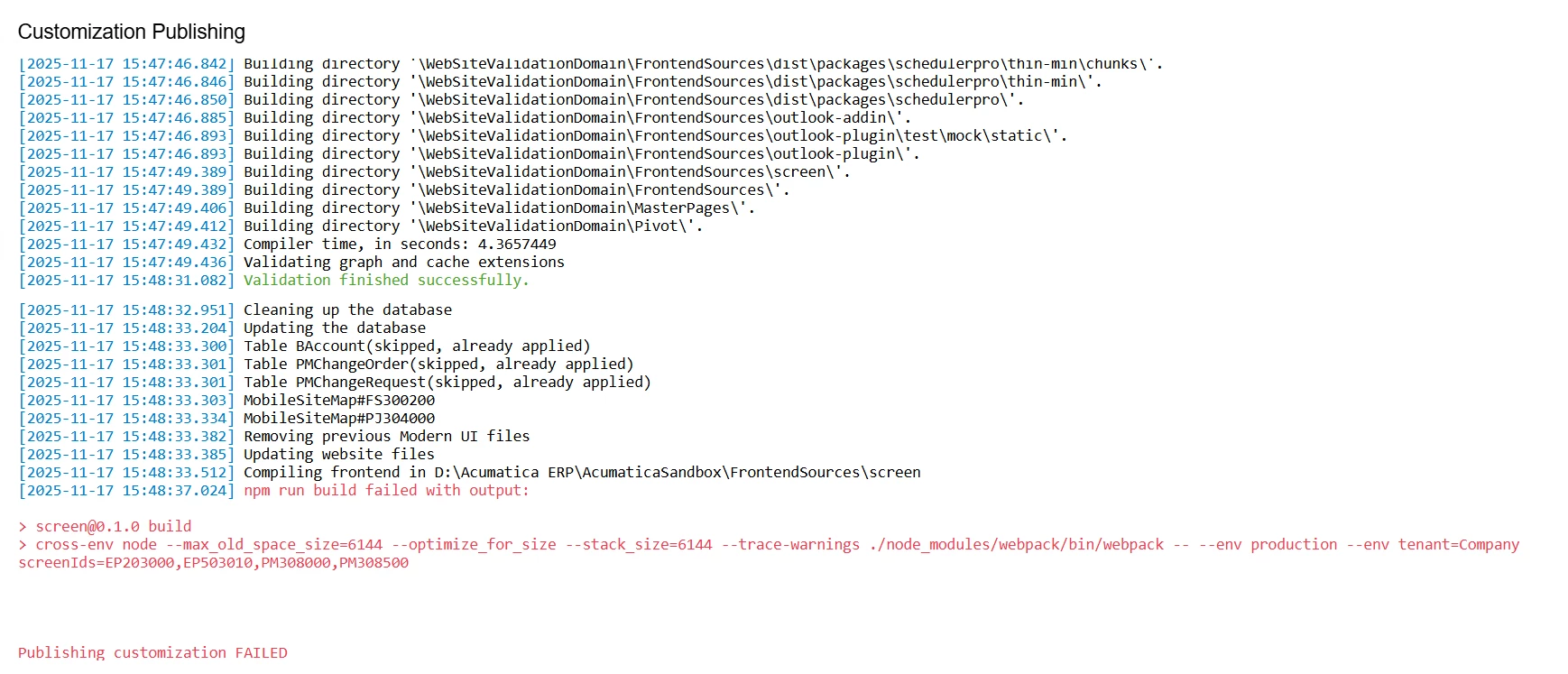
I am experiencing an issue while publishing a customization package after adding the Modern UI files. Despite multiple attempts to install all required Node.js dependencies through the command prompt, the build consistently fails during the Webpack compilation step. When the Modern UI files are included in the package, Acumatica throws errors during publishing  I have already tried reinstalling Node.js, clearing npm cache, reinstalling modules, and running the build manually, but the issue persists. I need assistance in identifying why the Modern UI files cause the publishing process to fail.


10 replies

Dmitrii Naumov
Acumatica Moderator
Forum|alt.badge.img+7
  • Acumatica Moderator
  • November 17, 2025

@FarhanaM60 I don’t think the issue is with node.js. 

Could you share the rest of the error message? There is probably something else wrong.


Forum|alt.badge.img
  • Author
  • Freshman I
  • November 17, 2025

Only this part popping when it is publishing in 25R2


Forum|alt.badge.img
  • Author
  • Freshman I
  • November 17, 2025


Dmitrii Naumov
Acumatica Moderator
Forum|alt.badge.img+7
  • Acumatica Moderator
  • November 17, 2025

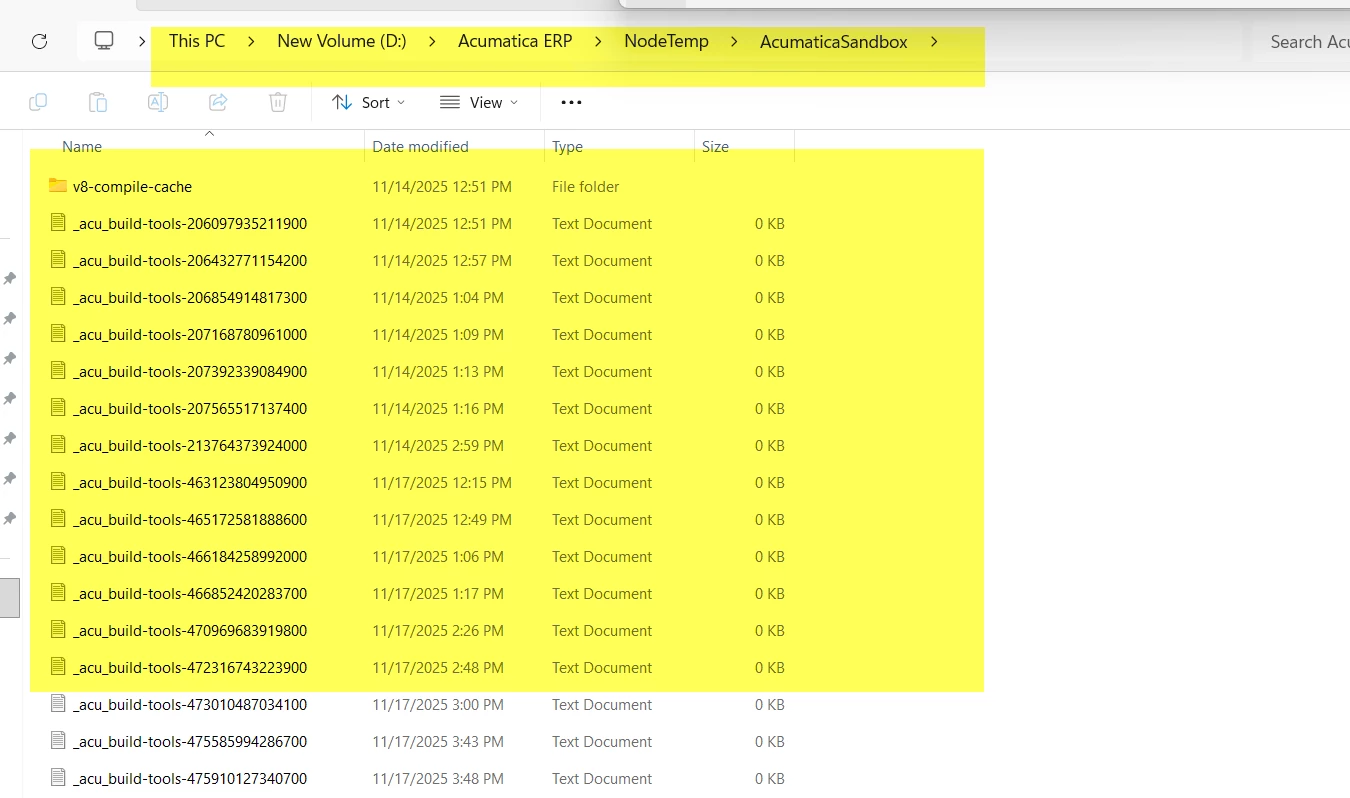
@FarhanaM60 do you have a log file in D:\Acumatica ERP\NodeTemp\AcumaticaSandbox? It may have some additional info about the actual error


Forum|alt.badge.img
  • Author
  • Freshman I
  • November 18, 2025


Dmitrii Naumov
Acumatica Moderator
Forum|alt.badge.img+7
  • Acumatica Moderator
  • November 18, 2025

@FarhanaM60  I’d recommend checking what’s inside these logs. Search for any ‘Error’ entries. Are there any?


Chris Hackett
Community Manager
Forum|alt.badge.img
  • Acumatica Community Manager
  • January 8, 2026

Hi ​@FarhanaM60 were you able to find a solution? Thank you!


Joe Schmucker
Captain II
Forum|alt.badge.img+3

I just installed 25R2 on a new computer.  When I try to run npm in the frontendsources folder, I get the error that npm is not a valid command.

The npm folder C:\Program Files\AcumaticaTools\NodeJS\node-v22.11.0-win-x64 is there.  It looks like it has the NPM and Node files.

What do I need to do to get npm command working?  Do I just need to update my system path or do a new full install of Node.js?  

I went through this a year or two ago.  I just can’t remember what I did to be able to build MUI screens from the terminal.  

I’m afraid to go to the Node.js site and install anything from there.  I’m afraid I might screw up my pc.  I’m a developer but I don’t have much knowledge of how Node js works.  From the google searches, it doesn’t look easy.


I just downloaded and installed Node.js.  I no longer get the error when publishing my project.


Forum|alt.badge.img+9
  • Captain II
  • January 16, 2026

@FarhanaM60 


Can you run the same command in VS Code? That should give you a better error message.


Alternatively, you should check your project XML. Search for ‘PerTenant’ then you will see the modern UI files, their filepath should be something like screens/Module/ScreenID or if it is an extension screens/Module/ScreenID/extensions


Joe Schmucker
Captain II
Forum|alt.badge.img+3

Just my 2 cents.  You can install an instance of 25R2.  It creates the AcumaticaTools folder and the appropriate sub folders for the used versions of node.  But it doesn’t actually seem to install Node.js.  If it does, maybe it is not updating a system path or something.

If you want to do any publishing of MUI files from the Project Editor, in my experience, you have to install node.js from the node.js installer download (PICKING THE RIGHT VERSION!).  Then you have to run npm get modules manually in the screen folder.  

Otherwise, you get errors publishing your project if you make any MUI changes.

Once I installed node.js manually, I am not able to run npm commands.  However, for each instance I install I have to run npm get modules.

This is my experience.  I may be doing something wrong, but it works and I can work.