Answer

The type or namespace name could not be found error when adding new DAC into Customer Portal & using corresponding namespace

  • September 21, 2022
  • 4 replies
  • 709 views

Forum|alt.badge.img+1

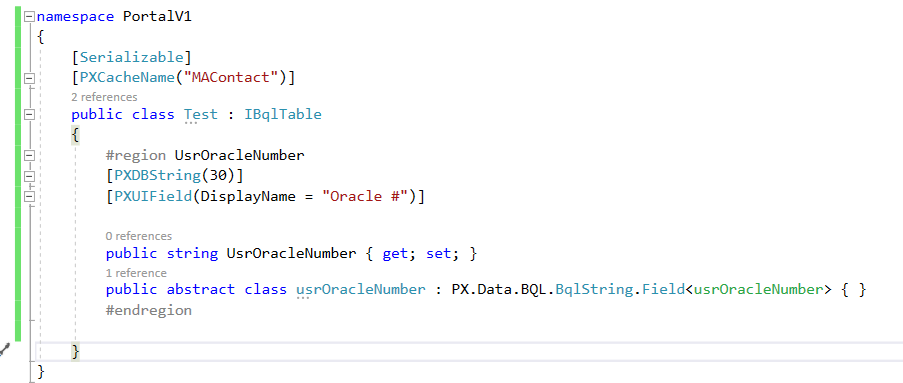
When I’m doing a customization on Customer Portal I added a new DAC in PortalV1 namespace. 
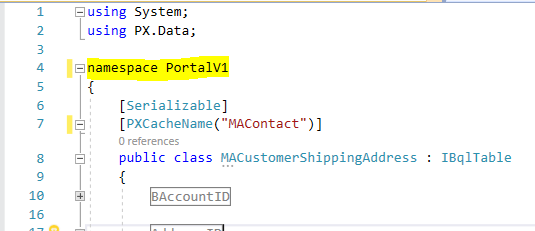
 

However, Visual studio does not allow me to use that namespace in another class & it gives  “The type or namespace name could not be found” error. 
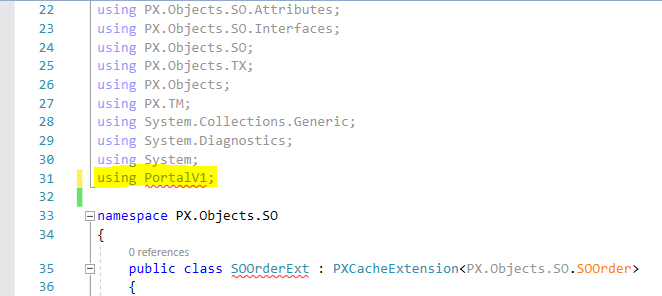
 

Any idea about fixing this issue?

Thanks.

Best answer by charithalakshan49

I moved the related DAC & Graph Extensions to the extension library and started to code in there. That problem did not occurred there.


Thanks.

4 replies

Forum|alt.badge.img+1

Hi @charithalakshan49,

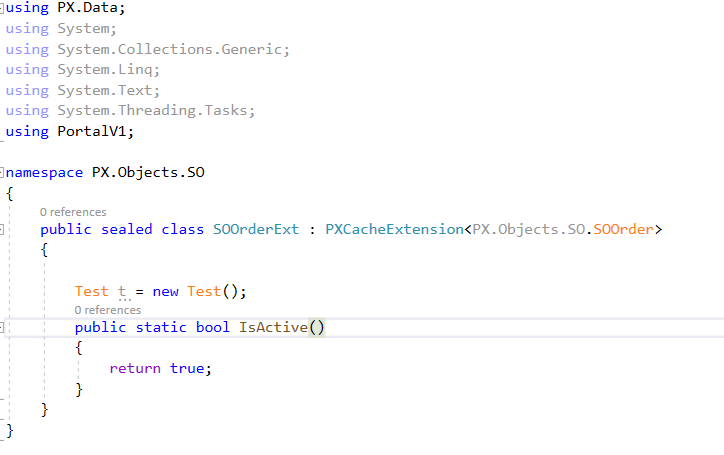
 I have created two DACs similar to your code and I didn’t get any errors.


Note: Please Try to add IsActive() method and make the DAC Extension class sealed.

Hope this may help you.


Thanks,

Moulali Shaik.


Naveen Boga
Captain II
Forum|alt.badge.img+19
  • Captain II
  • September 21, 2022

Hi, @charithalakshan49  It should not error but why do you want to use different namespaces? You can declare like below.

DAC:

using system;
using PX.Data;


namespace PortalV1
{
 [Serializable]
[PXCacheName(“MAContact”)]
public class MACustomerShippingAddress : IBqlTable
{
  // Fields
}
}

SOOrder Extended DAC:


using PX.Objects.SO;

namespace PortalV1
{
public class SOOrderExt : PXCacheExtension<SOOrder>

//Extended DAC fields here
}
}


Forum|alt.badge.img+1

@MoulaliShaik79 @Naveen Boga I also tried the things that you suggested. But still I can not use any fields of DAC in SOOrderExt class & it gives the same error. Thanks for the response.


Forum|alt.badge.img+1

I moved the related DAC & Graph Extensions to the extension library and started to code in there. That problem did not occurred there.


Thanks.