Answer

Tasks: have ReminderDate = EndDate as default

  • April 7, 2025
  • 3 replies
  • 57 views

Forum|alt.badge.img

Hi all,

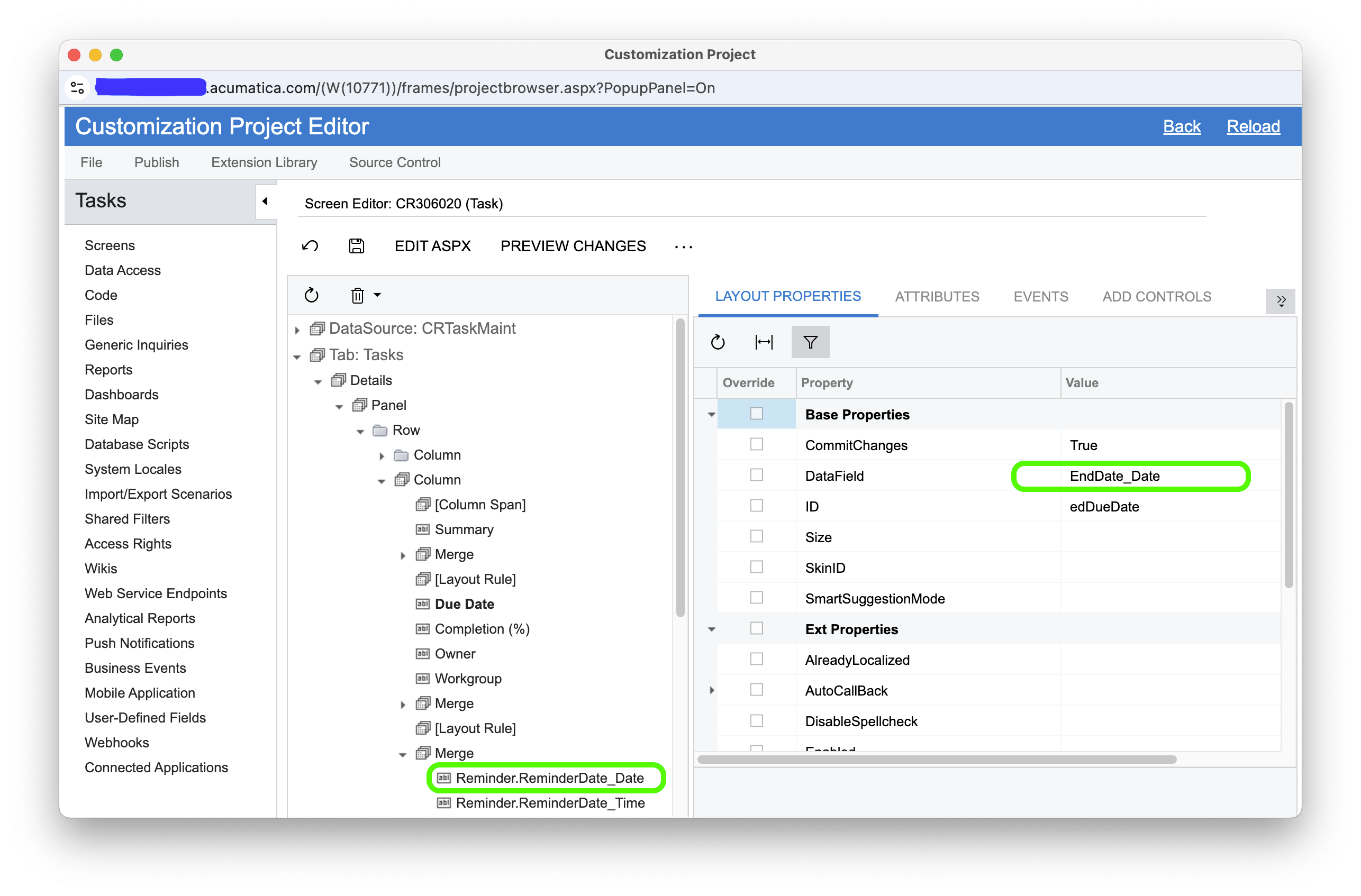
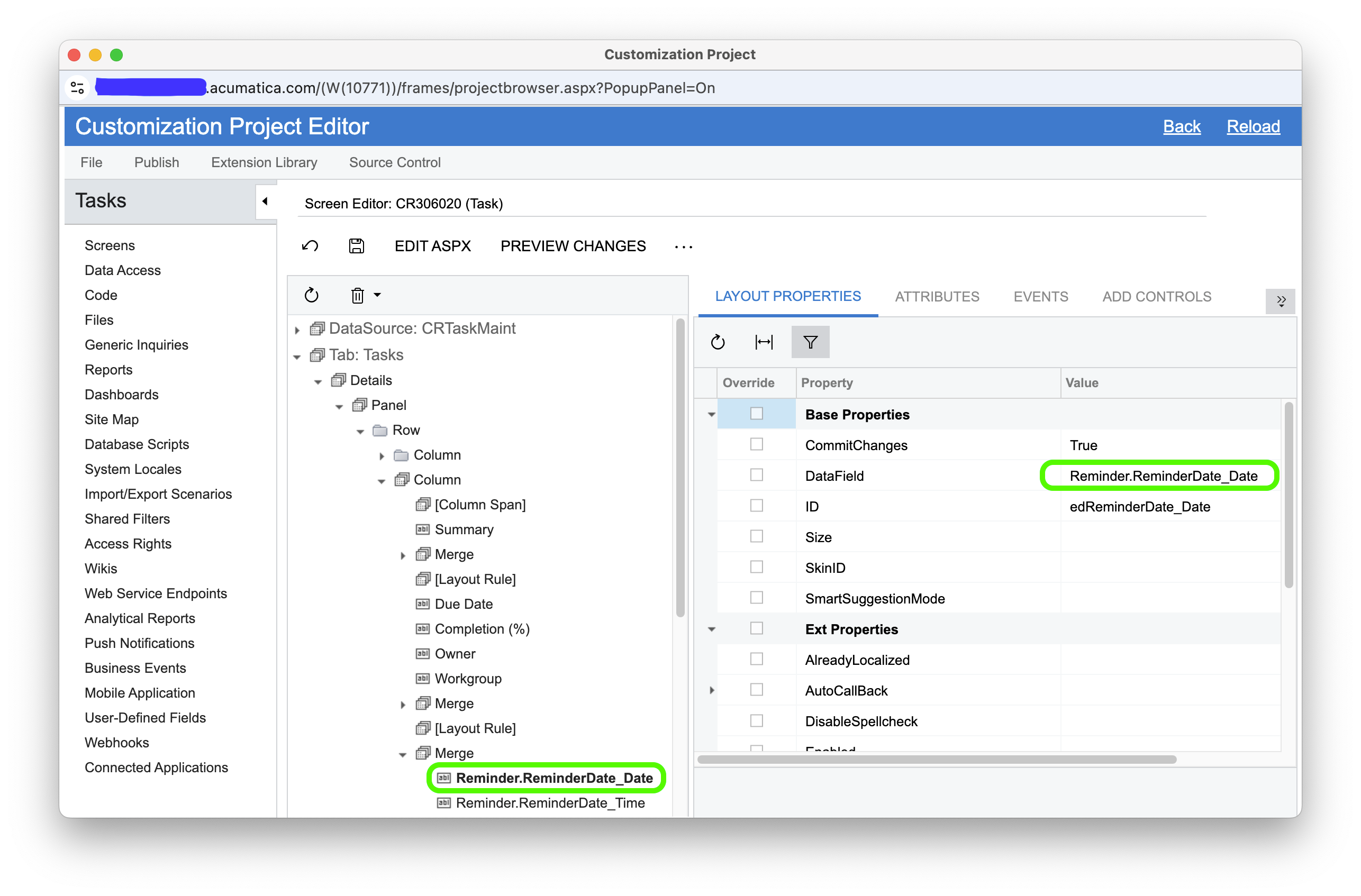
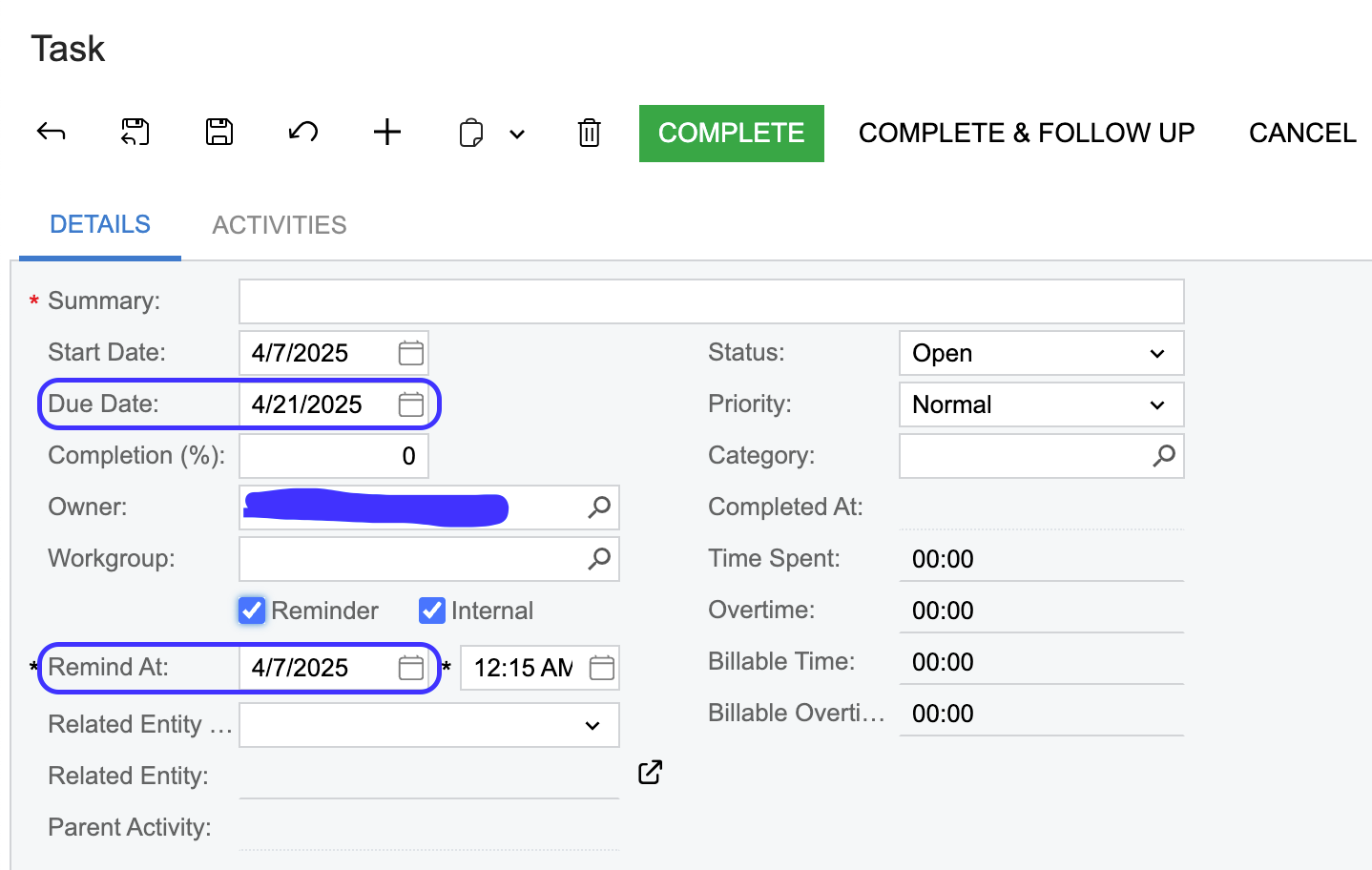
My team has asked for a mod that makes sense… with tasks that have opted to have a reminder, the reminder date defaults to today’s date (@today)… which doesn’t make sense for us. We would like to have the reminder date default to the set end date. Is there an easy way to customize this or low code it? Maybe with modified attribute?


Best answer by aiwan

Hi ​@swartzfeger 


You could use the Data Access section of the customisation project editor. It will show you the current attributes on the field.


You could probably achieve this with [PXDefault(typeof(YourDAC.endDate))]

3 replies

Forum|alt.badge.img+1
  • Jr Varsity I
  • April 7, 2025

For a low code customization you could try in the customization under Screens>>(your screen)>>Fields and add the reminder date field to the grid, and set the default to be the end date. If this doesn’t work you may need to use an attribute or event handler


Forum|alt.badge.img
  • Author
  • Jr Varsity II
  • April 7, 2025

For a low code customization you could try in the customization under Screens>>(your screen)>>Fields and add the reminder date field to the grid, and set the default to be the end date. If this doesn’t work you may need to use an attribute or event handler

Yeah, just tried that that… the reminder date still defaults to @Today. I will research changing this via attributes. Thanks Josiah!


Forum|alt.badge.img+8
  • Captain II
  • Answer
  • April 8, 2025

Hi ​@swartzfeger 


You could use the Data Access section of the customisation project editor. It will show you the current attributes on the field.


You could probably achieve this with [PXDefault(typeof(YourDAC.endDate))]