

Answer

Set condition for screen does not work

  • April 1, 2023
  • 2 replies
  • 90 views

Forum|alt.badge.img

Hello experts,

I am trying to force End-User must enter value for fields: Weight (BaseItemWeight), Volume (BaseItemVolume) on screen Stock Item IN202500
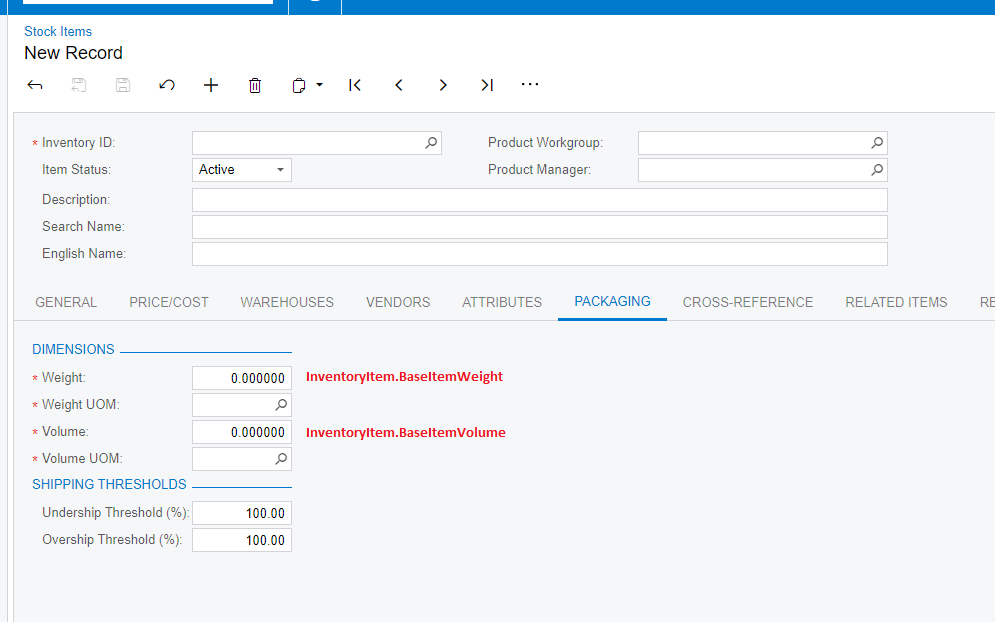
by using condition configuration as following:

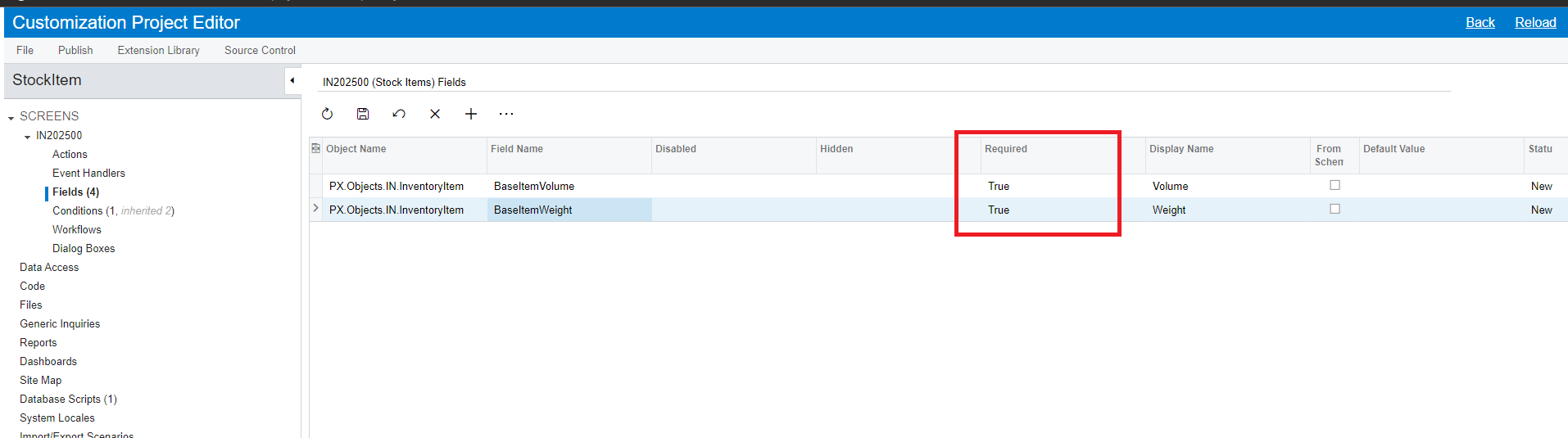
  • Set fields required: the default value is 0 because the field type is decimal, so I am able to save the record without entering value.
     

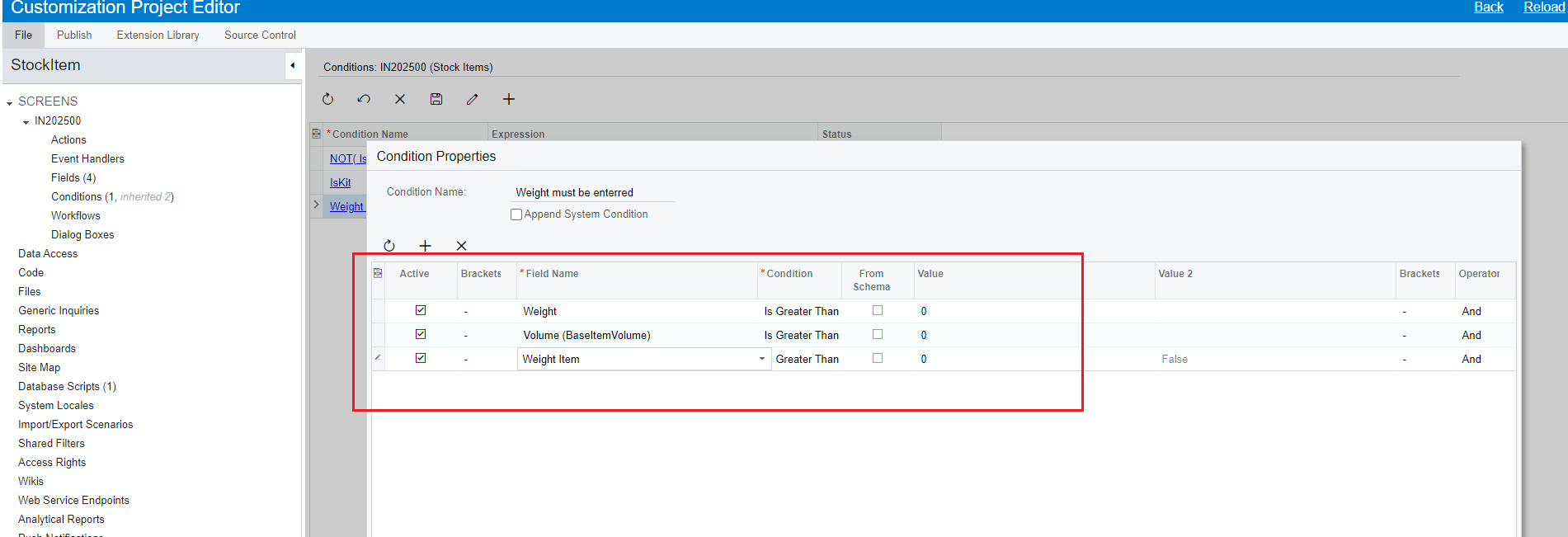
  • Set condition value must greater than 0
     

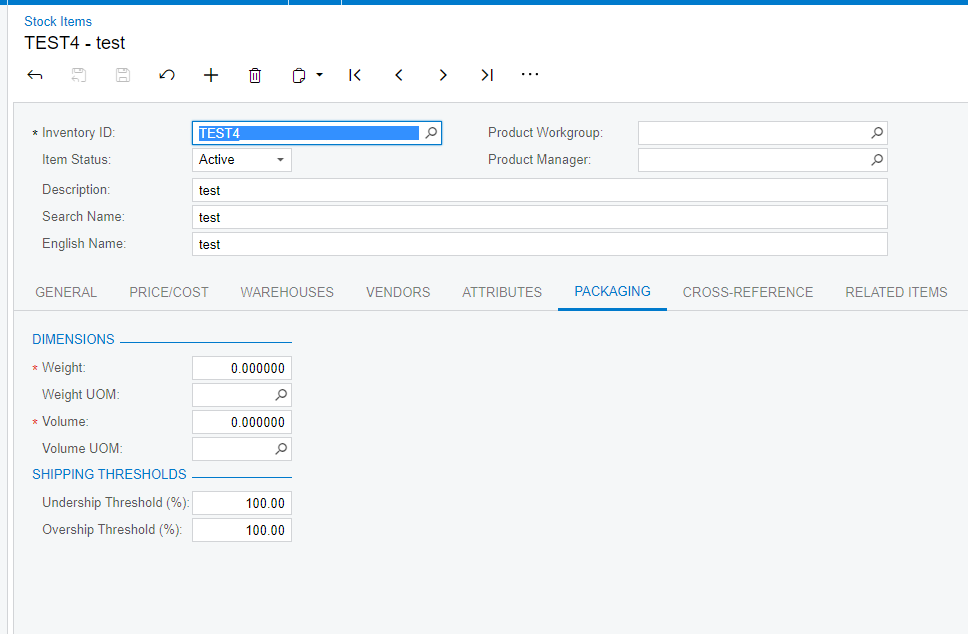
But somehow I didn’t input value for these fields but still could save the record
Do you have any idea?

Best answer by aaghaei

The Conditions you are defining and setting criteria is used in workflow to Enable/Disable or Show/Hide fields NOT for data validation.

For data validation you will need code-based customization (i.e. FieldVerifying, or RowPersisting). Zero is technically a value so platform won’t raise null value verification error. I am afraid you can not make it work without Code Customization.

2 replies

aaghaei
Captain II
Forum|alt.badge.img+10
  • Captain II
  • Answer
  • April 2, 2023

The Conditions you are defining and setting criteria is used in workflow to Enable/Disable or Show/Hide fields NOT for data validation.

For data validation you will need code-based customization (i.e. FieldVerifying, or RowPersisting). Zero is technically a value so platform won’t raise null value verification error. I am afraid you can not make it work without Code Customization.


Forum|alt.badge.img
  • Author
  • Jr Varsity II
  • April 3, 2023

Hello @aaghaei thank you very much for your information.

it works fine with event handler RowPersisting approach.
