Solved

Report Print Formats

  • April 8, 2021
  • 10 replies
  • 1227 views
  • Translate All

Helloo,

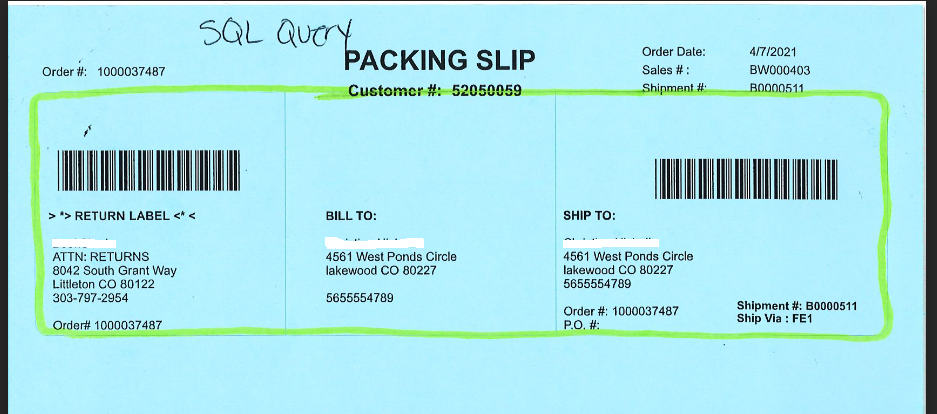
Can someone help me or Is there any way for report to print same format and alignments in both Print and PDF?

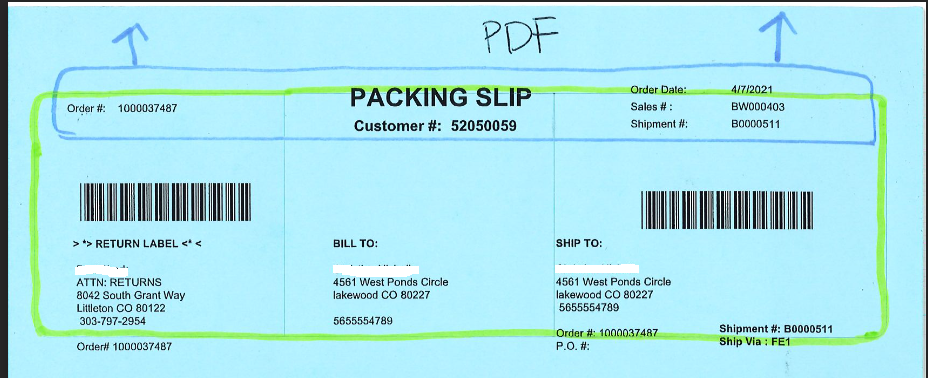
I am unable to get the same alignments in PDF compared to normal Print.

Screenshots for reference:
 

Thanks,

Best answer by saikiranb36

This has been resolved, I have removed white space above packing slip label. which was coming by default.

In report designer  Page Setting>>Margins>>Top.


Thanks to all.

View original

10 replies

Gabriel Michaud
Captain II
Forum|alt.badge.img+12

Hi @saikiranb36,

Can you clarify what you mean by “normal print” ?

I assume you are trying to print the packing slip on a special pre-preprinted form, is that right? Alignment can be tricky - even with PDF you have to watch out for scaling settings. Have you considered using DeviceHub to automate the printing of packing slips? At least this way you would get consistent output across computers/browsers.

Translate

Hi @Gabriel Michaud 

Thanks for reaching back,

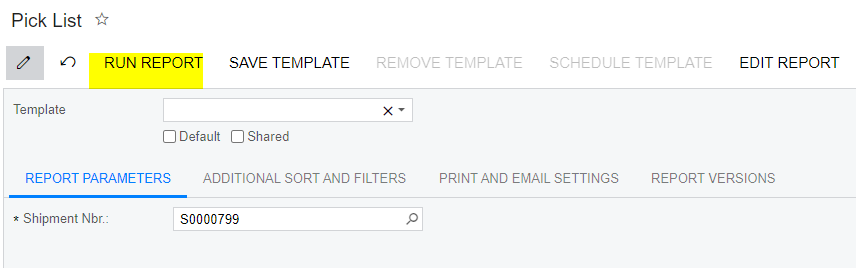
Here normal print refers to printing report using Run report button 

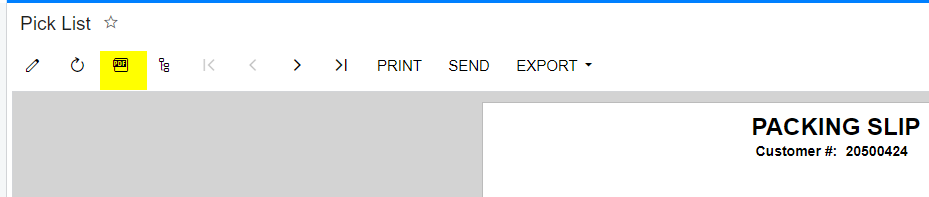
I mean to say when we print the report using Run report button ,the alignments are getting different and when we view the same report in PDF format the alignments are different.

Yes it is pre printed form 

As you said will check with scaling settings

Thanks,

Translate

Gabriel Michaud
Captain II
Forum|alt.badge.img+12

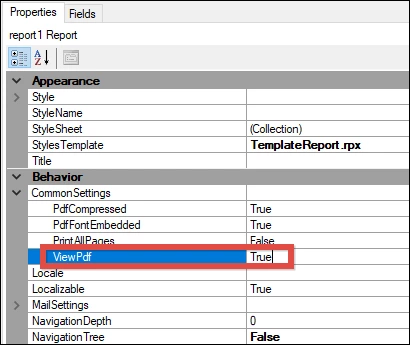
Did you know that you can configure reports to open in PDF by default? For such forms, I think printing from PDF is preferable. From the report designer:


You’ll also want to ensure your users use a common browser/PDF app because the defaults for alignment and scaling can vary from browser to browser… 

DeviceHub is something that you might want to consider… check this blog by Acumatica MVP @famadoz96 to learn more: Configuration of DeviceHub

Translate

Yes @Gabriel Michaud  we configured reports to open in PDF by default, but still faced minor alignment issues.

Thanks for sharing about device hub

Translate

Hughes Beausejour
Acumatica Employee
Forum|alt.badge.img+2

The three rendering mode are expected to output different results:
- Design mode / preview (in Acumatica report designer)

- HTML mode (I think you call this one normal)​​​​​

​​​​​​​- PDF mode

Translate

  • Author
  • Freshman II
  • Answer
  • April 9, 2021

This has been resolved, I have removed white space above packing slip label. which was coming by default.

In report designer  Page Setting>>Margins>>Top.


Thanks to all.

Translate

Forum|alt.badge.img

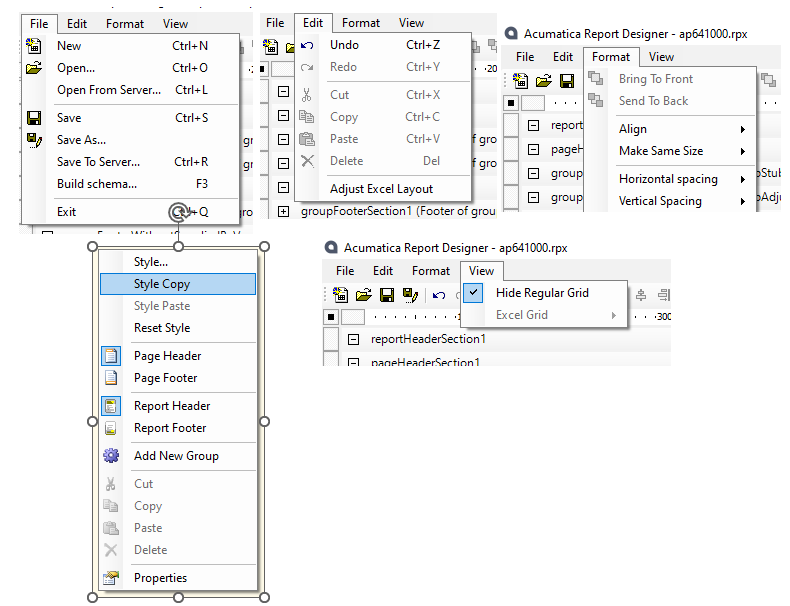
I do not see a Page Setting option in the Report Designer I have.  Where do I find this?  Here is what I see from the drop downs and left click:


Thanks.

Translate

Hughes Beausejour
Acumatica Employee
Forum|alt.badge.img+2

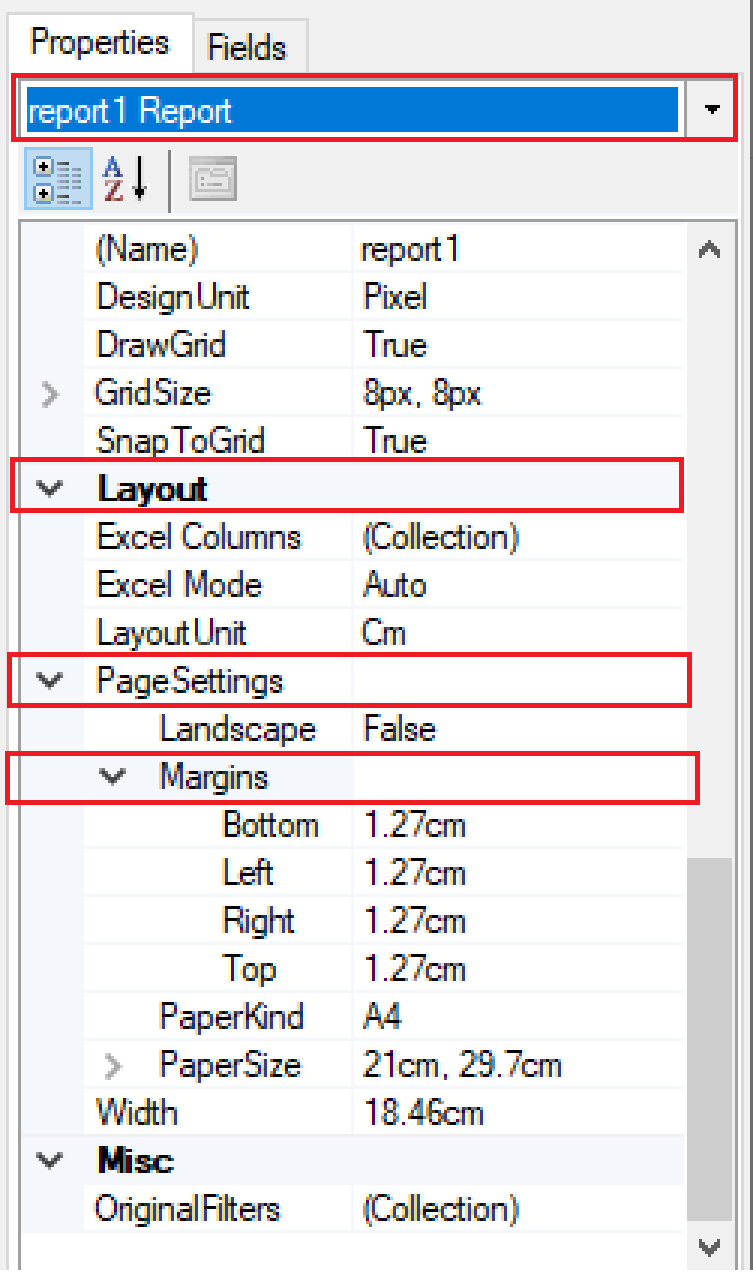
In Properties pane, select Report object in dropdown list. Page settings is in Layout section.


Translate

Forum|alt.badge.img

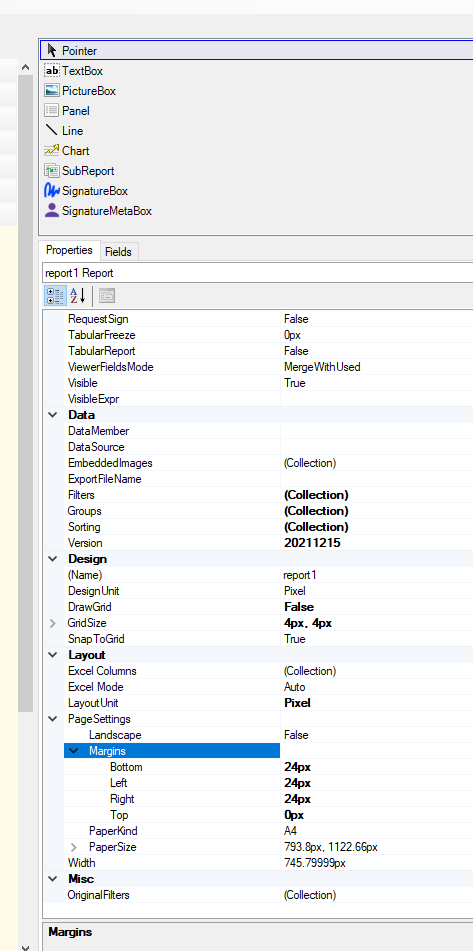
Set top margin to 0 on all sections but it still has a space at the top.

Translate

Hughes Beausejour
Acumatica Employee
Forum|alt.badge.img+2

Please refer to my answers above. I just pointed out where property is located. That doesn’t mean it will achieve desired outcome.

Translate