




Is there a way to programmatically confirm an action in a dialogue pop-up from a custom screen in such a way that it actually uses the answer?
I have a scenario where a user clicks a 'cancel' action on a custom form, and a linked production order should be canceled.
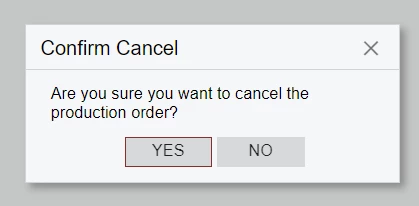
However, canceling the production order causes a dialogue box to pop-up with the message,
"Are you sure you want to cancel the production order?”
I can click ‘Yes’, but somehow due to the way the system runs the code again after receiving the dialogue answer, the answer is not retained when the action is called programmatically from a different screen. The box just pops up again after clicking ‘yes’, and I get stuck in an infinite loop.
Does that make sense?
I don’t really care whether or not the dialogue box opens, but one way or another, I want the production order to be canceled.
Regards,
