Answer

Opportunities: change default Estimated Close Date

  • February 27, 2025
  • 4 replies
  • 69 views

Forum|alt.badge.img

All,


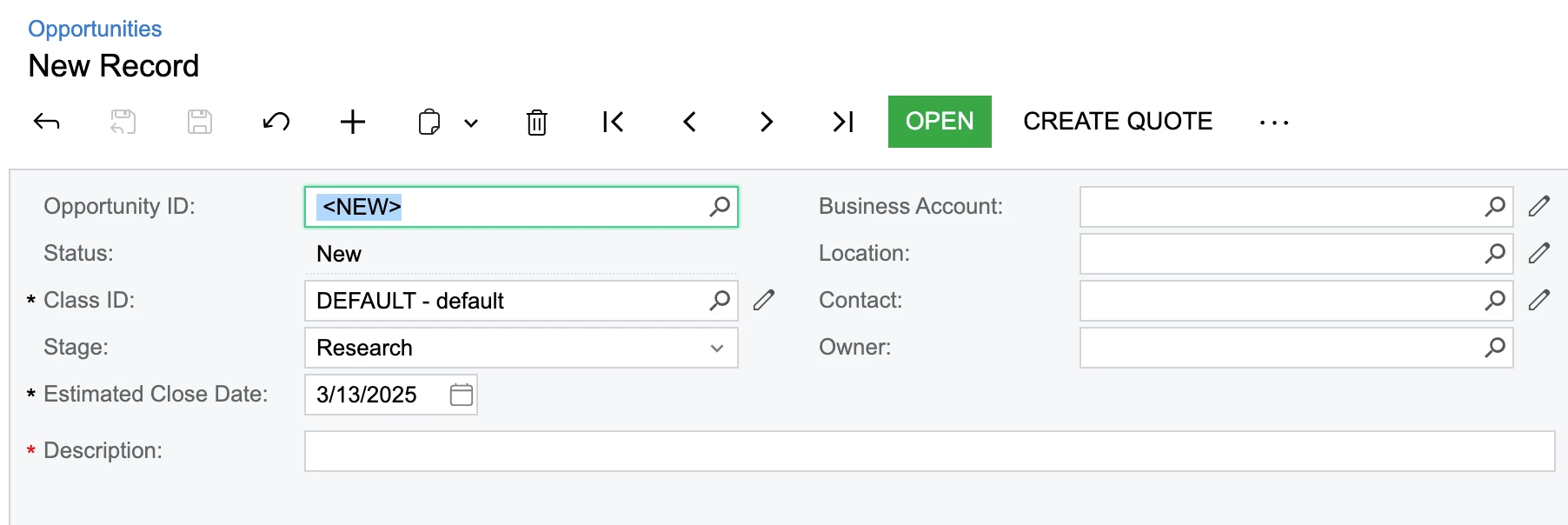
A new opportunity defaults the Estimated Close Date to @Today. My sales team has asked me to default this to @Today + 14 (ie, two weeks).
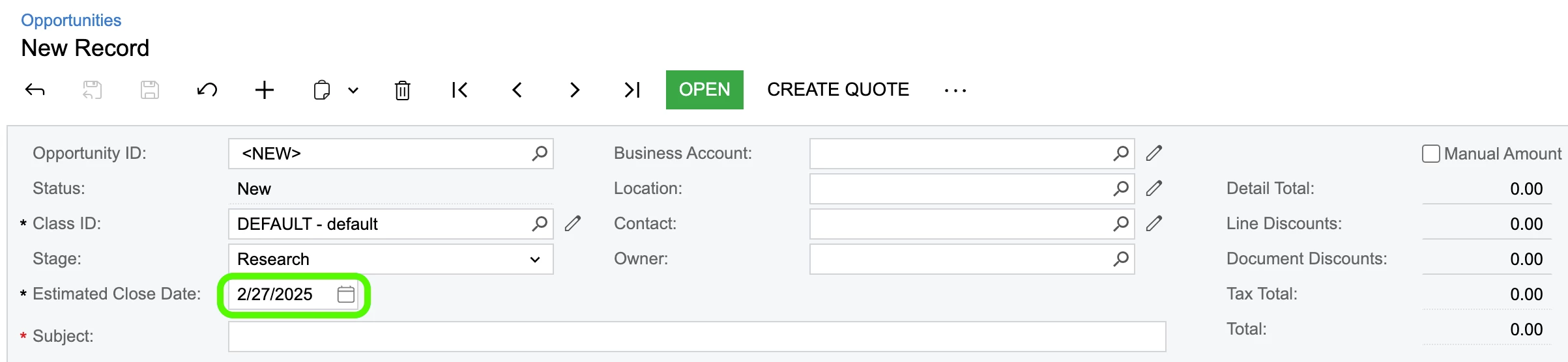
 

So I went here --
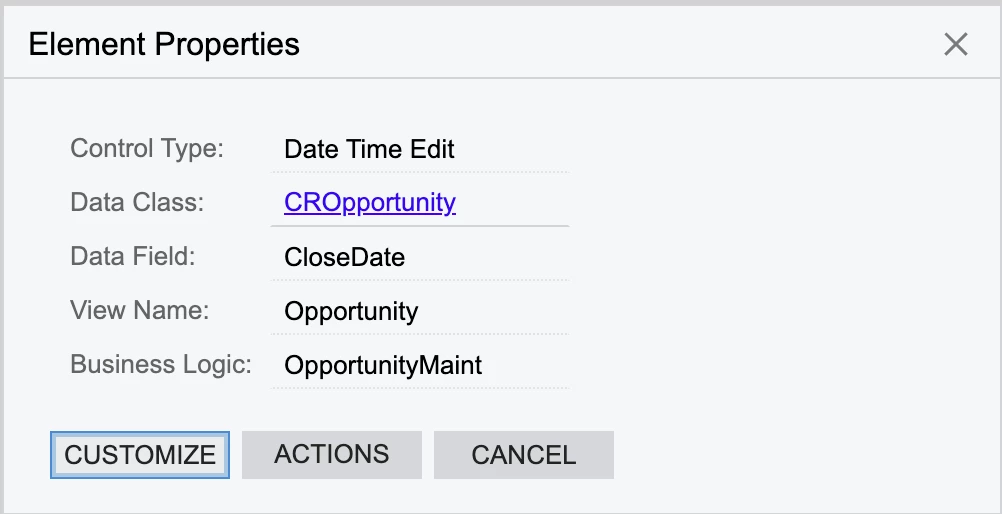
 

And created this --
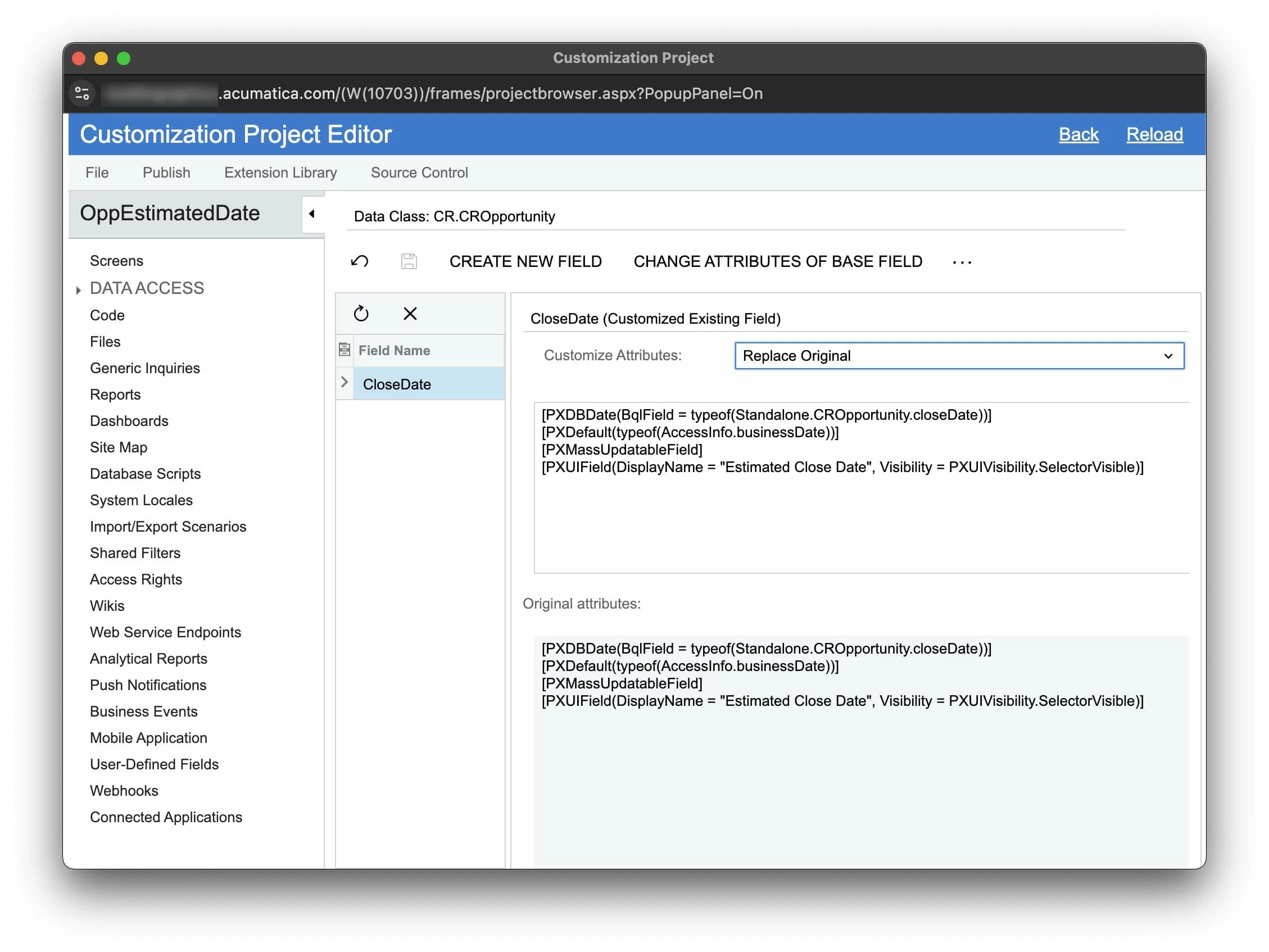
 

I was going to change it here, but instead, Google Gemini recommended adding this C# file to a customization project:
 

using PX.Data;
using System;

namespace MyCustomizationProject
{
public class CROpportunityExt : PXCacheExtension<PX.Objects.CR.CROpportunity>
{
#region UsrMyEstimatedCloseDate
[PXDBDate(BqlField = typeof(PX.Objects.CR.CROpportunity.closeDate))] // Corrected to use base field's BqlField
[PXDefault(typeof(CROpportunityExt.GetDefaultCloseDate), PersistingCheck = PXPersistingCheck.Nothing)] // Use a custom method for the default value
[PXMassUpdatableField]
[PXUIField(DisplayName = "Estimated Close Date", Visibility = PXUIVisibility.SelectorVisible)]
public virtual DateTime? UsrMyEstimatedCloseDate { get; set; }
public abstract class usrMyEstimatedCloseDate : PX.Data.BQL.BqlDateTime.Field<usrMyEstimatedCloseDate> { }

// Custom method to calculate the default close date
public class GetDefaultCloseDate : PX.Data.BQL.BqlMethod.WithParameters<PX.Objects.GL.DAC.Branch.branchID>
{
public override object Evaluate(PXCache cache, object item, params object[] parameters)
{
return PXTimeZoneInfo.Today.AddDays(14);
}
}
#endregion
}
}


Are either of these methods close to doing what I need to achieve?


Best answer by darylbowman

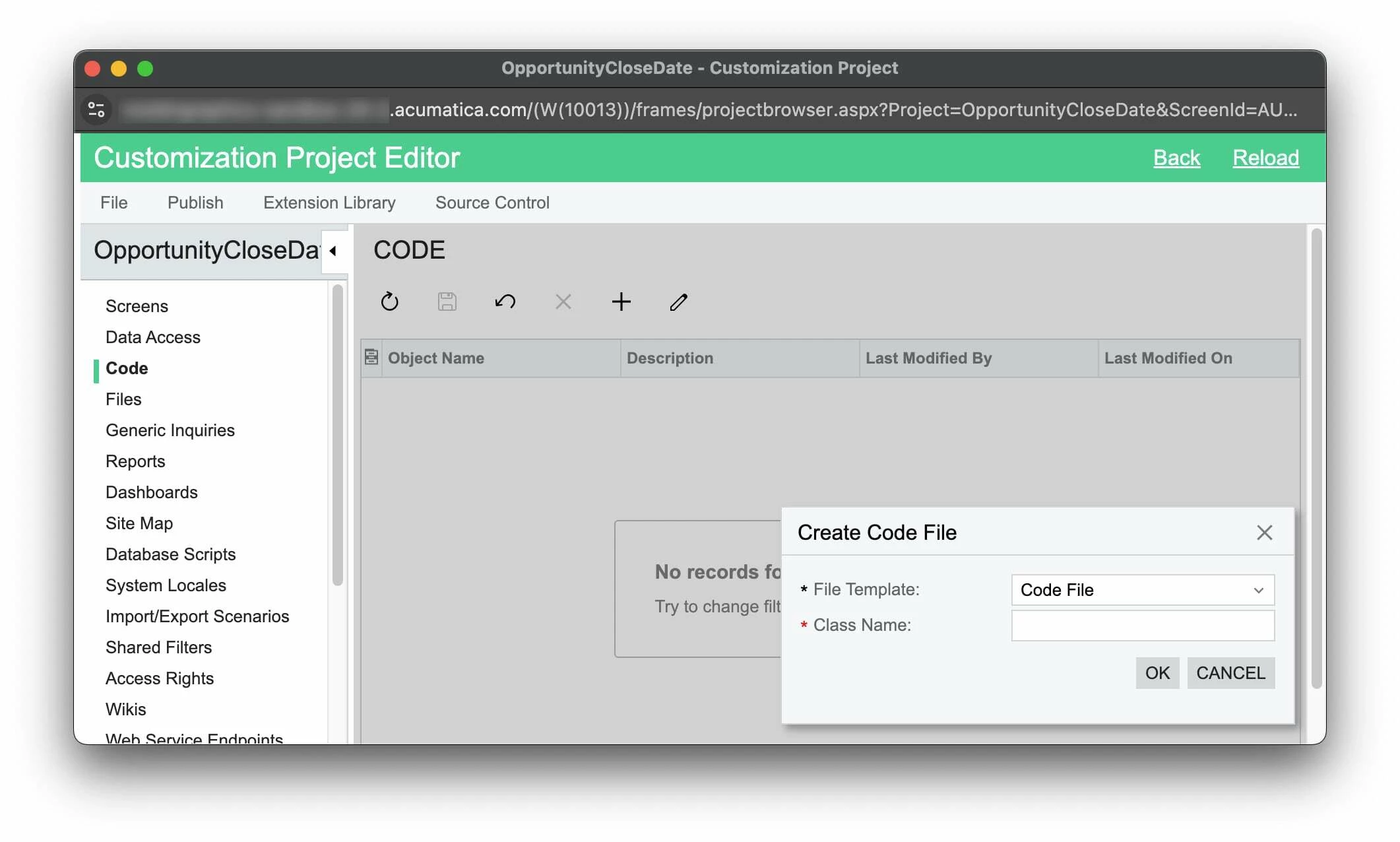
...would I go into the project editor and add the code to the CODE section on the left?

If so, what Class Name would I give it?

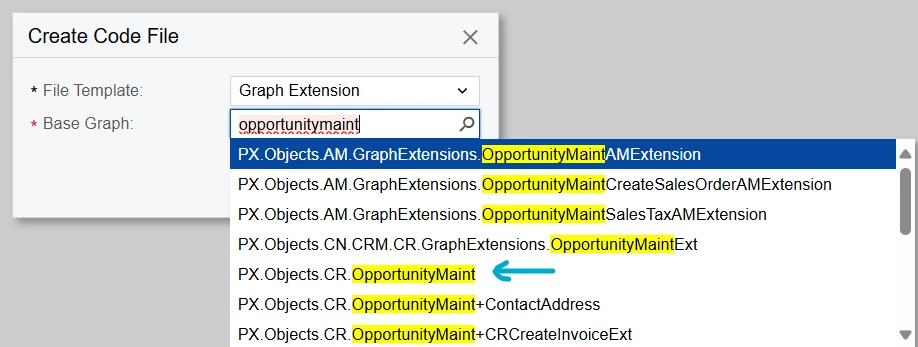
Yes, but I would change the File Template in the dialog to ‘Graph Extension’ and find the OpportunityMaint extension:


Then use the FieldDefaulting event handler to change the default value:

public class OpportunityMaint_Extension : PXGraphExtension<OpportunityMaint>
{
protected virtual void _(Events.FieldDefaulting<CROpportunity, CROpportunity.closeDate> e, PXFieldDefaulting b)
{
b?.Invoke(e.Cache, e.Args);

CROpportunity row = e.Row;
if (row is null) return;

e.NewValue = PXTimeZoneInfo.Today.AddDays(14);
e.Cancel = true;
}
}

You could also accomplish this with workflow, but this is probably easier😉

4 replies

Forum|alt.badge.img
  • Author
  • Jr Varsity II
  • February 27, 2025

More specifically, using the Gemini example above, would I go into the project editor and add the code to the CODE section on the left?

If so, what Class Name would I give it?


darylbowman
Captain II
Forum|alt.badge.img+15
  • Answer
  • February 27, 2025

...would I go into the project editor and add the code to the CODE section on the left?

If so, what Class Name would I give it?

Yes, but I would change the File Template in the dialog to ‘Graph Extension’ and find the OpportunityMaint extension:


Then use the FieldDefaulting event handler to change the default value:

public class OpportunityMaint_Extension : PXGraphExtension<OpportunityMaint>
{
protected virtual void _(Events.FieldDefaulting<CROpportunity, CROpportunity.closeDate> e, PXFieldDefaulting b)
{
b?.Invoke(e.Cache, e.Args);

CROpportunity row = e.Row;
if (row is null) return;

e.NewValue = PXTimeZoneInfo.Today.AddDays(14);
e.Cancel = true;
}
}

You could also accomplish this with workflow, but this is probably easier😉


Forum|alt.badge.img
  • Author
  • Jr Varsity II
  • February 27, 2025

...would I go into the project editor and add the code to the CODE section on the left?

If so, what Class Name would I give it?

Yes, but I would change the File Template in the dialog to ‘Graph Extension’ and find the OpportunityMaint extension:


Then use the FieldDefaulting event handler to change the default value:

public class OpportunityMaint_Extension : PXGraphExtension<OpportunityMaint>
{
protected virtual void _(Events.FieldDefaulting<CROpportunity, CROpportunity.closeDate> e, PXFieldDefaulting b)
{
b?.Invoke(e.Cache, e.Args);

CROpportunity row = e.Row;
if (row is null) return;

e.NewValue = PXTimeZoneInfo.Today.AddDays(14);
e.Cancel = true;
}
}

You could also accomplish this with workflow, but this is probably easier😉


Dude you are a beast!


darylbowman
Captain II
Forum|alt.badge.img+15

Why thank you 😀