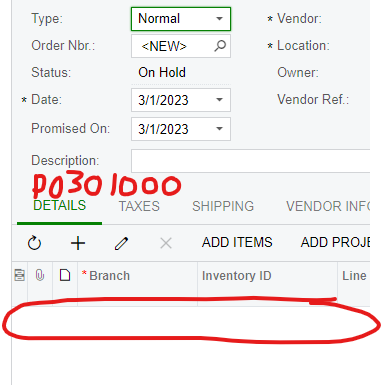
I am working on a customization for the Stock Items Inventory. I am trying to add an action to the page that would create a new Purchase order and fill in the vendor fields and insert a line into the Details section for the Inventory Item. I have been able to open the form, and add the vendor, but cannot figure out how to insert the detail line.
So I want to take the part that is circled in red in the first image and create a line where the red is in the second image.
Best answer by Leonardo Justiniano
Hi @DoShawhan
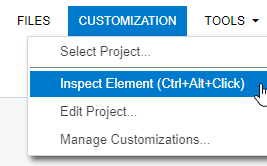
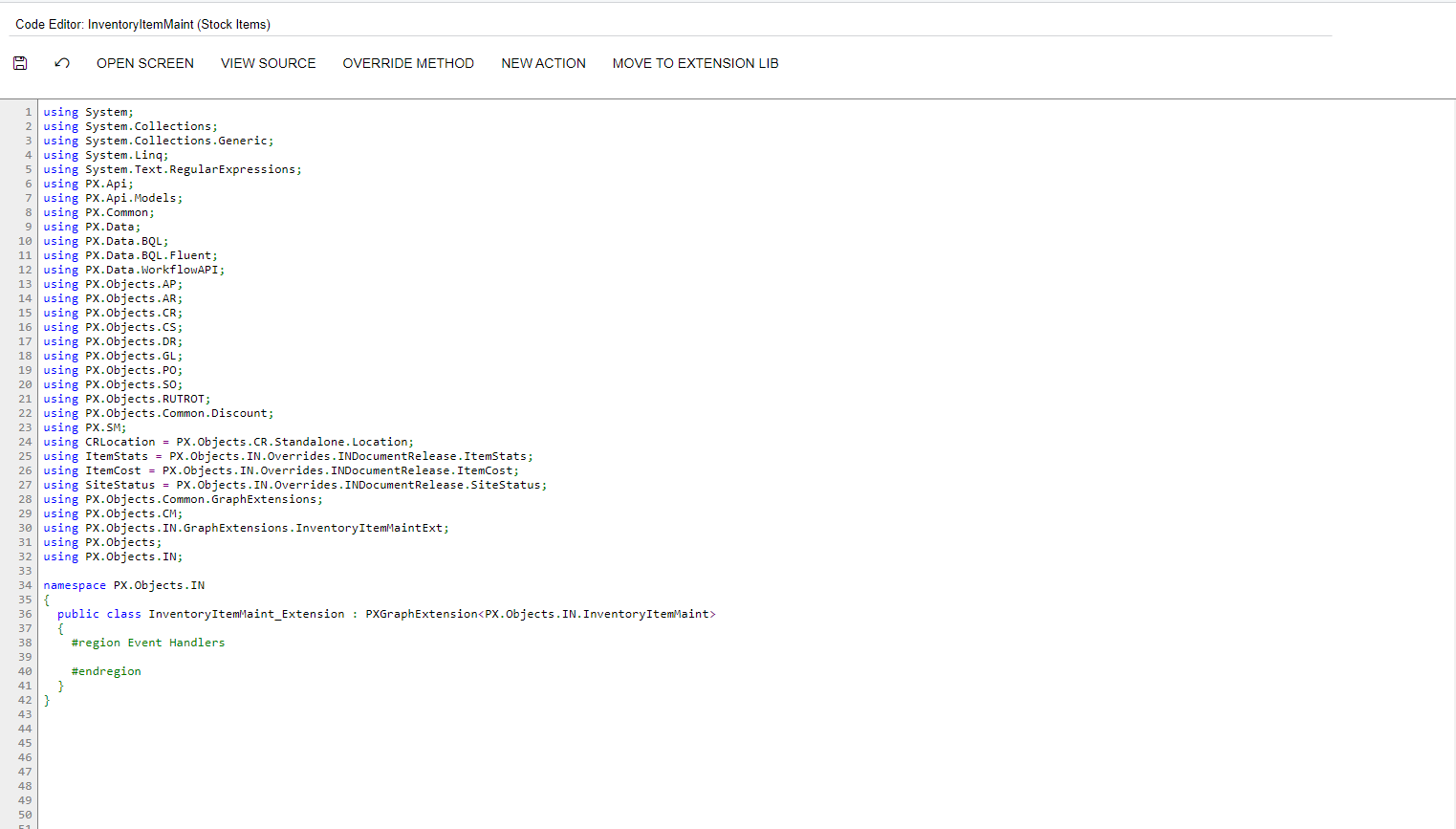
Now I have more insights about what you want, you have to extend the Inventory Item screen to add the button. By inspecting the page you can get the graph class:
this is the whole snippet:
namespace PX.Objects.IN { public class InventoryItemMaint_Extension : PXGraphExtension<PX.Objects.IN.InventoryItemMaint> { #region Event Handlers public PXAction<InventoryItem> UpdatePOExample; [PXUIField(DisplayName = "Update PO Example", Enabled = true)] [PXButton(CommitChanges = true)] protected virtual IEnumerable updatePOExample(PXAdapter adapter) { InventoryItem item = Base.Item.Current;
Now I have more insights about what you want, you have to extend the Inventory Item screen to add the button. By inspecting the page you can get the graph class:
this is the whole snippet:
namespace PX.Objects.IN { public class InventoryItemMaint_Extension : PXGraphExtension<PX.Objects.IN.InventoryItemMaint> { #region Event Handlers public PXAction<InventoryItem> UpdatePOExample; [PXUIField(DisplayName = "Update PO Example", Enabled = true)] [PXButton(CommitChanges = true)] protected virtual IEnumerable updatePOExample(PXAdapter adapter) { InventoryItem item = Base.Item.Current;
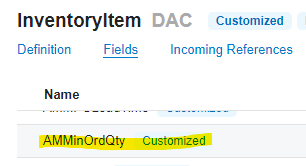
This works fine now. However, I have another error. We have fields in the InventoryItem DAC that are custom defined. However, when I try to access this field I get this error:
Here is the DAC:
And the code where I am calling it:
Thanks for your help. I am relatively new to this and your help has been incredible.