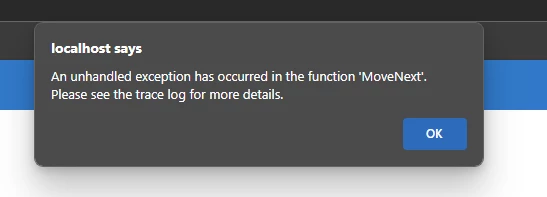
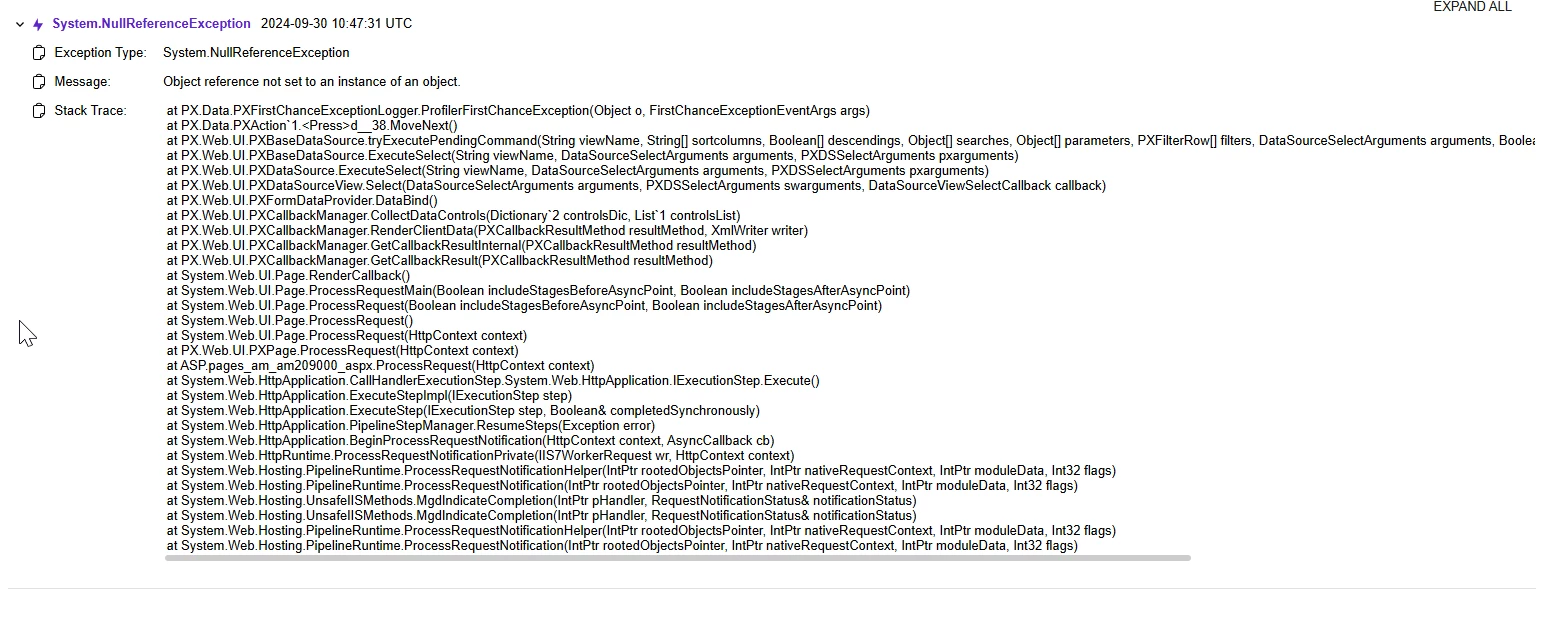
I’m Implementing a custom Material request note (MRN) screen. Now I need to add a custom button to Production orders screen which create a MRN based on that production order. currently it gives the Object reference not set to an instance of an object. error. I have added few if conditions to check the null values, but it did not hit any if condition. Following is my Action code
        public PXAction<AMProdItem> CreateMRN;
        [PXButton(DisplayOnMainToolbar = true, CommitChanges = true)]
        [PXUIField(DisplayName = "Create MRN", Enabled = true)]
        protected virtual IEnumerable createMRN(PXAdapter adapter)
        {
            // Populate a local inventoryItemList variable.
            List<AMProdMatl> inventoryItemList = new List<AMProdMatl>();
            foreach (AMProdMatl inventoryItem in adapter.Get<AMProdMatl>())
            {
                inventoryItemList.Add(inventoryItem);
            }
            if(inventoryItemList.Count == 0)
            {
                string msg = "MRN - Item list is empty";
                throw new PXException(msg);
            }
            // Trigger the Save action to save changes in the database.
            //Base.Actions.PressSave();
            var productionOrder = Base.ProdItemRecords.Current;
            if (productionOrder == null)
            {
                string msg = "MRN - production order is null";
                throw new PXException(msg);
            }
            /*Execute ValidatePrices method asynchronously
            using PXLongOperation.StartOperation*/
            PXLongOperation.StartOperation(this,
                () => CreateMRNDoc(productionOrder.ProdOrdID, inventoryItemList)
            );
            // Return the local inventoryItemList variable.
            return inventoryItemList;
        }

        private static void CreateMRNDoc(string orderId, List<AMProdMatl> itemList )
        {
            using (var ts = new PXTransactionScope())
            {

                var mRNEntry = PXGraph.CreateInstance<MRMaterialRequestNoteEntry>();
                // Initialize the summary of the invoice.
                var doc = new MRMaterialRequest()
                {
                    DocType = MRNDocType.ProductionOrder,
                    DocDate = DateTime.Now,
                    DepartmentID = "1",
                    Status = MRNStatus.Open,
                    Description = orderId
                };

                doc = mRNEntry.MaterialRequestView.Insert(doc);
                doc = mRNEntry.MaterialRequestView.Update(doc);
                mRNEntry.Actions.PressSave();
                mRNEntry.MaterialRequestView.Current = doc;

                if( doc == null )
                {
                    string msg = "MRN - Material request note is null";
                    throw new PXException(msg);
                }

                foreach (AMProdMatl item in itemList)
                {
                    if (item.InventoryID == null)
                    {
                        string msg = "inventory id is null";
                        throw new PXException(msg);
                    };
                    var itemDoc = new MRInventoryItems()
                    {
                        //Mrrefnbr = "0000006",
                        InventoryID = item.InventoryID,
                        OrderQty = item.TotalQtyRequired,
                        SourceOrderNbr = orderId
                    };

                    if (itemDoc == null)
                    {
                        string msg = "MRN - Material request note item document is null";
                        throw new PXException(msg);
                    }
                    itemDoc = mRNEntry.MaterialDetailsView.Insert(itemDoc);
                    mRNEntry.MaterialDetailsView.Update(itemDoc);
                }

                mRNEntry.Actions.PressSave();

                ts.Complete();
            }
        }
when commented the foreach loop which create the MRInventoryItems record list, rest of the code work fine. and create a new MRN record without the inventory items.