Question

Not able to login Report designer

  • February 27, 2026
  • 2 replies
  • 26 views

Forum|alt.badge.img


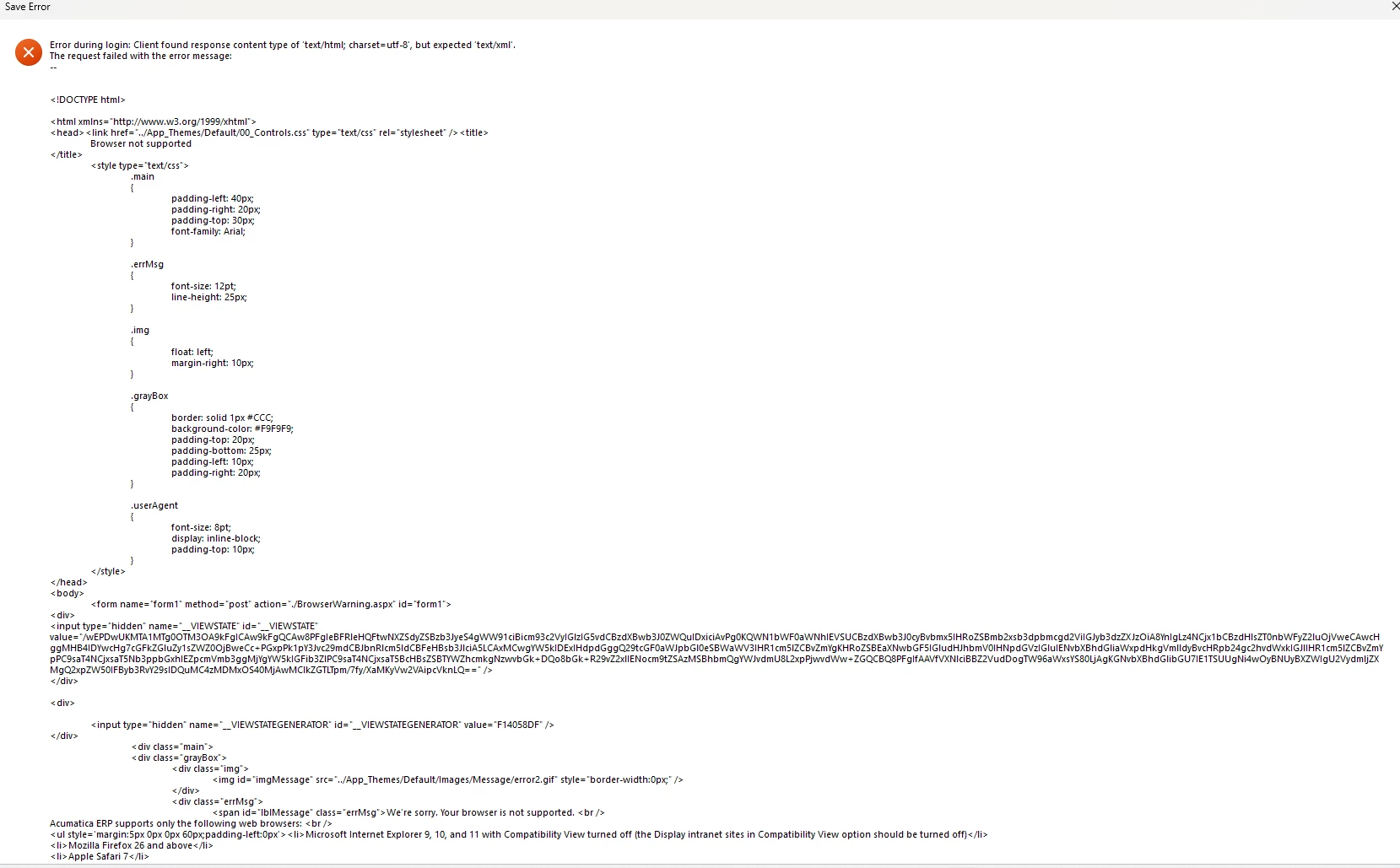
I have tried to login to Report Designer but get below error message. 

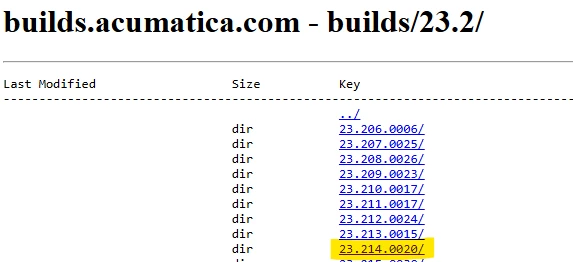
I have download ERP from below which match with Acumatica cloud login.

Online Version
Download Builder Version
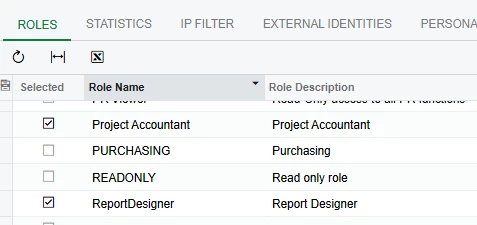
Role enabled Report Designer
error message
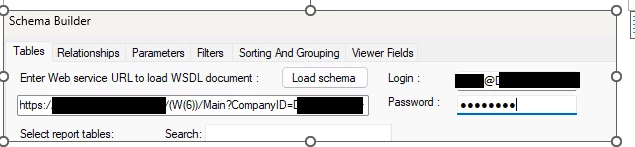
login, Copied URL when login in online and delete the ScreenID, User name is my USername@tenantname


2 replies

Robert Sternberg
Captain II
Forum|alt.badge.img+7

Please try using only the base URL format to access Report Designer: https://SITENAME.acumatica.com/


Your current URL includes extra parameters (for example, w(6) and CompanyID=Tenant), you can remove them, those values are used for tracking session and tenant context during sign-in and aren’t required to open or use Report Designer.


  • Freshman II
  • March 1, 2026

Hi ​@epan ,

Looking at your screenshots, one thing to check — it appears you are using https. Please use http instead.

Use the URL in this format:

http://localhost/YourInstanceName
  or
http://SERVERNAME/YourInstanceName

Also, please make sure:

You are using a clean base URL only (no extra parameters).
The Report Designer version exactly matches your Acumatica build version.

Hope this helps.