Answer

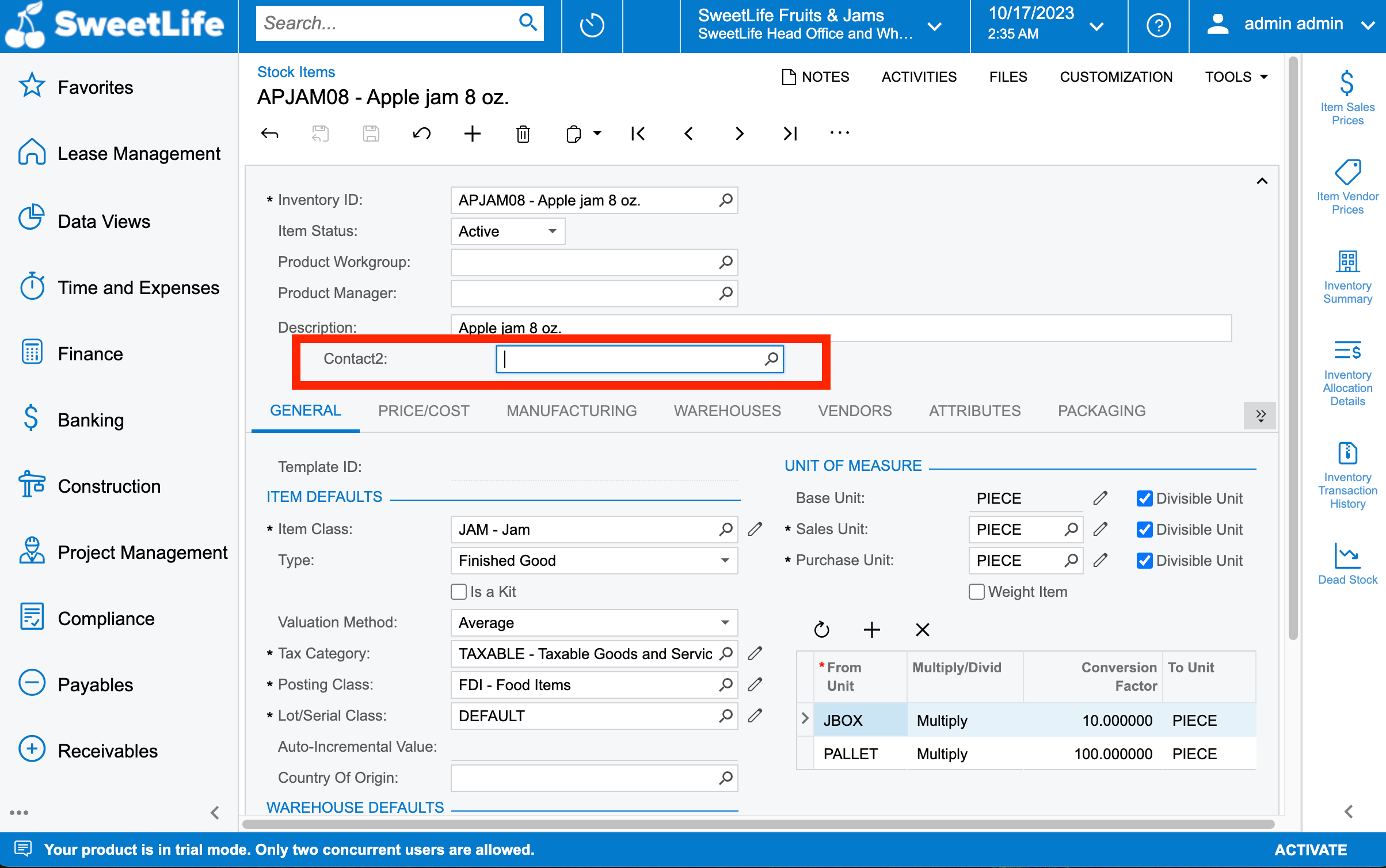
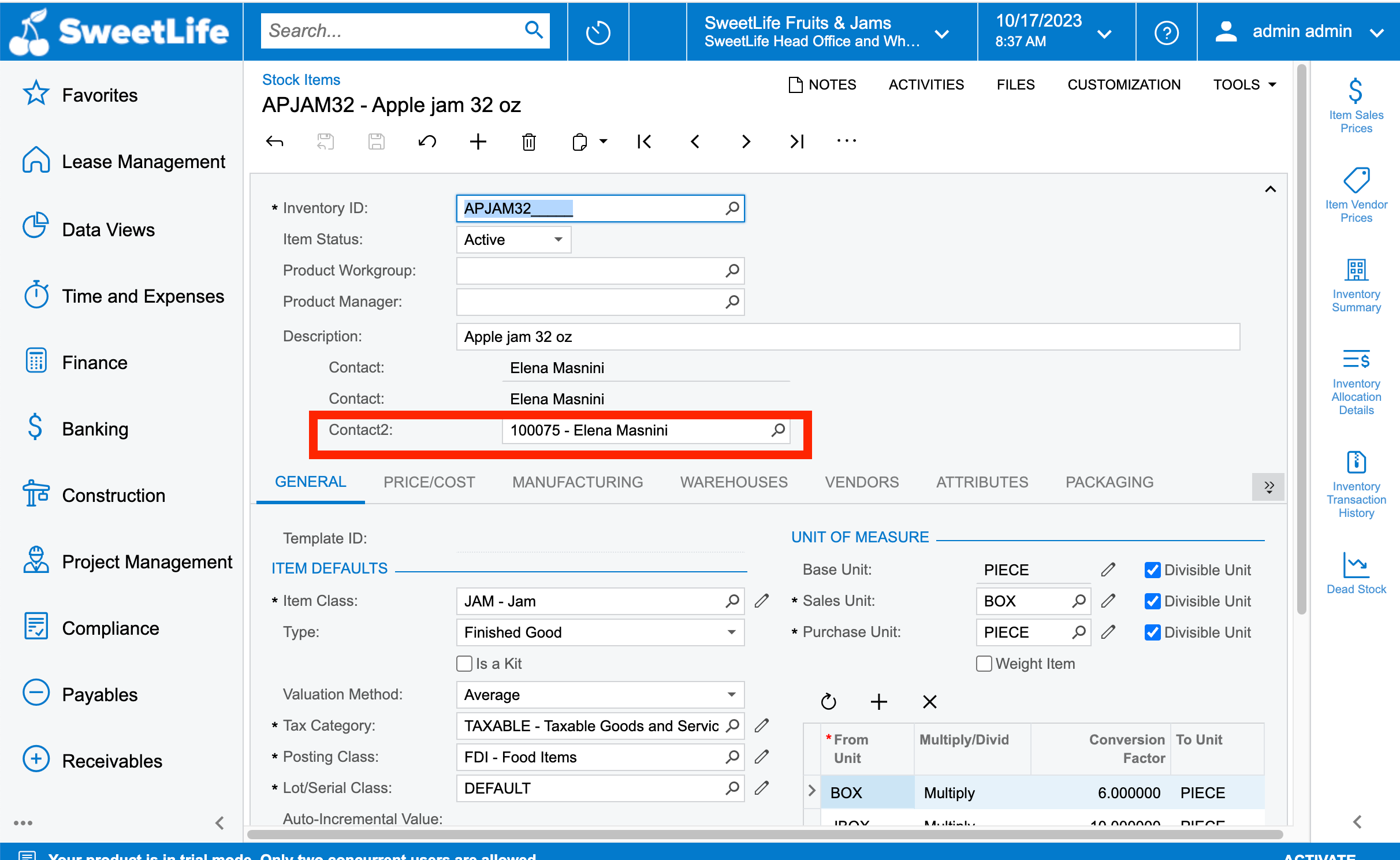
Need to add Contact selector field in the stock Items screen that should display the values for ContactID

  • October 17, 2023
  • 10 replies
  • 271 views

Forum|alt.badge.img+3

Hello Community,
I have been trying to add a Contact selector field in the Stock Items (IN202500) but looks like there’s something I am missing here. Can anyone guide me out what else I am missing here?
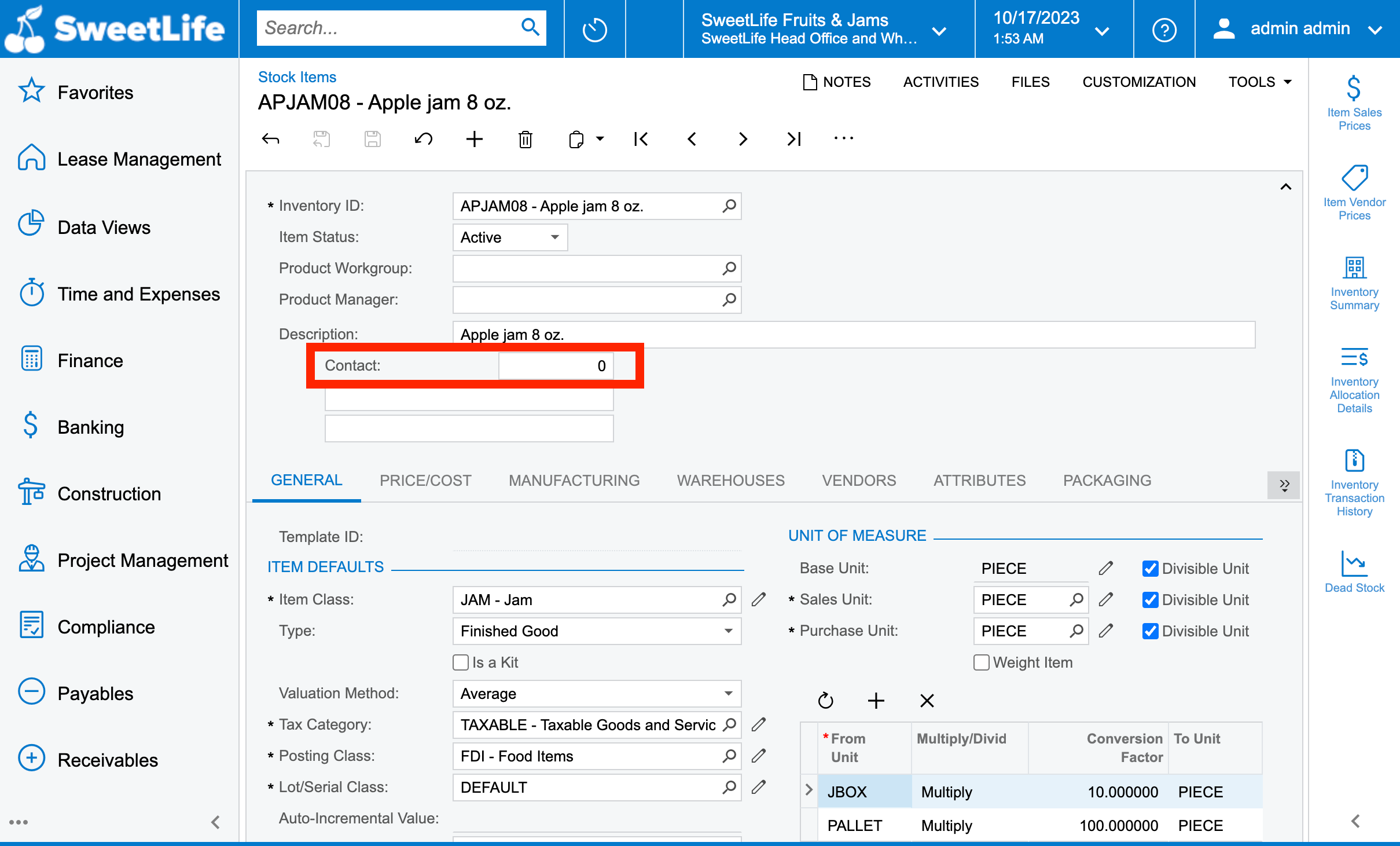

Code Attribute:
[PXDBInt]
[PXUIField(DisplayName = "Contact", Visibility = PXUIVisibility.SelectorVisible)]
[PXSelector(typeof(Search<CRContact.contactID>),
    new Type[] { 
        typeof(CRContact.contactID), 
        typeof(CRContact.fullName), 
        typeof(CRContact.email)
    },
    SubstituteKey = typeof(CRContact.contactID),
    DescriptionField = typeof(CRContact.fullName),
    CacheGlobal = true
)]​​​​​​​

Best answer by Harshita

Hi @Harshita ,

Could you please try below code snippet?

[PXDBInt]
[PXSelector(
typeof(Search<Contact.contactID, Where<Contact.contactType, NotEqual<ContactTypesAttribute.employee>>>),
DescriptionField = typeof(Contact.displayName),
CacheGlobal = true,
Filterable = true)]
[PXUIField(DisplayName = "Contact2")]

Hope, it helps!

Regards,

Sweta

Hello @sweta68 , how about if I just wanted to display the contact type = Contact?

Have replaced the logic as Equal<ContactTypesAttribute.Contact>. Now working fine.

10 replies

praveenpo
Semi-Pro III
Forum|alt.badge.img+3
  • Semi-Pro III
  • October 17, 2023

hi @Harshita,

Can you try with this.

        [PXDBInt()]      
        [PXSelector(typeof(Search<Contact.contactID>), SubstituteKey = typeof(Contact.displayName))].

Please Use PXSelector in the aspx.


Forum|alt.badge.img+3
  • Author
  • Captain II
  • October 17, 2023

hi @Harshita,

Can you try with this.

        [PXDBInt()]      
        [PXSelector(typeof(Search<Contact.contactID>), SubstituteKey = typeof(Contact.displayName))].

Please Use PXSelector in the aspx.


Hello @praveenpo ,
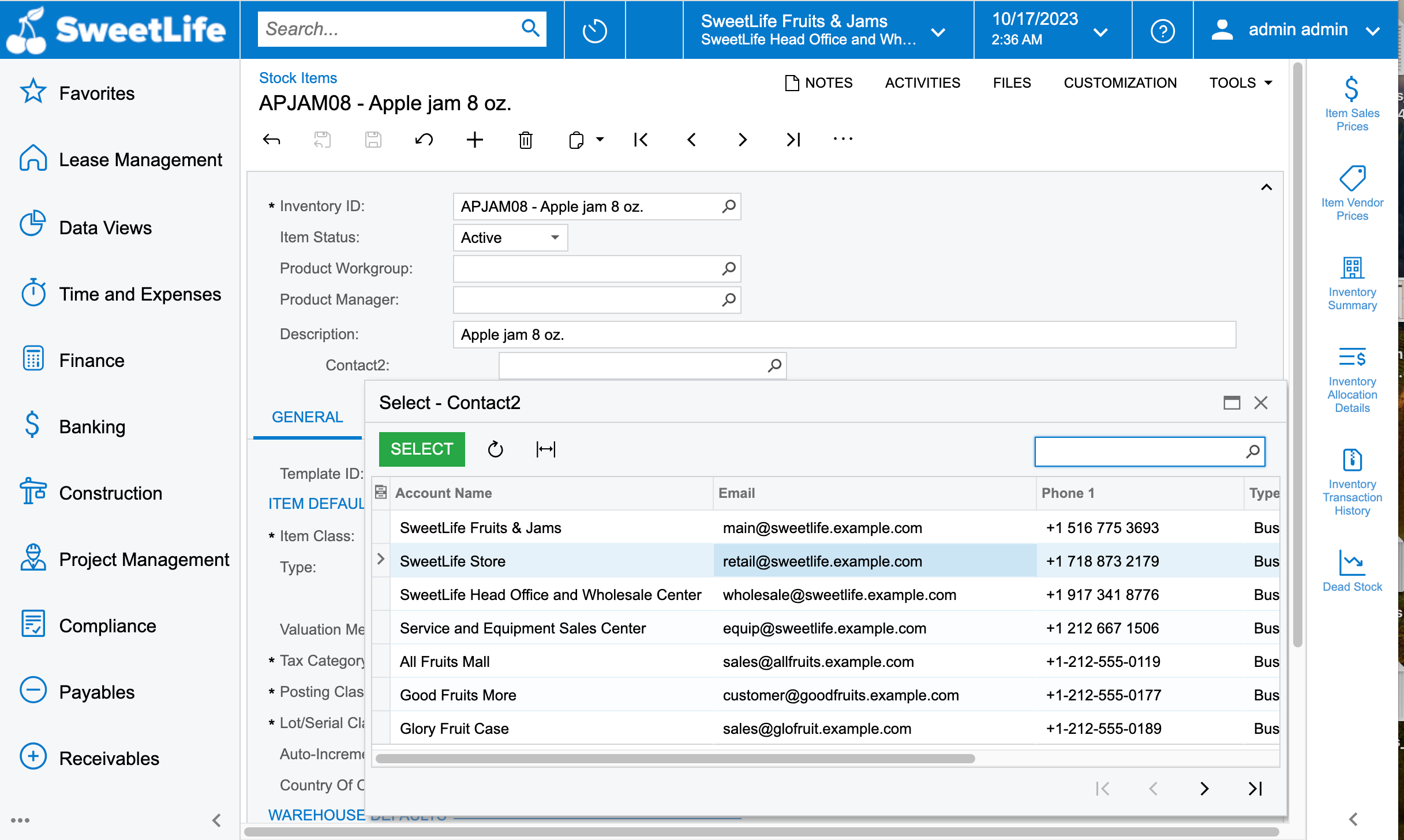
thank you for your prompt response. I now tried with your lines of code and it has been added successfully, but the field isn’t allowing me to select any line, its like whenever I select any line in the dialog box it doesn’t get displayed on the selector field.

[PXDBInt]
[PXUIField(DisplayName="Contact2", Visibility = PXUIVisibility.SelectorVisible)]     
        [PXSelector(typeof(Search<Contact.contactID>), SubstituteKey = typeof(Contact.displayName), DescriptionField = typeof(Contact.displayName), CacheGlobal = true)]


dcomerford
Captain II
Forum|alt.badge.img+15
  • Captain II
  • October 17, 2023

This should do it

[PXDBInt]
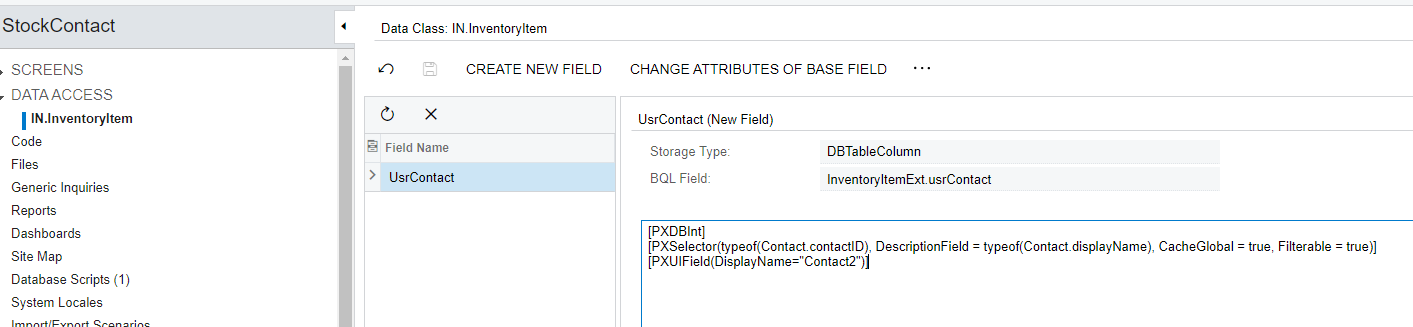
[PXSelector(typeof(Contact.contactID), DescriptionField = typeof(Contact.displayName), CacheGlobal = true, Filterable = true)]
[PXUIField(DisplayName="Contact2")]


Forum|alt.badge.img+3
  • Author
  • Captain II
  • October 17, 2023

This should do it

[PXDBInt]
[PXSelector(typeof(Contact.contactID), DescriptionField = typeof(Contact.displayName), CacheGlobal = true, Filterable = true)]
[PXUIField(DisplayName="Contact2")]

Hello @dcomerford ,
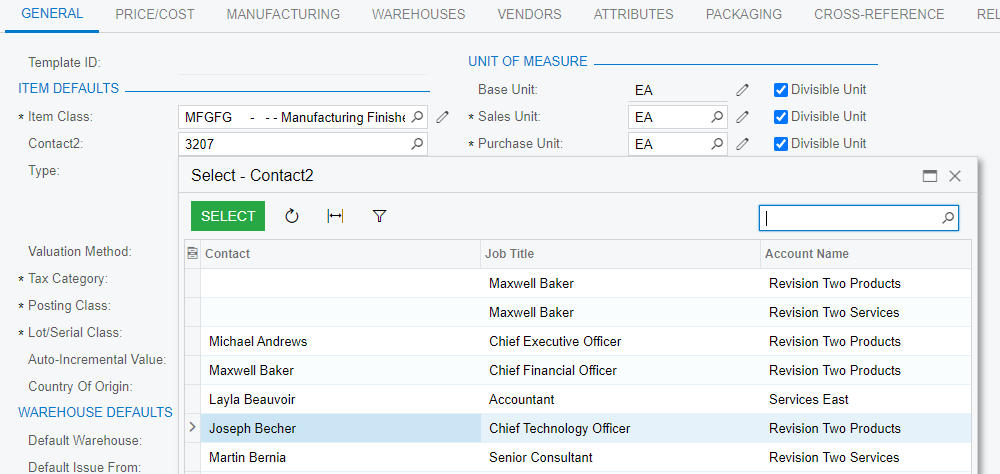
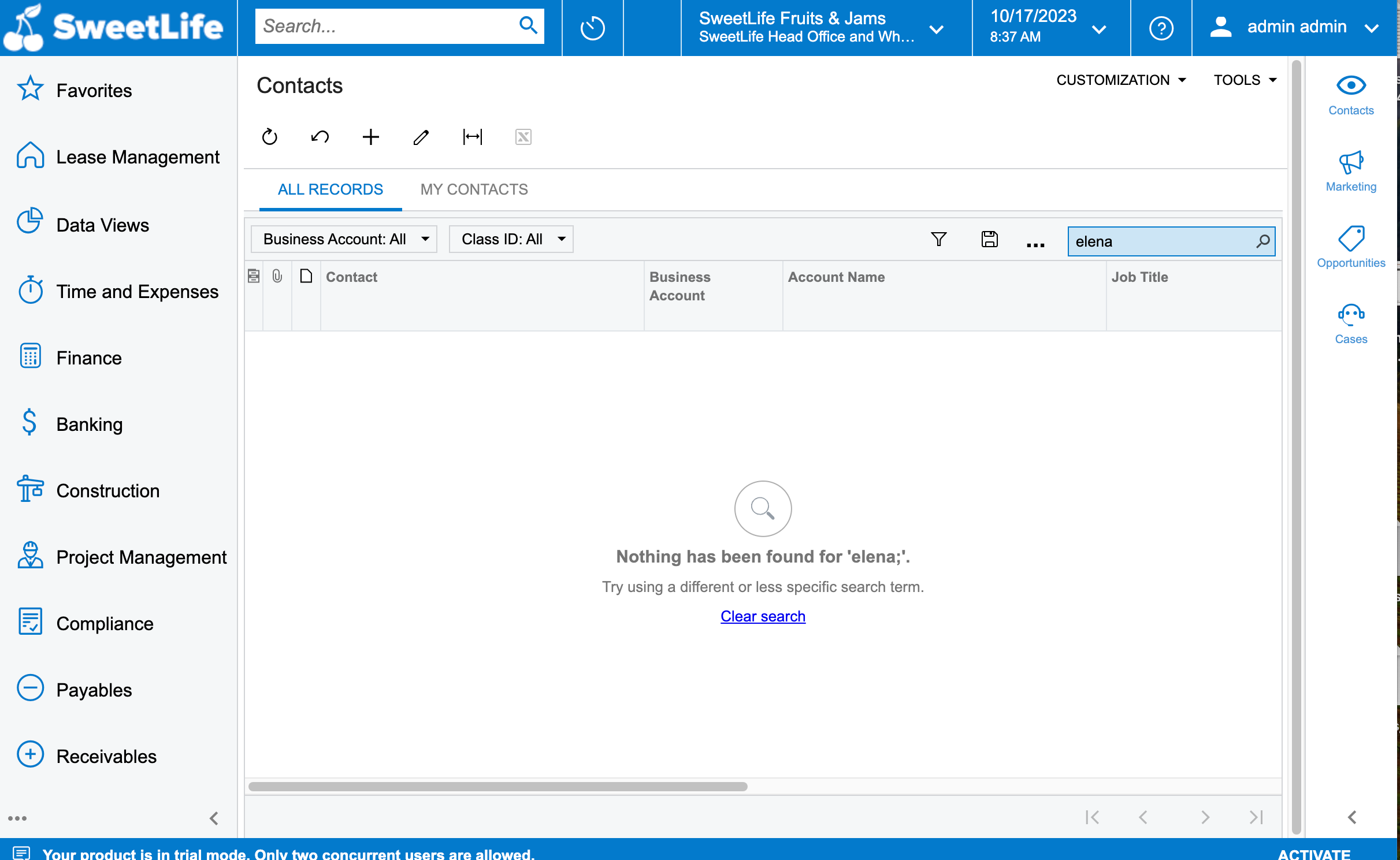
Now it worked, But it doesn’t display all the records that have been created under Contacts (CR302000)


Forum|alt.badge.img+3
  • Author
  • Captain II
  • October 20, 2023

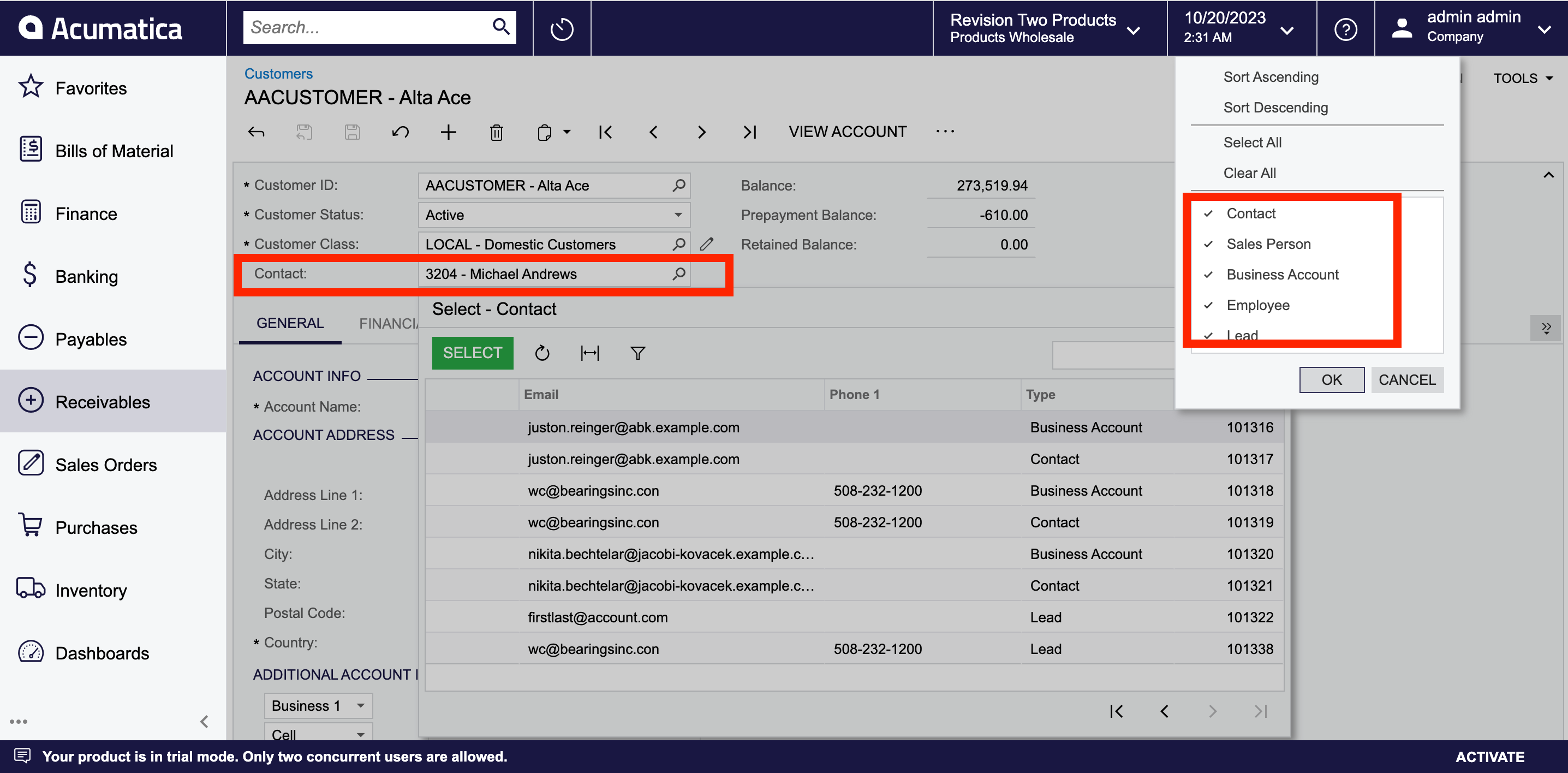
Hello @dcomerford & @praveenpo , How can i put a filter in this to not display the contacts of the Employee type? using project Editor
So its like I would only like to display the records of the type Contact, Sales Person, Business Account & Lead in this selector - Contact field.


Forum|alt.badge.img+9
  • Semi-Pro III
  • October 20, 2023

Hi @Harshita ,

Could you please try below code snippet?

[PXDBInt]
[PXSelector(
typeof(Search<Contact.contactID, Where<Contact.contactType, NotEqual<ContactTypesAttribute.employee>>>),
DescriptionField = typeof(Contact.displayName),
CacheGlobal = true,
Filterable = true)]
[PXUIField(DisplayName = "Contact2")]

Hope, it helps!

Regards,

Sweta


dcomerford
Captain II
Forum|alt.badge.img+15
  • Captain II
  • October 20, 2023

@Harshita Was just going to add the very same Search condition by @sweta68 beat me to it


Forum|alt.badge.img+3
  • Author
  • Captain II
  • October 20, 2023

Hi @Harshita ,

Could you please try below code snippet?

[PXDBInt]
[PXSelector(
typeof(Search<Contact.contactID, Where<Contact.contactType, NotEqual<ContactTypesAttribute.employee>>>),
DescriptionField = typeof(Contact.displayName),
CacheGlobal = true,
Filterable = true)]
[PXUIField(DisplayName = "Contact2")]

Hope, it helps!

Regards,

Sweta

Thanks a lot @sweta68 for your prompt response. Its now working as expected.


Forum|alt.badge.img+3
  • Author
  • Captain II
  • October 20, 2023

Hi @Harshita ,

Could you please try below code snippet?

[PXDBInt]
[PXSelector(
typeof(Search<Contact.contactID, Where<Contact.contactType, NotEqual<ContactTypesAttribute.employee>>>),
DescriptionField = typeof(Contact.displayName),
CacheGlobal = true,
Filterable = true)]
[PXUIField(DisplayName = "Contact2")]

Hope, it helps!

Regards,

Sweta

Hello @sweta68 , how about if I just wanted to display the contact type = Contact?


Forum|alt.badge.img+3
  • Author
  • Captain II
  • Answer
  • October 20, 2023

Hi @Harshita ,

Could you please try below code snippet?

[PXDBInt]
[PXSelector(
typeof(Search<Contact.contactID, Where<Contact.contactType, NotEqual<ContactTypesAttribute.employee>>>),
DescriptionField = typeof(Contact.displayName),
CacheGlobal = true,
Filterable = true)]
[PXUIField(DisplayName = "Contact2")]

Hope, it helps!

Regards,

Sweta

Hello @sweta68 , how about if I just wanted to display the contact type = Contact?

Have replaced the logic as Equal<ContactTypesAttribute.Contact>. Now working fine.