



Is there a way in Acumatica to upload multiple files at once?
If yes, is there an existing screen or standard functionality where this is already implemented that you could share (for example, a screenshot or screen ID)?
Solved
Multiple upload files Acumatica
Best answer by npetrosov31
Hi
Here is the row for aspx:
<px:PXMultiUpload ID="foo" runat="server" View="Records" Action="UploadFiles" DropTarget=".dropFiles1" Accept=".pdf" ></px:PXMultiUpload>
Here is how it was used:
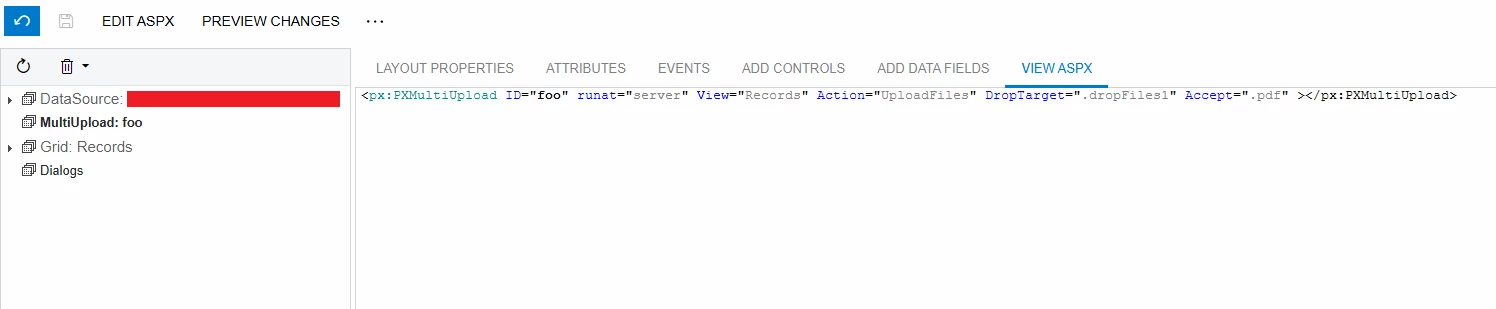
Here is the example of UploadFiles action, you can put custom logic in it:
public PXAction<RecognizedRecordForProcessing> UploadFiles;
[PXButton]
    [PXUIField(DisplayName = "Upload Files", Visible = false)]
    public virtual IEnumerable uploadFiles(PXAdapter adapter)
    {
        APInvoiceRecognitionEntry aPInvoiceRecognitionEntry = PXGraph.CreateInstance<APInvoiceRecognitionEntry>();
        UploadFileMaintenance uploadFileMaintenance = PXGraph.CreateInstance<UploadFileMaintenance>();
        foreach (KeyValuePair<string, object> argument in adapter.Arguments)
        {
            if (argument.Value is byte[] array)
            {
                string key = argument.Key;
                Guid guid = Guid.NewGuid();
                string name = $"{guid}\\{key}";
                FileInfo fileInfo = new FileInfo(guid, name, null, array);
                if (!uploadFileMaintenance.SaveFile(fileInfo))
                {
                    throw new PXException("The {0} file cannot be saved.", key);
                }

                RecognizedRecord recognizedRecord = aPInvoiceRecognitionEntry.CreateRecognizedRecord(key, array, fileInfo.UID.Value);
                PXNoteAttribute.ForcePassThrow<RecognizedRecord.noteID>(aPInvoiceRecognitionEntry.RecognizedRecords.Cache);
                PXNoteAttribute.SetFileNotes(aPInvoiceRecognitionEntry.RecognizedRecords.Cache, recognizedRecord, fileInfo.UID.Value);
                aPInvoiceRecognitionEntry.RecognizedRecords.Cache.PersistUpdated(recognizedRecord);
            }
        }

        adapter.StartRow = 0;
        adapter.MaximumRows = 1;
        return adapter.Get();
    }
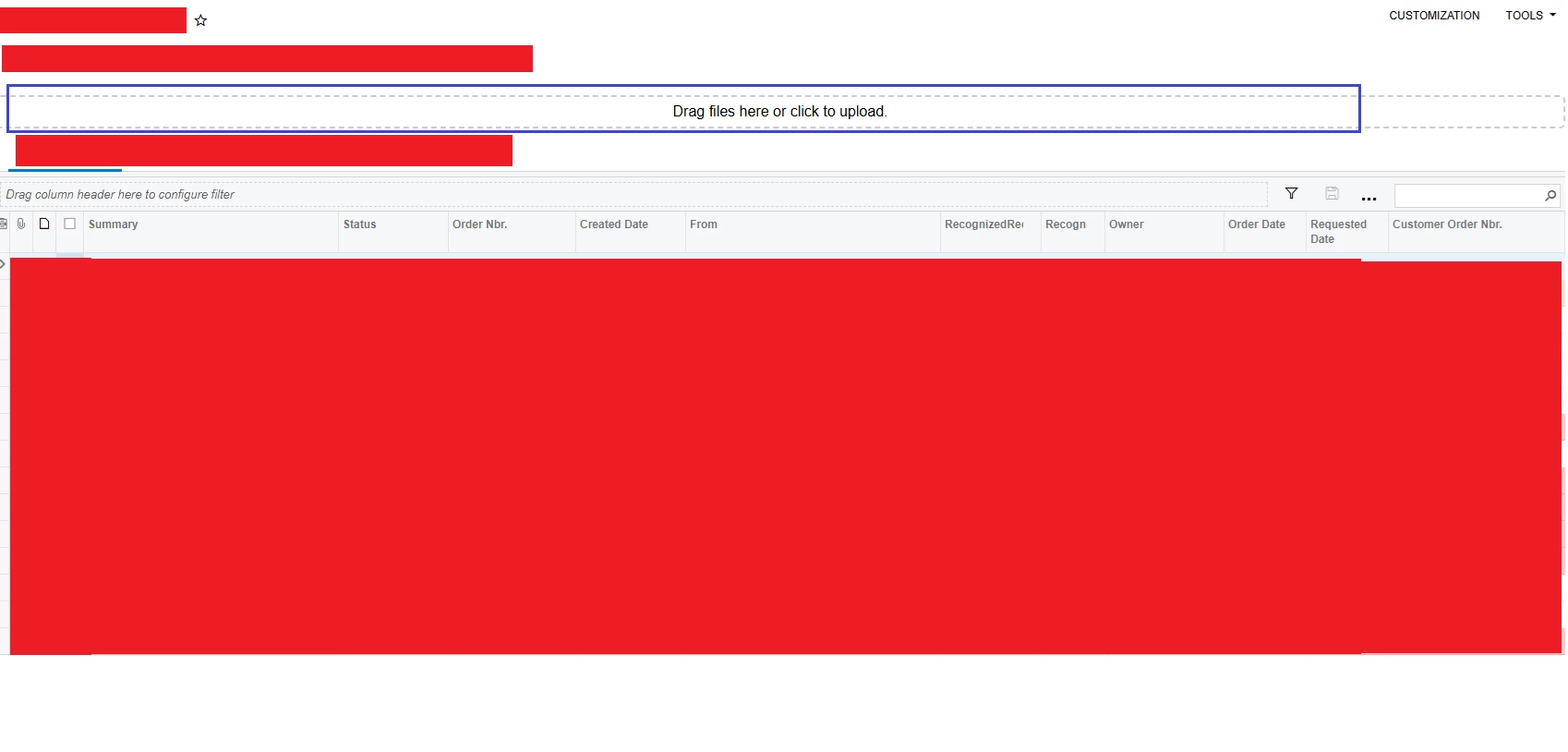
The view Records is just the grid under the multi upload action:




Login to the community
No account yet? Create an account
Social Login
Login with your Acumatica accountEnter your E-mail address. We'll send you an e-mail with instructions to reset your password.