Solved

[Modern UI] - The view "" doesn't exist

  • September 7, 2026
  • 9 replies
  • 109 views

Hello everyone,

I’m facing a very disturbing issue regarding modern UI. 
I have a really basic processing screen, to mass update Matrix Items.

When trying to access this screen I have the following error : 
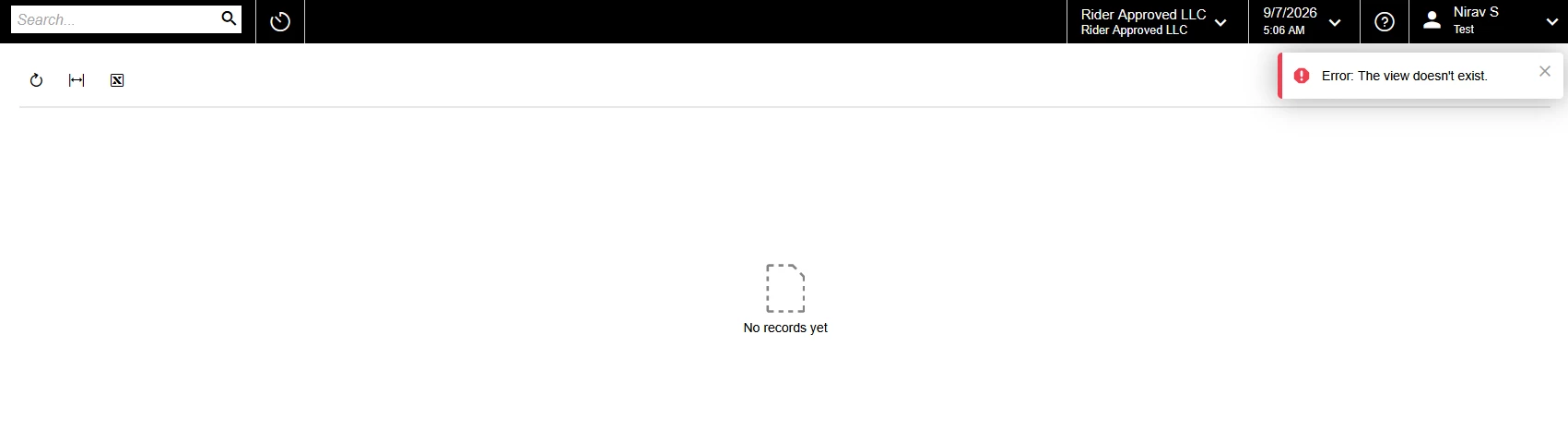


The view [Blank] doesn’t exist. Here are the stack traces : 
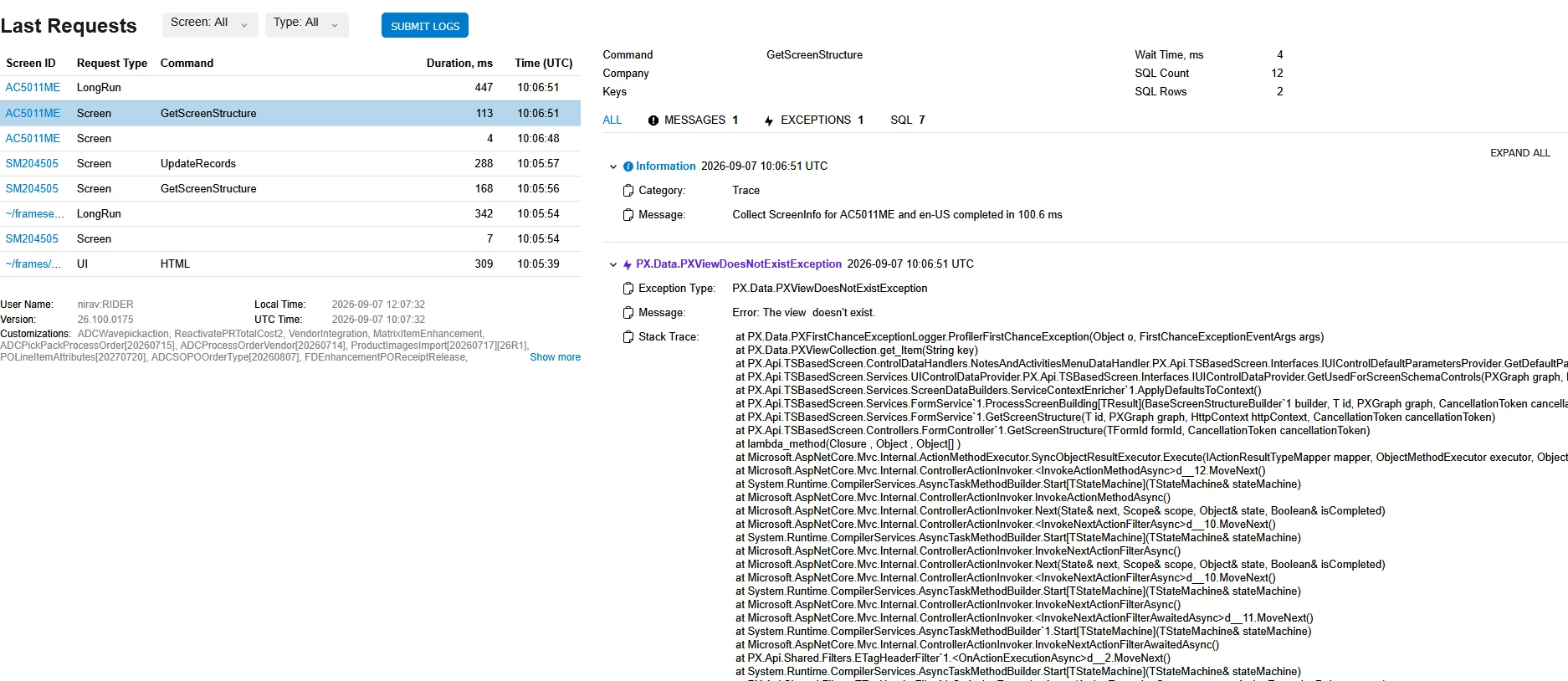


I don’t have this error on my local instance, just on the customer’s one.

Error seems to be realted to the note process, I tried so many configuration but I can’t make things work. 

If I go to “Applay updates”, and press the “Reset Caches” Action, everything MIGHT work, until the next publication. 

I even tried changing the screenID since there seems to be some corrupted info stored in some cache, but it didn’t solve anything. 


I don’t understand why at all… Does anyone have any idea? 

Attached you’ll find : 
-My graph (as a txt)
-The DACs used in the screen. (as a txt).
-My Modern UI files and my classic UI files in the customization project. 

If you need any other information, please ask. 

Have a great day. 

Best answer by mohammadnawaz51

@SimonF Just restart the application as it is publishing engine issue from Acumatica.

9 replies

darylbowman
Captain II
Forum|alt.badge.img+17

I've had the same issue with a good number of my custom screens. It's always been solved by resetting caches.


  • Author
  • Freshman I
  • September 7, 2026

I've had the same issue with a good number of my custom screens. It's always been solved by resetting caches.

Oh… OK. That’s annoying :/ 

The fact is that some other modern UI screens work just fine and I can’t figure out why :/ 


darylbowman
Captain II
Forum|alt.badge.img+17

Oh… OK. That’s annoying :/ 

Couldn't agree more. I hold my breath every time a customer claims their screen broke.

I'm assuming it will eventually get resolved.


mohammadnawaz51
Varsity I
Forum|alt.badge.img+7

@SimonF Just restart the application as it is publishing engine issue from Acumatica.


  • Author
  • Freshman I
  • September 7, 2026

Well… Thanks.. 

Let’s hope this issue is top priority for next versions! 


Jhon Reeve Penuela
Varsity I
Forum|alt.badge.img

@SimonF Just restart the application as it is publishing engine issue from Acumatica.

Thank you for this solution!. I’m Encounter same error. 


WillH
Semi-Pro II
Forum|alt.badge.img+5
  • Semi-Pro II
  • September 9, 2026

For searchability.

The exact screen message is:
"
Error: The view doesn't exist.
"
(This post wasn’t coming up when I was searching for my error string

I’m seeing this in my testing in 26r1 (just doing T200 to brush up on basics).

I was getting this about 75% of the time, in my case the error would resolve about 10-20 minutes after my publish customisation and site restart.

So if you’re seeing this, and you’re working in a cloud instance especially, waiting it out might be an option.

Otherwise, ​ ​@mohammadnawaz51 ‘s advice implies forcing a site restart might clear it.

@darylbowman  not sure if you intended to imply that clearing the user’s browser cache might work, but in my testing this didn’t hold. (I used a completely different browser, the problem persisted until whatever part of the publish/restart process properly initiated the view.)
So I’m guessing you mean clearing the server’s cache?


darylbowman
Captain II
Forum|alt.badge.img+17

So I’m guessing you mean clearing the server’s cache?

Yes, from the 'Apply Updates' screen


WillH
Semi-Pro II
Forum|alt.badge.img+5
  • Semi-Pro II
  • September 10, 2026

Thanks ​@darylbowman  

For MYOB Customers:
The apply updates screen is currently locked down from the UI, so this option isn’t open to you.  If you do need a site restart please contact your support partner so they can get it scheduled for you.